


With the rollout of the Android 12L system, which is more friendly to large screens such as tablets and foldable screen phones, Google’s own applications have also recently been updated to better meet productivity needs. Continue reading the report on Google Drive, documents, spreadsheets, presentations and other applications being fully updated to enhance multi-tasking productivity on tablets.
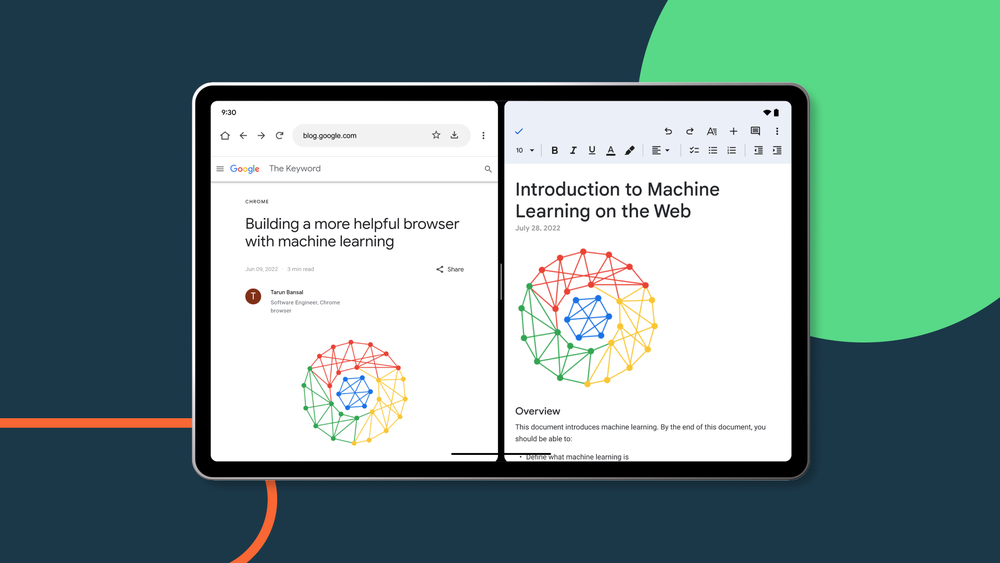
▲Image source: Google
Google Drive, documents, spreadsheets, presentations and other applications have been fully updated to enhance multi-tasking productivity on tablets!
This wave of updates includes Google Drive, Google Docs, Google Spreadsheets, Google Presentations, and Google Keep. It can be said to be a huge update for productivity applications. One of the most impressive improvements to work efficiency is the direct drag-and-drop method between applications.
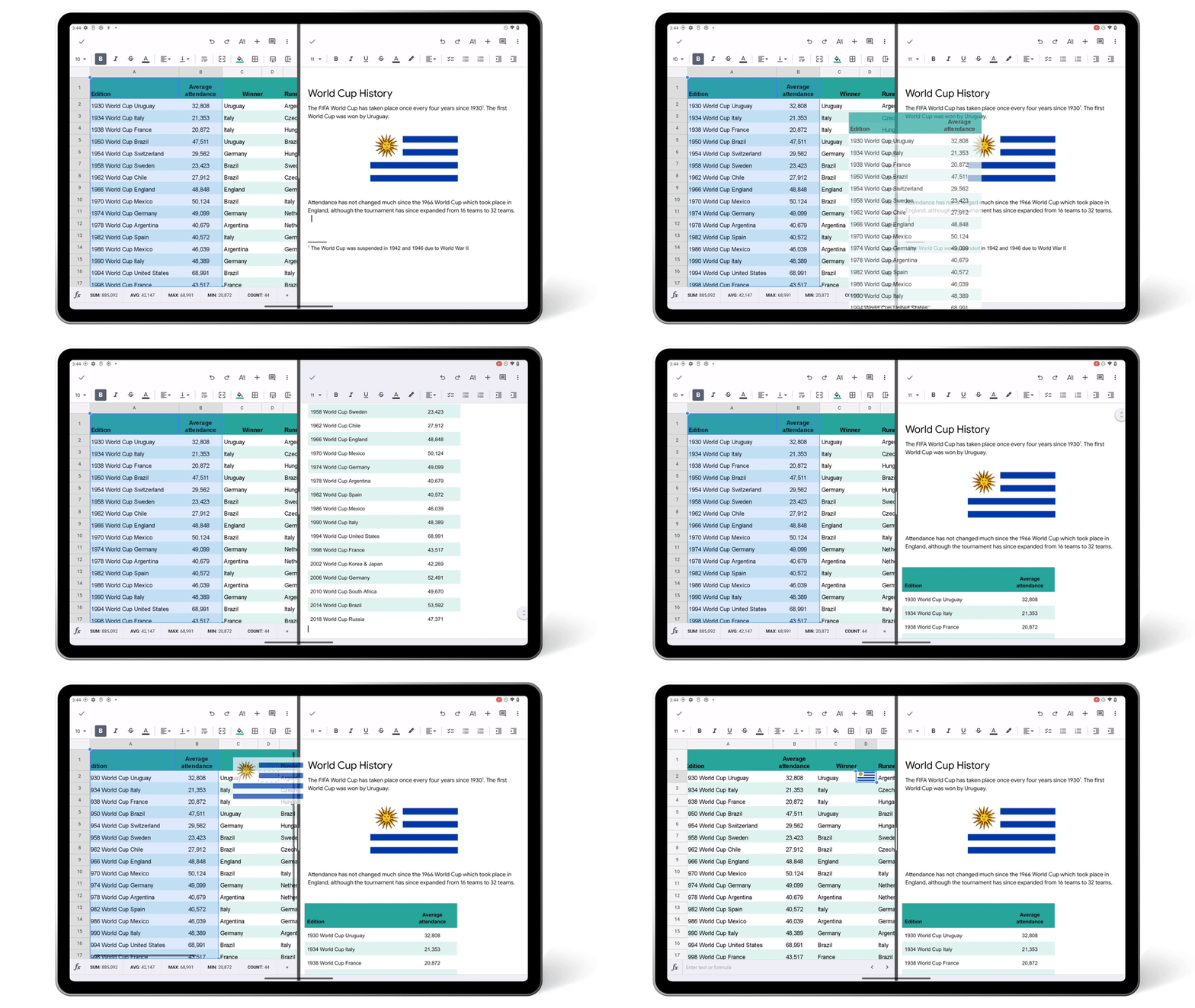
When the application is placed in a split window, you can directly drag and drop images or text from Chrome or spreadsheets into documents or forms using gestures – such gestures can directly start file upload when using Google Drive; you can also directly pull the link from the cloud drive to Google Keep. In this new generation experience, you will be able to improve multitasking efficiency on tablets and other hardware in a more intuitive way.
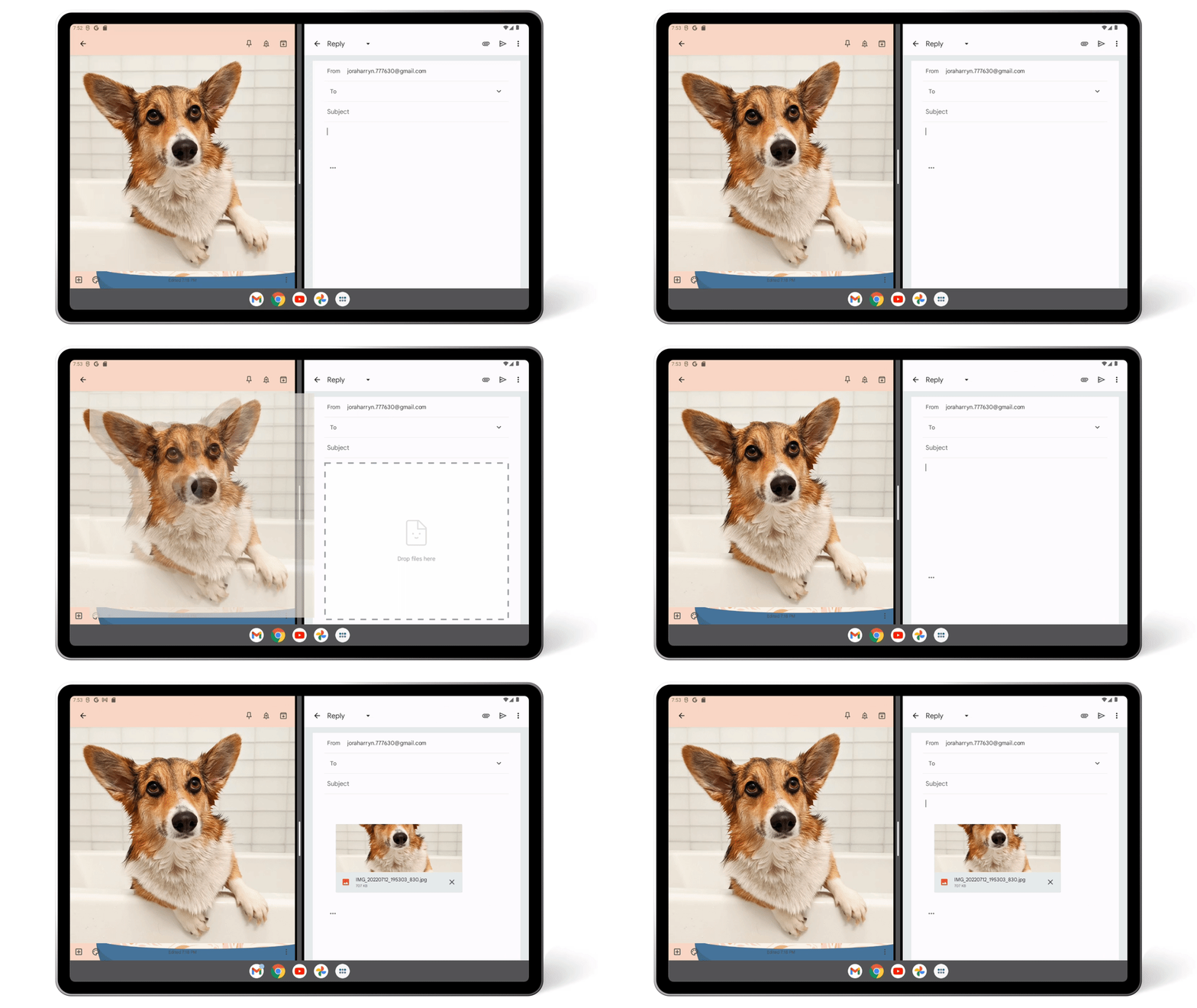
In addition, for apps like Google Drive, you will be able to open two windows at the same time to compare screens or manage files – the method of use is very simple, click “…” to find and open a new window to activate the split window interface. On the one hand, there is no need to go back and forth, and on the other hand, it can also make file management more convenient and intuitive. Google has also added physical keyboard shortcut keys for each application – of course, simple copy and paste is available, and it can also better manage and use these applications.
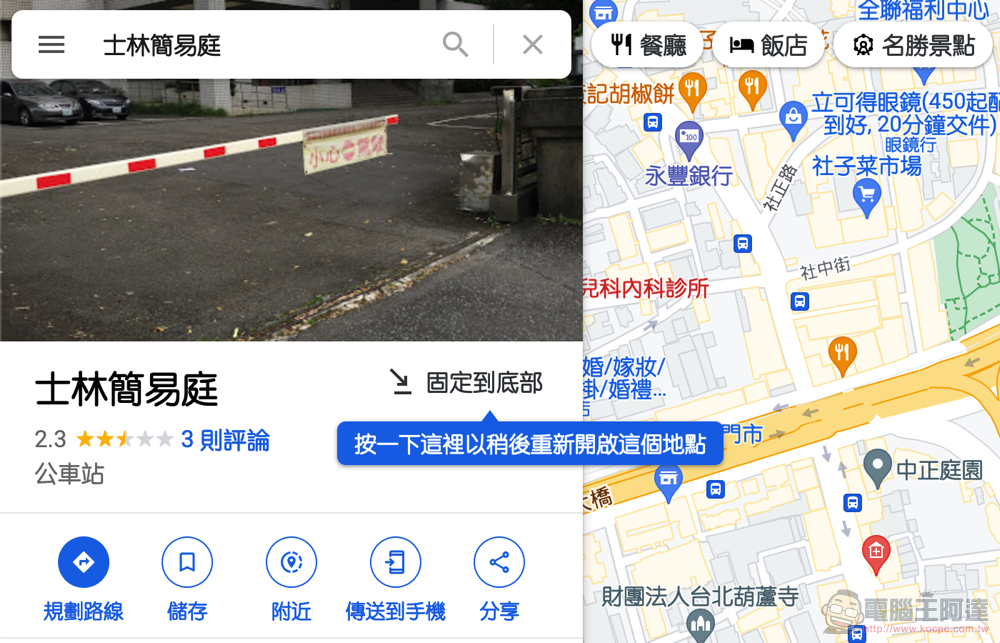
In our report, Google has previously improved the functions of its map application, updating five major functions: “Reduce braking conditions”, “Live View becomes more usable”, “Detailed map information”, “Browse popular areas in cities and towns” and “Customized maps”. Computer King Ada’s team even discovered that the desktop version of Google Maps can also importThe multi-tasking function of “fixing attractions to the bottom” at any time, I feel that it is quite practical and more efficient.
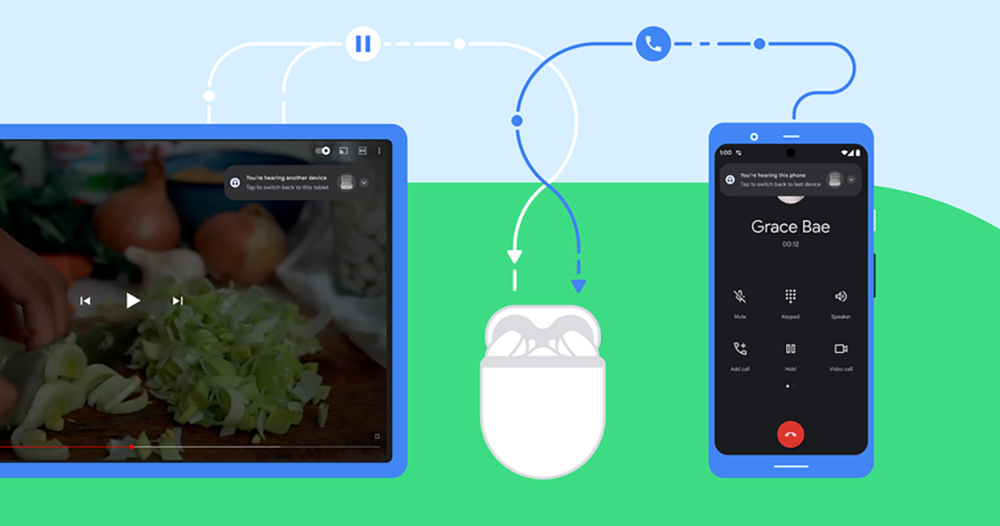
Google has recently made frequent moves not only for Android 12L, but also for audio and video needs, bringing smart switching functions on top of Fast Pair. This allows users to say goodbye to the trouble of having to enter the settings interface to switch to the Bluetooth audio device they are using when switching to another device. Automatically switch Bluetooth audio sources according to the user’s various usage characteristics. Even different types of applications on front and rear linked devices will react. These are all new features worth trying!
Further reading:
Source: KOCPC Chinese