


Many videos on audio and video websites now use the m3u8 format, so ordinary downloading tools cannot download them. If you want to download m3u8 videos to Android videos, this “Video Downloader m3u8 mpd live” free downloader app can do it. I have tested many websites and it works, even social video websites such as Tiktok, Instagram, and Vimeo. However, YouTube cannot. After all, if it can, the Play Store will not put it on the shelves.
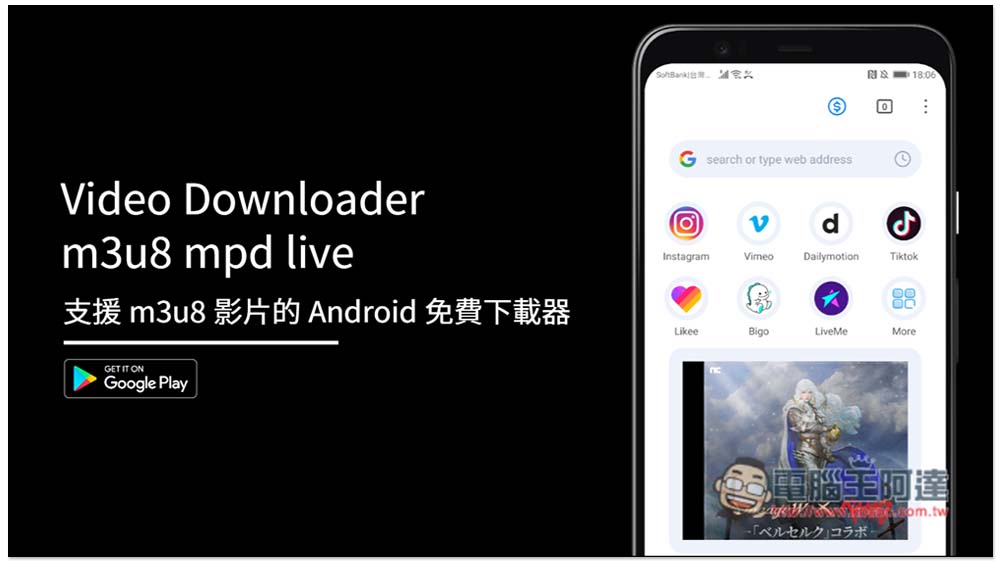
“Video Downloader m3u8 mpd live” is an Android free downloader that supports m3u8 videos.
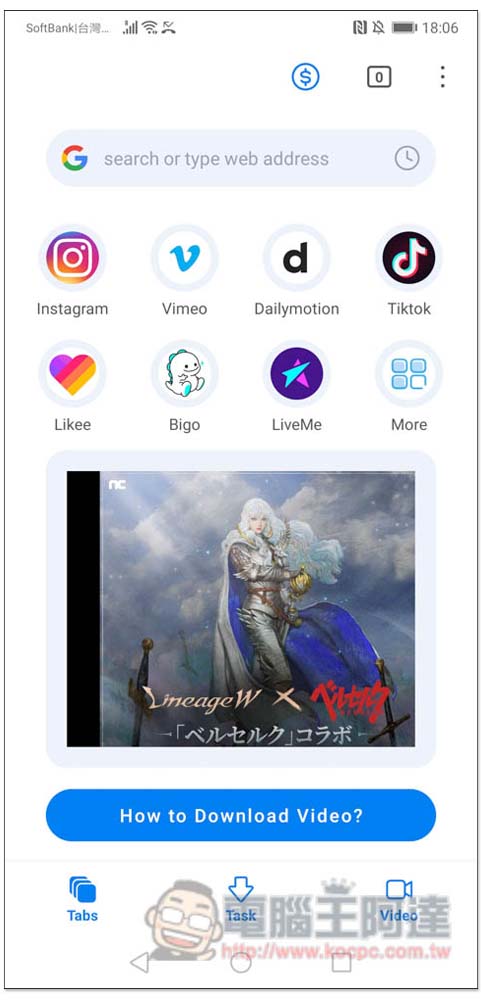
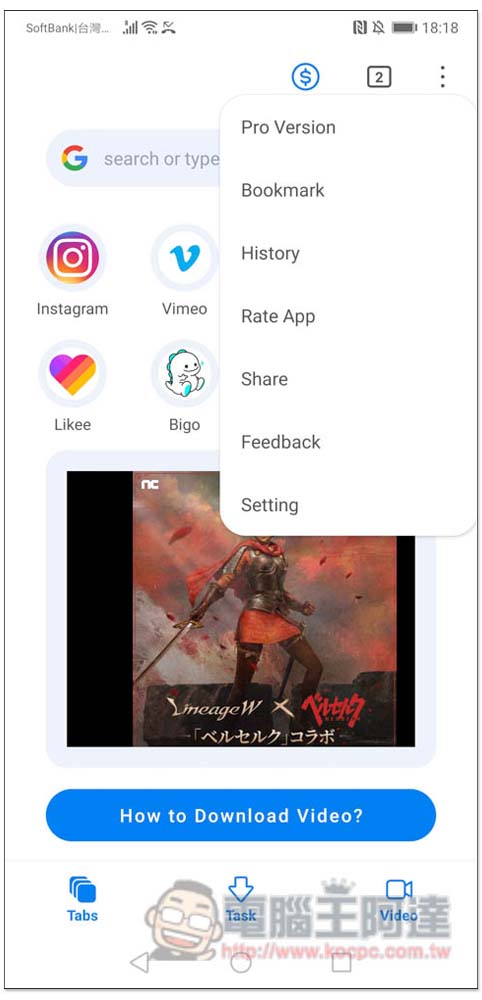
“Video Downloader m3u8 mpd live” is very simple to use. Just like most downloader Apps, you will enter the browser screen after opening it. The website shortcuts preset above mean that this App must support it, such as Instagram, Vimeo, Dailymotion, Tiktok, Likee, Bigo, LiveMe, etc. Press More to see more. In addition, this App actually has a Chinese interface, but you have to change it yourself. I found out after taking a screenshot that you can find the language option by opening the Setting function in the menu in the upper right corner:
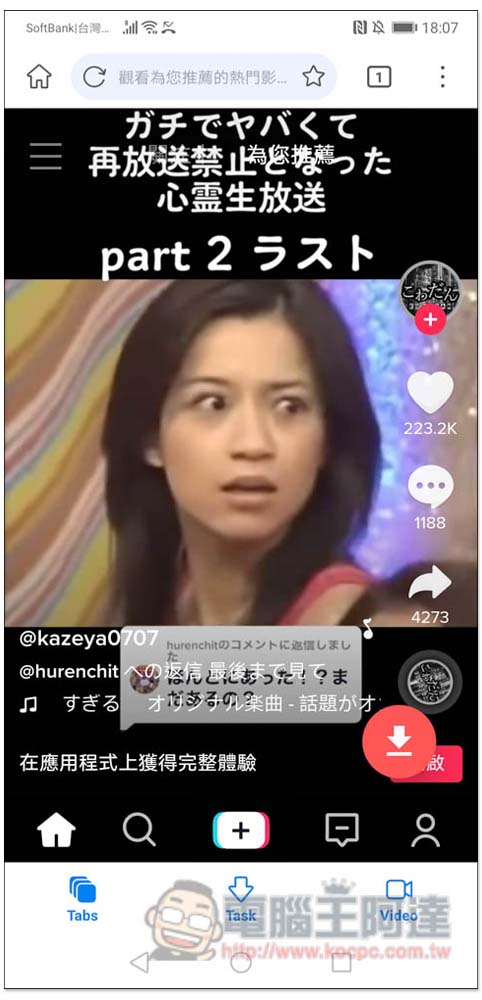
Taking Tiktok as an example, after opening the short video you want to download, there will be a red download icon in the lower right corner, please click on it:
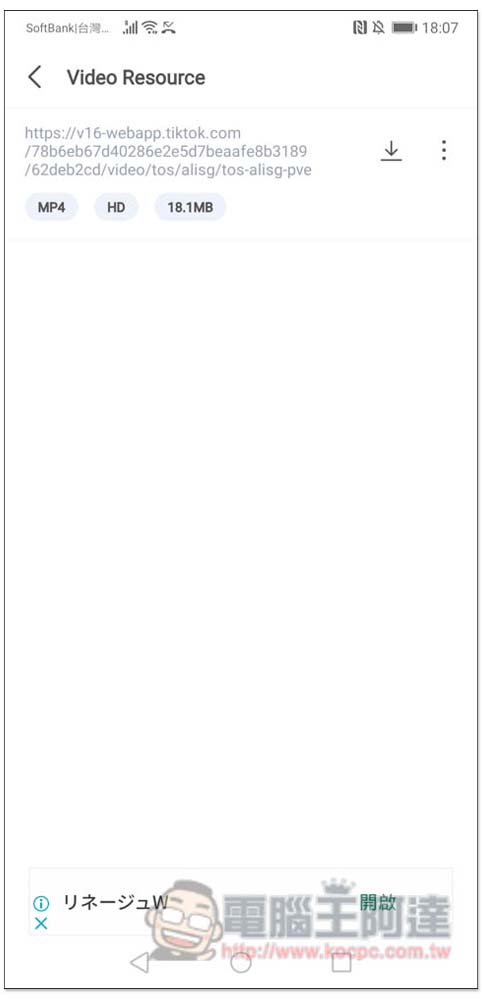
The screen will display the found video. Most Tiktok will only have one, but other websites may not. Some websites with a lot of advertisements will have many. You can judge by observing the format, file size, and resolution below. In addition, it actually supports the video preview function. You can preview it by clicking on the URL option to check whether it is the video you want. If so, click the download icon on the right:
After setting the storage location (Location), press Donwload and the download will start. The download speed is very fast:
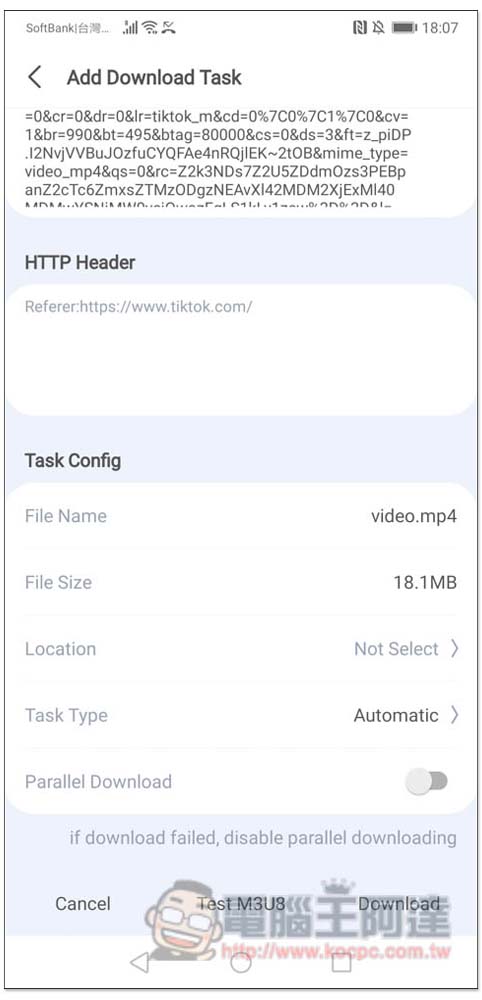
The actual test was indeed successful:

Then I also tested the gentlemen’s favorite late-night website. I also opened the video and clicked the download icon in the lower right corner:
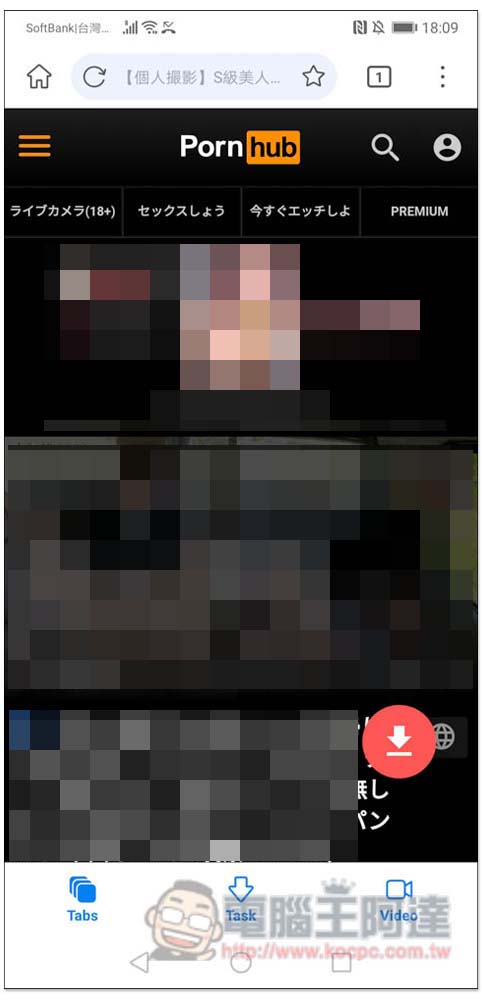
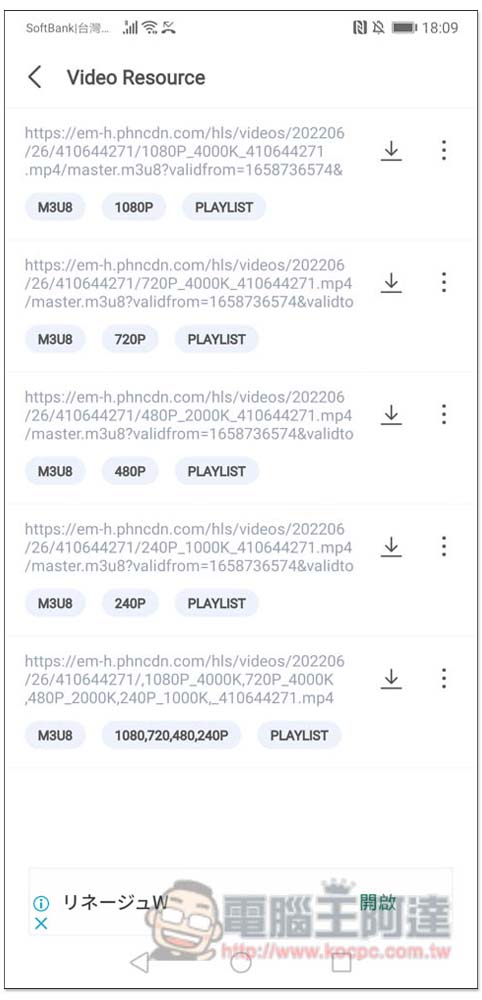
No problem, this website also allows you to choose the resolution you want to download:
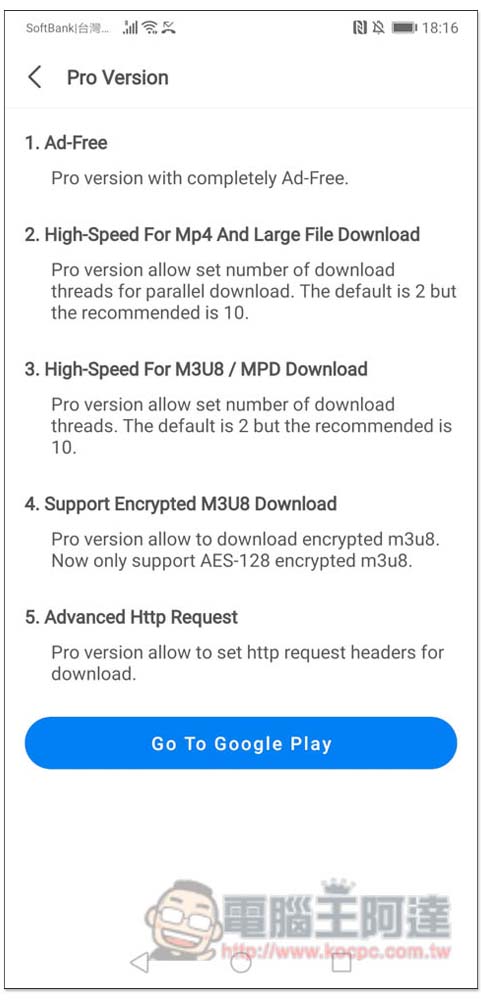
This app offers a Pro paid version, which is mainly ad-free, has faster download speeds, and has encryption features:
The menu in the upper right corner also has some functions, such as bookmarks, history, sharing, and settings:
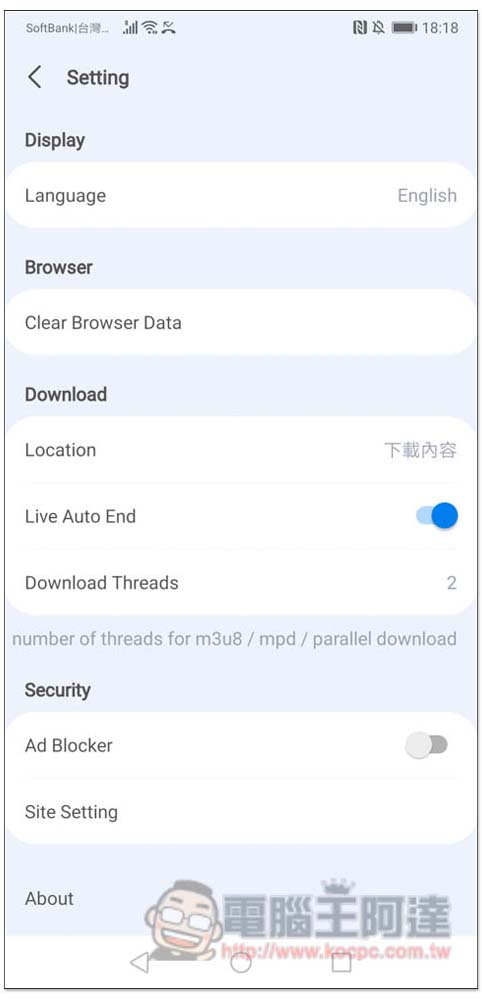
For the Chinese language system mentioned earlier, after entering Setting, the first one is the Language language system. There is also the Ad Blocker function below, which can be used with the free version. Download Treads is only available in the paid version, and the free version can only set 2:
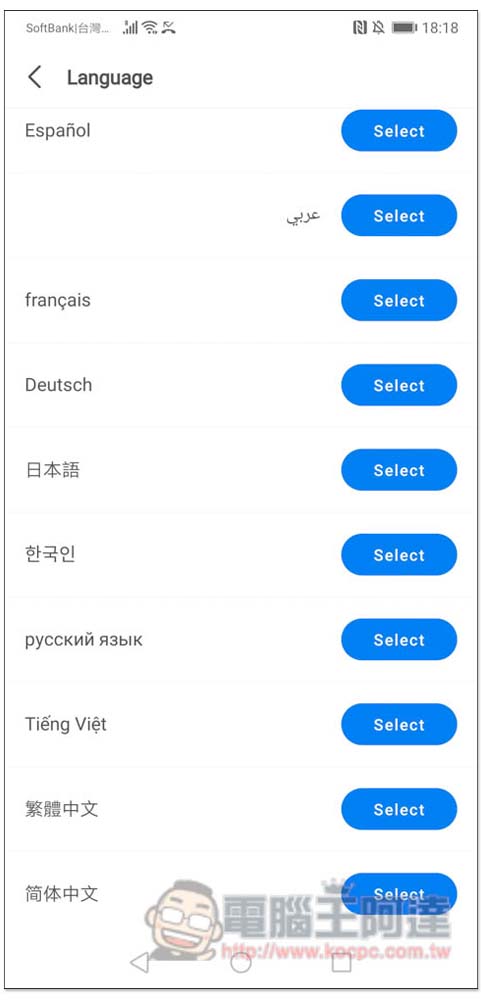
Traditional Chinese can be found at the bottom of the language menu:
Like this, the interface becomes Chinese, so you don’t have to worry about not being able to understand it:
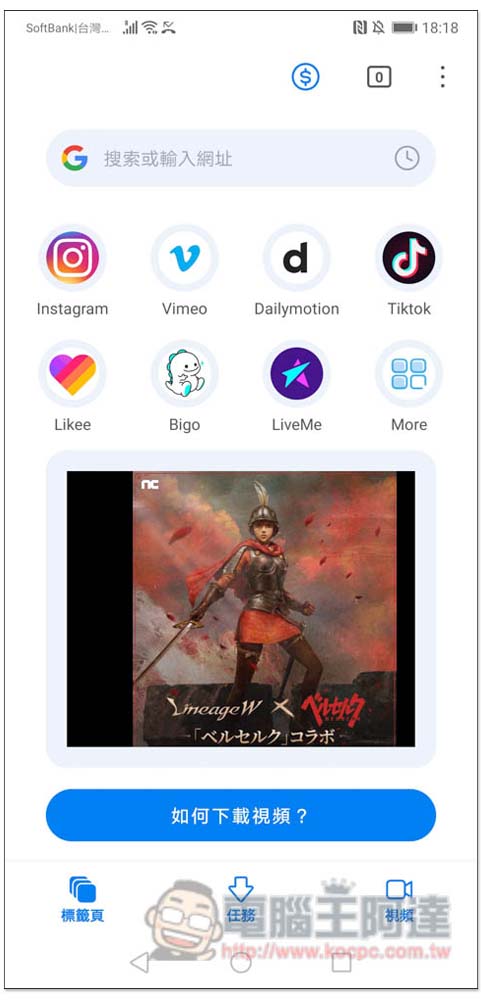
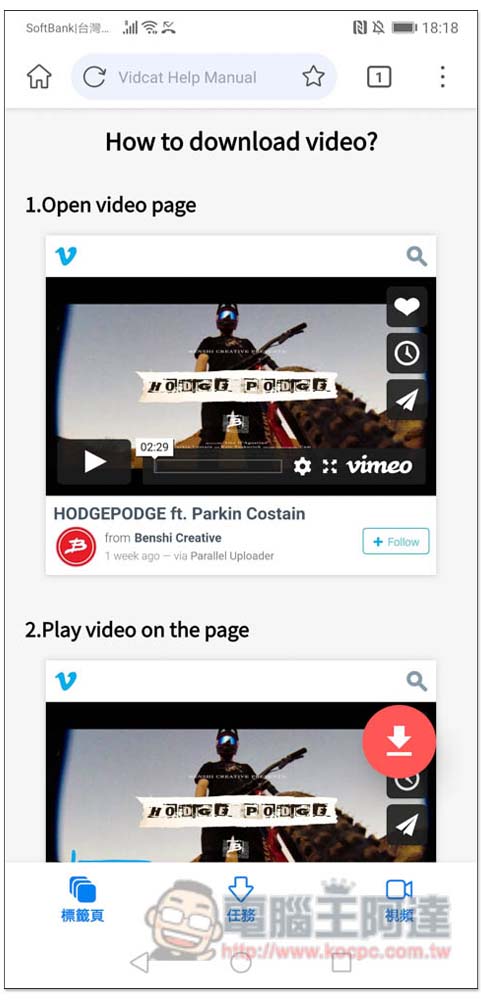
For those who still don’t know how to download videos, click “How to download videos?” at the bottom of the homepage. There are step-by-step instructions:
Source: KOCPC Chinese