


There will be times when you need to convert files in your life. If the files you want to convert are not very private or important, then FreeConvert is a free online conversion tool that is enough. It does not require the installation of conversion software on the computer. It supports up to 1,500 file formats, ranging from pictures, videos, documents, sounds, e-books, to vector graphics, etc. The maximum size of a single file can be 1GB. This is one of the few online conversion tools that supports such large files.
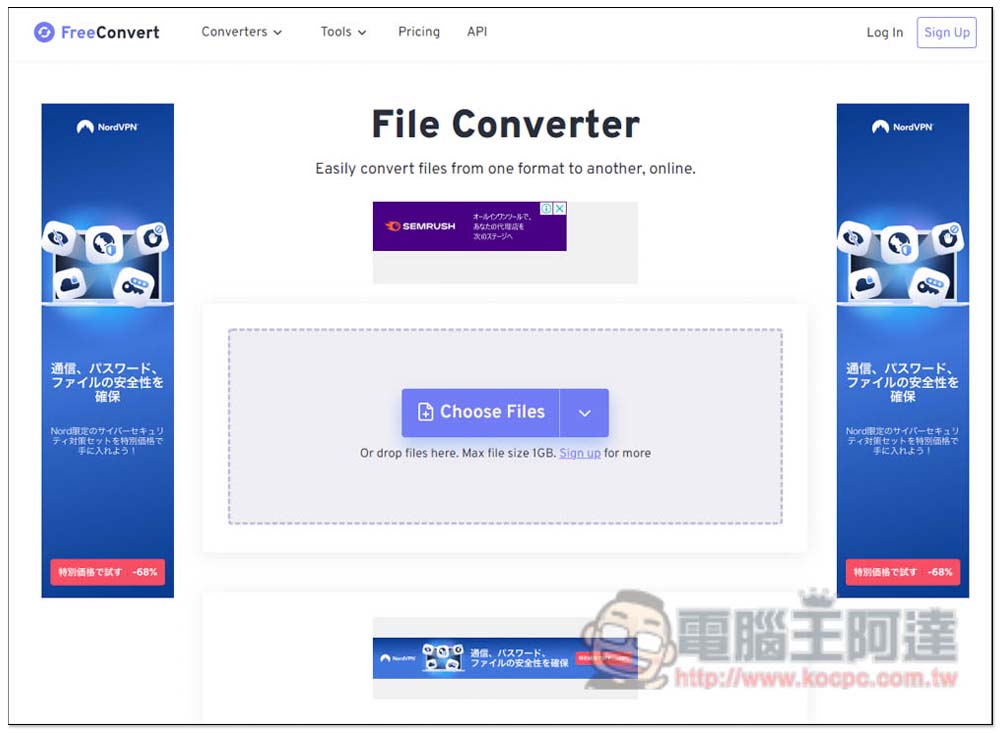
Introduction to FreeConvert, a free tool that supports conversion of more than 1,500 file formats
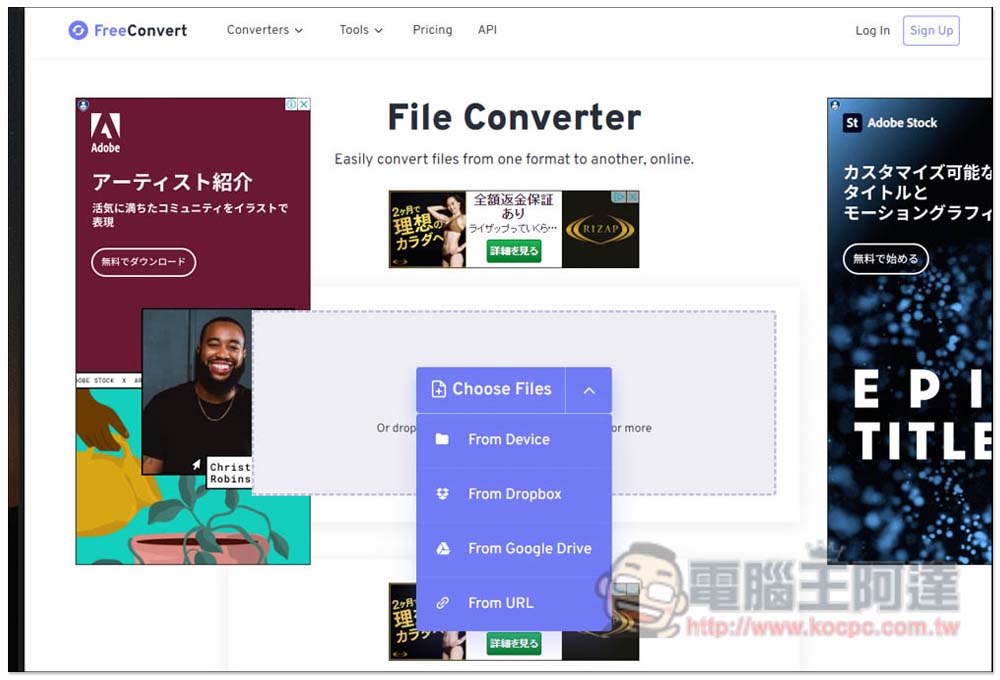
FreeConvert is very simple to use. After entering the website, you can directly drag the file you want to convert. There is no need to choose which conversion function to use. It will automatically determine the formats that support conversion and then let you choose which one to convert. In addition to manual upload, Dropbox, Google Drive cloud space, and URL addresses are also supported:
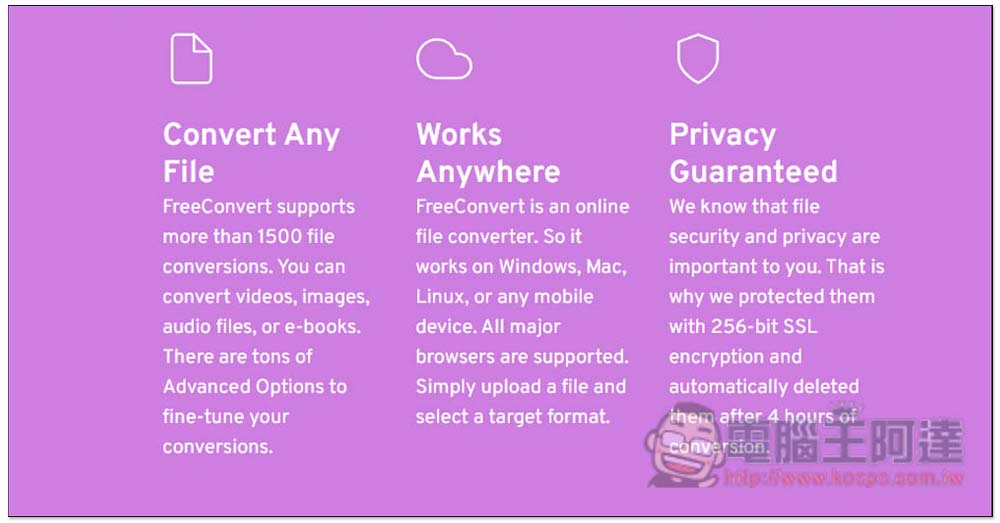
The three major features of this tool are that it can convert more than 1,500 formats, including videos, pictures, files, or e-books. Because it is an online tool, there is no installation required and you can use it on any device. With 256-bit SSL encryption, all uploaded files will be deleted within 4 hours (although, it is recommended not to use online tools for files that are too important, as there are risks):
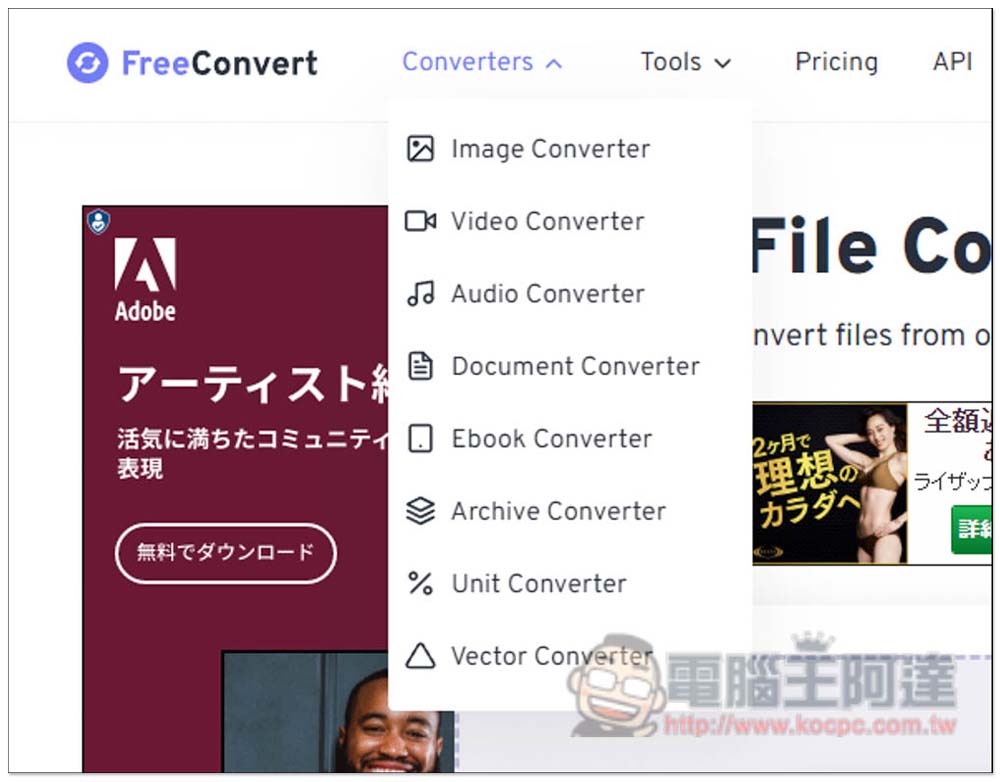
Of course, you can also click the conversion menu in the upper left corner and select the format you want. There are 8 types in total, namely Image Converter, Video Converter, Audio Converter, Document Converter, Ebook Converter, Archive Converter, Unit Converter and Vector Converter:
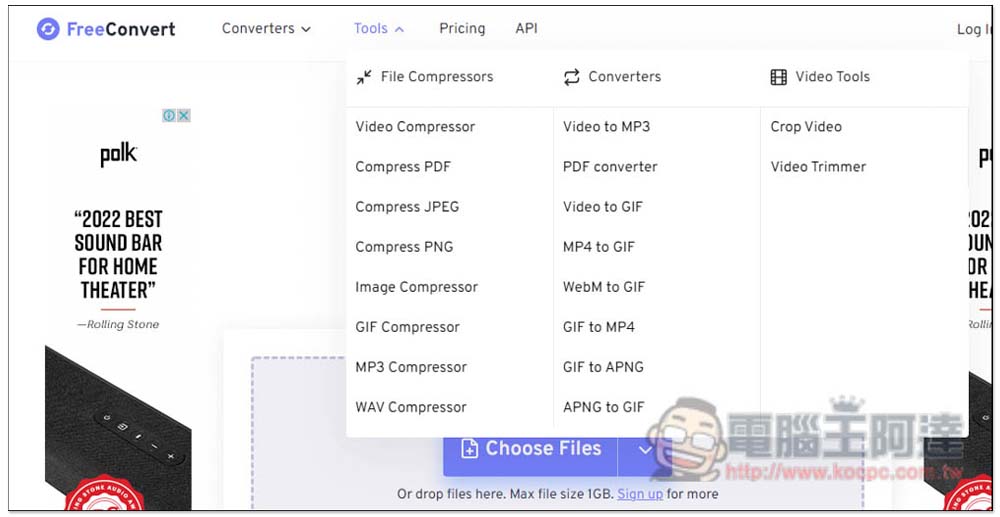
There are other functions in the Tools menu, such as video compression (Video Compressor), PDF / JPEG / PNG compression, MP3 compression (MP3 Compressor), WAV compression (WAV Compressor), etc. The conversion section also provides the ability to convert videos to MP3, GIF, or convert GIF to MP4, APNG and other formats, which is very rich. In addition, there are functions for cropping and editing videos:
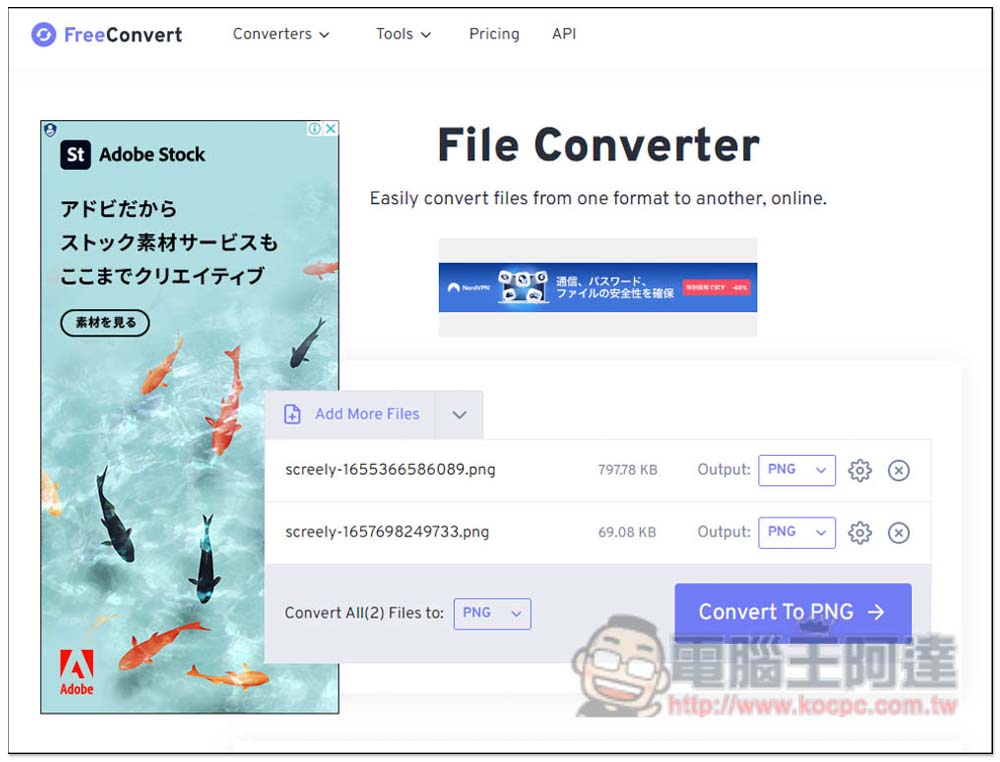
Taking image conversion as an example, after I drag the file in and upload it, I can select the format individually in the Output on the right. If I want to convert them all to the same format, just set Convert all fines to this one in the lower left corner. There is also a gear function on the right side of Output, where you can make some detailed adjustments:
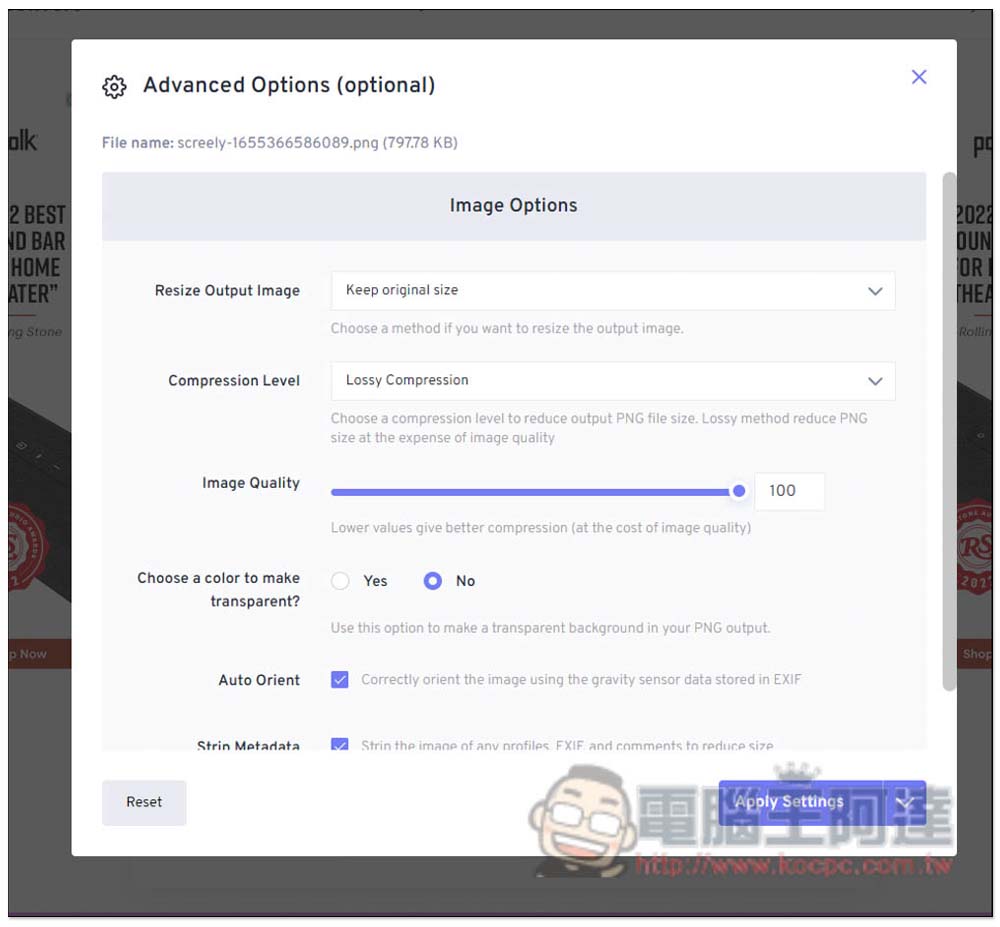
For example, the size of the image output, whether to compress it, the quality, etc., you can set it here first if necessary:
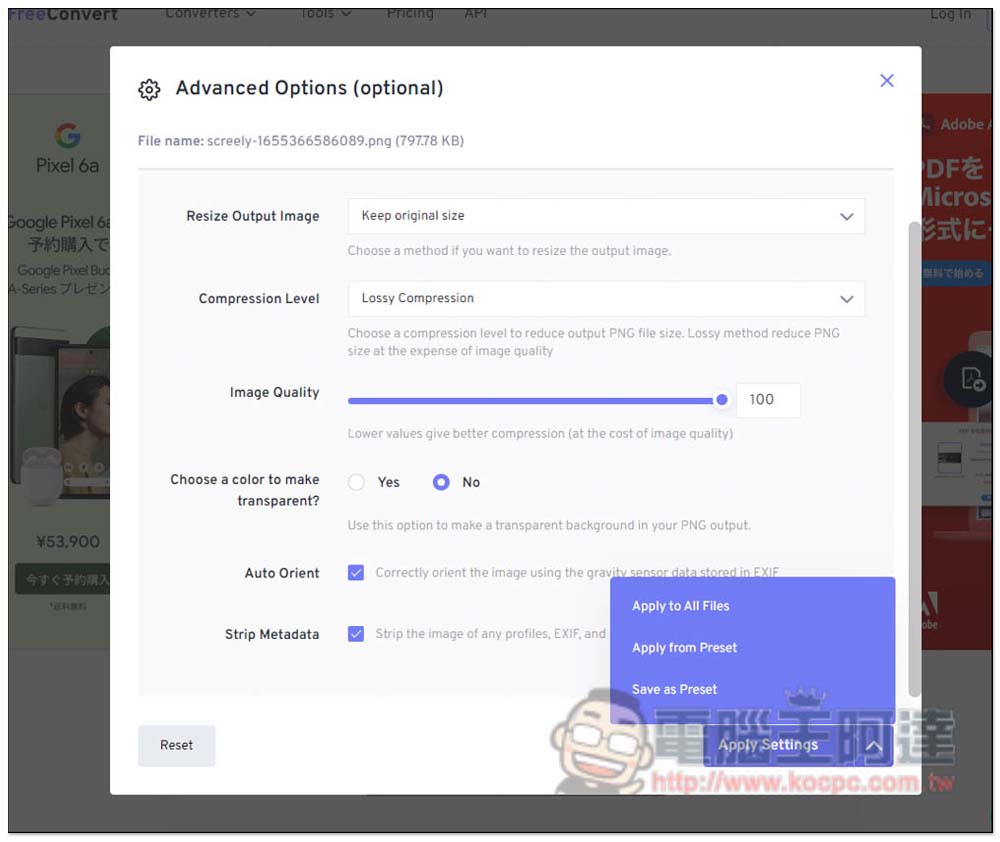
These settings can also be applied to all files with one click, which is really convenient, and can even be saved as a Preset:
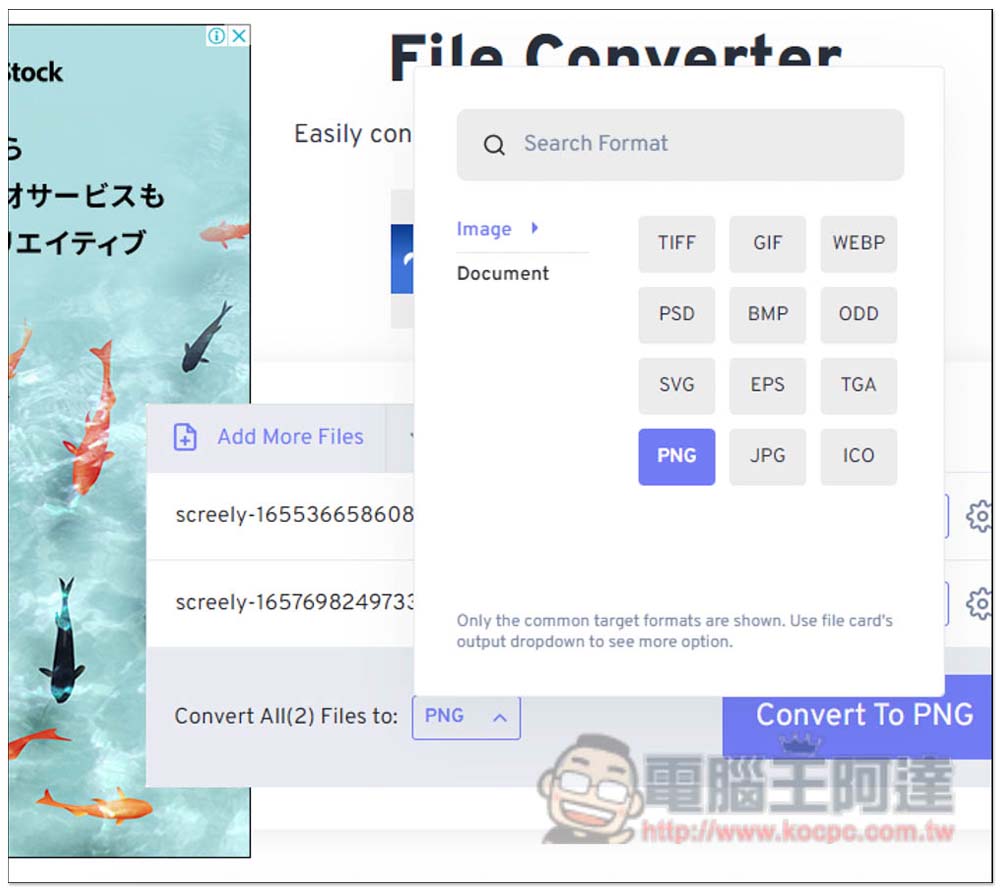
The image conversion formats supported are TIFF, GIF, WEBP, PSD, BMP, ODD, SVG, EPS, TGA, PNG, JPG, and ICO:
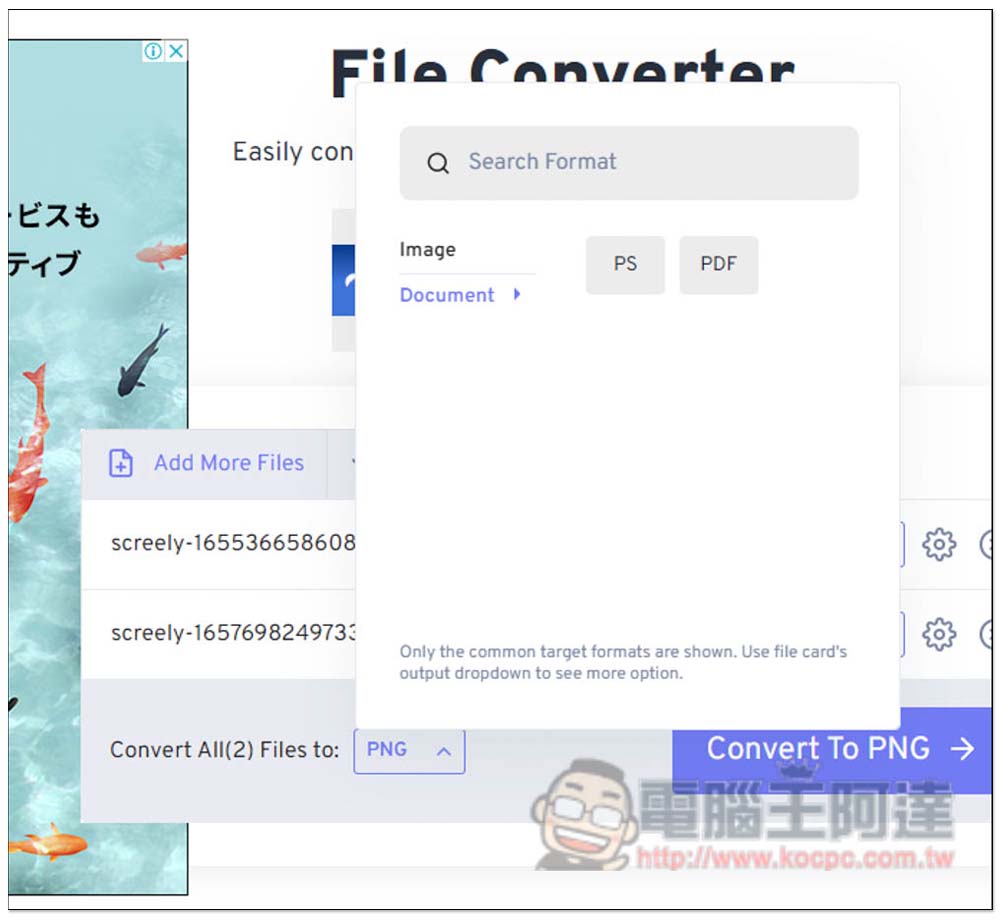
It can also be converted into PS and PDF files:
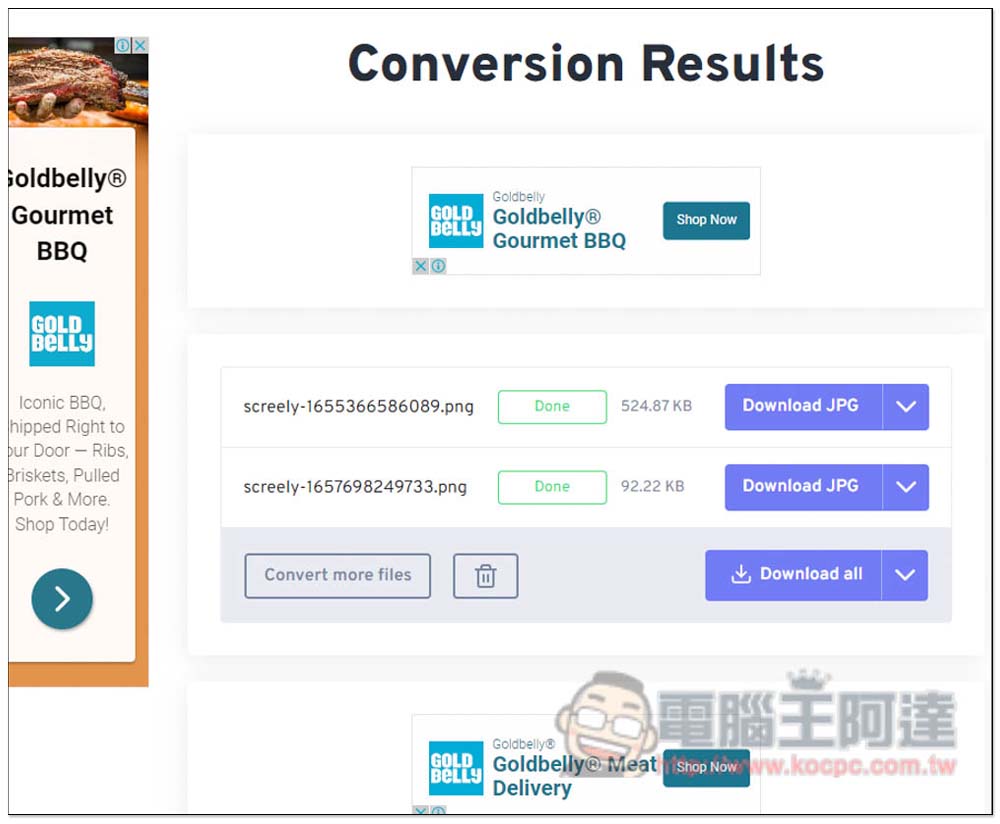
After the conversion is completed, it can be packaged and downloaded at once, or stored in the cloud space:
Source: KOCPC Chinese