


Although there are many free PDF conversion tools on the Internet, they all need to upload PDF files to the website server, so they are not suitable for important files. Even if the website advertises high security, it is still recommended to use the offline version of the software. If you don’t have a set of PDF conversion software on your computer, here’s good news. The All PDF Converter professional conversion software, originally priced at US$29.95, is currently offering a limited-time free offer, and it’s a lifetime serial number version, which means that after registration, as long as you don’t reinstall, change computers/hard drives, or remove the software, you can always use it for free. It’s only free for one day, so those who need it should hurry up and get it.
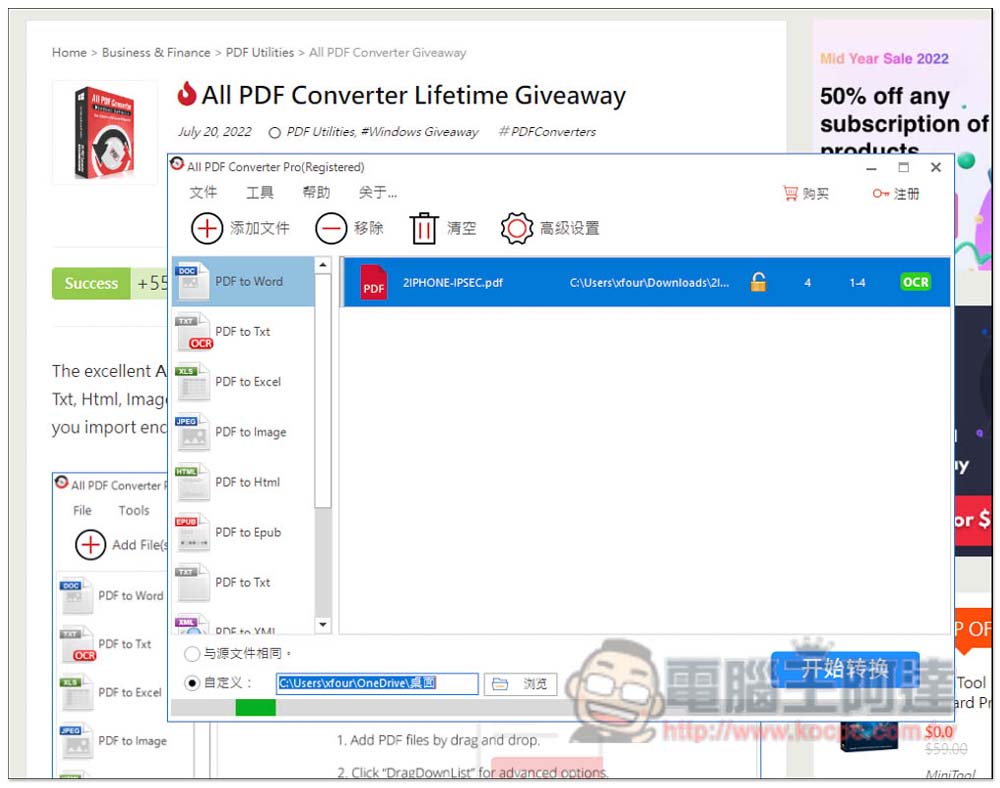
All PDF Converter provides free professional software for converting PDF to multiple formats.
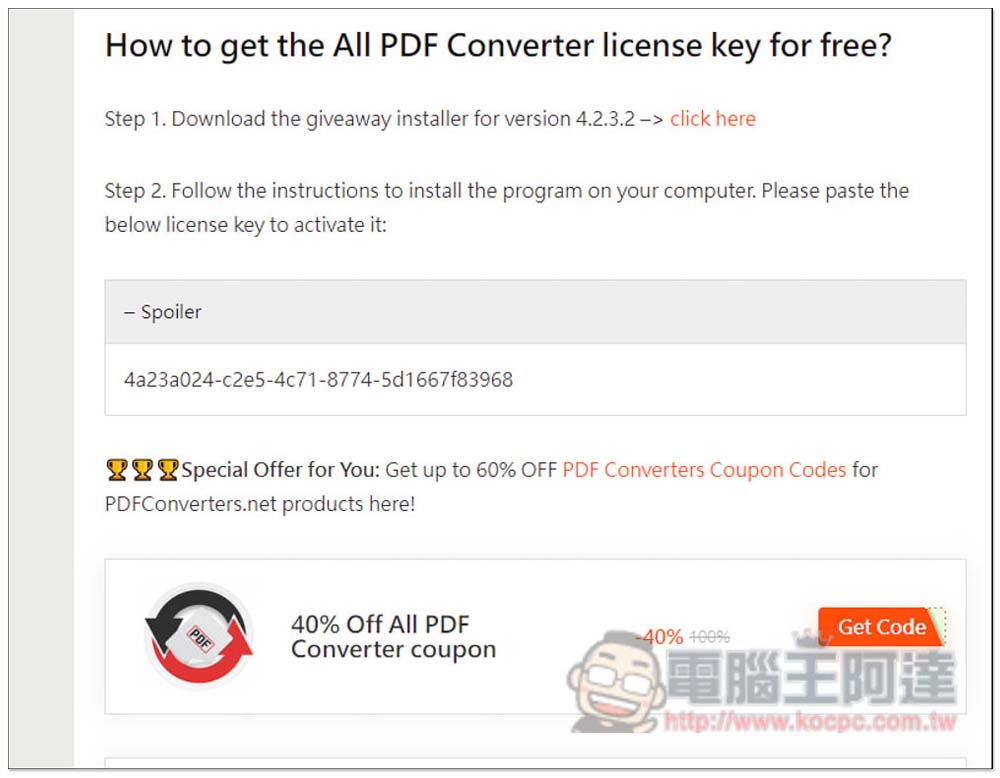
This time, the All PDF Converter limited-time free serial number is released by the Tickcoupon Giveaway website. After entering the limited-time free page, scroll down to see it.Install mount point(Version 4.2.3.2), and registration serial number, no need to fill in any information, Spoiler is the serial number (4a23a024-c2e5-4c71-8774-5d1667f83968):
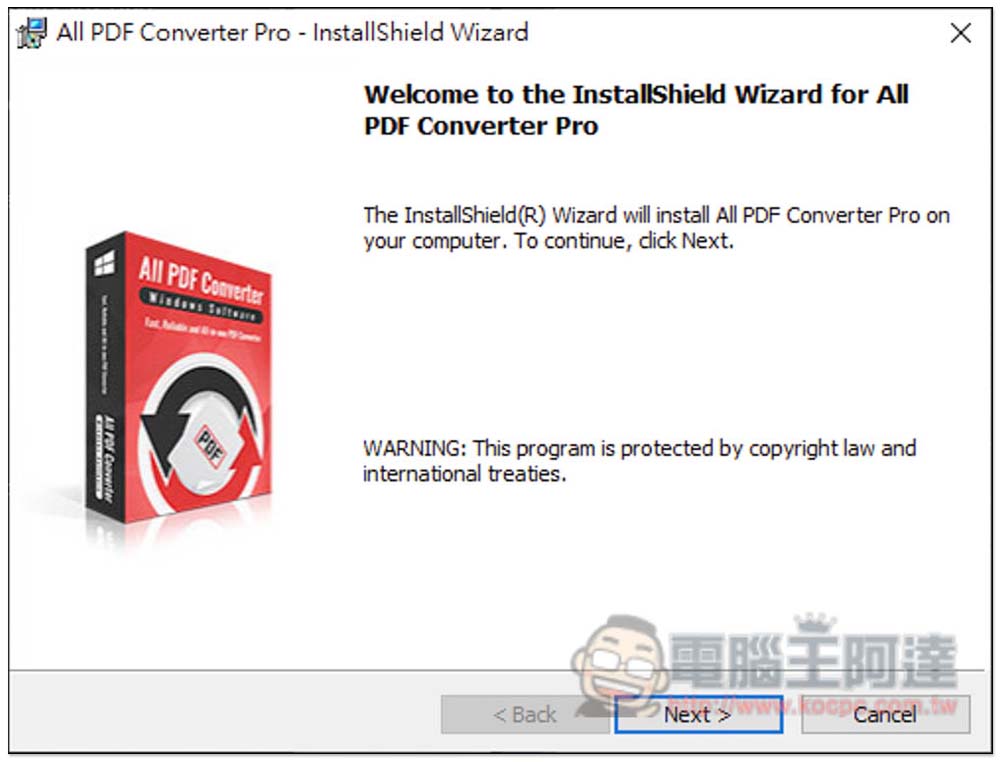
If there are no requirements during the installation process, just keep pressing Next. This product supports a Chinese interface. I will teach you how to modify it below:
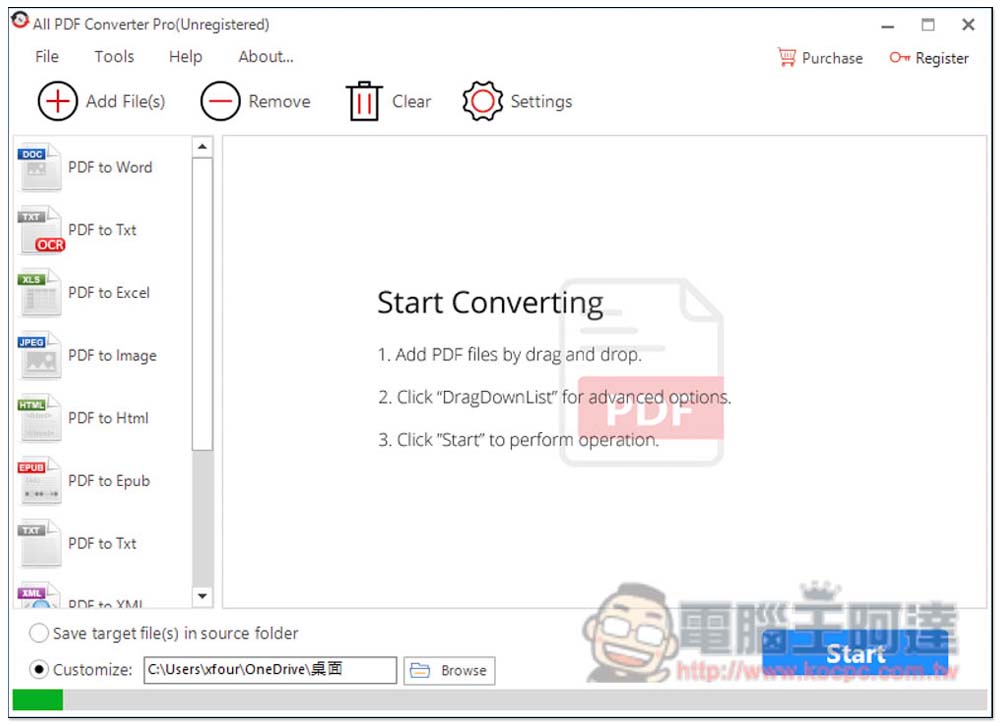
After installation, Unregistered will be written to the right of the top software name. Please click the Register function in the upper right corner:
Copy and paste the limited exemption serial number just now, and then press Register:
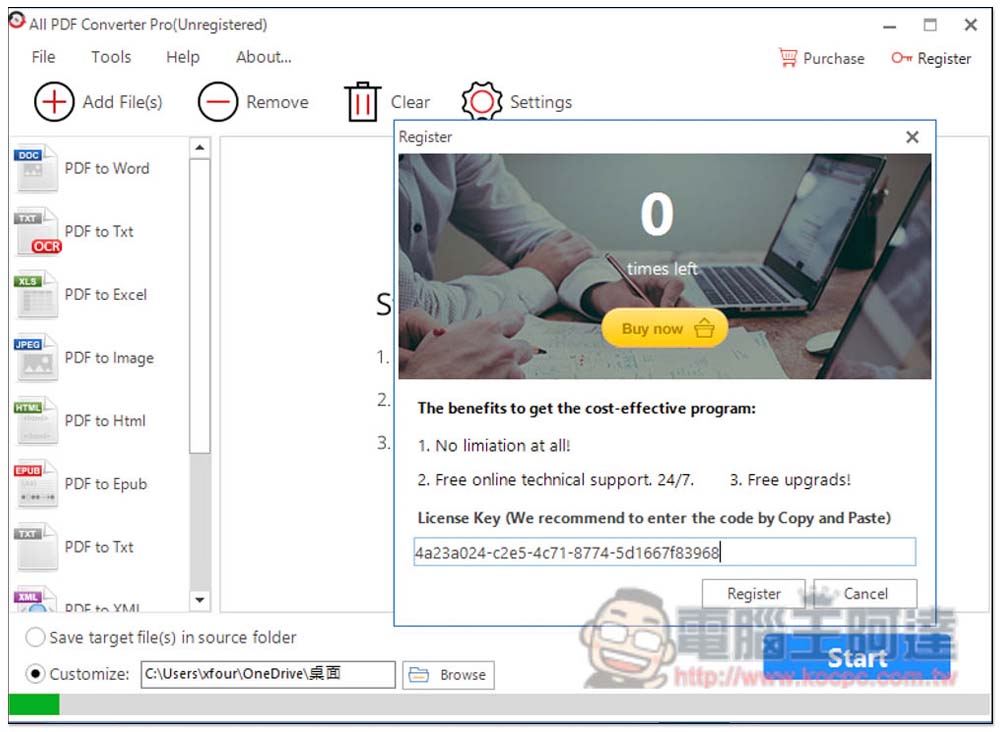
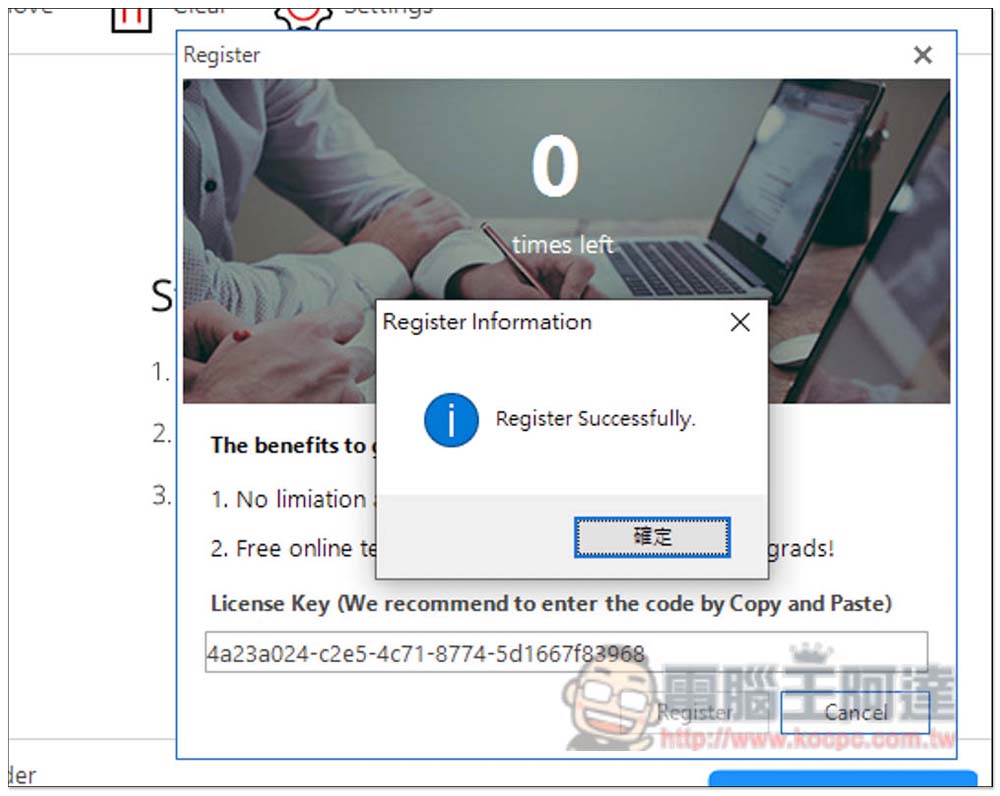
This works:
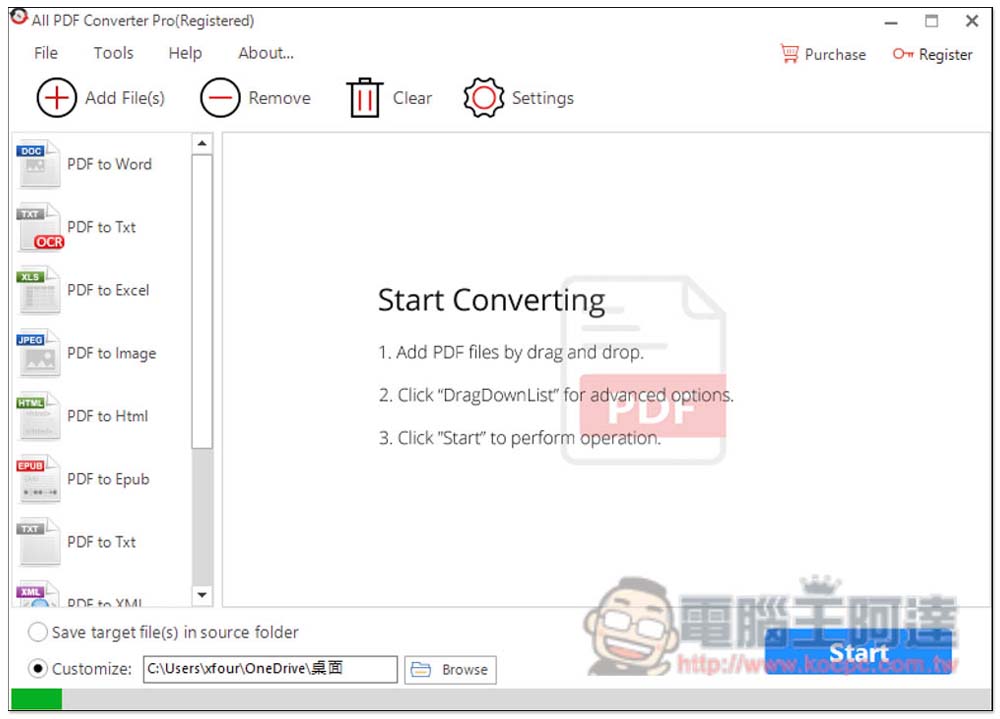
The word “Registered” will also appear next to the name at the top, which means it has been registered and you can start using it. The conversion function is on the left, which can convert PDF to Word, Txt (OCR), Excel, Image, Html web page format, Epub e-book, Txt plain text file, XML, etc. The format part can be set in the Tools menu above, for example: the image part provides JPEG, PNG, TIFF, etc.:
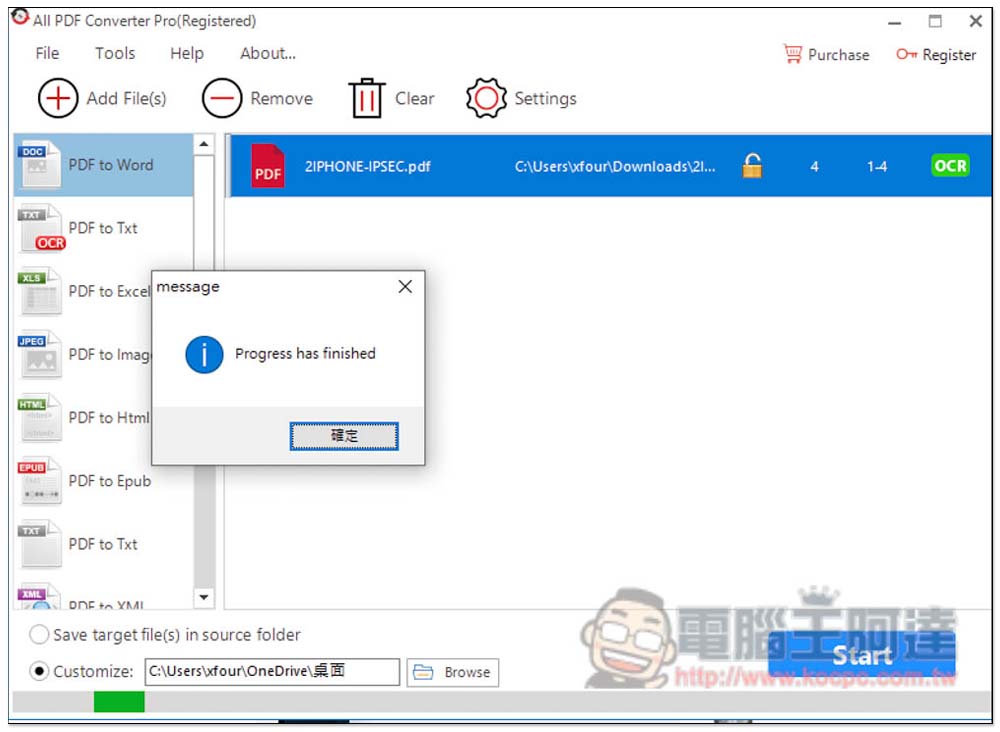
Drag or manually select the PDF you want to convert. Multiple files are supported at one time, and then click Start in the lower right corner to start the conversion:
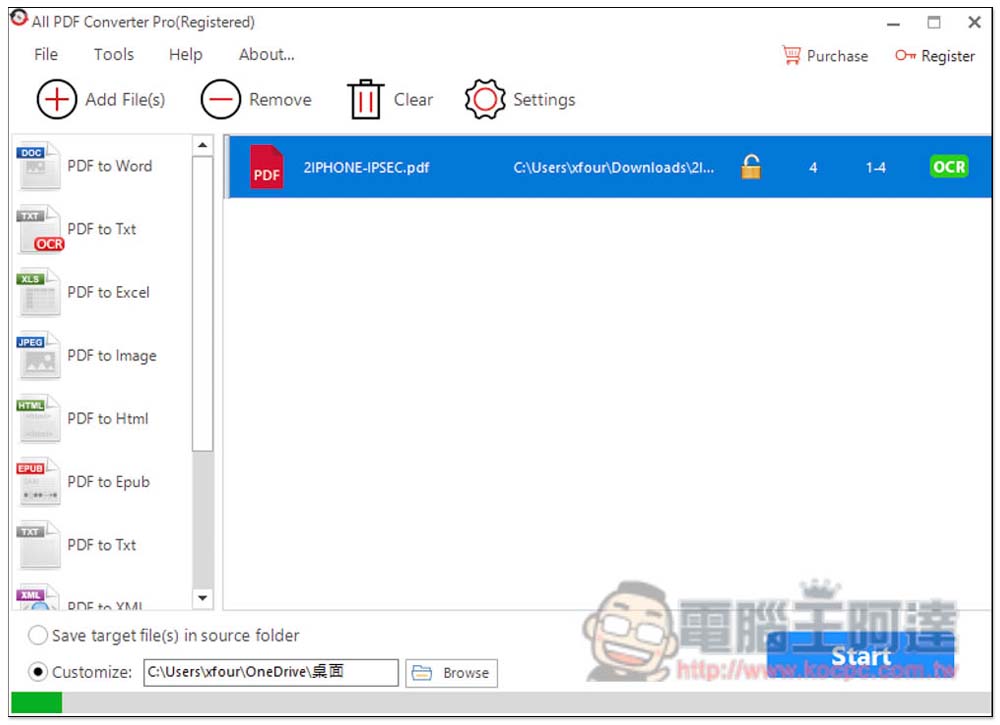
The conversion speed is very fast, and after completion, it will be stored in the specified location (that is, the path to the right of Customize at the bottom):
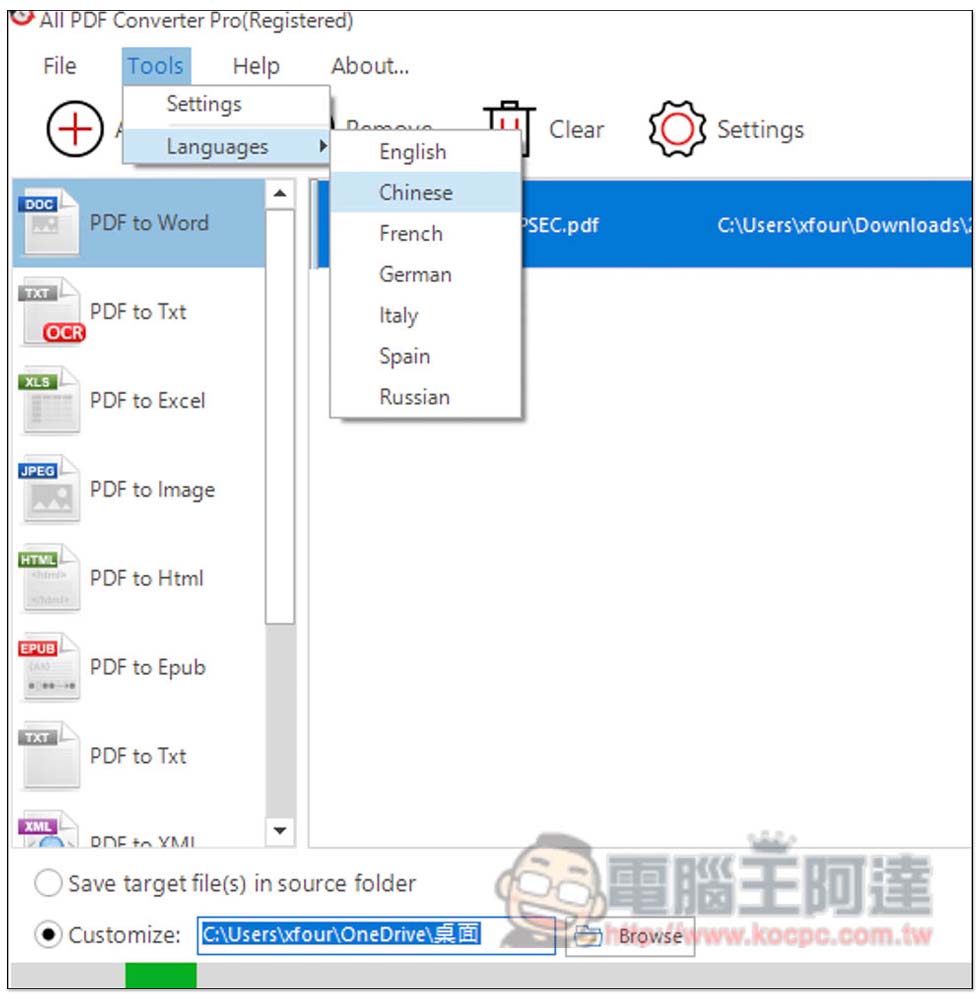
In the language section, open the Tools menu to find the Languages option. Select Chinese to switch to Chinese:
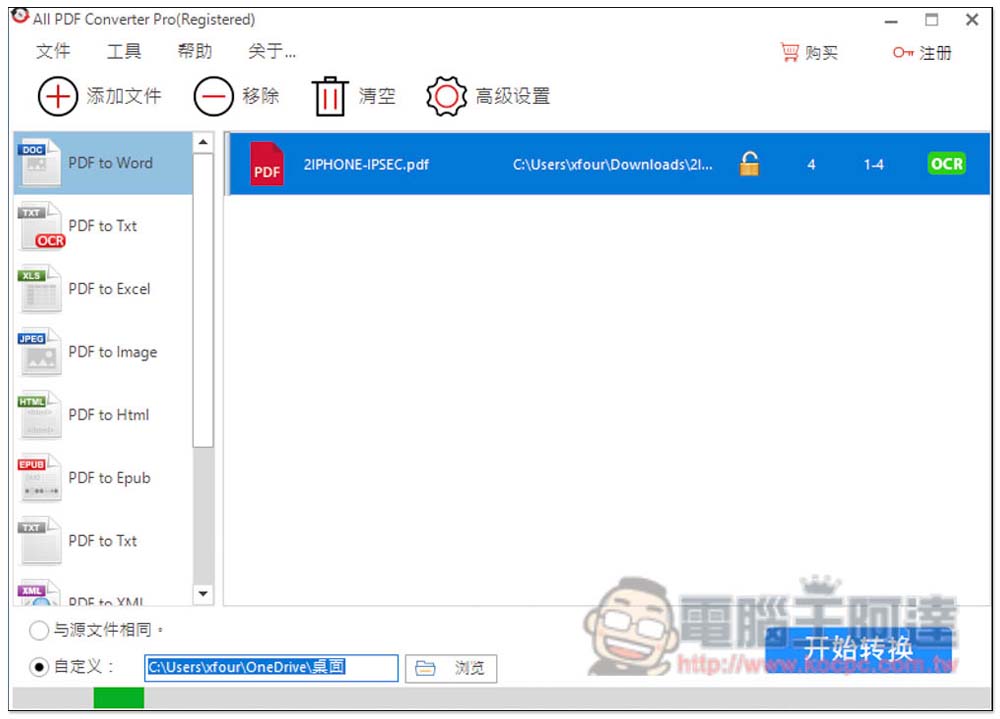
Currently only supports Simplified Chinese:
In addition to converting .doc, the Word part also supports .docx. Remember to set it up before converting:
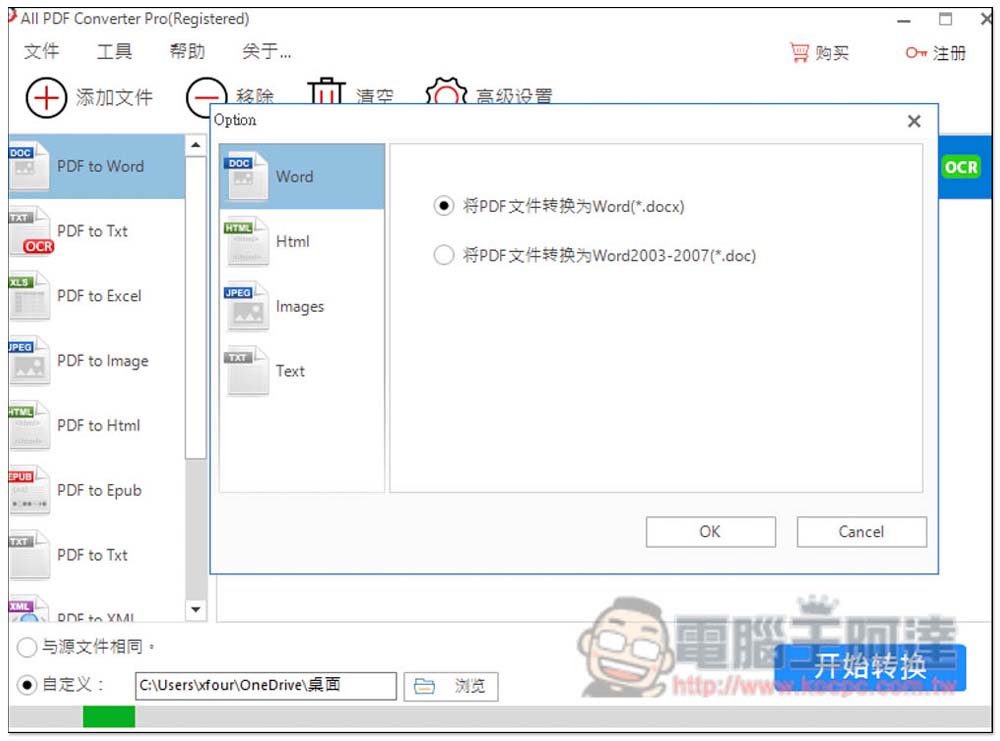
The only small pity is that this software cannot directly set the desired conversion format in the conversion function. You need to go into the tool settings to adjust it, which I think is a little troublesome. In addition to converting files, this software can also remove PDF passwords and preview the final effect before converting.
Source: KOCPC Chinese