


Although most radio stations now have web versions, it is not that easy to switch. That is to say, when you suddenly want to listen to another radio station, you must open the web page of another radio station. This article will recommend a very easy-to-use extension function “Worldwide Radio”, which provides more than 50,000 radio stations around the world, including many in Taiwan. After opening the function icon in the upper right corner of the browser, you can play the station you want to listen to. Both Chrome and Edge support it.
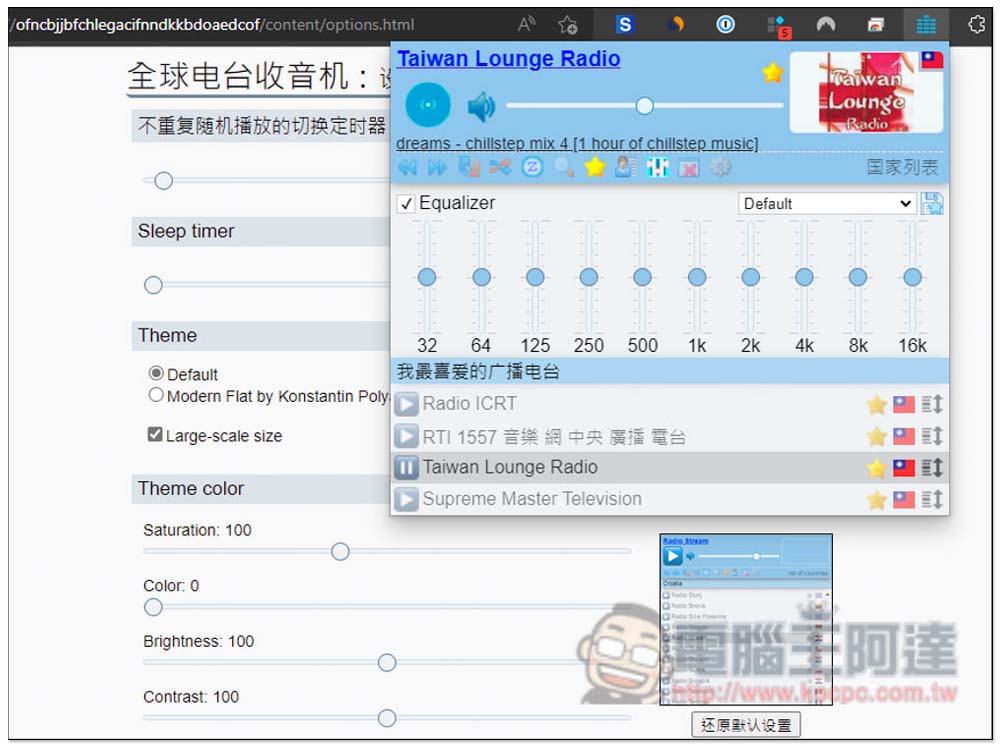
Worldwide Radio has built-in expanded functions of 50,000 radio stations from various countries, and you can listen to them by opening the browser
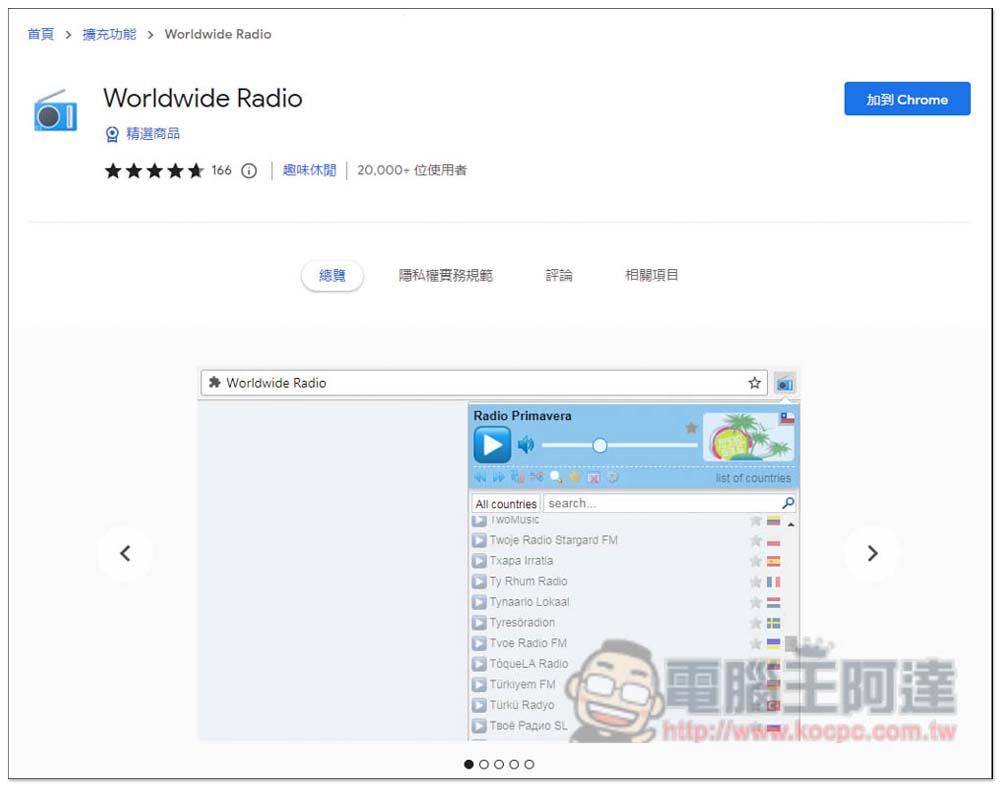
After entering the Worldwide Radio installation page, click “Add to Chrome” in the upper right corner. I used Edge as an example. The operations are the same:
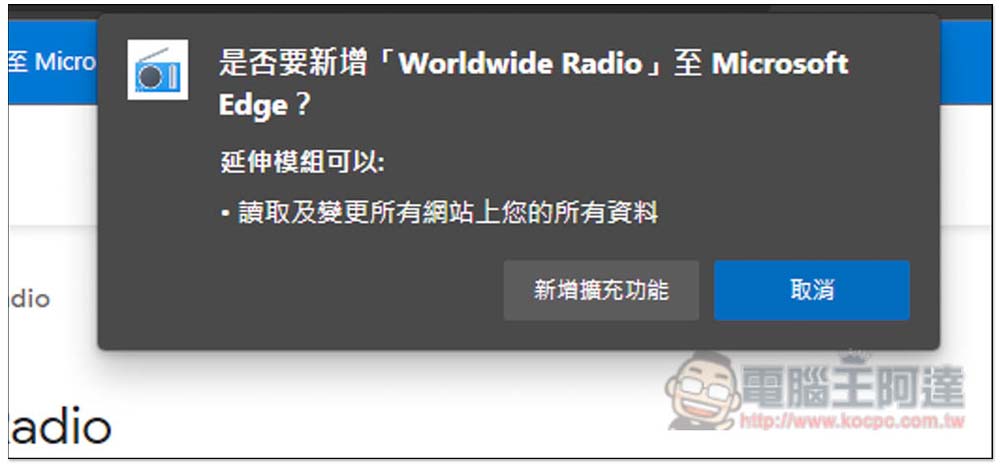
This message will pop up above, click “Add extension” to install:
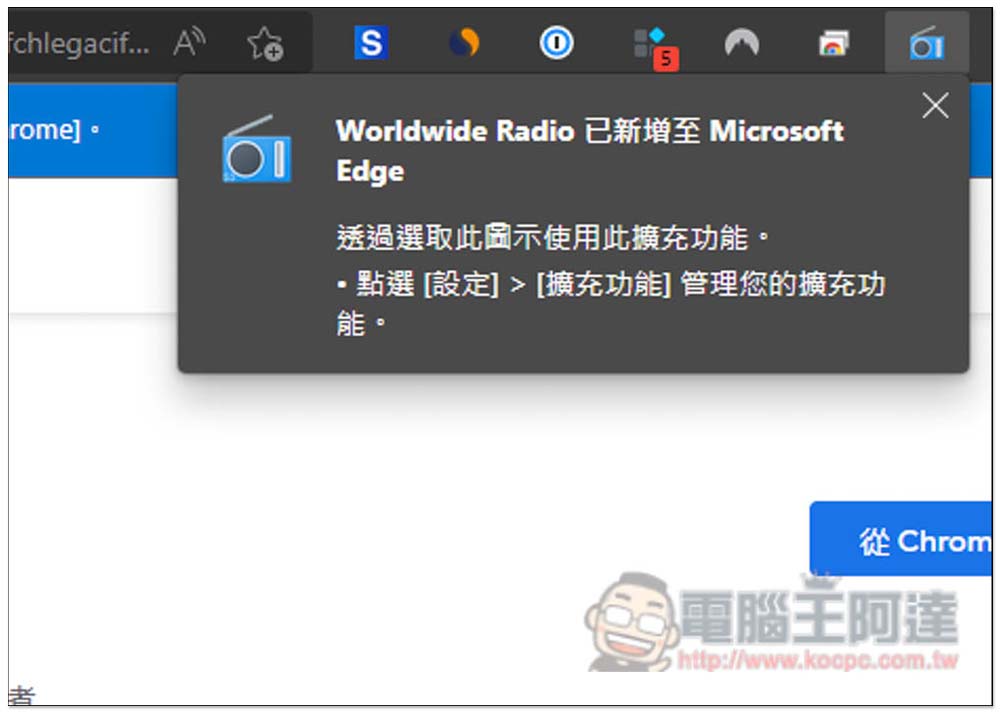
When this message appears in the upper right corner, it means the installation is successful. After installation, it will be automatically hidden by the browser and needs to be opened manually:
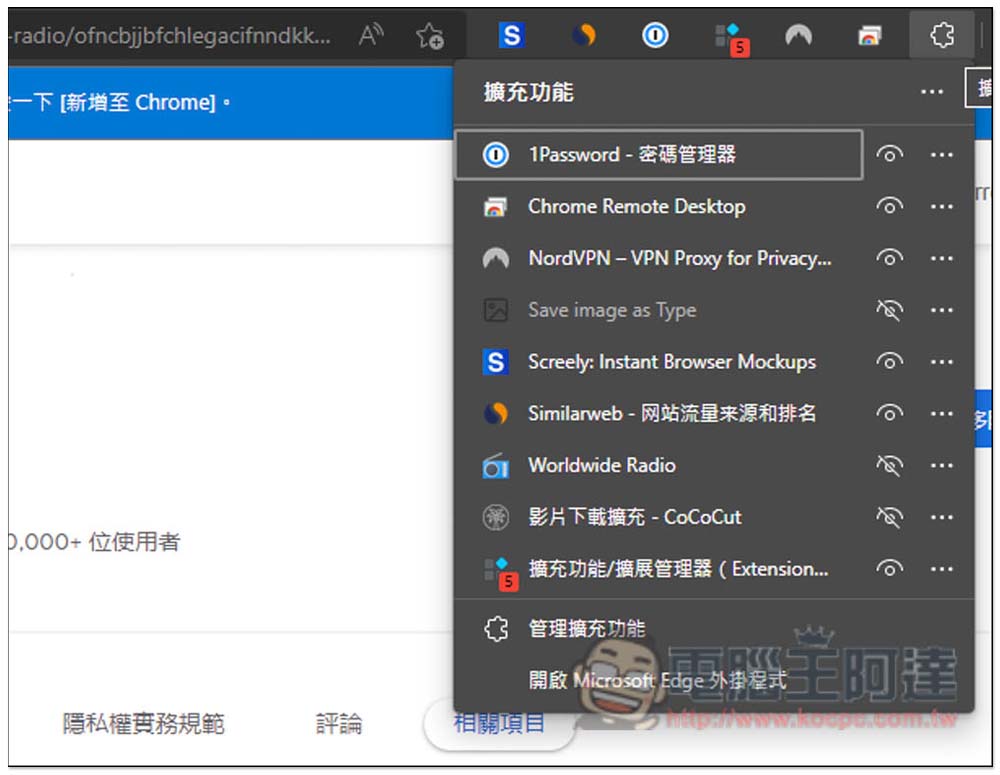
Click the puzzle icon on the right to open the extension management menu, and open the eye icon on the right of Worldwide Radio:
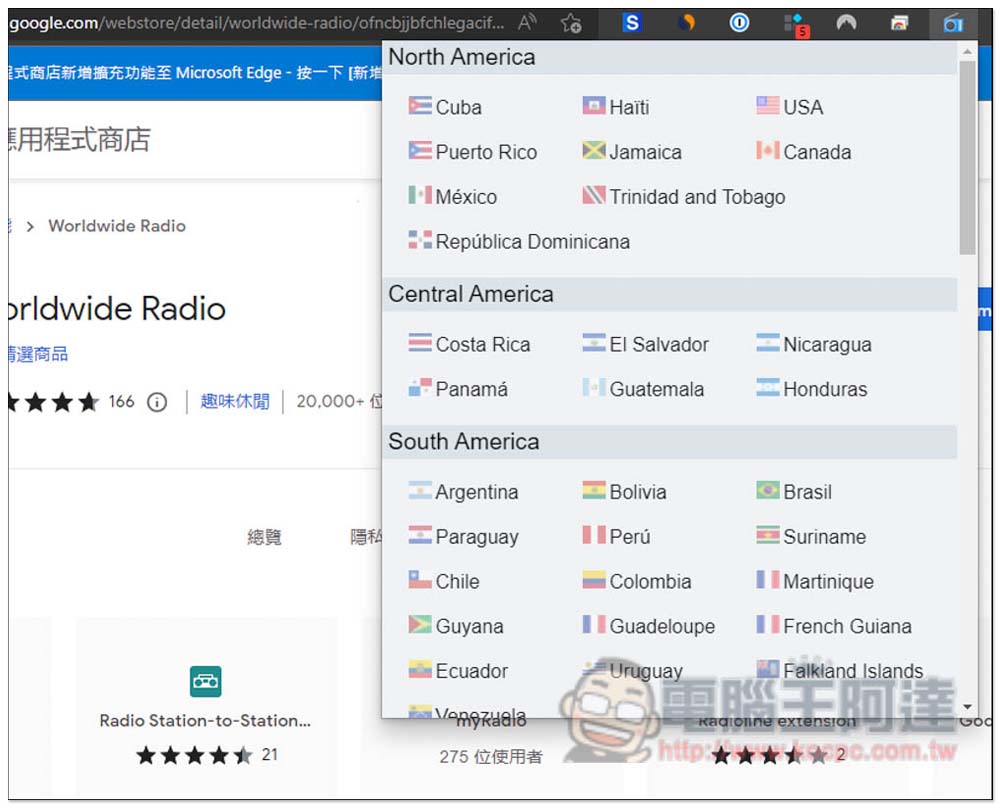
Now you’re good to go! After opening the function menu, you can find the names and flags of each country, and they are also classified according to region. Open the radio station based on which country you want to listen to:
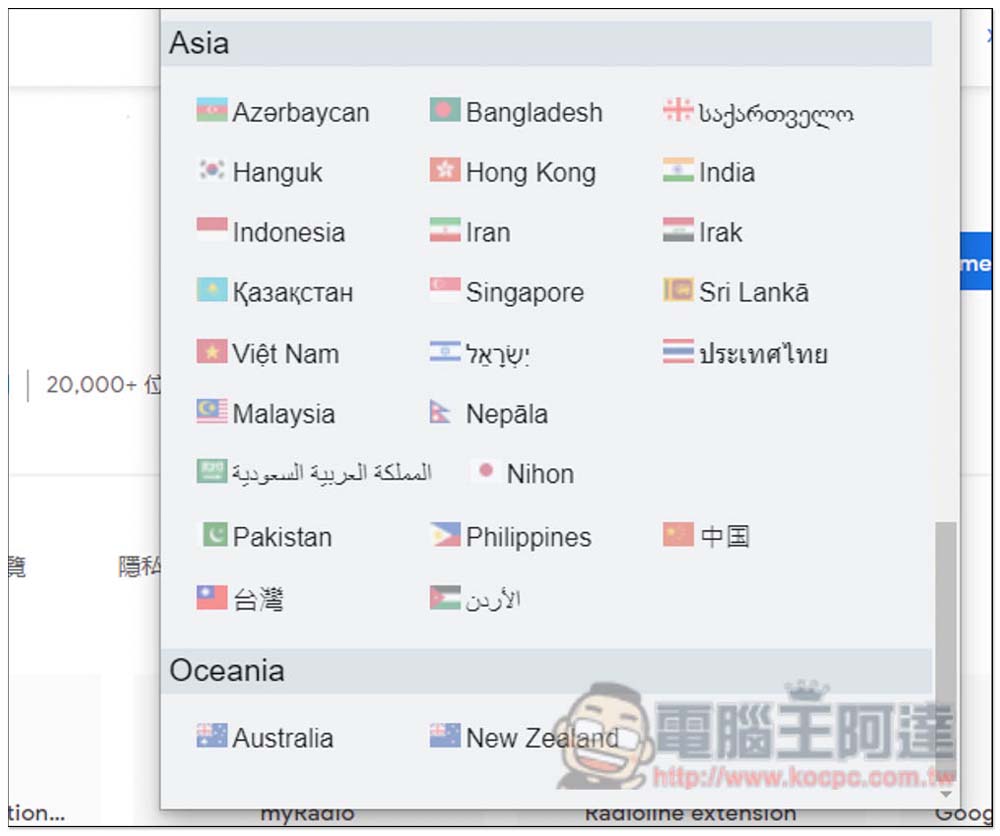
Scroll down to find Taiwan. What’s more special is that the names of some countries in this extended function are in the local language, so people who can’t understand will have no idea what country they are (laughs), unless you know the national flag:
Even if they are made by foreign developers, they provide a lot of Taiwanese radio stations, almost everything you want to listen to, but some of them are named in English. In addition, there is an EQ equalizer on the top, which can be adjusted freely according to your listening preferences. This is one of the few radio station tools that provides this function:
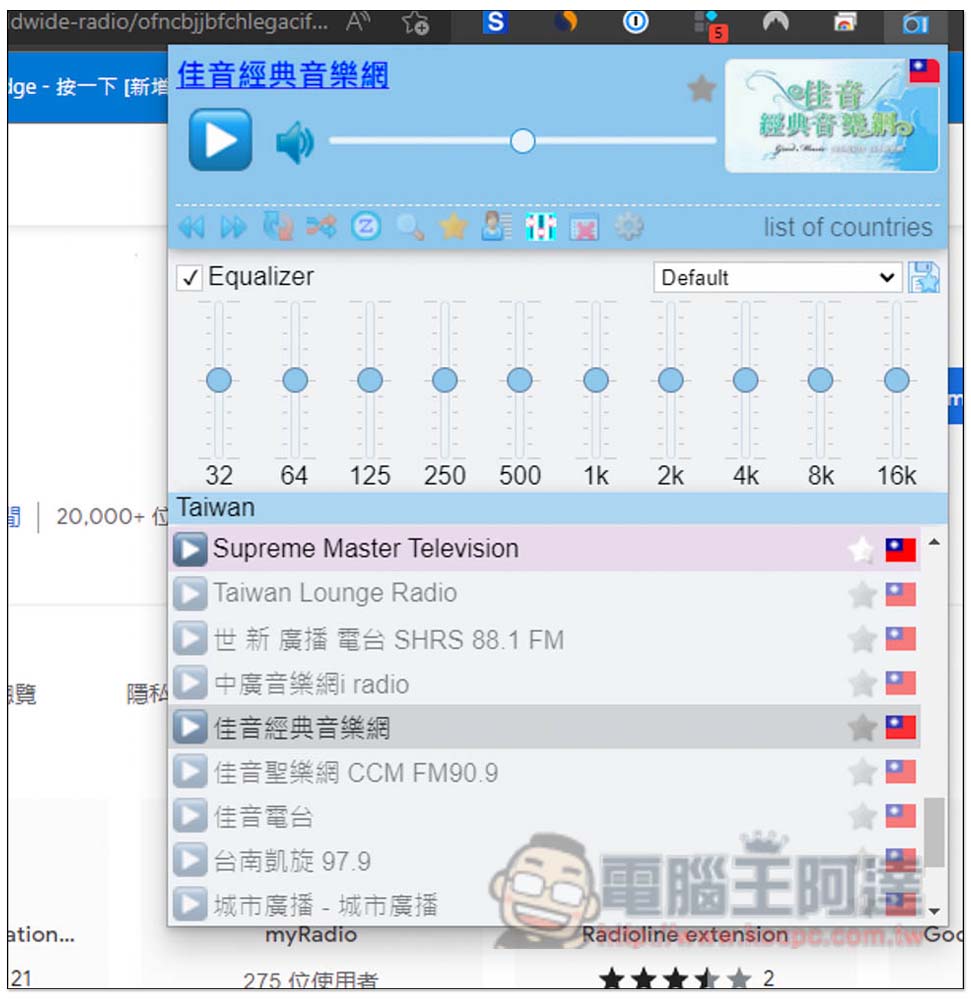
After finding the radio station you want to listen to, press the play button on the left to start listening, which is quite fast:
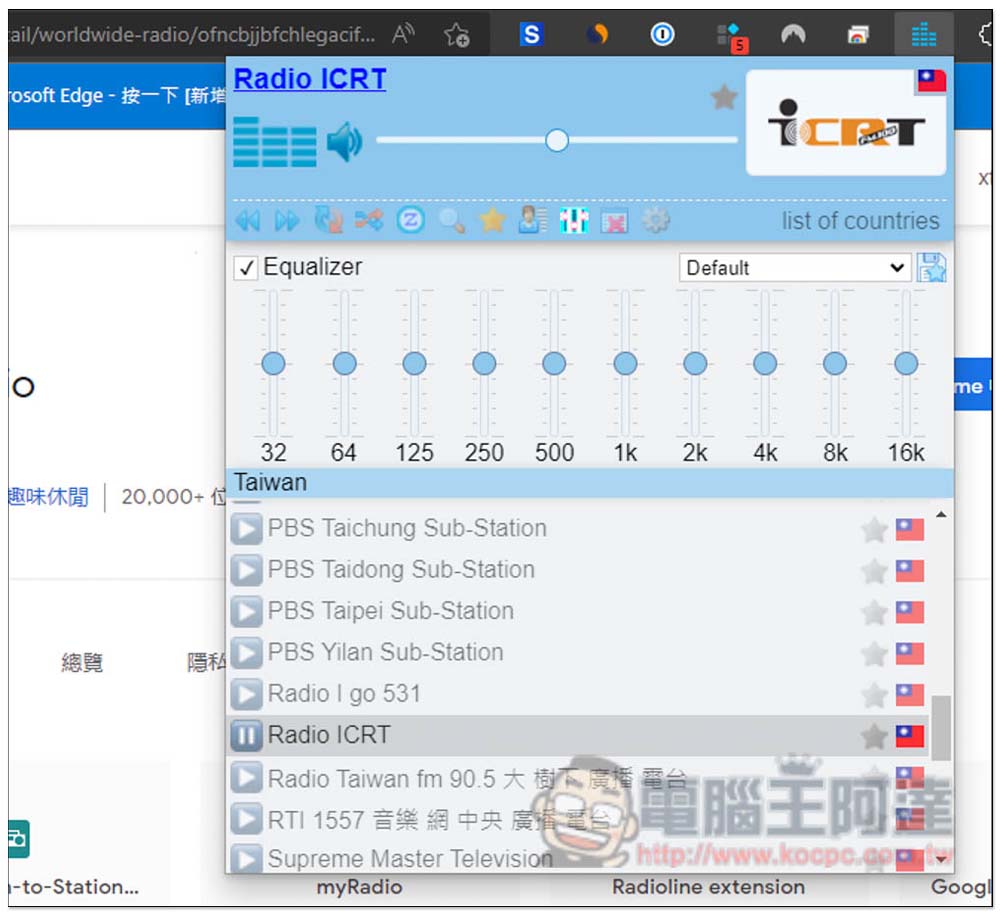
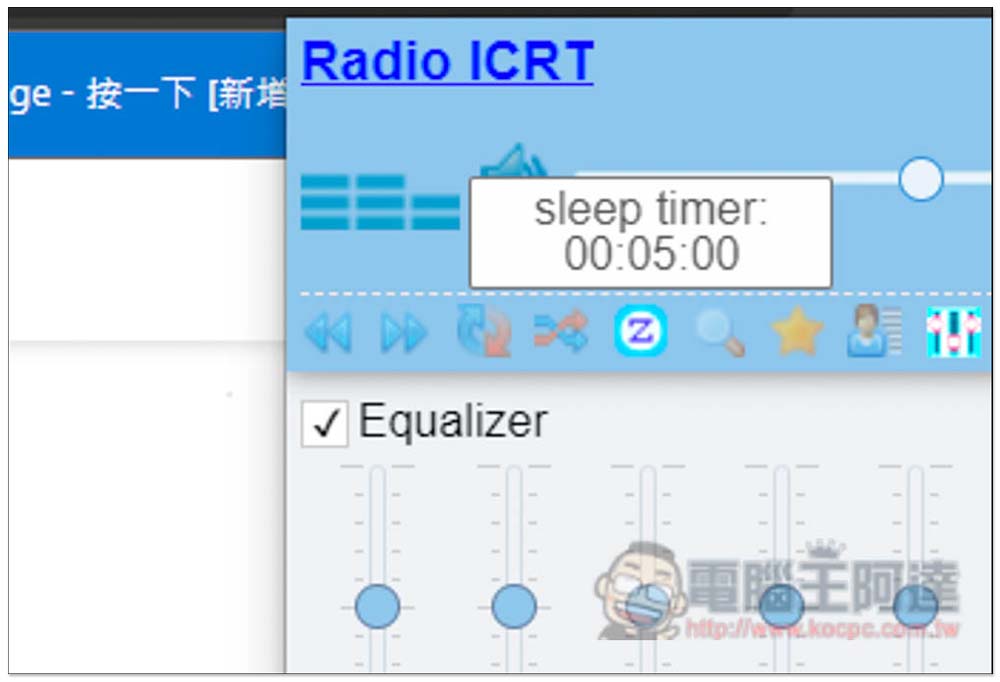
There are also some function icons above, such as the sleep timer, which is quite practical. When you want to listen to the radio, take a nap or sleep at night, you can set the timer, and the radio station will automatically stop playing when the time is up:
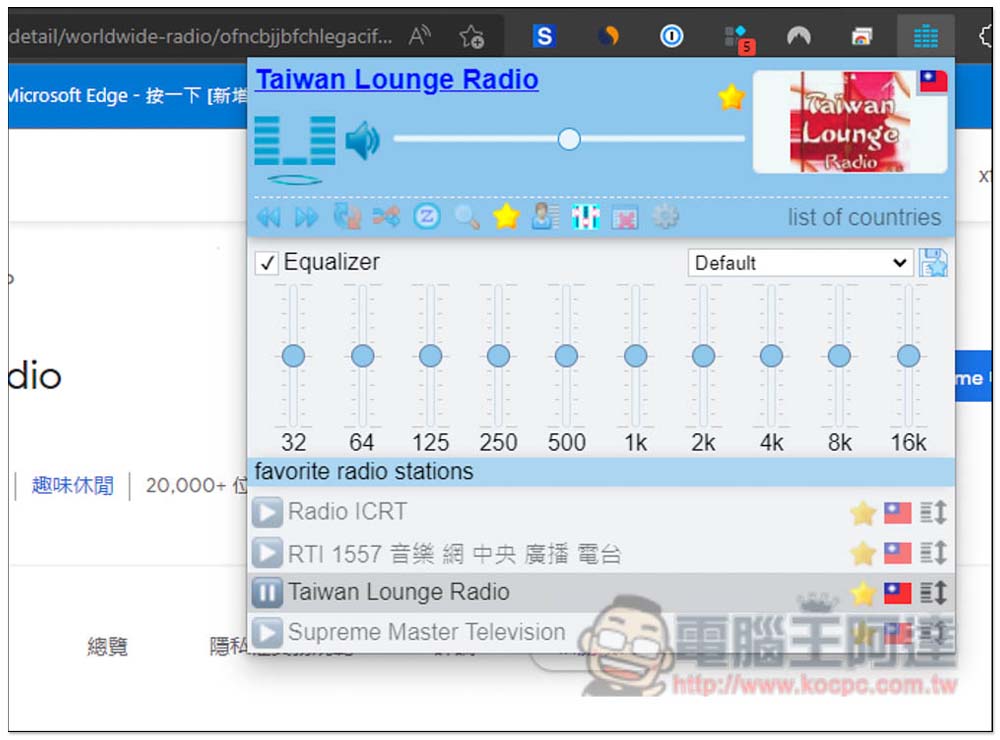
Frequently listened radio stations can also be added to my favorites list, making it easier to find them in the future:
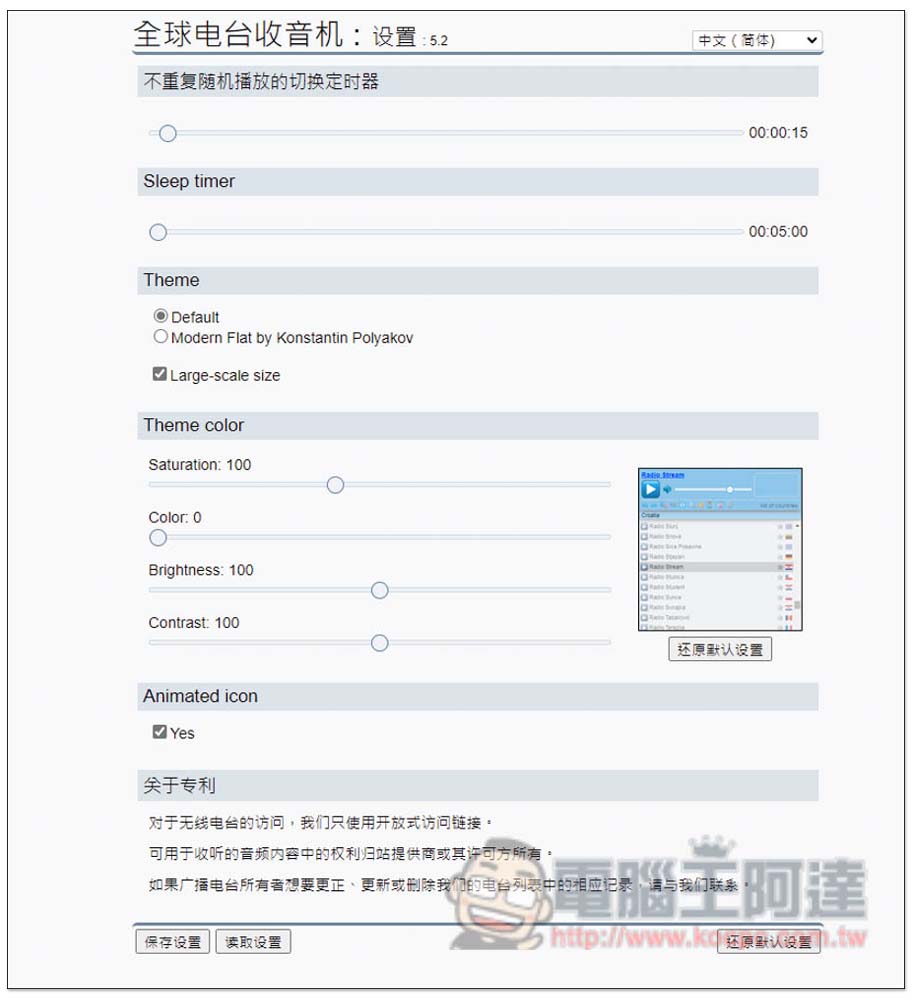
After entering the settings menu, you can find the language changing function in the upper right corner. This model actually also supports Chinese (Simplified):
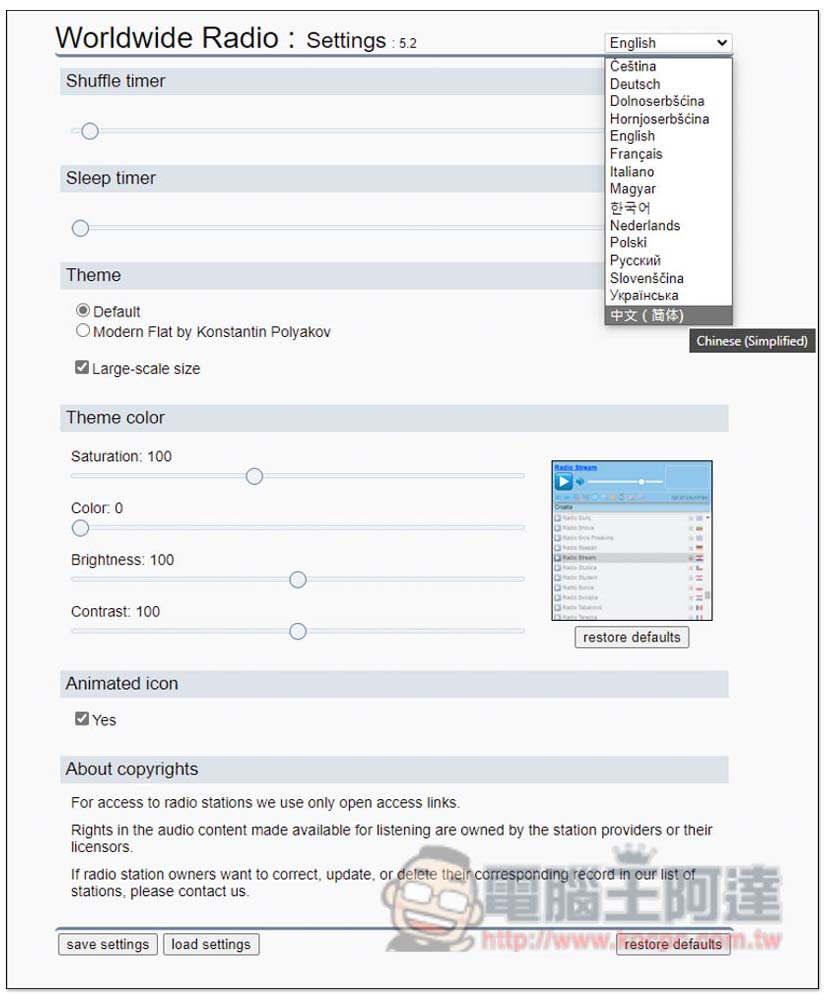
Some function names will become Chinese, but some will still be in English. The theme and color of the scenery can also be adjusted manually:
The only small pity is that the interface design of this extended function is a bit cheesy. Friends who don’t like it can try changing the background theme manually to see if it can look better.
If you don’t mind using the web version, there’s another one myTuner Radio It’s also very useful. You can directly search for the radio station you want to listen to on this webpage. After registering and logging in, you can also create your own radio station collection list. The difference is that this webpage must be open all the time. I think it is more convenient to expand plug-ins.
Source: KOCPC Chinese