


Unlike Windows, Mac can easily upgrade the hard drive space (except for thin and light notebooks), so you will definitely encounter insufficient storage space after using it for a long time. In this case, Pretty Clean is a tool that can help you find useless temporary files and junk files in the hard drive, quickly clear them and free up a lot of storage space. Don’t underestimate these files, some temporary files are even as high as several GB, especially LINE. My MacBook Pro 14 has already exceeded the GB level after only a few months of use.
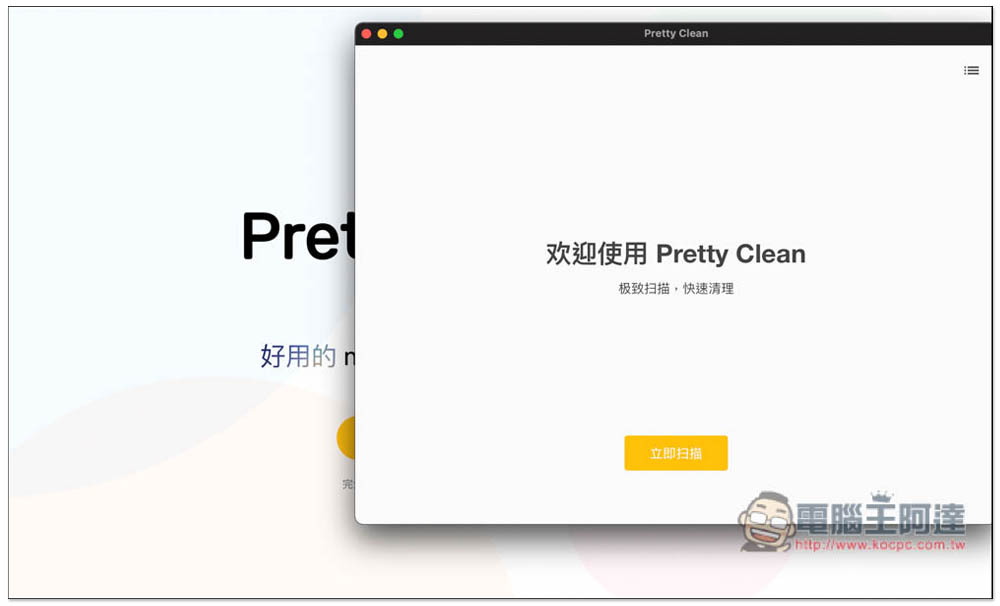
Introduction to Pretty Clean Free Mac Hard Drive Cleaning Tool
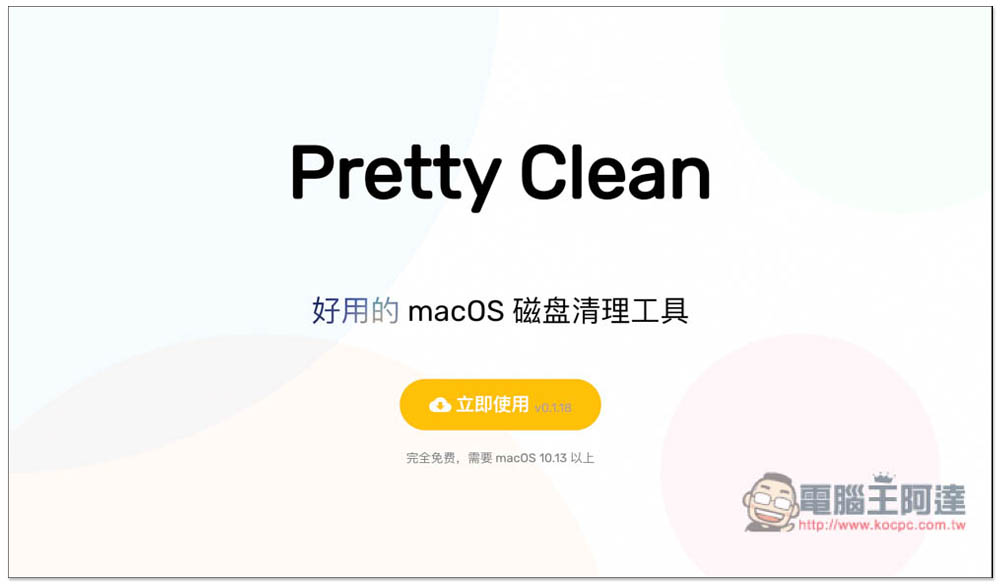
After entering the official website of Pretty Clean, click Use Now to download the DMG installation file. This tool file is very small, only about 5MB in my impression. It takes up no space at all, and it is completely free and does not have any ads (supports macOS 10.13 or above operating systems):
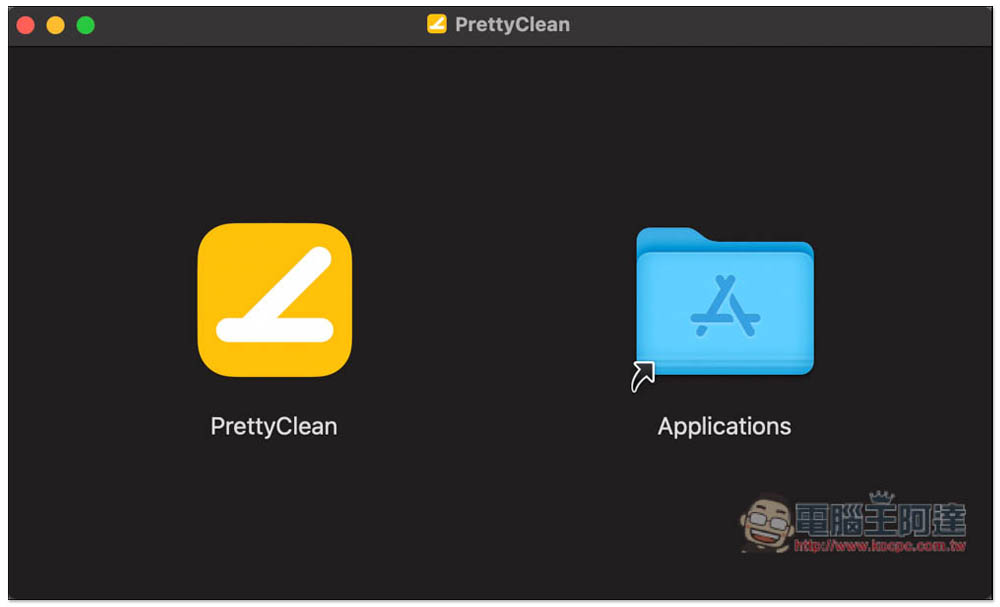
After opening the installation file, drag PrettyClean to the Applications folder on the right, and the installation is complete:
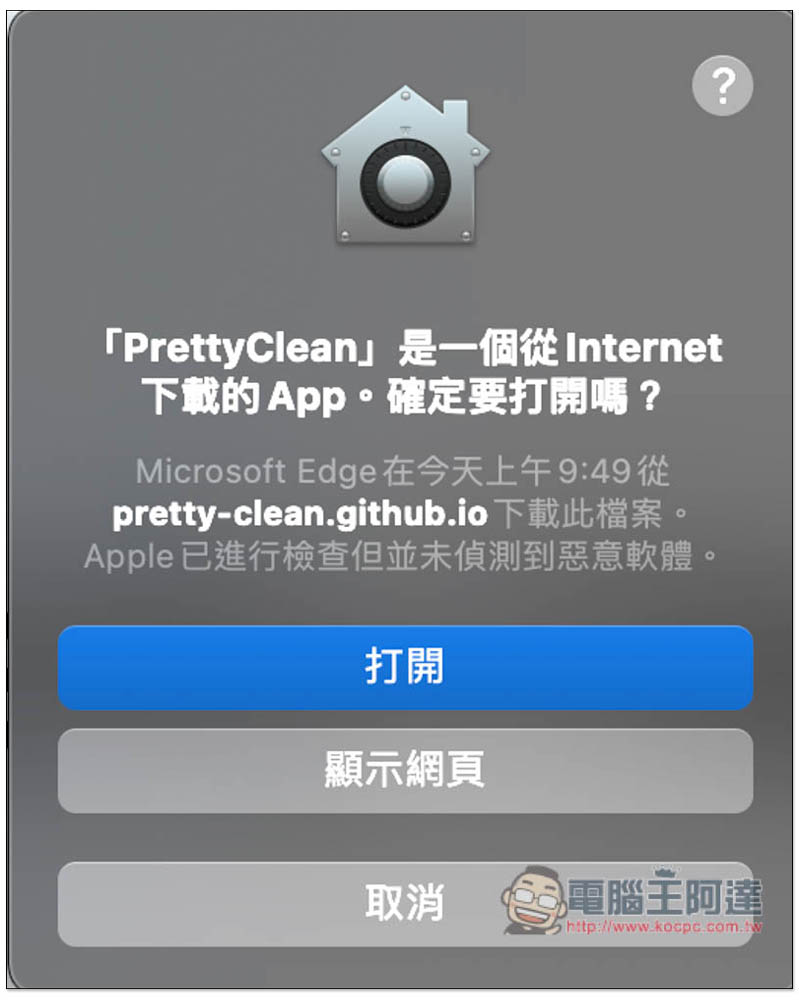
Because it was downloaded and installed from the Internet, not through the App Store, this reminder will pop up when you open it for the first time. Simply click to open it:
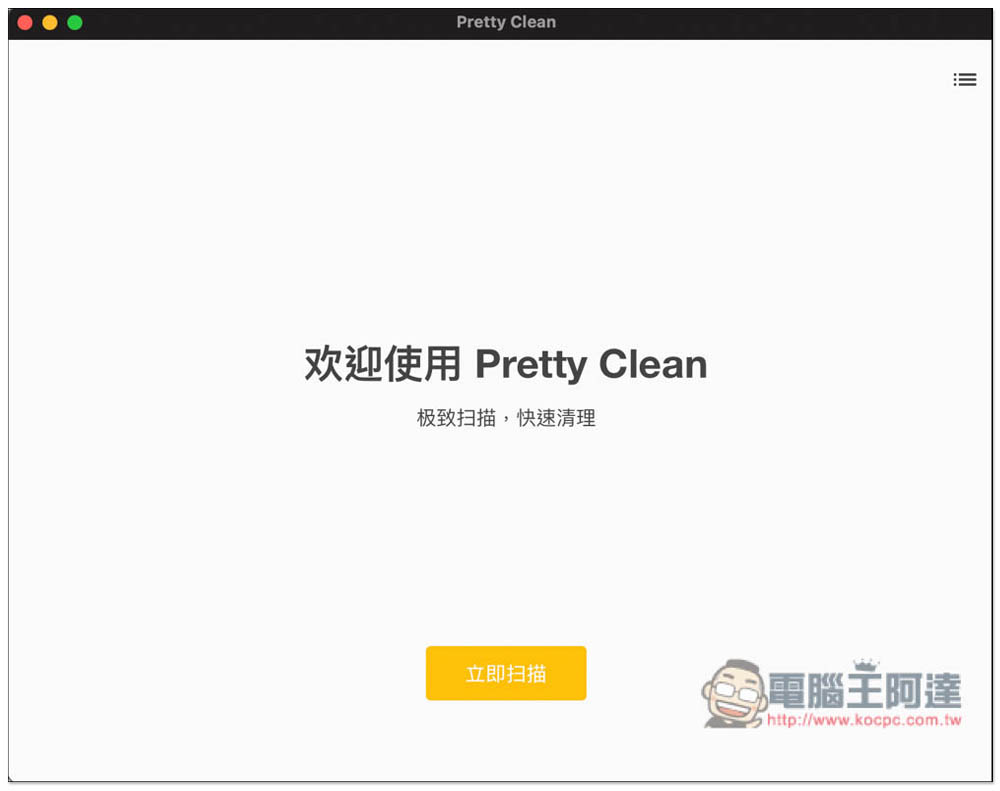
The operation interface design is very simple and supports Simplified Chinese interface, so it should be easy to use. There is only one function, clean up Mac’s junk temporary files, click “Scan Now”:
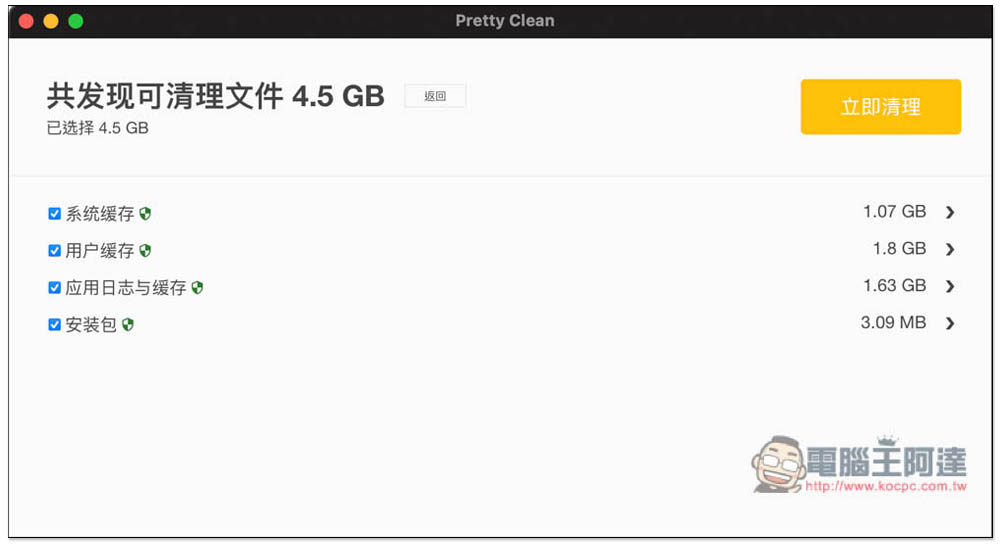
The scanning speed is very fast and can be completed in a few seconds. This is the situation when I have been using MacBook Pro 14 for two or three months. In such a short period of time, I have 4.5GB of useless files. After a year, I still have 10GB of useless files. Scan types include “System Cache”, “User Cache”, “Application Log and Cache” and “Installation Package”, which are mainly cached (cache) files:
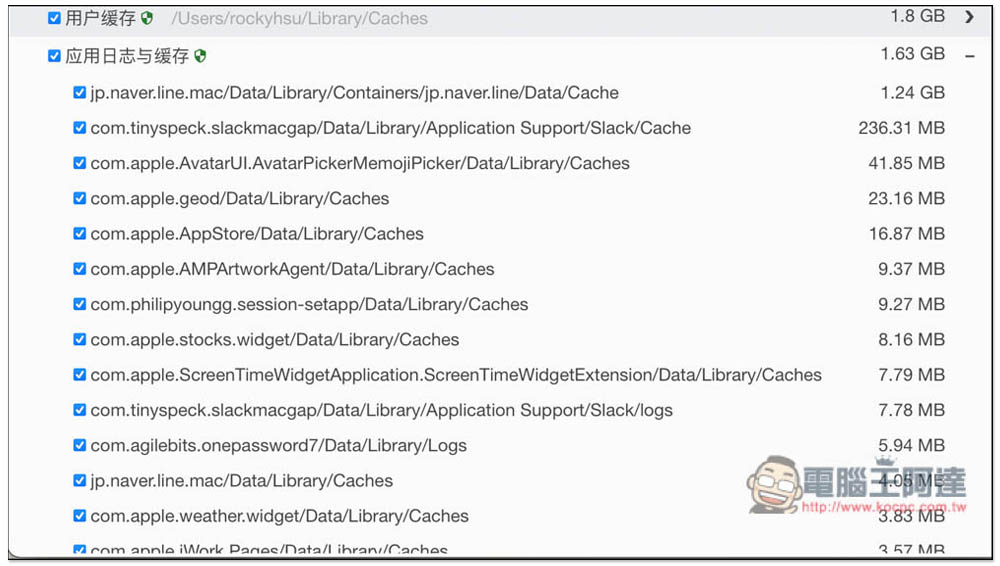
By default, each type of file will be cleaned, so before cleaning, you can expand and check the details to ensure that they were accidentally deleted. In terms of application logs and cache, the LINE file is the largest, reaching 1.24GB, which is much different than others. Therefore, for people who often use the Mac version of LINE, the LINE cache must be very large:
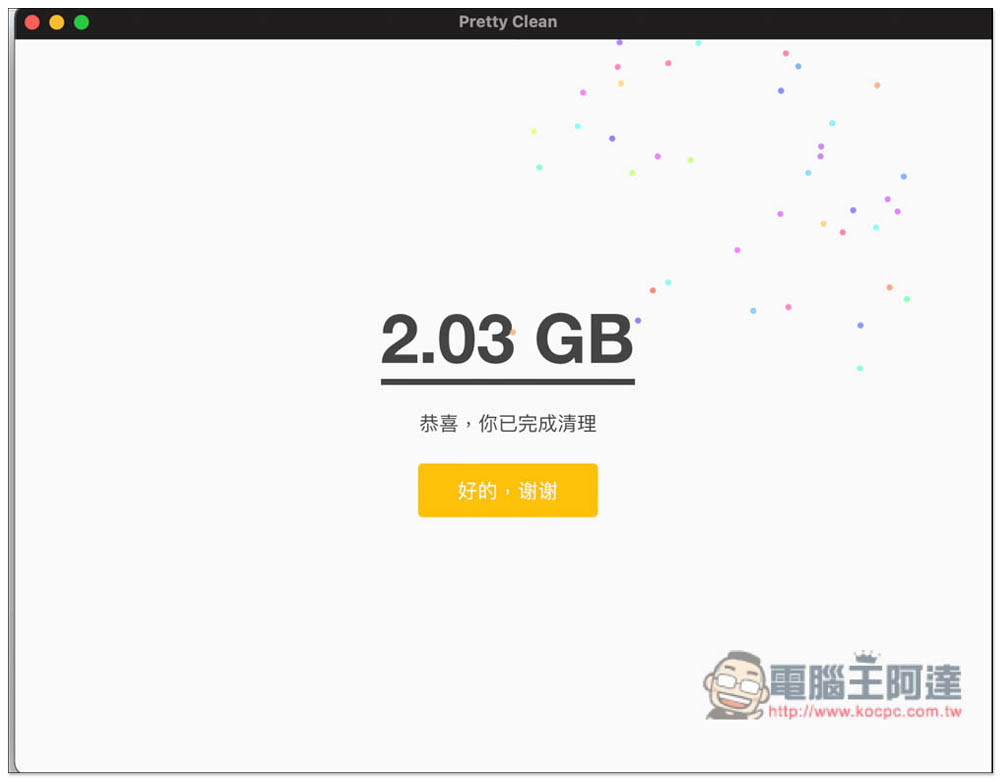
After confirming that there is no problem, press “Clean Now” and it will start to clear everything. This part is also very fast and completed in a few seconds. Like me, I immediately freed up 2.03GB of storage space:
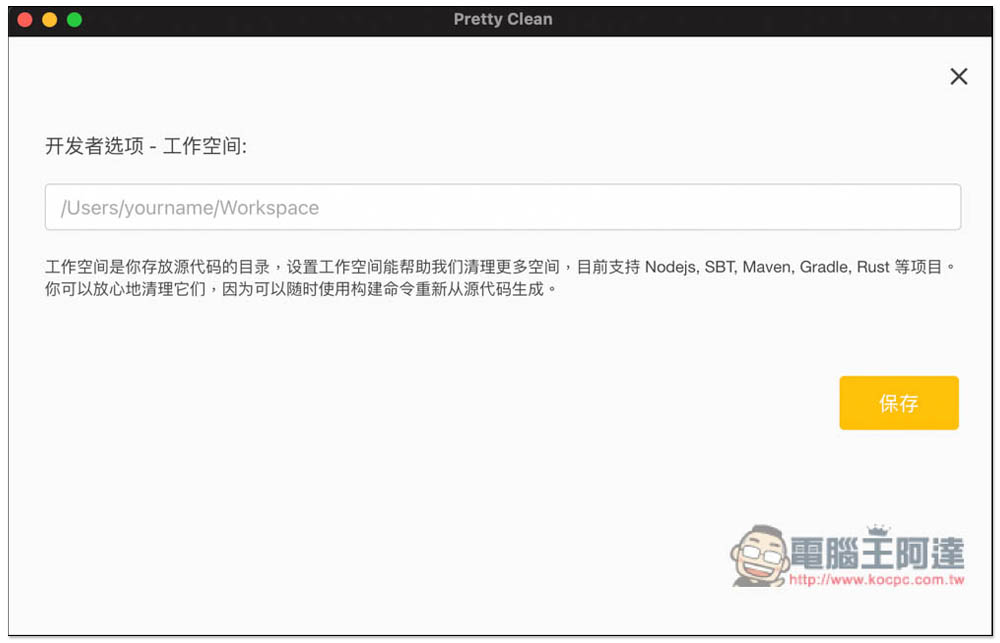
In the settings menu, there is an advanced feature of developer options, which currently supports Nodejs, SBT, Maven, Gradle, Rust and other projects. Those who need it can try it:
Pretty Clean can be said to be the most lightweight and easy-to-use temporary storage and junk file cleaning tool in the current Mac operating system. It is a pity that this tool does not provide the function of removing applications. It would be more convenient if it did. If you happen to be looking for a tool to remove Mac applications, there is a very useful AppCleaner, which is also free. Details can be found hereRead our previous introductory article。
Source: KOCPC Chinese