


Nowadays, many people should be like me. They have many devices with different operating systems at hand. For example, I have a Windows desktop, a MacBook Pro, an iPhone, and multiple Android phones. If you need to transfer data across systems, Mac and iOS are easy to handle. You can achieve wireless transmission through AirDrop. Other systems are not so easy. Here I recommend a very good free software “LANDrop”. After installation, as long as you are on the same network, iOS, macOS, Android, Windows It can transmit data wirelessly and the operation is super simple.
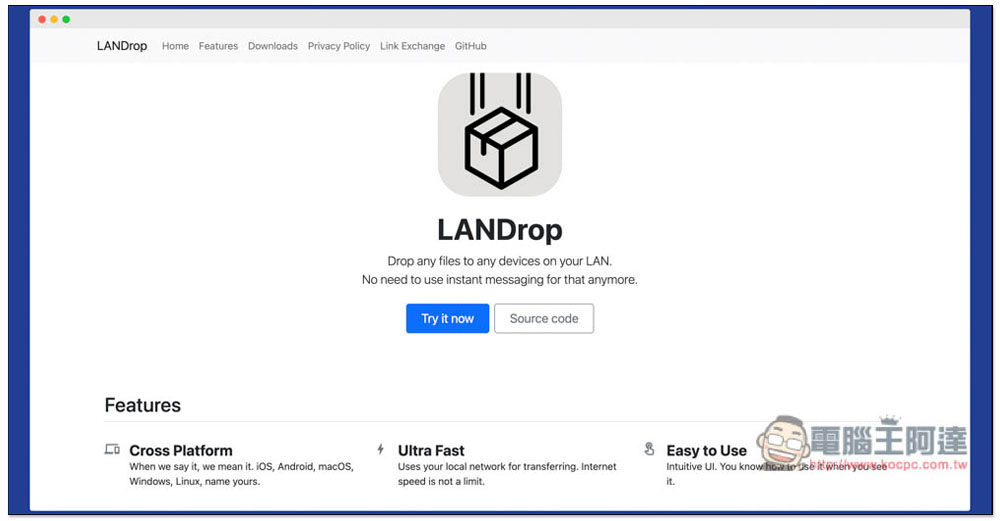
Introduction to LANDrop, a free tool for easily wirelessly transmitting data across systems
After entering the official website, click Try it now to find the download point:
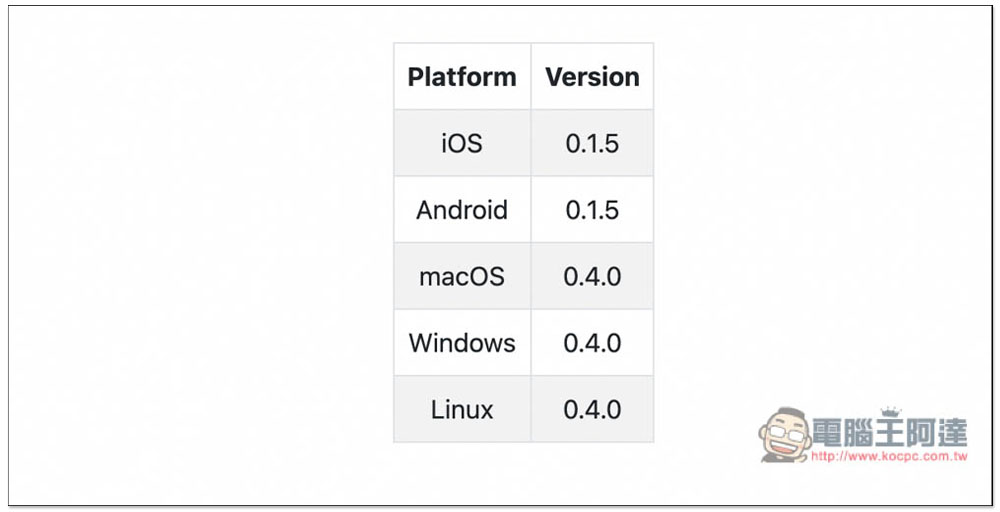
iOS, Android, macOS, Windows and Linux are all supported. It depends on which devices you have. iOS will go to the App Store to install, while Android will download the APK file. It is not currently available on Google Play:
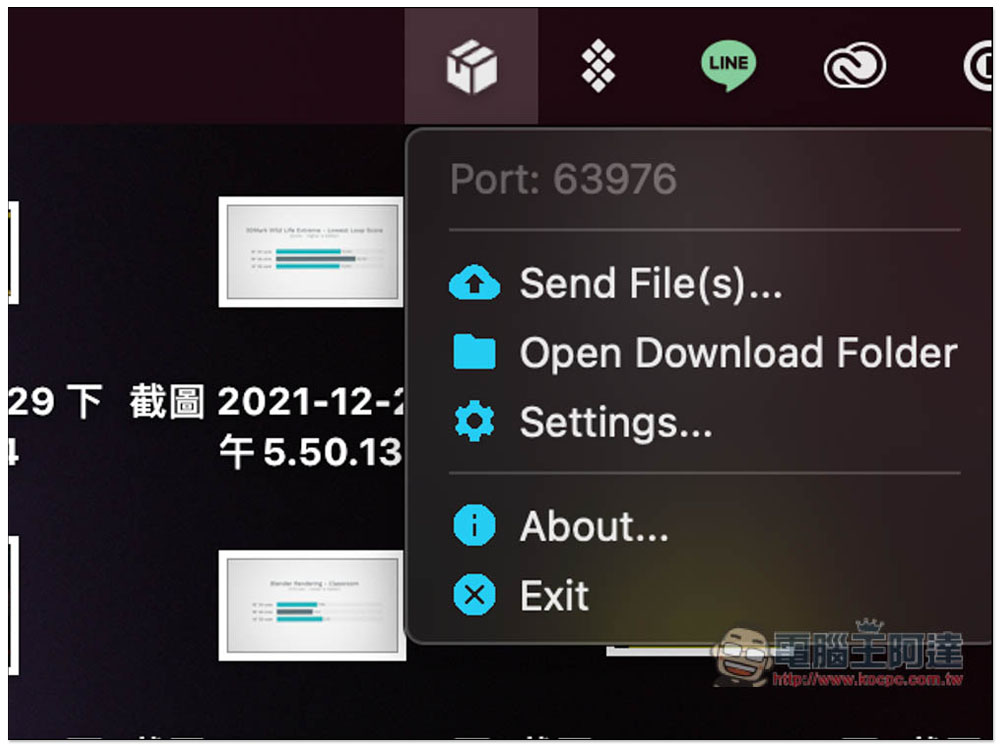
I currently only have a Mac and an iPhone, so I will use these two operating systems as examples. After the Mac is installed, the LANDrop icon will appear in the toolbar in the upper right corner. When you need to transfer files to other devices, click Send File to select the file to be transferred:
When opening the iOS interface for the first time, if you are sure that you are connected to the same wireless network but Devices does not appear, please try reopening the app, closing the app entirely and then opening it again:
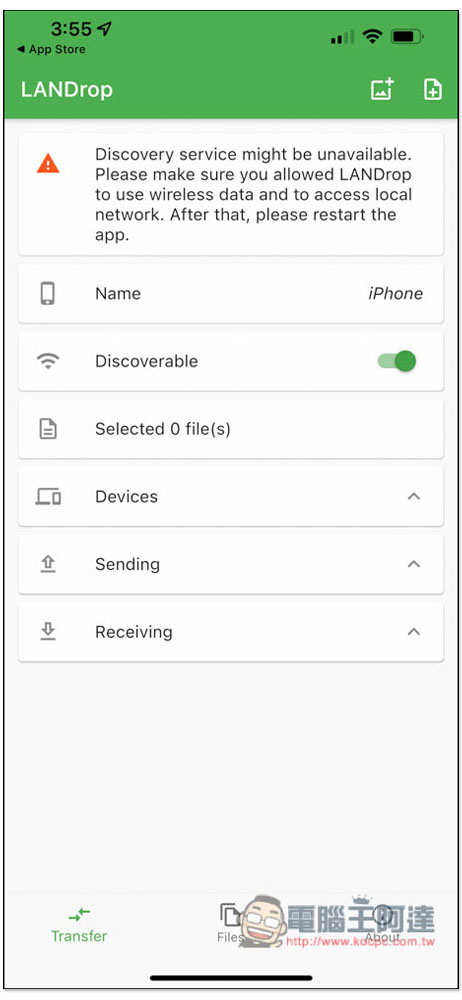
If there is no problem, it should look like the picture below, and Device will show your other devices. There is something special about iPhone file transfer. File selection and transfer are separate. First click the icon in the upper right corner. The left is the photo, and the right is to select from the File App:
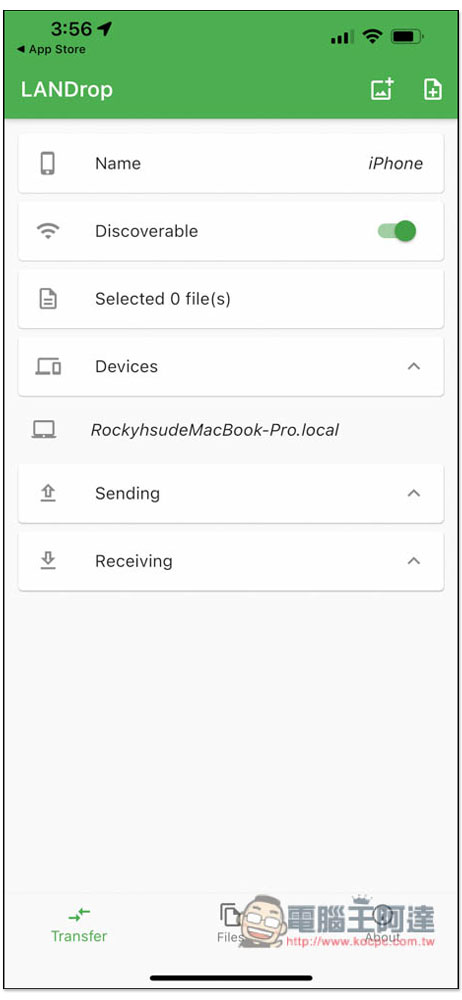
After selecting, click Add:

After returning to the main screen, click on the name of the device you want to transfer, for example: I want to transfer to RockyhsudeMacBook-Pro this one:
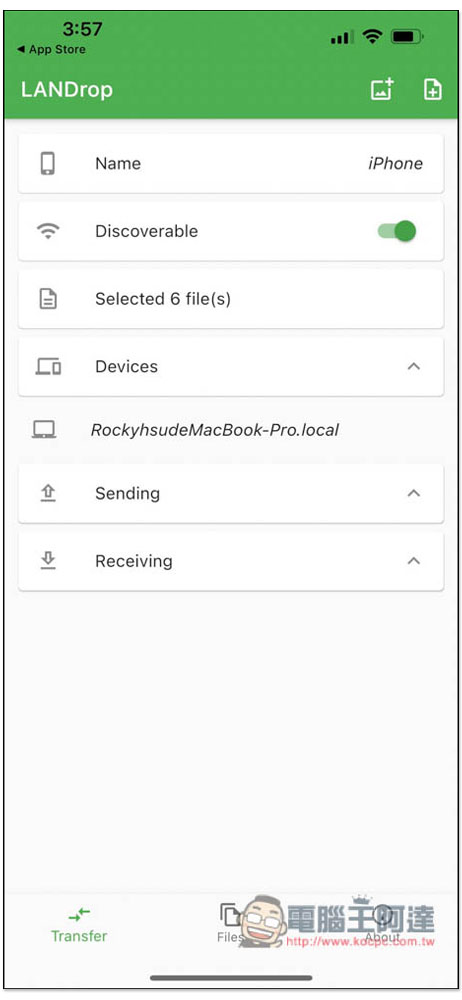
This screen will appear on the MacBook. If the iPhone wants to share 6 files, it will also tell you the file size. If there is no problem, press Yes:
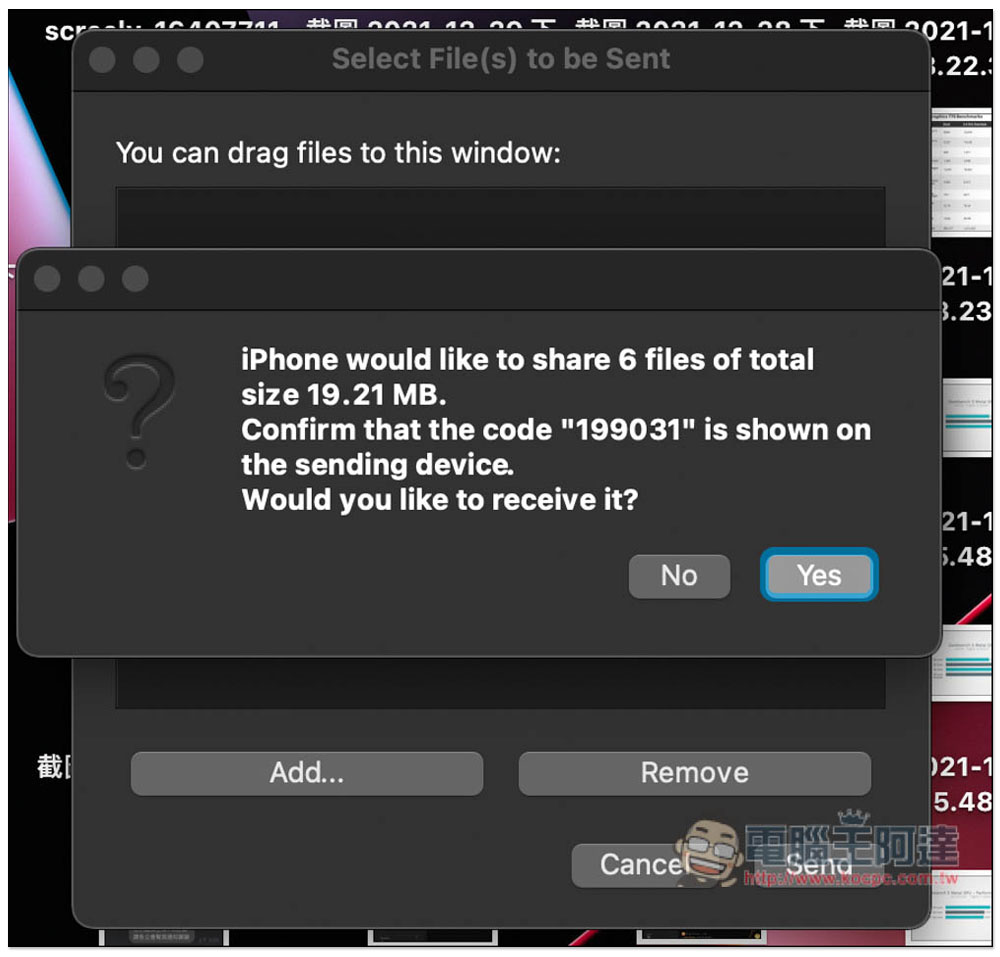
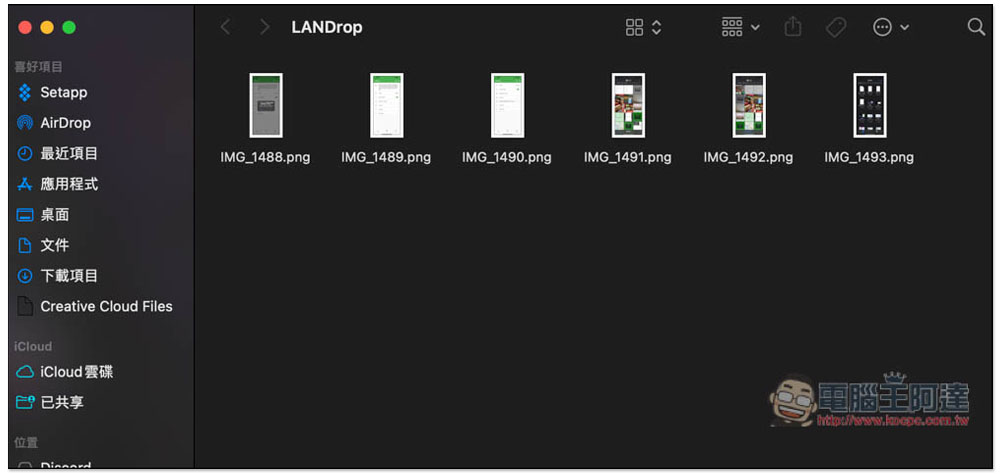
In this way, the transfer is completed, and the operations of each operating system are similar:
Source: KOCPC Chinese