


Recently, the text-to-image generation space has become fiercely competitive. Tools like Stable Diffusion and DALL-E 3 are appearing in growing numbers. Now, Black Forest Labs, a startup founded by the original creators of Stable Diffusion, has released a new text-to-image model called FLUX.1. You can try FLUX.1 right away—let’s take a look. In addition to a tutorial, we also compared FLUX.1 with DALL-E 3, using the same prompts to see which one performs better.
FLUX.1, a text-to-image model developed by the former founder of Stable Diffusion, testing, comparison, and sharing
Black Forest Labs, a startup founded by Robin Rombach, one of the original authors of Stable Diffusion, recently unveiled a new text-to-image model, FLUX.1. FLUX.1 comes in three versions: FLUX.1 [pro] with a closed API, FLUX.1 [dev] for non-commercial use with open weights, and FLUX.1 [schnell], an advanced version licensed under Apache 2.0 (the latter two can be downloaded and installed locally on your own computer). Today we are mainly using FLUX.1 [schnell], which is available for free online, for testing.

To use Black Forest Labs’ latest text-to-image model, you can directly click the link below to access FLUX.1 [schnell], orGo to the FLUX.1 official websiteSelect which version to use: pro, dev, or schnell.
Proceed to use FLUX.1 [schnell]
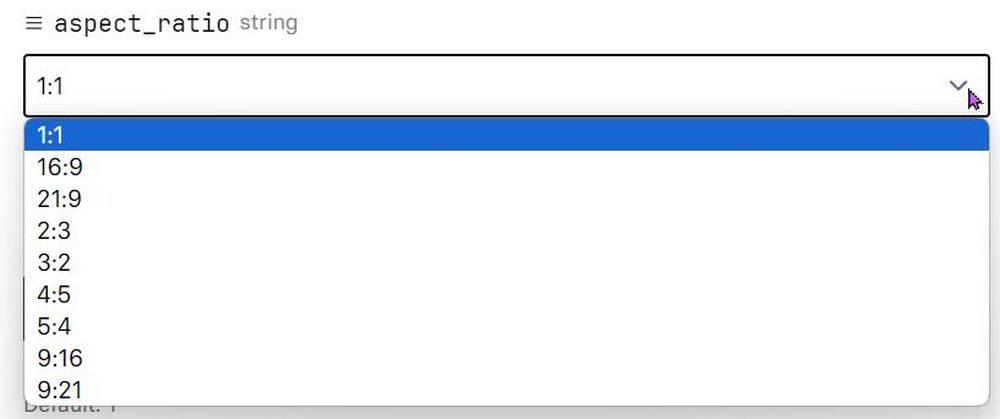
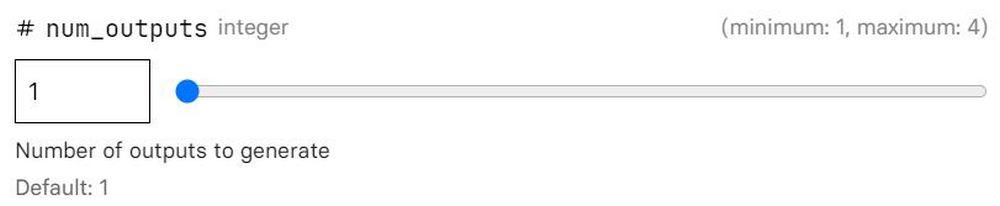
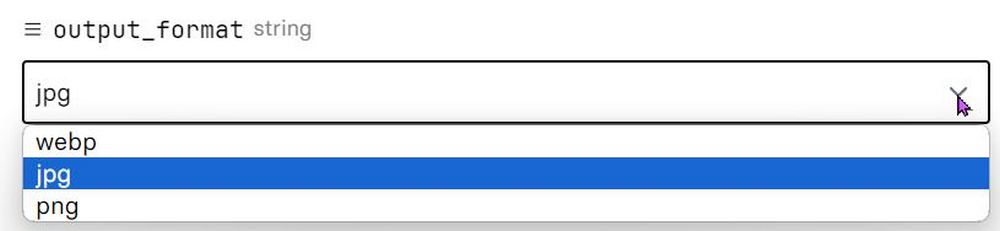
Once you go to the FLUX.1 [schnell] page, you can start using FLUX.1. You can enter a prompt in the text box to have FLUX.1 generate an image. After entering your prompt, you can adjust options such as image aspect ratio, number of images to generate, and image format. It’s recommended that first-time users just enter a prompt and let FLUX.1 generate an image directly, then see how the results look before making adjustments. (If you don’t know what prompt to use, you can refer to 5 Websites That Collect a Large Number of PromptsIntroduction.

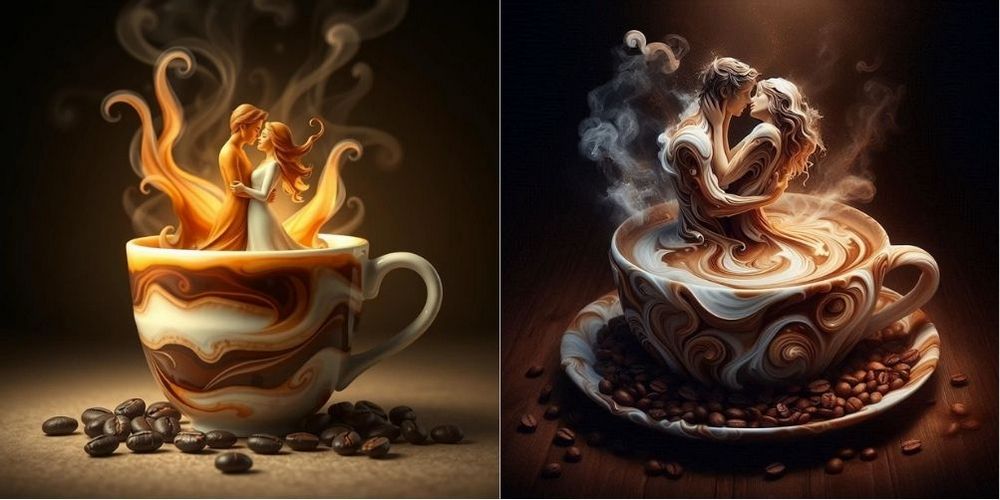
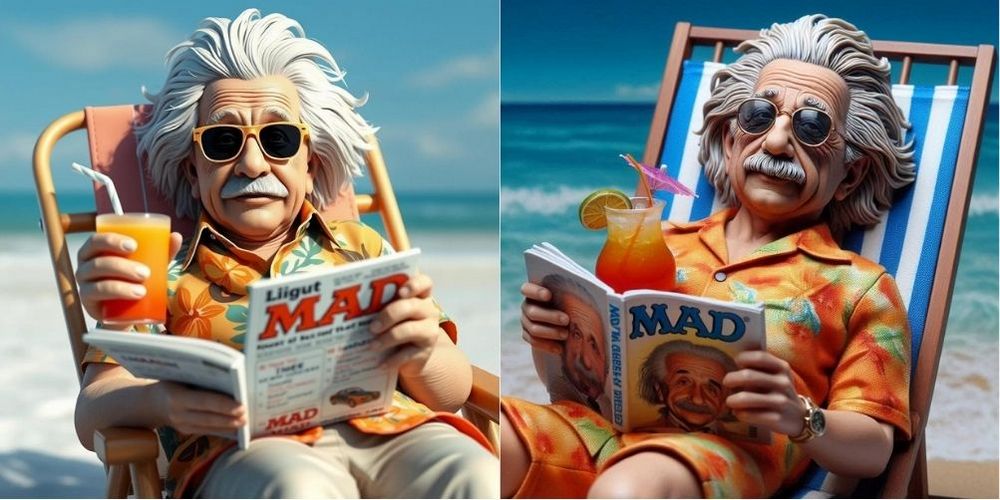
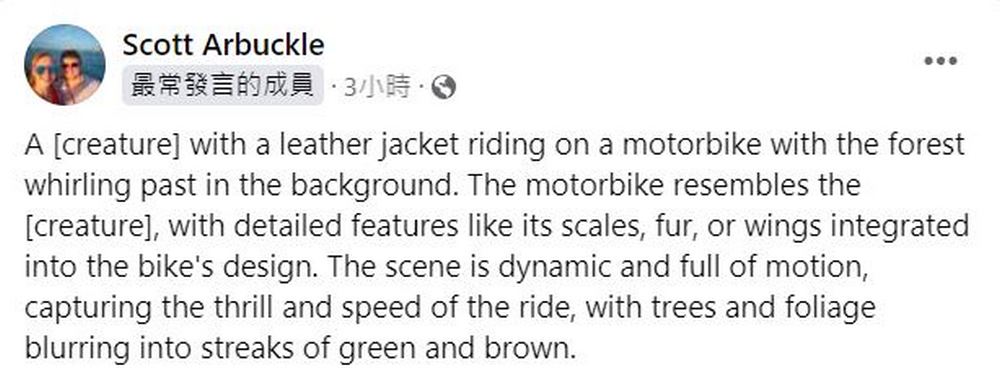
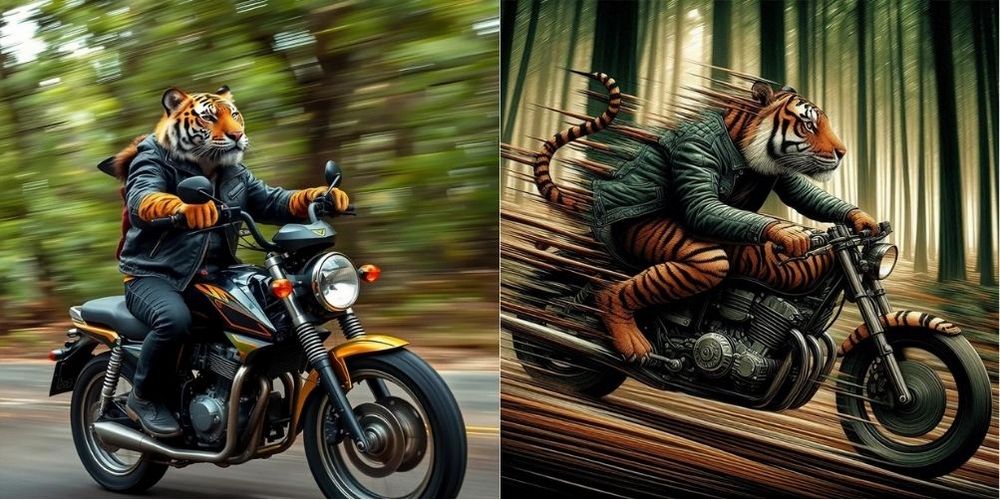
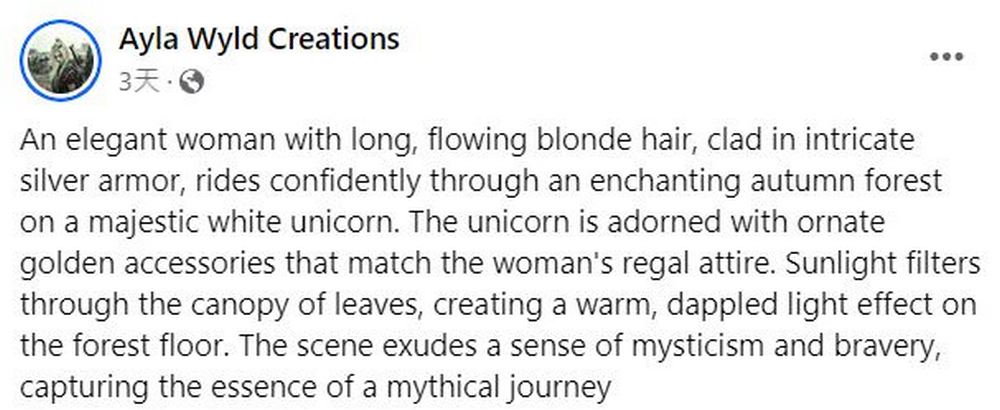
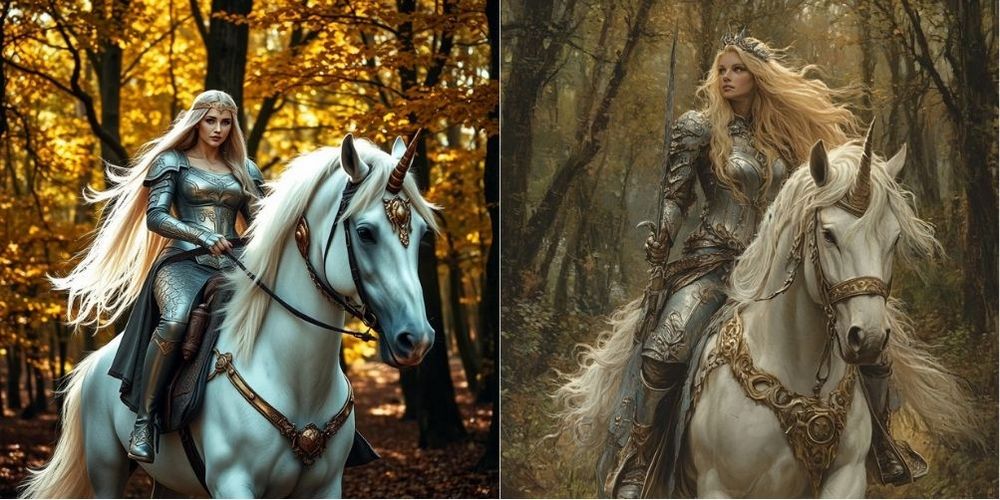
Here, the editor uses Facebook. DALL-E 3 prompt tricks A public group’s prompt. Let’s see how FLUX.1 and DALL-E 3 perform with the same prompt. (Left is FLUX.1, right is DALL-E 3)
Prompt: “A hyper-realistic, magical artwork depicting a romantic scene of a couple emerging from a cup of coffee. The couple, made of swirling coffee and cream, embraces tenderly, their forms elegantly interwoven with steam and liquid patterns. The scene is illuminated by a soft, warm light, highlighting the textures and colors of the coffee and cream. Coffee beans are scattered around the base of the cup, adding to the rich, aromatic atmosphere. The background is dark and moody, enhancing the ethereal glow around the couple, creating an intimate, fairy-tale ambiance.”
Create a photorealistic hyperdetailed three-dimensional poly resin sculpture of Albert Einstein lying in a beach chair. He is wearing a Hawaiian shirt, sunglasses, and sipping a tropical drink. He is reading a copy of Mad Magazine.
A [creature] with a leather jacket riding on a motorbike with the forest whirling past in the background. The motorbike resembles the [creature], with detailed features like its scales, fur, or wings integrated into the bike’s design. The scene is dynamic and full of motion, capturing the thrill and speed of the ride, with trees and foliage blurring into streaks of green and brown.
An elegant woman with long, flowing blonde hair, clad in intricate silver armor, rides confidently through an enchanting autumn forest on a majestic white unicorn. The unicorn is adorned with ornate golden accessories that match the woman’s regal attire. Sunlight filters through the canopy of leaves, creating a warm, dappled light effect on the forest floor. The scene exudes a sense of mysticism and bravery, capturing the essence of a mythical journey
咒語「Art Nouveau illustration of a [CHARACTER] walking with a [ANIMAL] in a [FLOWER] field under a blue sky, vivid colors, [COLOR] and [COLOR] color palette, wearing a [COLOR] robe, detailed floral patterns, ethereal, dreamy atmosphere, highly detailed, by Alphonse Mucha, acrylic painting.」
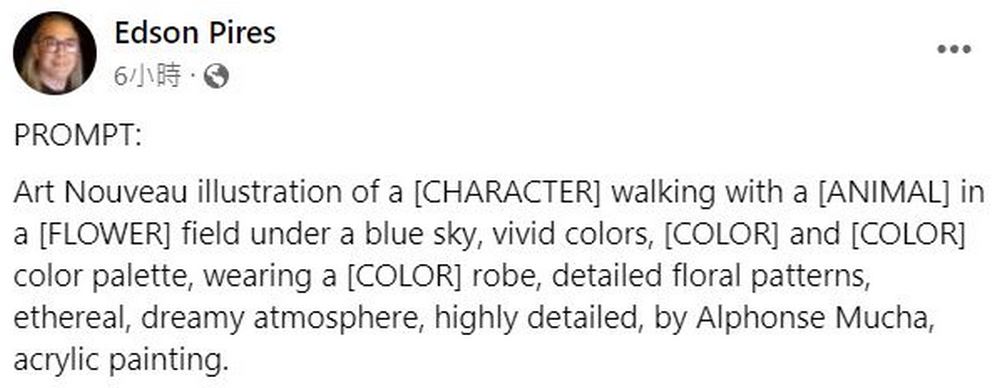
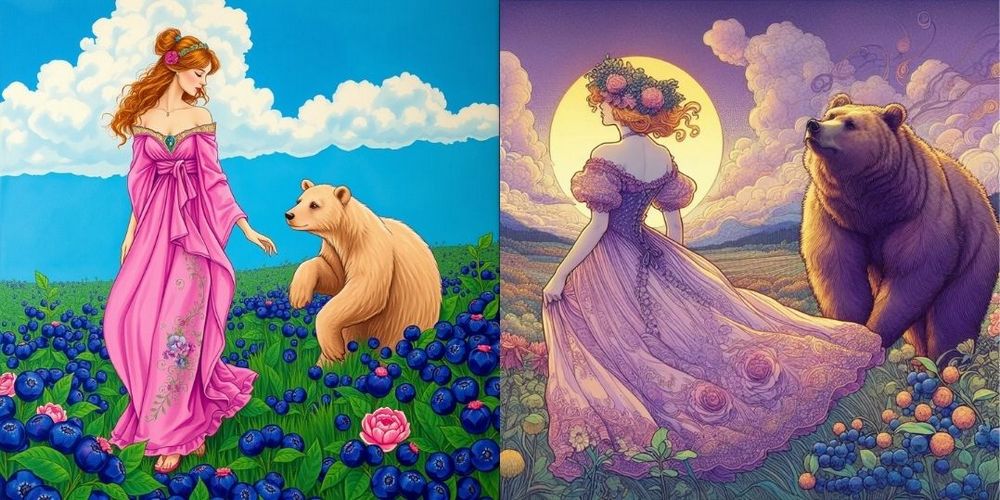
Besides the images generated by the editor, you can also check out the images created by the pros on X.
Holy shit. Without a doubt the most realistic AI images I’ve ever seen.
We are 99.7% of the way to completely indistinguishable-from-reality AI imagery.
(You can still see a few flaws when zooming in)
This is made with FLUX. Uncanny Valley. pic.twitter.com/5BIRmZey8B
— Roberto Nickson (@rpnickson) August 8, 2024
These are AI photos made with FLUX.1 pro
“boring snapchat photo circa 2015” pic.twitter.com/fqIX5CwZ2o
— Pietro Schirano (@skirano) August 2, 2024
More tests with FLUX.1
It does an excellent job of creating hyperrealistic images. pic.twitter.com/VdTorsJ2Ah
— Halim Alrasihi (@HalimAlrasihi) August 3, 2024
I wonder how everyone feels after seeing the performance of FLUX.1 and DALL-E 3 under the same prompt, and the images generated by experts using FLUX.1? Actually, FLUX.1, like other AI text-to-image generators, has problems with rendering hands, for example, generating…Albert EinsteinIn that image, FLUX.1 generated an extra hand holding juice. However, compared to other text-to-image tools, FLUX.1’s results are quite impressive. If you’re interested, click the link below to try FLUX.1’s text-to-image feature.
Go to FLUX.1 [schnell]
Source: KOCPC Chinese