


Google Labs has launched a new feature, “GenType,” that can customize the English alphabet. Simply enter a simple spell, and GenType will generate 26 English letters related to the spell.
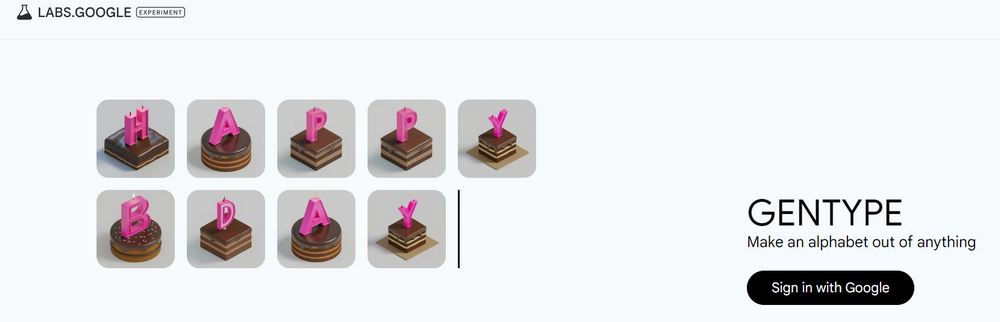
Google Labs unveils new tool “GenType”, letting you generate a custom English alphabet with simple spells.
Google uses its own Imagen 2 model and simple prompts to build a tool called “GenType” that lets everyone create their own custom alphabet.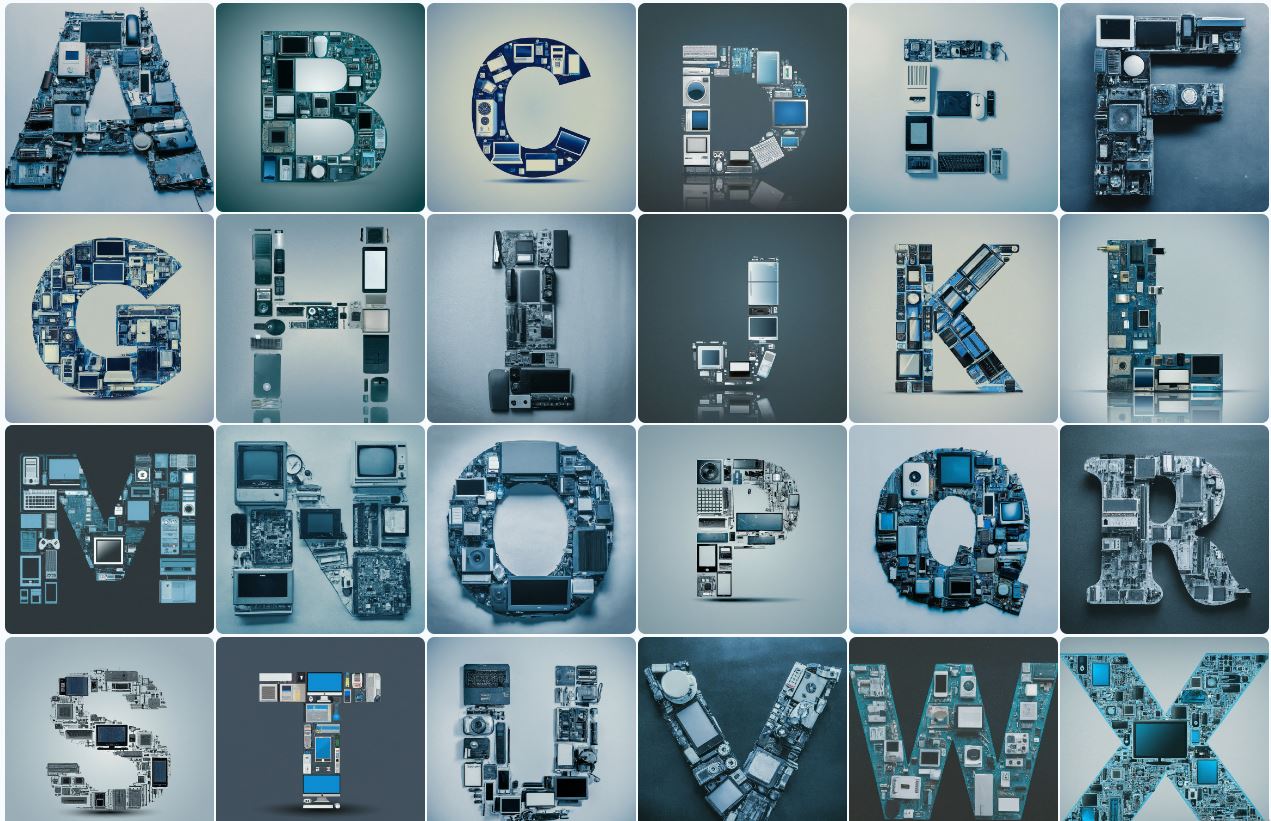
Go experience GenType
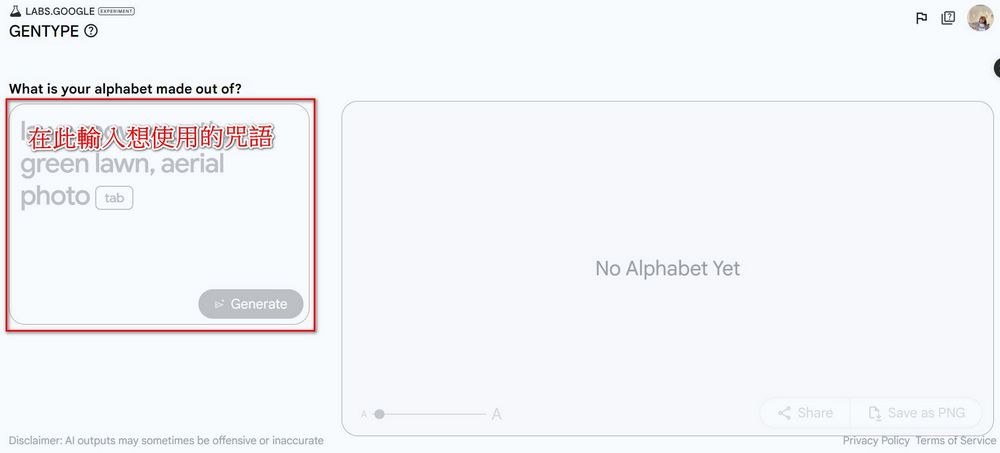
After going to the GenType website, you first need to log in with your Google account. Once logged in, you can enter a prompt and use AI to generate your own alphabet. In the “What is your alphabet made out of?” box, fill in the prompt you want to use. The prompt doesn’t need to be very professional; as long as it mentions the elements, style, or shapes you want to appear on the letters, that’s enough.
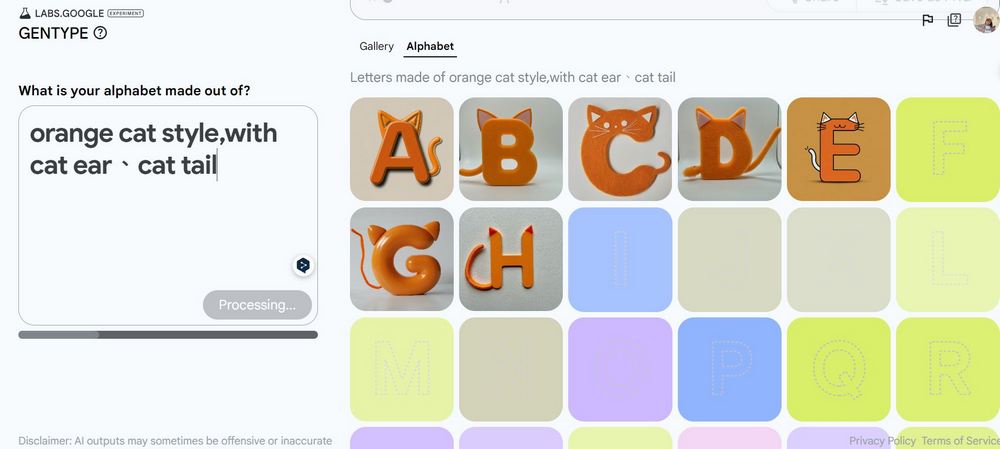
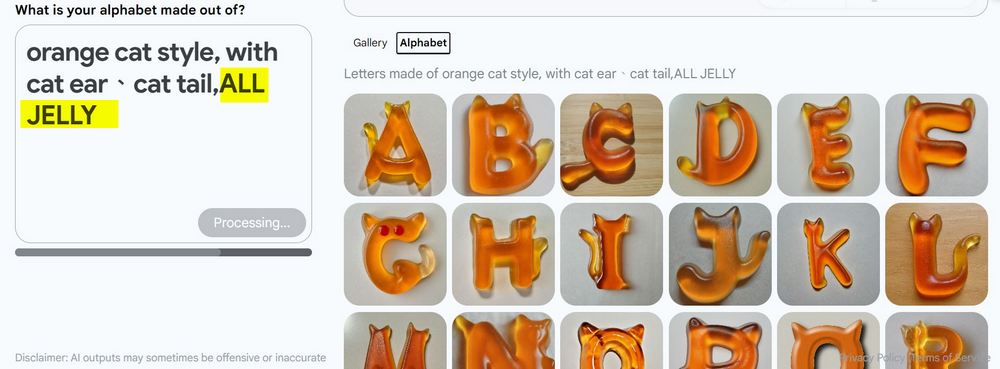
For example, using “orange cat style, with cat ear、cat tail”, GenType will generate the 26 English alphabet letters in orange, with cat ears and tails.
If you feel the generated letters have inconsistent styles, you can also add the “ALL XXX” incantation to make the 26 English letters more uniform in style. For example, I added “ALL JELLY,” and the generated English letters all look jelly-like, so the style becomes consistent.
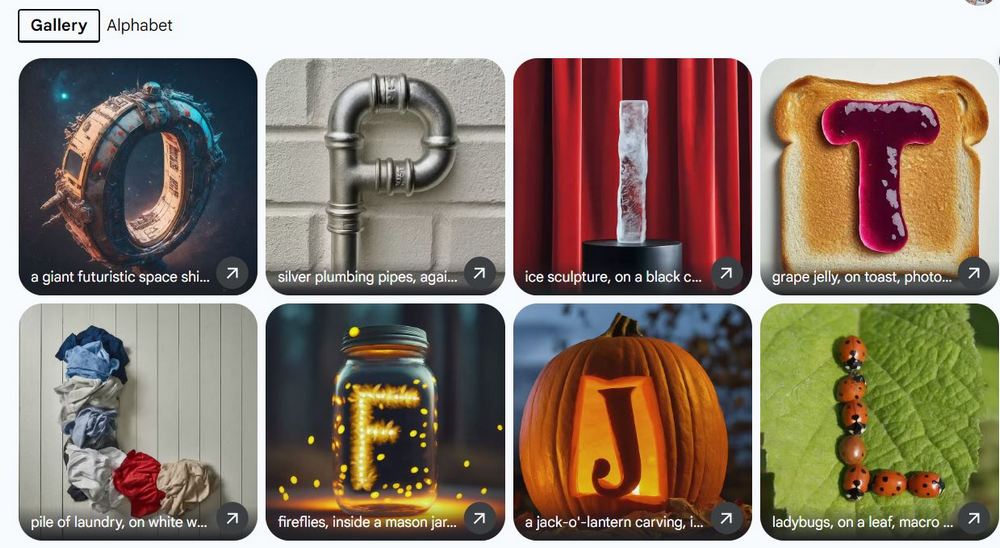
If you don’t have any ideas in mind, GenType also offers many styles you can use:
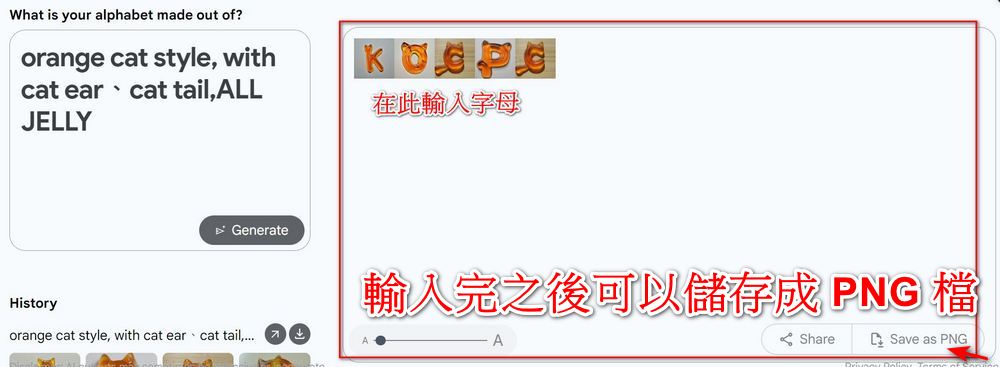
Once the font is generated, you can start typing. Begin entering the content you want to display in the Type here… field, and once you’re done, you can download it as a PNG file or share it.
Of course, you can also save the fonts you generate on your computer, and the text will be saved as a compressed file. I’d recommend saving your fonts once you’re happy with them—otherwise, if the page refreshes, the fonts you created will disappear!
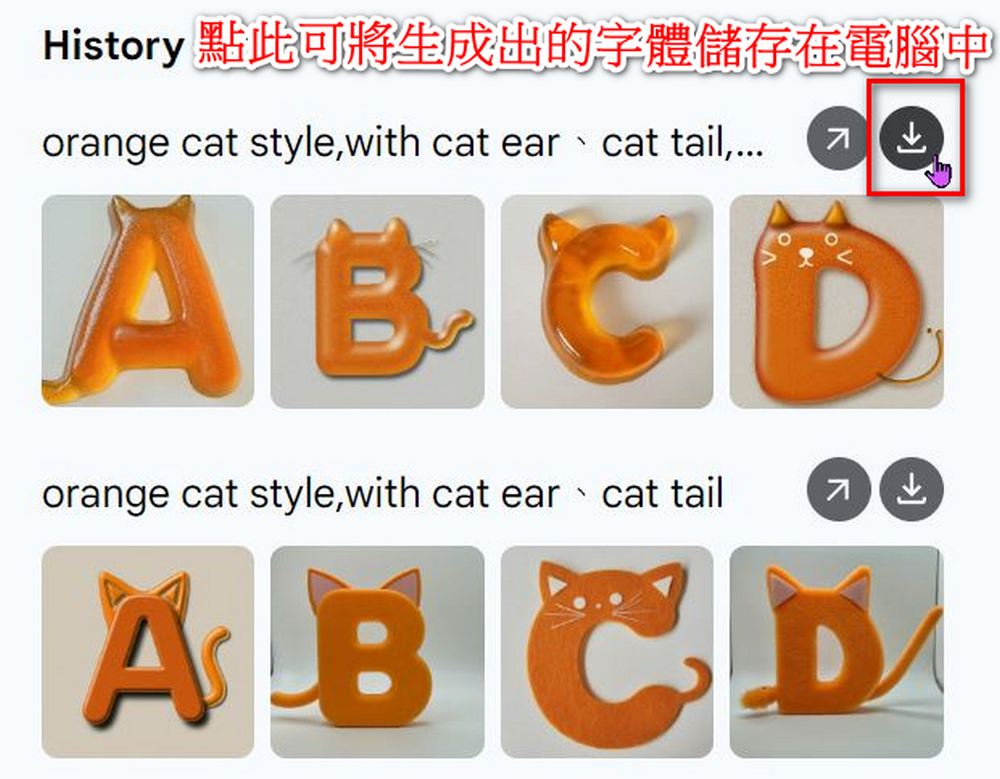
Here are some examples for your reference. If you’re interested, feel free to visit.GenType Official WebsiteLearn more—everyone can freely create an English alphabet that suits their own style, and the results are actually quite adorable.

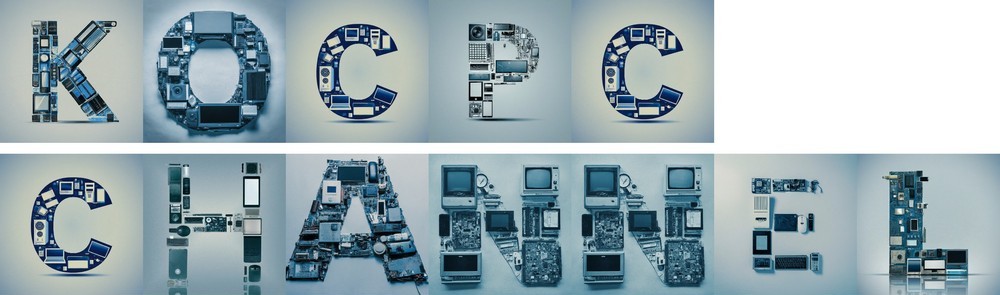



Source: KOCPC Chinese