


Use krea.ai, an AI image generation website, to create logo illusions or generate images from uploaded photos.

krea.ai: A free all-in-one AI art website that lets you hand-draw or upload images to generate new ones.
AI image generation website “krea.ai”‘s “Create Logo Illusion” or “Image to ImageThis feature is truly an eye-opener. Today, let me introduce how to use these two features.
Create Logo Illusion
krea.ai has many useful features, and one of them is creating Logo Illusions. This feature can transform the logo you want to use into optical illusion images or convert it into animated videos. First, go to krea.ai’sHomepageFind the “Logo Illusions” feature, click on it, and then select the logo you want to create a visual illusion for in the “Change Logo” field.
krea.ai itself offers logos from Apple, X, Instagram, Nike, Adobe and more for you to use. If none of them interest you, you can click “Upload my own” to add your own desired logo.
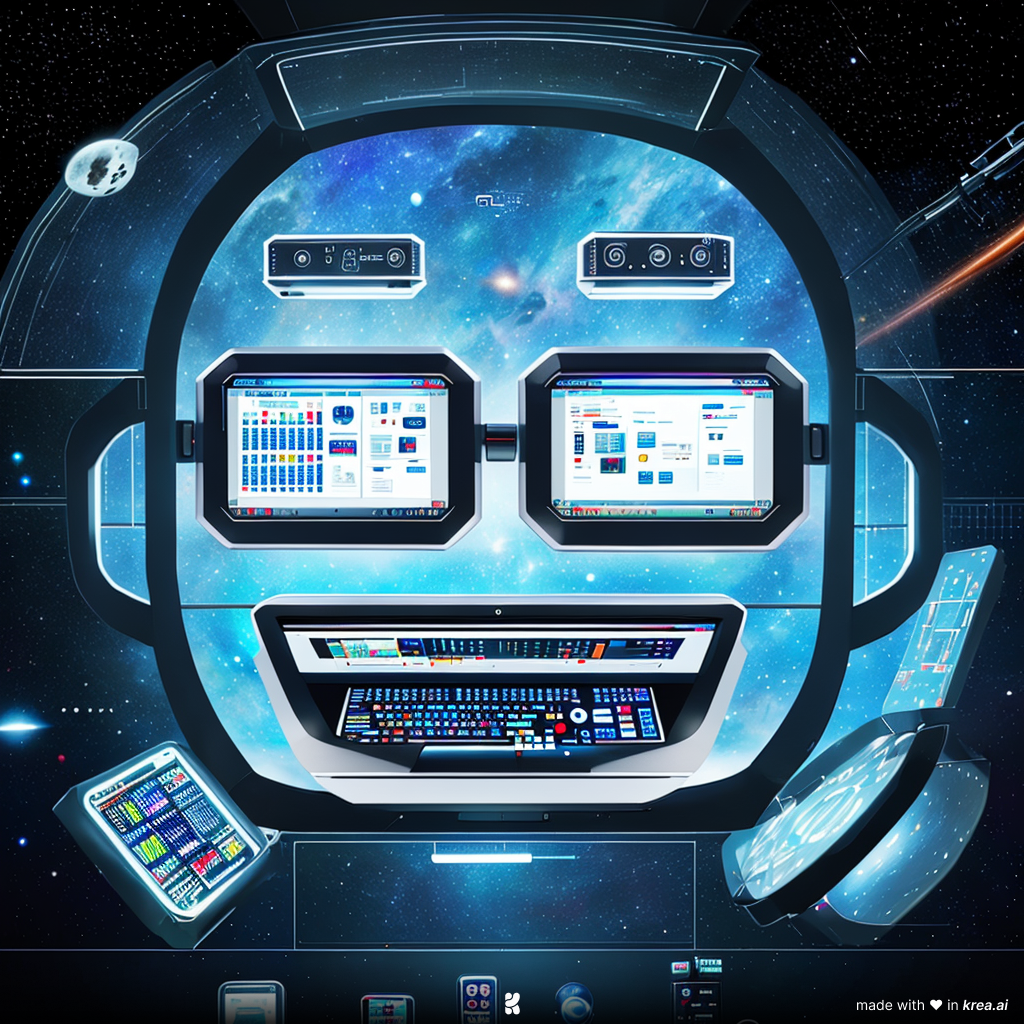
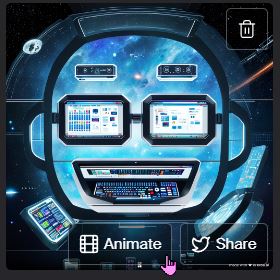
Here’s a demo using the Kadax Tech Report logo. After clicking “Upload my own” and adding the Kadax Tech Report logo, enter the prompt you want to display in the text box. Since we’re a 3C tech website, I wrote “A space filled with electronic products” as the prompt. After clicking “Generate illusion,” krea.ai will start generating the image.
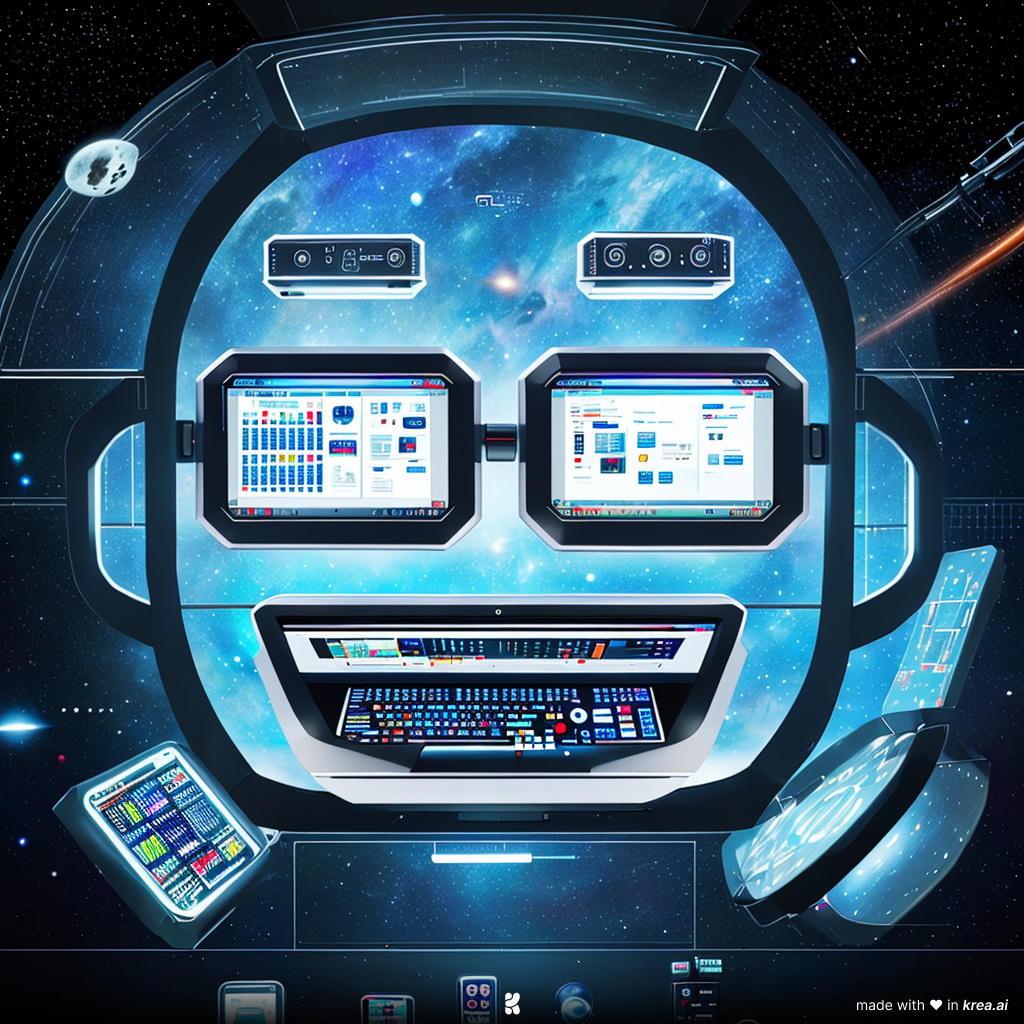

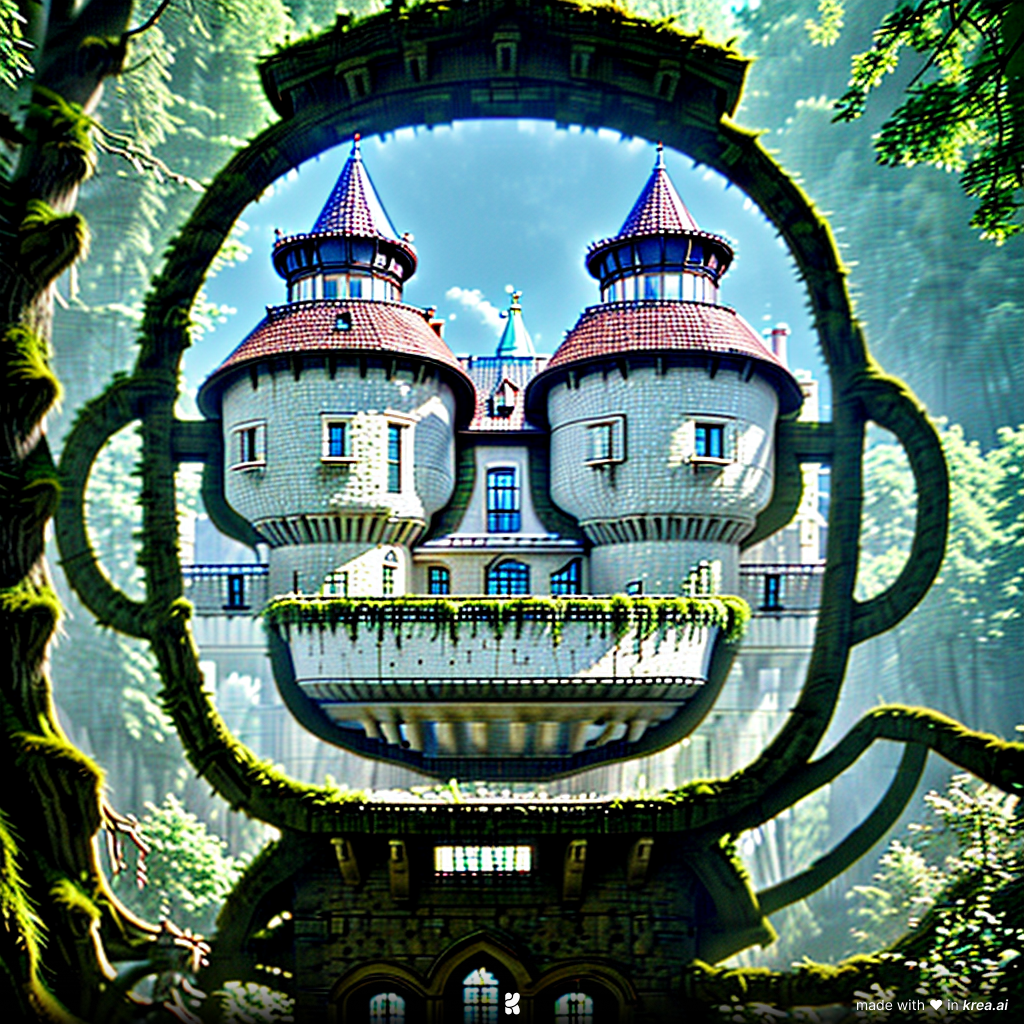
If you’re satisfied with the generated images, you can also click “Animate” to bring them to life.
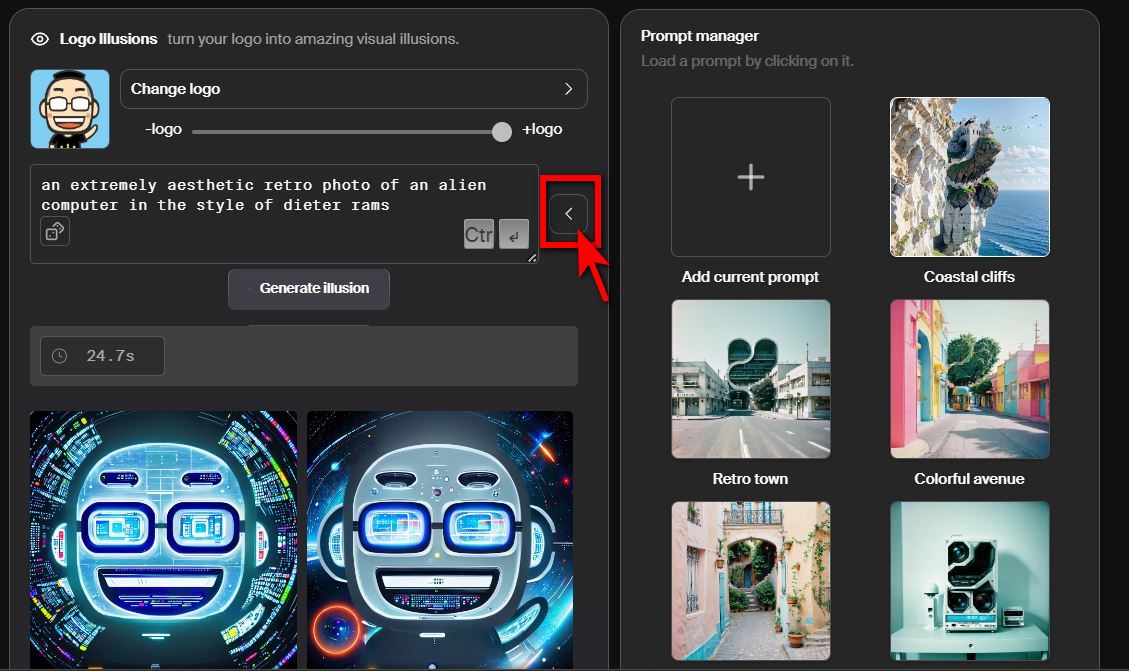
If you don’t have any ideas for prompts, Krea.ai also offers different styles of prompts for you to choose from. Click the arrow next to the prompt box to select prompts designed by Krea.ai.
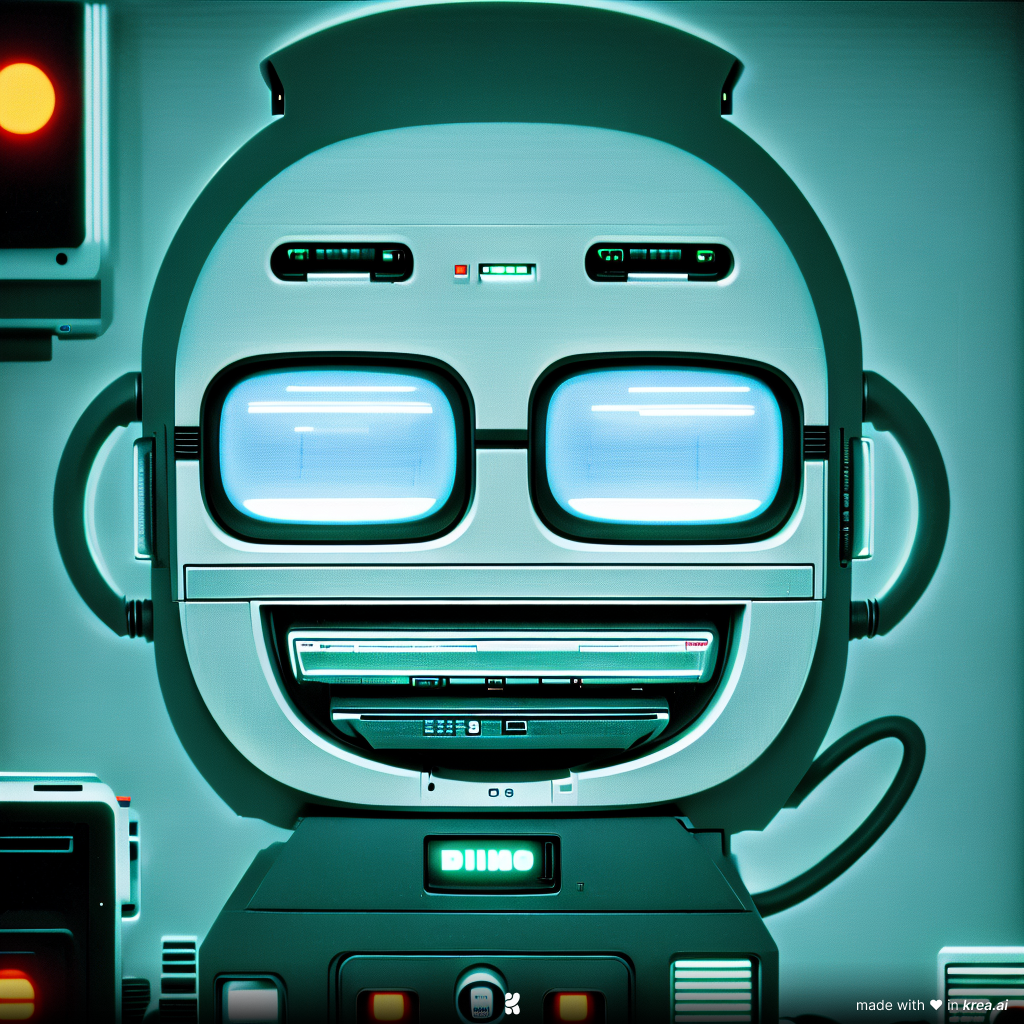
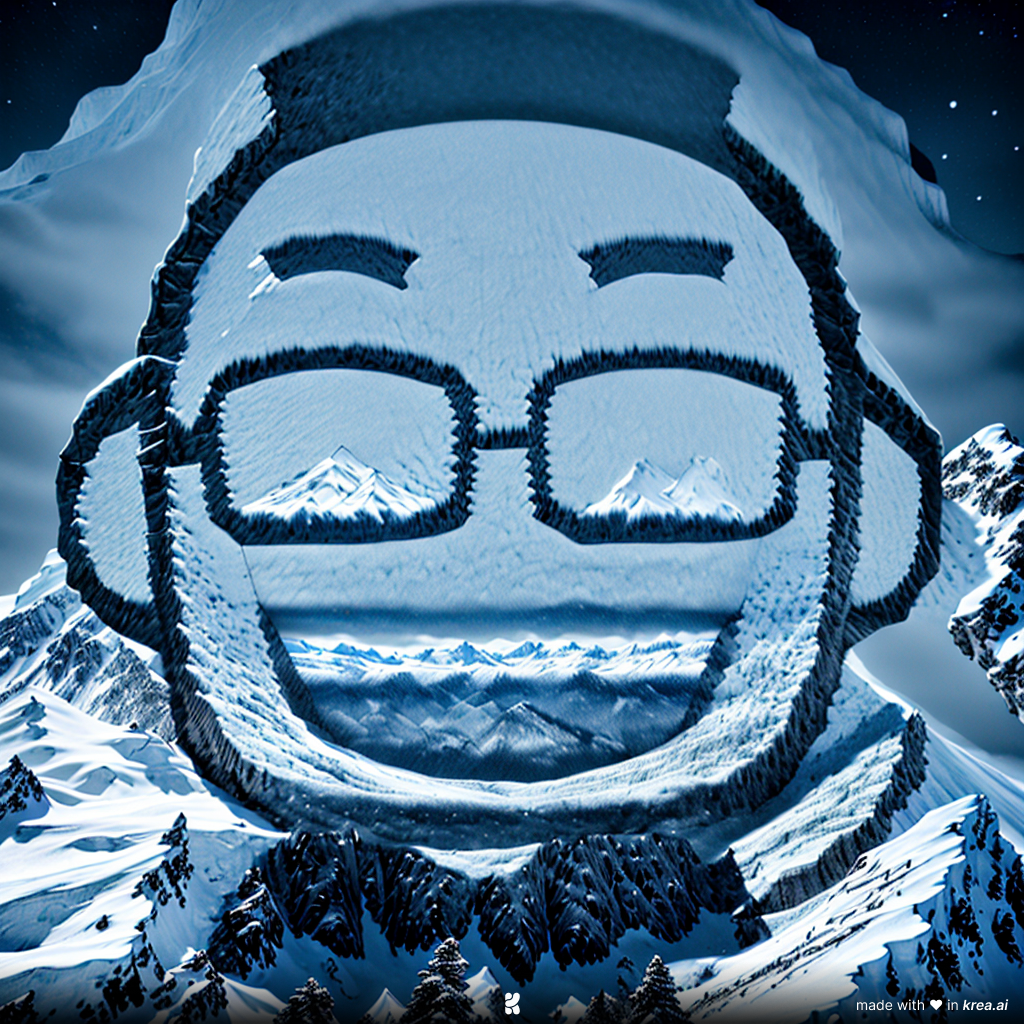
When writing prompts, you can also adjust the logo intensity you want to display. The same prompt will produce different results at varying intensity levels.

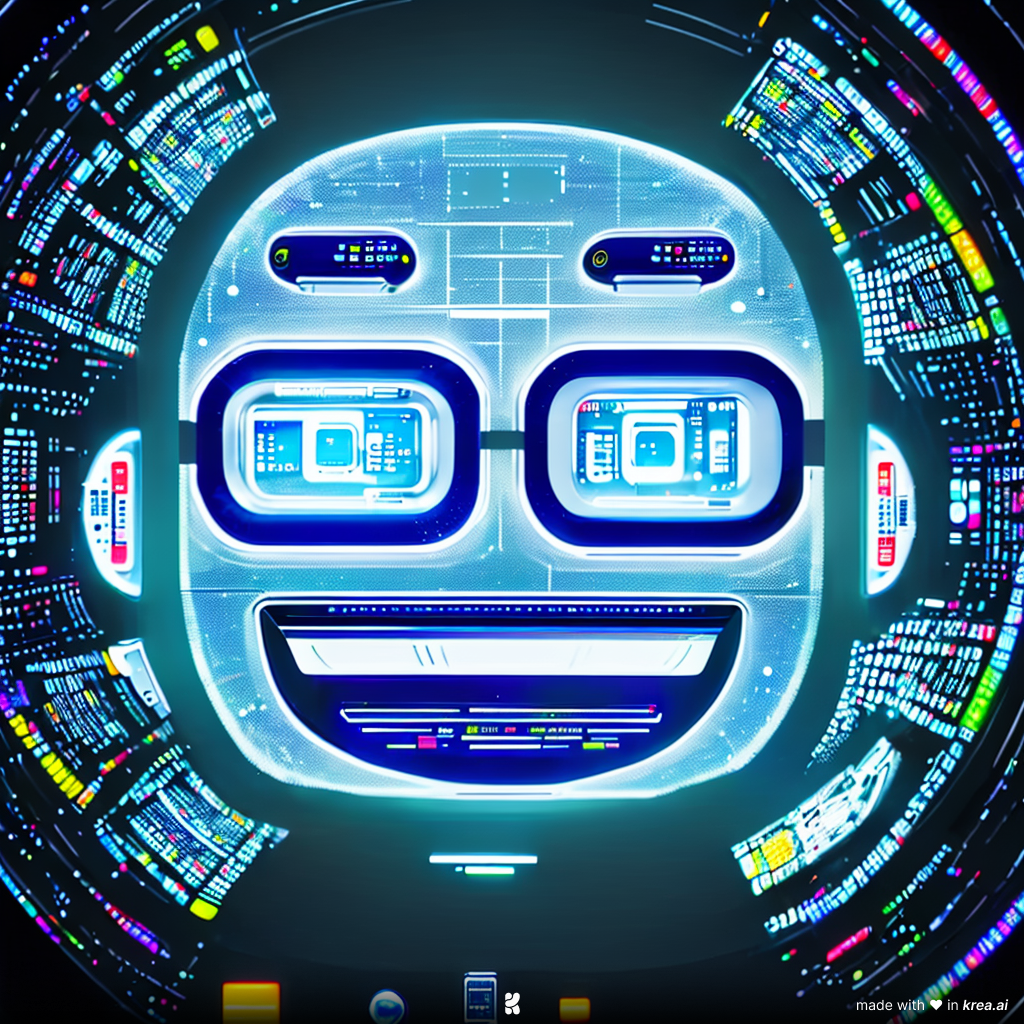
Image to Image
We have covered krea.ai’s text-to-image feature. Now let’s introduce krea.ai’s image-to-image feature. The image-to-image feature has two methods: you can generate images with “drawings or shapes + text,” or use “image + text” to generate images.
Drawings or shapes + text
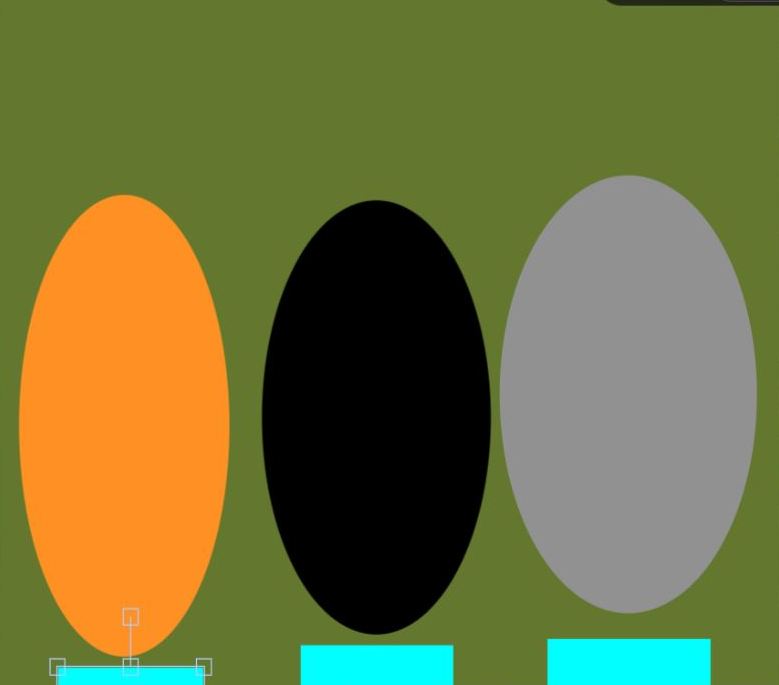
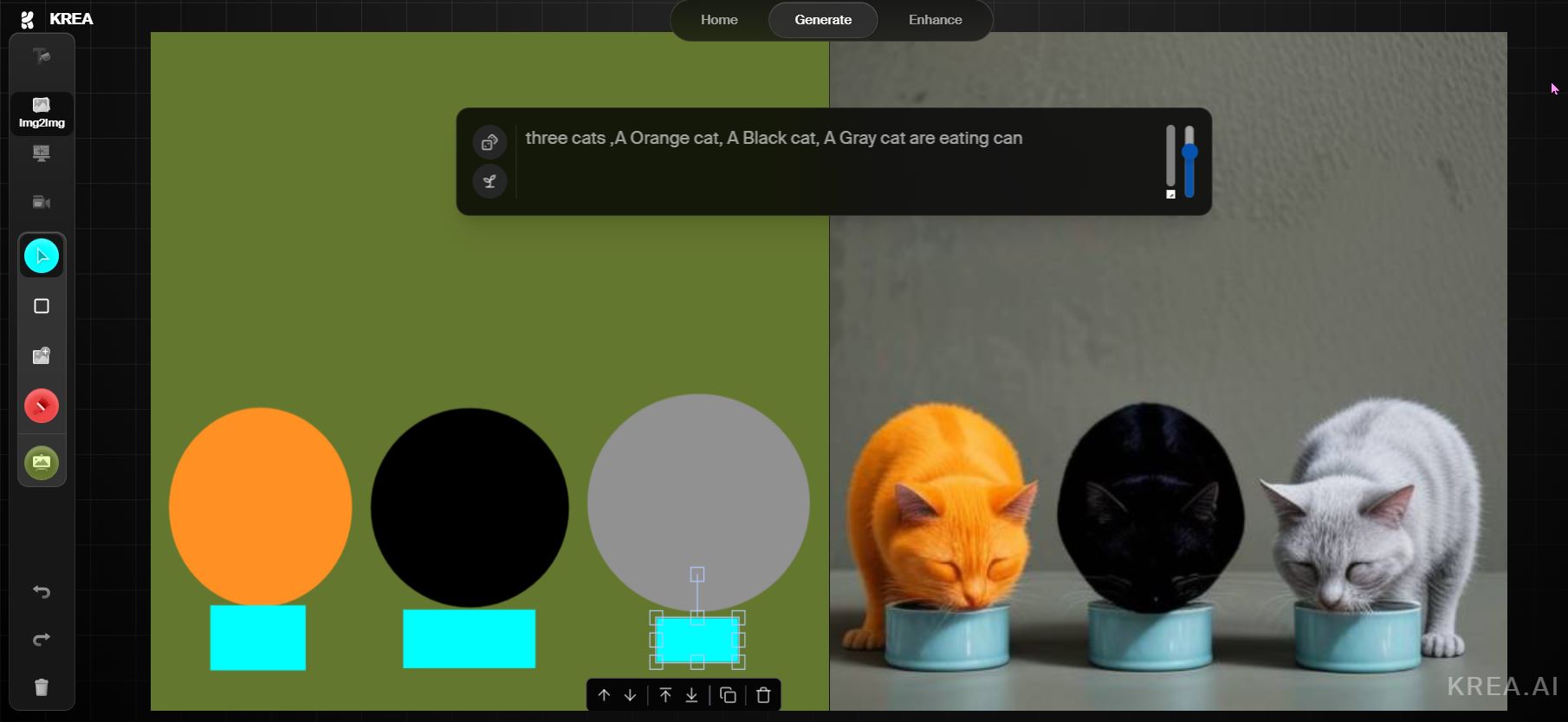
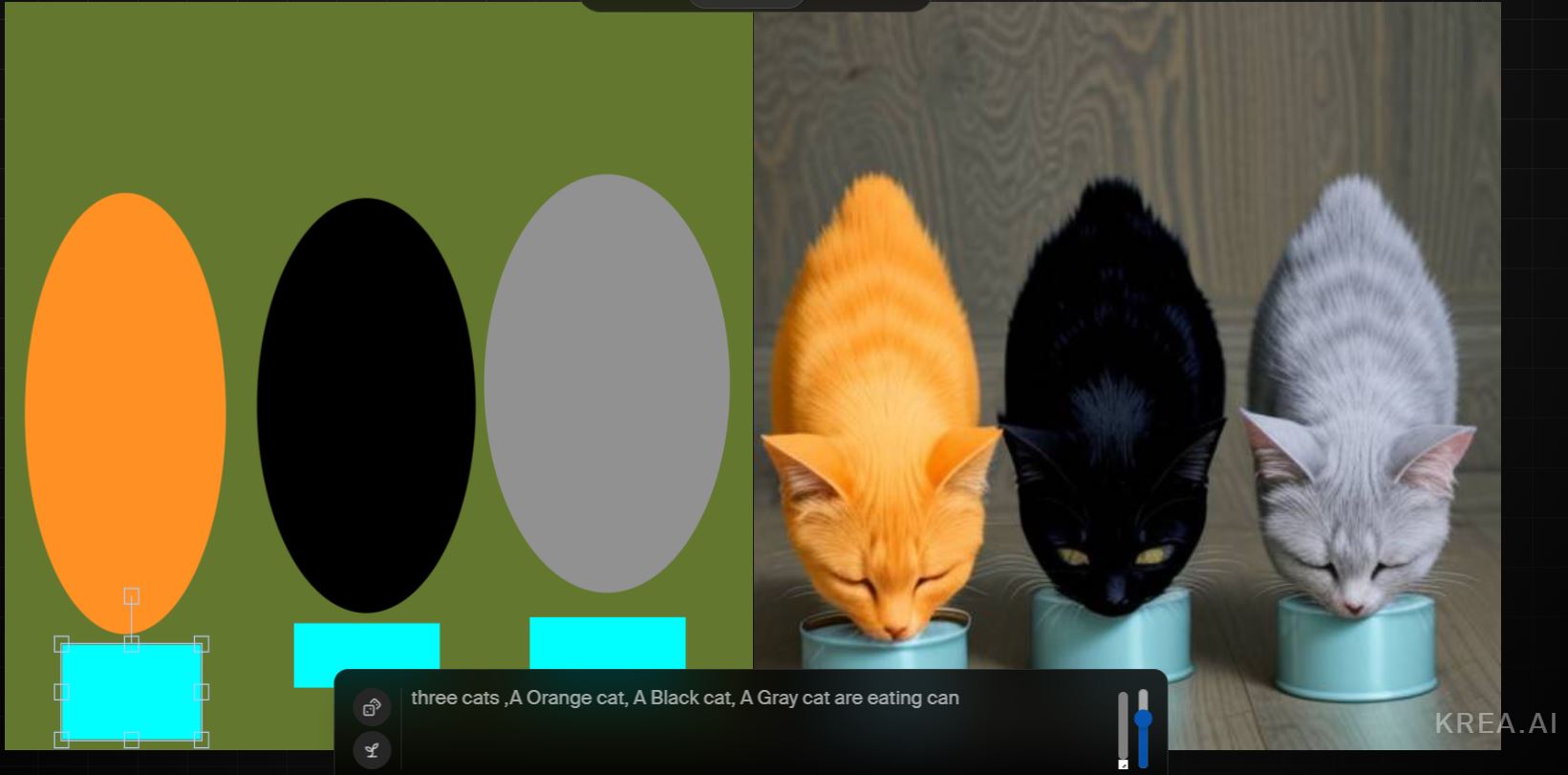
Select the “Img2Img” mode, draw an orange circle, a black circle, and a gray circle, then draw three squares along with the prompt “three cats, A Orange cat, A Black cat, A Gray cat are eating can.” krea.ai will generate three cats based on the positions of the three circles, and the positions of the three squares become the food bowls for the three cats. You can also stretch the shapes, like stretching a circle into an ellipse, which will change the cats’ body shapes accordingly.
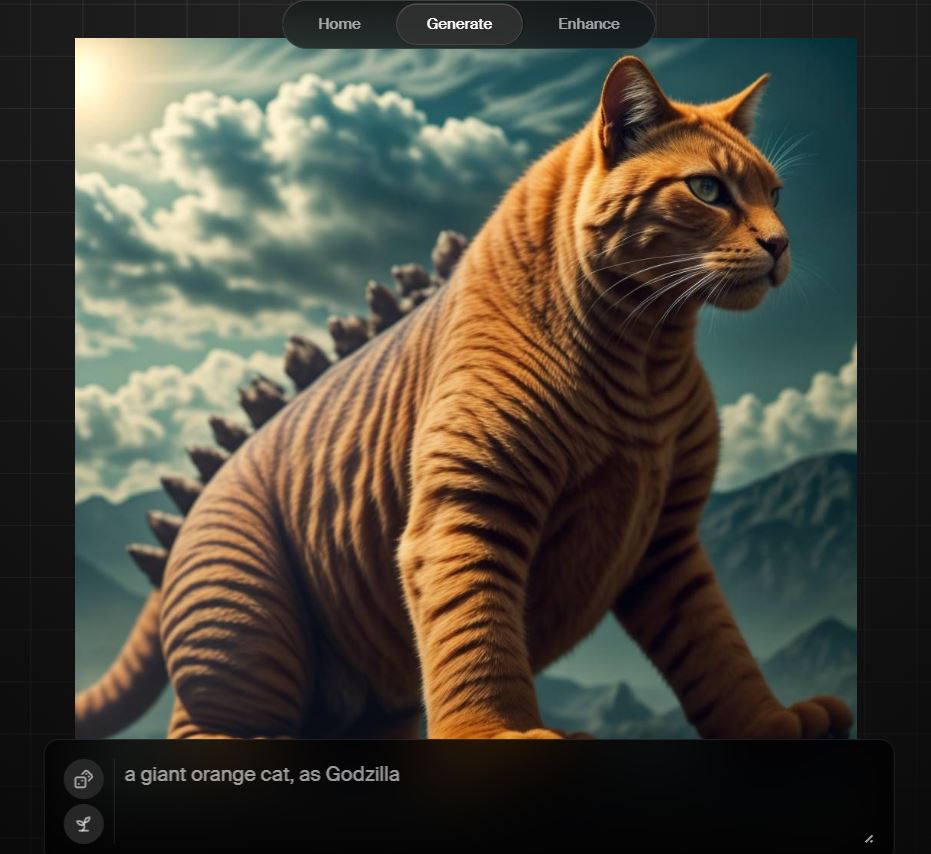
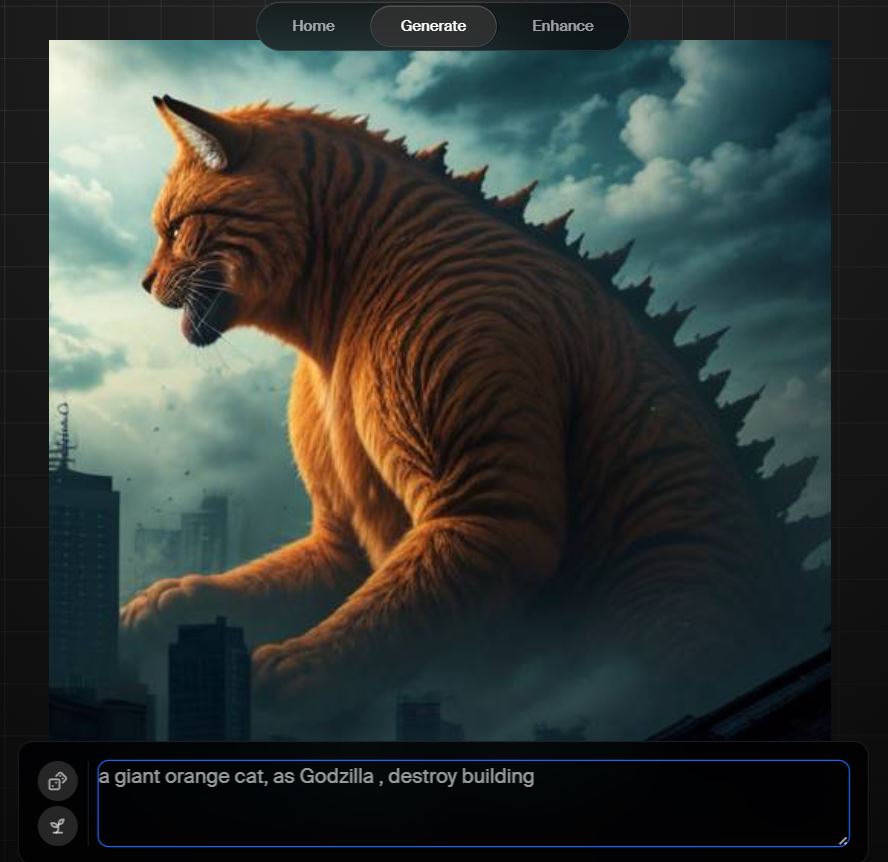
Draw a rectangle and pair it with “a giant orange cat, as Godzilla,” and krea.ai will freely interpret based on the shape and text you give, producing a poster-like result this time.
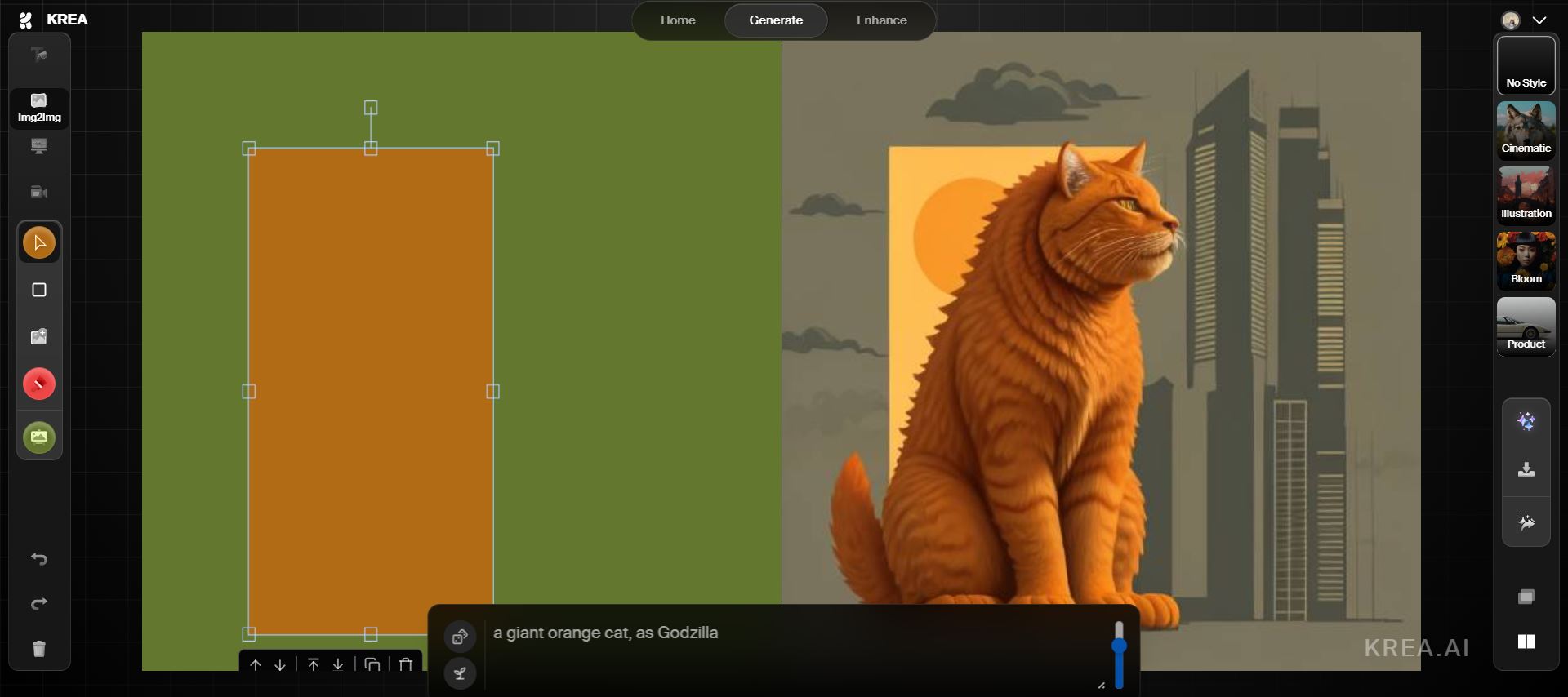
Image + Text
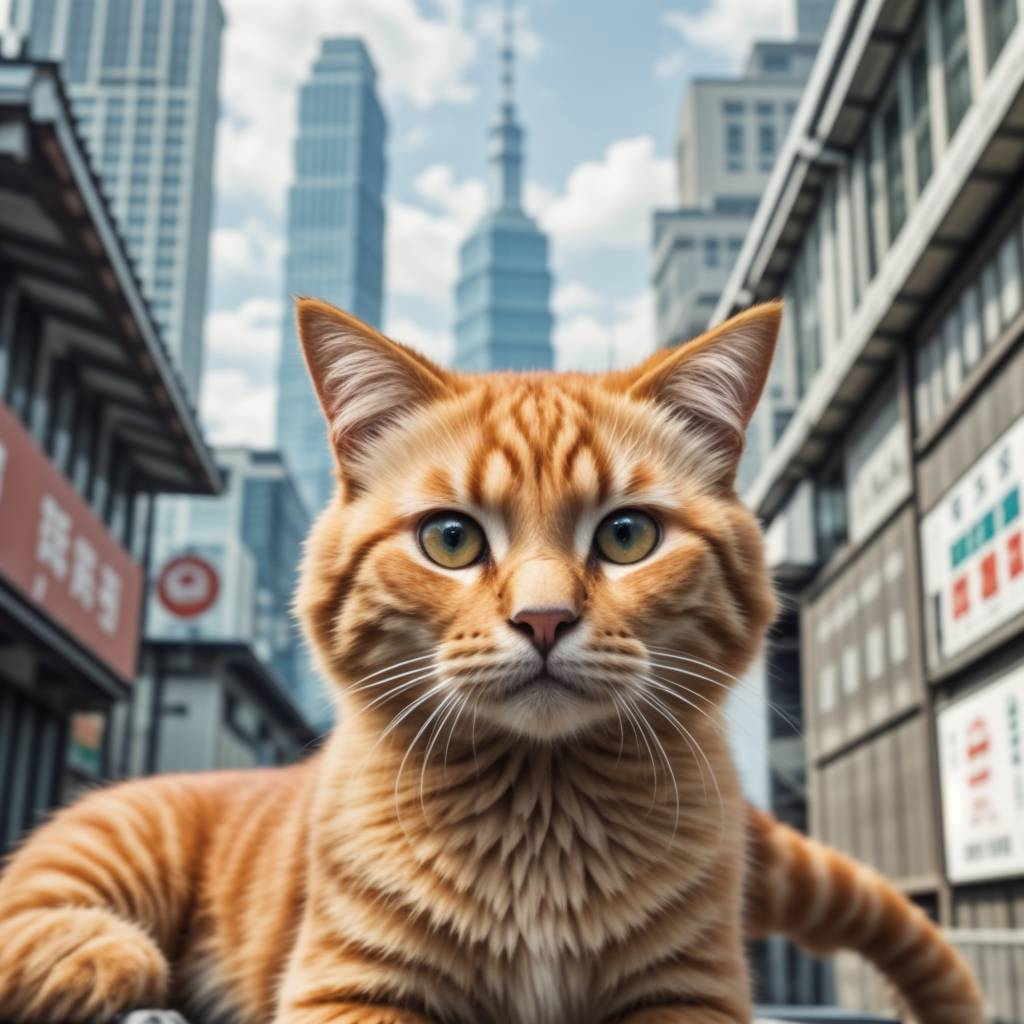
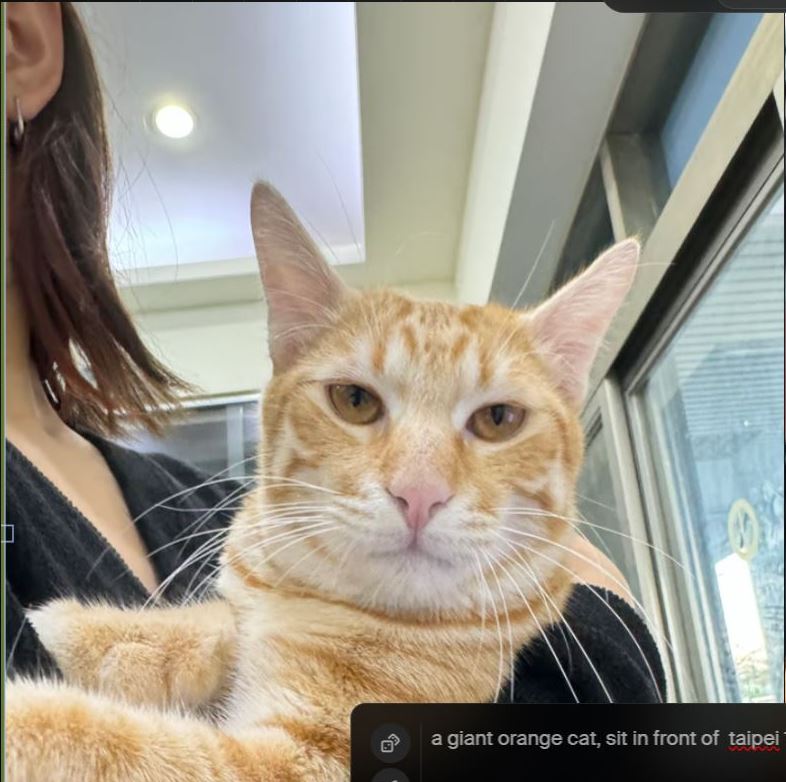
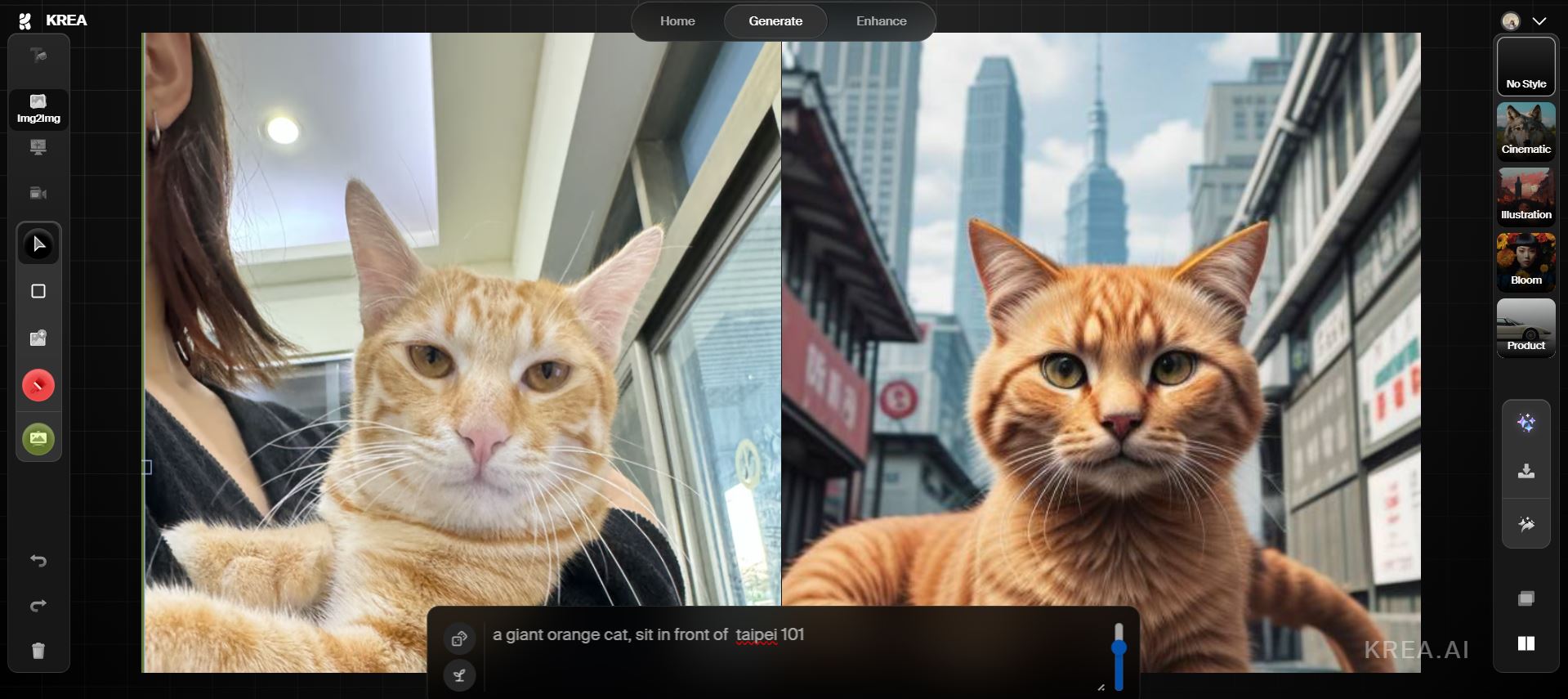
The Img2Img mode also lets you use an image combined with text. Here’s a demo using a little orange cat. Upload a photo of the little orange cat along with the prompt “a giant orange cat, sit in front of taipei 101,” and it will generate an image of the orange cat sitting in front of Taipei 101. The cat’s position in the generated image will be roughly the same as where you placed it in your original photo.
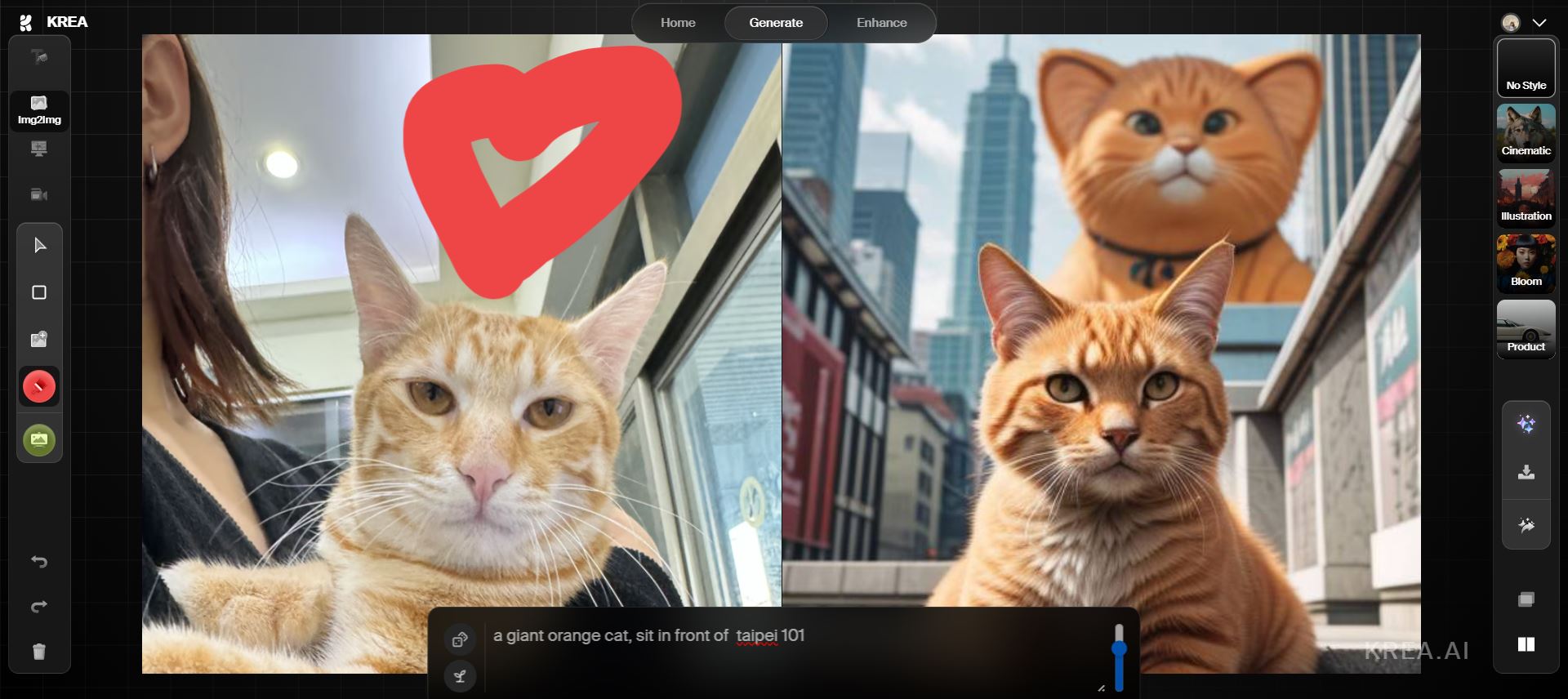
Based on this image, if you draw on it, krea.ai will improvise and add its own creative touches—like having another orange cat pop up in the background or something like that.
If you’re interested in krea.ai, click here to visit krea.ai’s website and generate images.
In addition to using krea.ai to generate logo mockups and images, you can also use krea.ai to create seamless images. For more information, click… here !
Finally, here are two cute Godzilla orange tabby images generated by our editor
Source: KOCPC Chinese