


Intermittent fasting has become more and more popular recently, and more and more people want to try it. Although the whole concept is very simple, it depends on how many hours you eat and fast, but it would be better if there is an app that can help record it. Seeing the continuous implementation will not only increase your confidence, but also supervise you in a timely manner, and this “Intermittent Fasting – Zero Calorie Fasting Tracking” free app It is highly recommended. The interface is simple to operate, and there are also some tips on your physical condition after fasting and what you should pay attention to. What’s even better is that it even has a water drinking record function, so it can meet all your fasting record needs. Available in iOS and Android versions.
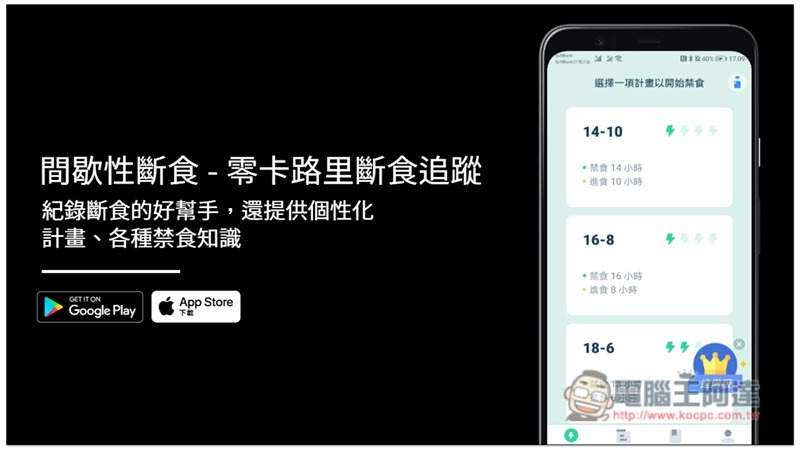
Intermittent Fasting – Zero Calorie Fasting Tracking App Introduction
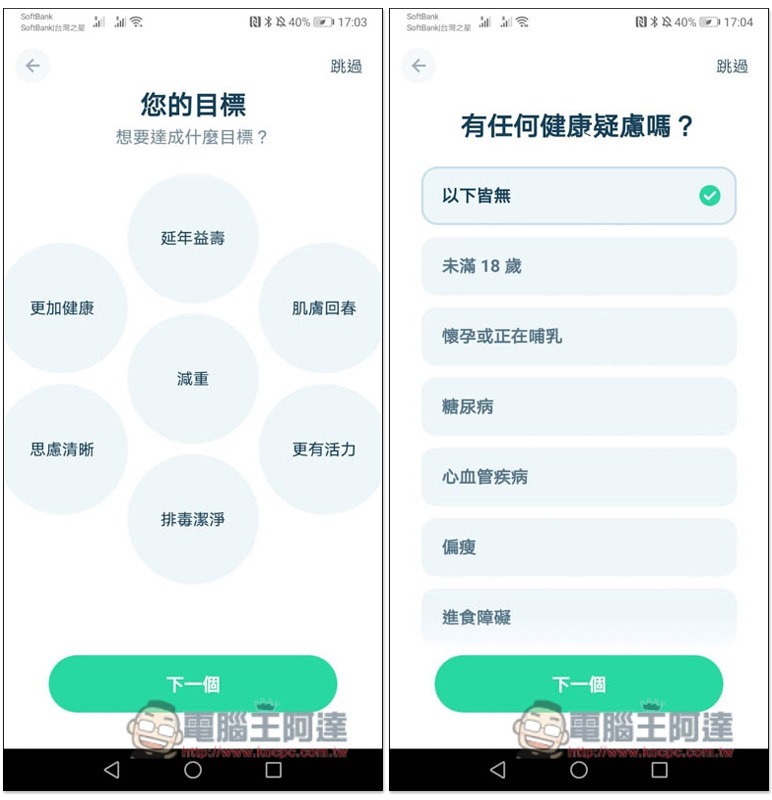
When you open the “Intermittent Fasting – Zero Calorie Fasting Tracking” app for the first time, you need to set some goals and physical conditions, such as what is your fasting goal (weight loss, more energy, healthier, etc.), and whether you have any health concerns:
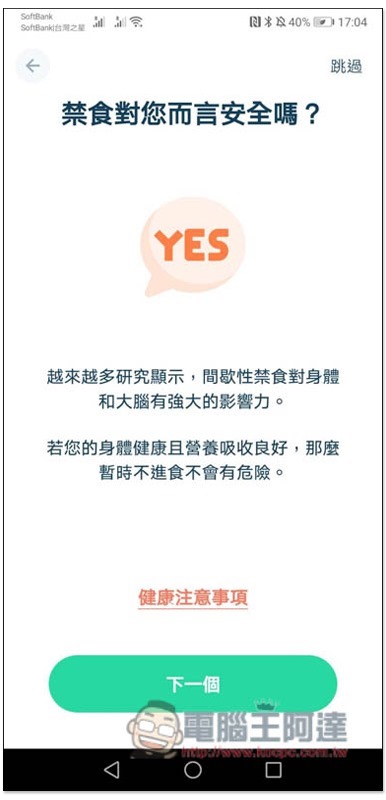
We will also promptly remind you of some precautions and explain the safety of fasting:
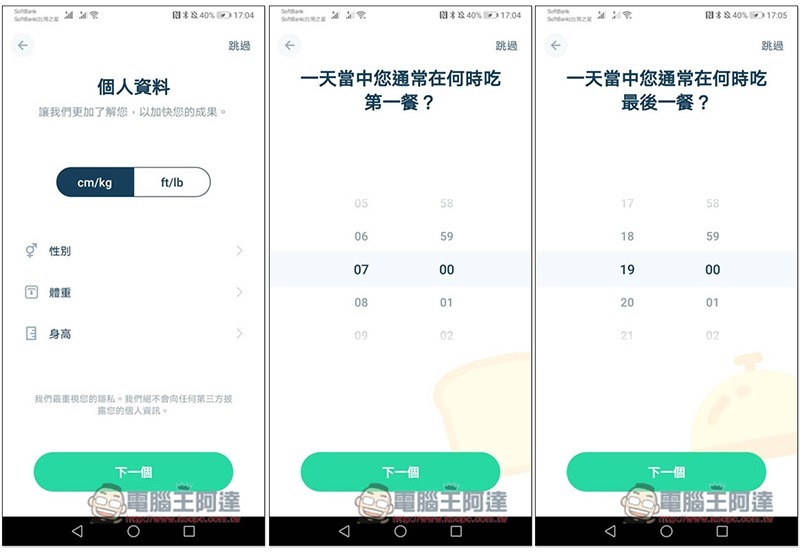
Then set your personal information and when you usually eat your first and last meal every day:
Target weight also needs to:
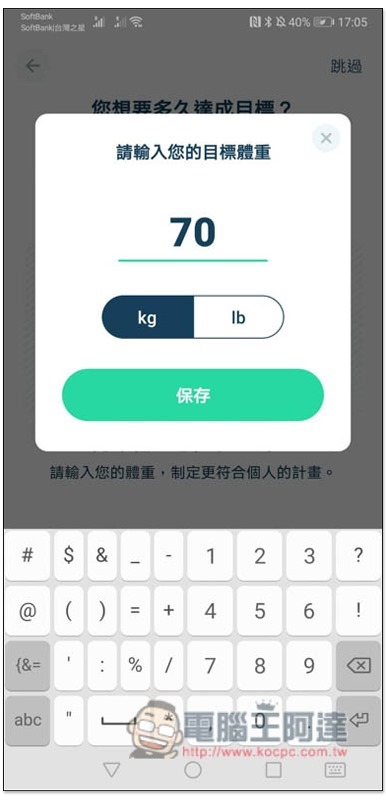
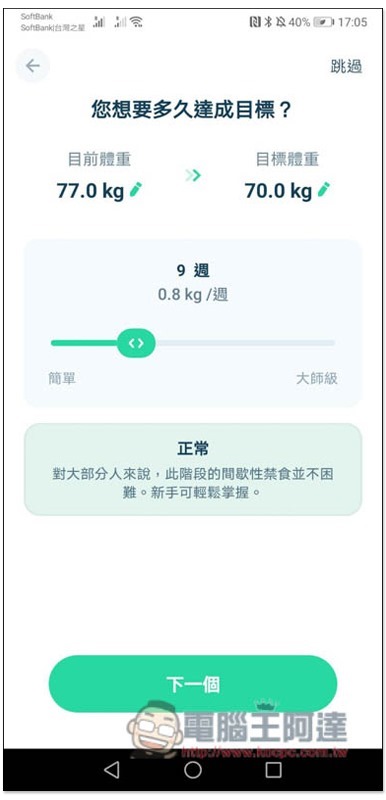
I chose weight loss, so I was asked how long it would take to achieve my goal. The longer the time, the easier it is, and the shorter the time, the harder it is. Slide the simple and master sliders below to adjust:
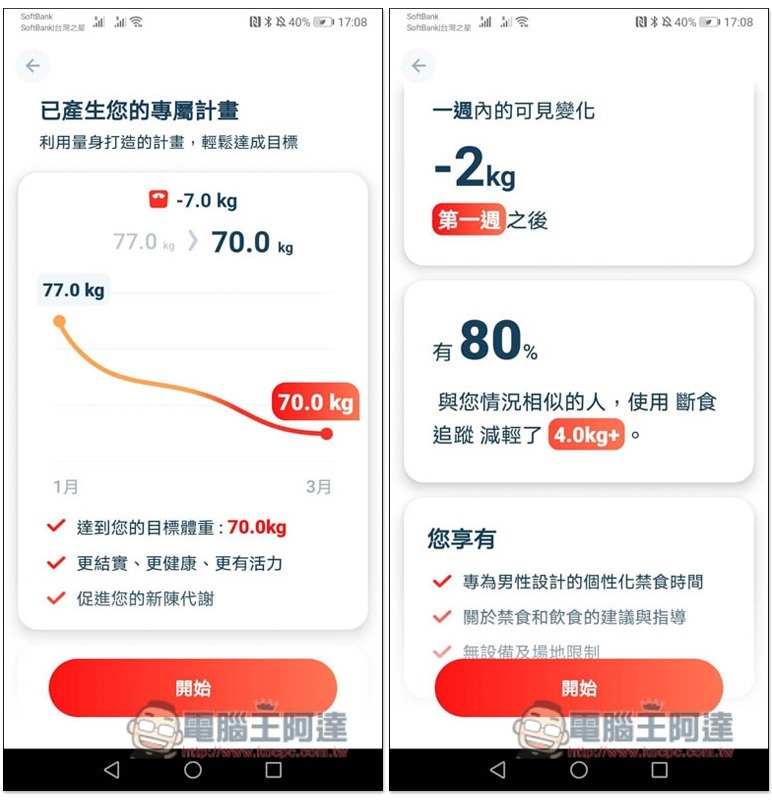
After everything is set, the App will automatically generate your own fasting plan, such as when you will achieve your goal, what changes will occur in your body, what changes can be seen within a week, etc. I think this is quite good and will make people more motivated:
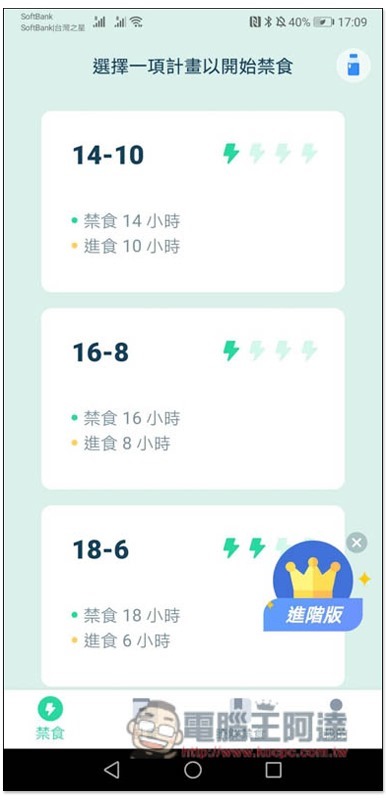
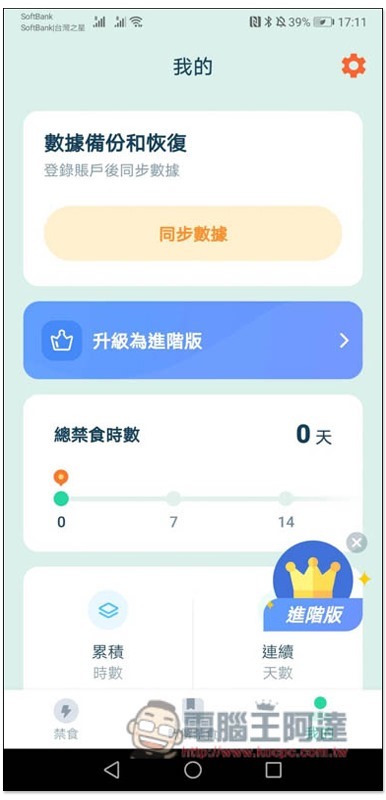
There is a paid version of this product, but I recommend not using it at first, because the most common 16-8 and 18-6 free versions can be used. Wait until you want more later to consider it. Press the upper right corner to close to skip:

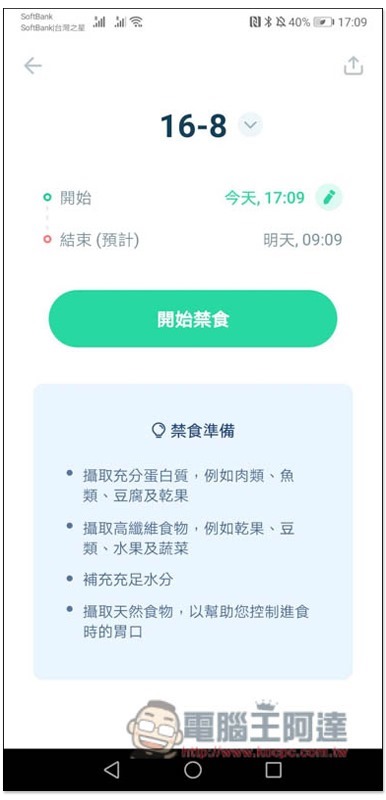
Then you are ready to start using it. Select the fasting plan you are planning to carry out. I will take 16-8 as an example. The lightning icon in the upper right corner indicates the difficulty level:
It will be modified according to the time you set for the first and last meals to meet the 16-8 conditions. Press “Start Fasting” and the time will start. There are also very considerate tips below to tell you what to prepare for fasting, such as: sufficient protein, high-fiber foods, natural foods, etc.:
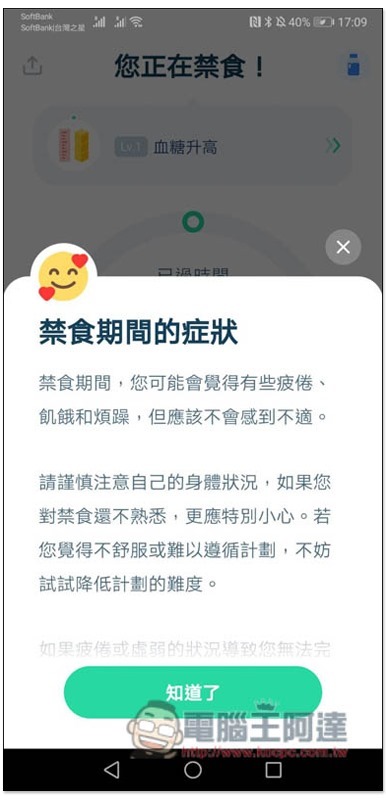
After the timer starts, you will also be told what symptoms you will experience during the fasting period. If your body feels really uncomfortable or too weak, you can reduce the difficulty in a timely manner, such as shortening the fasting time:
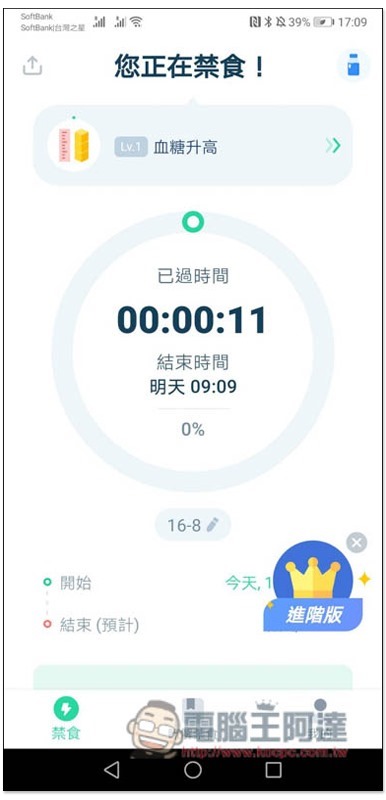
Remember not to eat anything before the end time, but you can drink water, tea, etc. The current physical condition will also be displayed at the top (for example: at the beginning, it was Lv. 1 with elevated blood sugar.
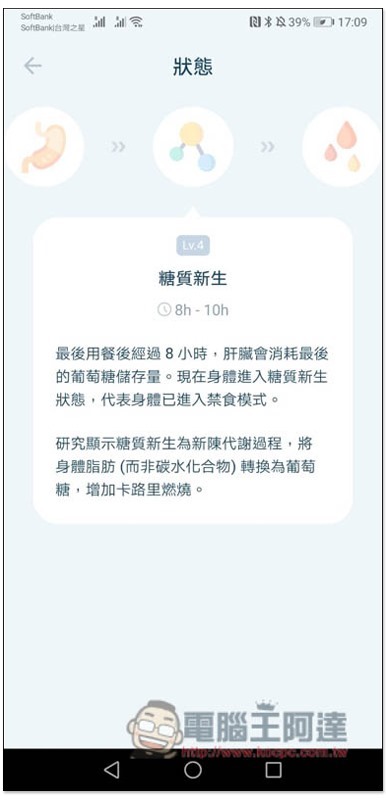
As the fasting time becomes longer, the body’s state will also change. For example, the body enters a state of glycogenesis after 8 to 10 hours. These apps can check:
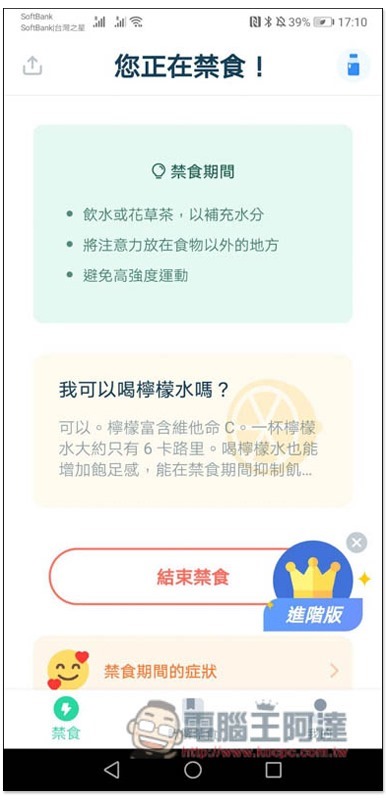
What you can drink and what you cannot do during fasting is also explained:
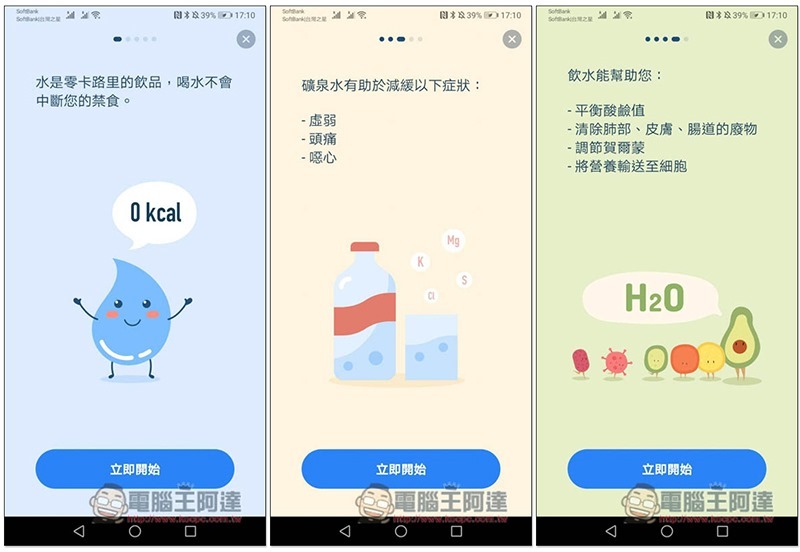
What are the benefits of drinking more water:
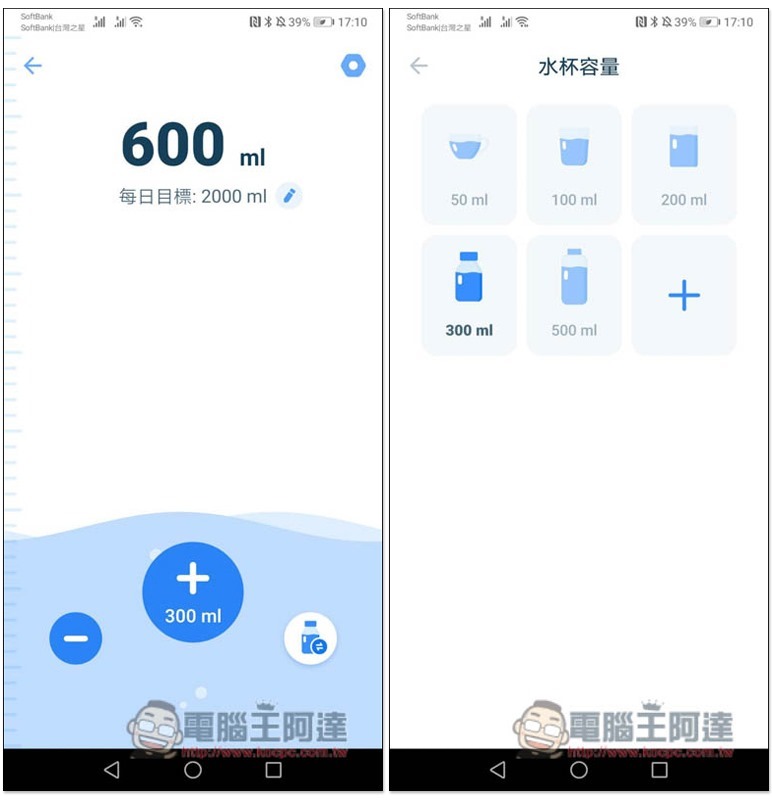
It also has a built-in function to record drinking water volume. The default daily goal is 2000ml:
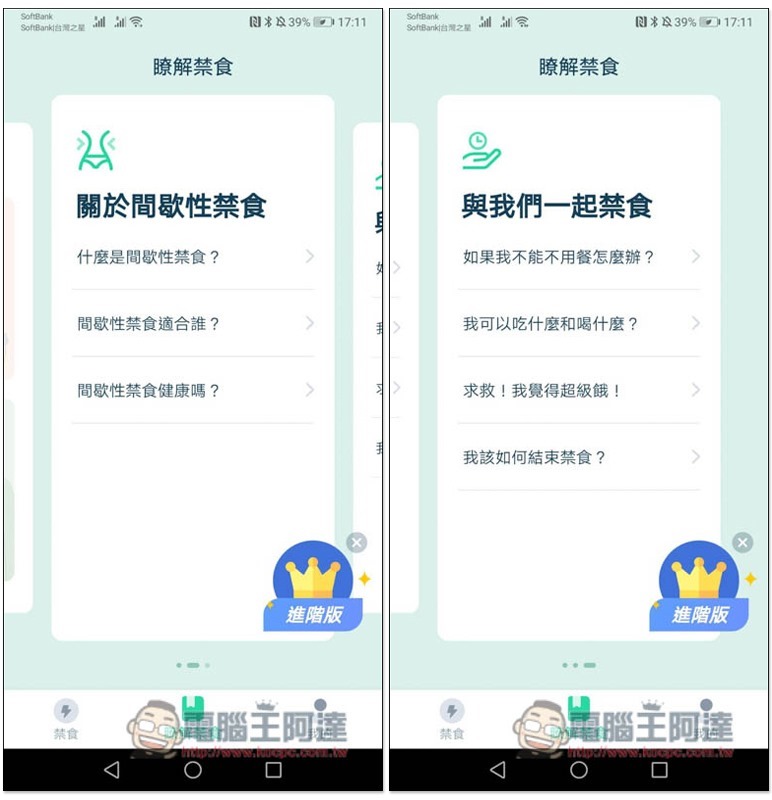
The middle menu below has more tips on fasting:
Of course there are also record charts:
This is really useful, especially the knowledge about fasting is explained very clearly, so there is no need to search on Google.
Intermittent Fasting – Zero Calorie Fasting Tracker Download Page
- App Store:Click here to go
- Google Play:Click here to go
Source: KOCPC Chinese