


As people pay more and more attention to the privacy and security of mobile phones in recent years, iOS 14 has added a small prompt at the top of the screen when an app is using the microphone or lens. However, this feature is not yet available on Android. Therefore, those who are worried about whether the app will steal audio or video recordings can only rely on their own caution, such as not downloading apps randomly. The good news is that someone abroad has developed this free Access Dots App. Once installed and authorized, it can help you detect whether the current app is using the microphone or lens at any time, and will also prompt you with a small dot at the top of the screen. Anyone who needs it can try it.
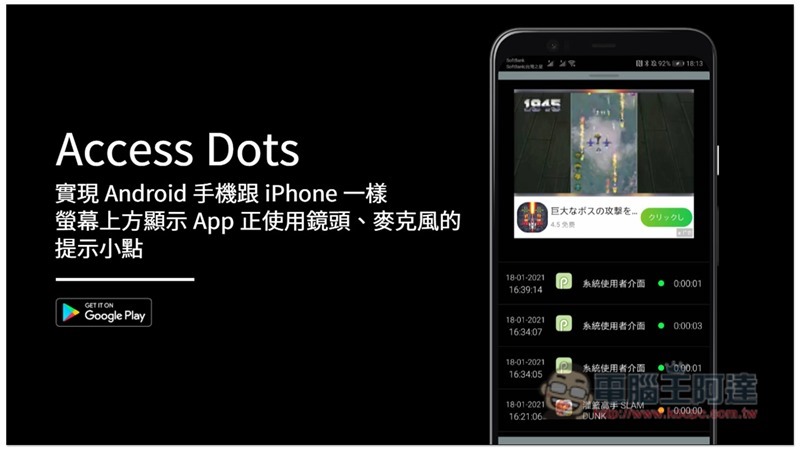
Access Dots free app usage tutorial
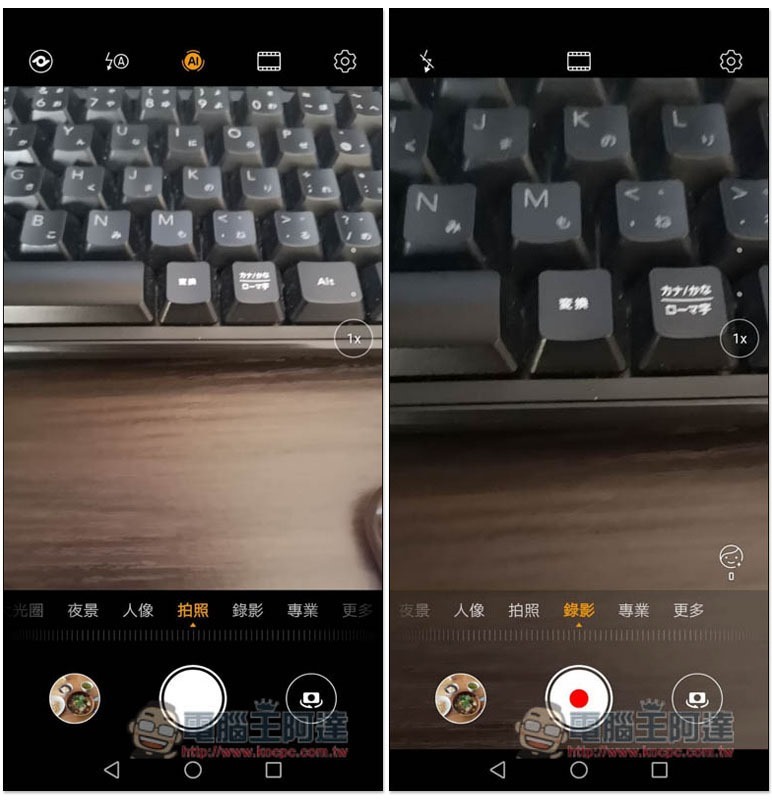
Generally speaking, whether Android phones turn on the built-in camera or use third-party apps, there will be no prompt on the screen when turning on the camera lens or recording function. The representative said that if there are apps secretly recording or recording in the background, it is difficult for you to know:
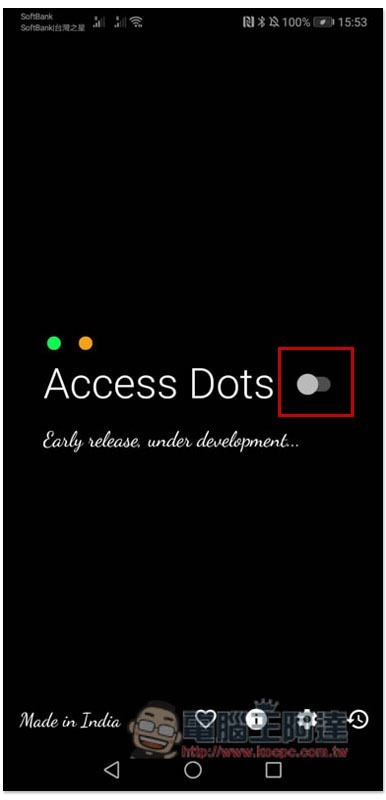
Access Dots is a free app without any ads. It is very spiritual and will be attached with some articles at the end. After downloading and installing, open it and turn on the slider switch on the screen:
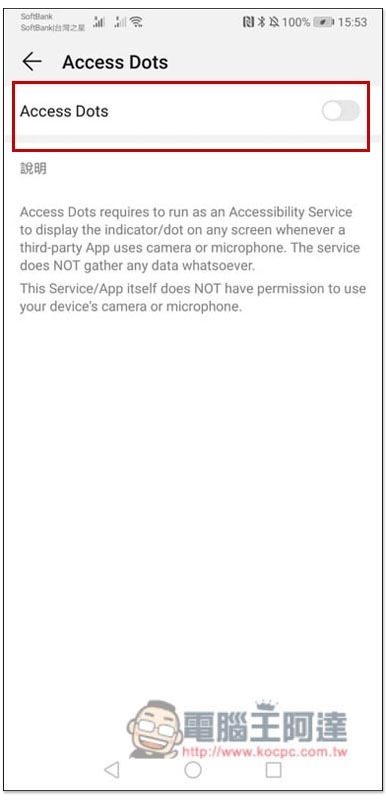
Then you will need to grant some authorizations, and the accessibility menu will automatically open. Scroll down to find the App:
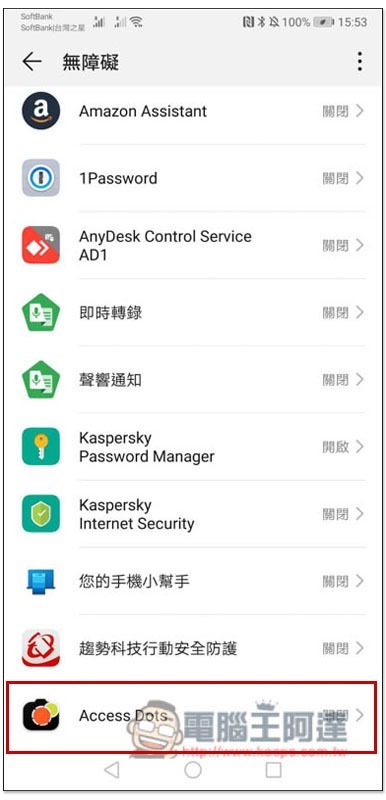
Turn on the switch:
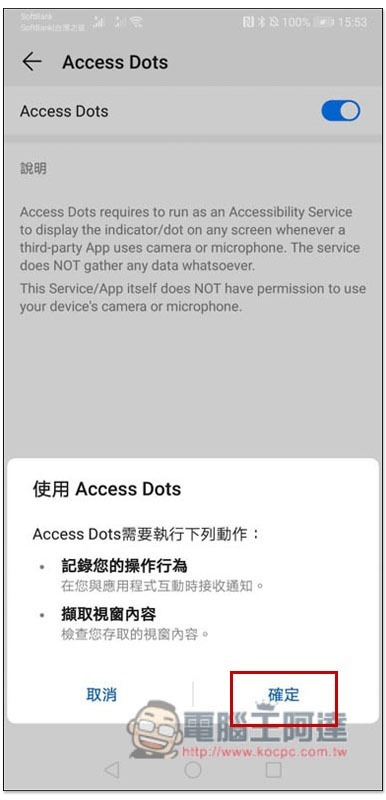
Then press OK:
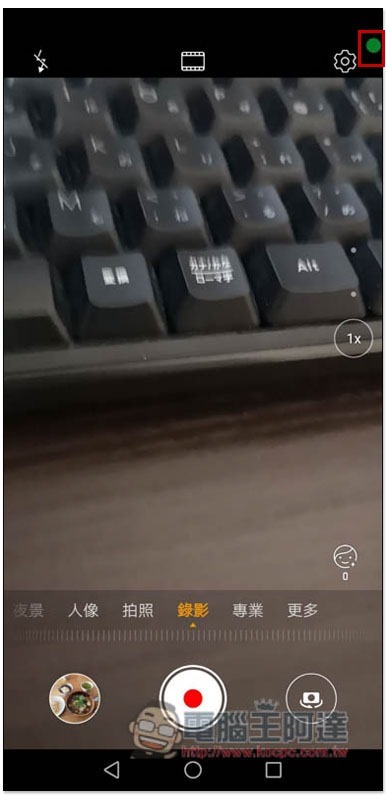
Then, whether you open the built-in camera or a third-party app, a small green dot or a small clear dot will appear at the top. The small green dot indicates that the current application is accessing the camera lens, and the small clear dot indicates the microphone:
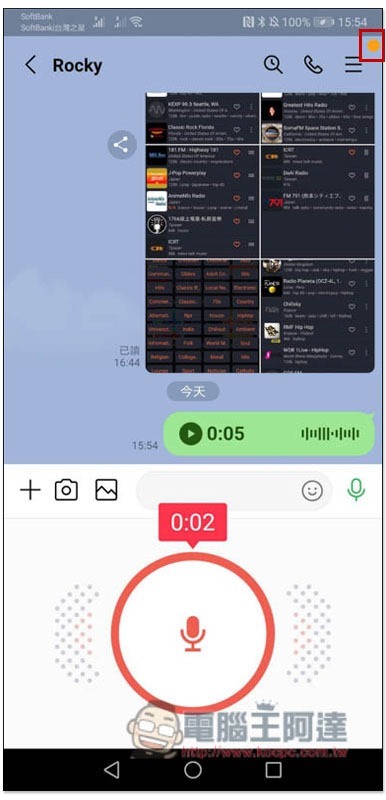
I have actually tested LINE, and when I use recorded messages, a small dot will appear in the upper right corner:
The same goes for taking pictures with a camera:
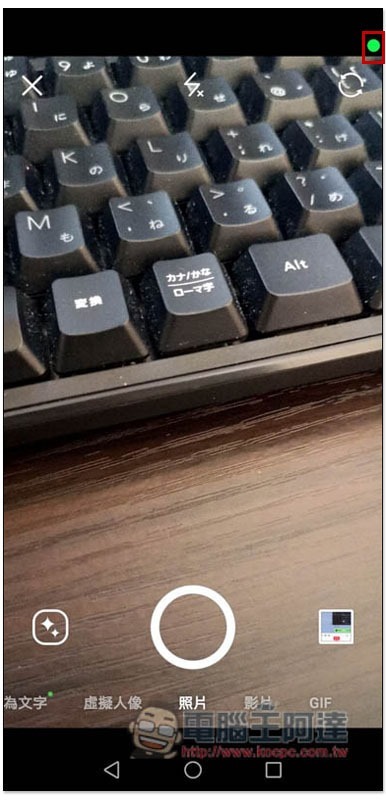
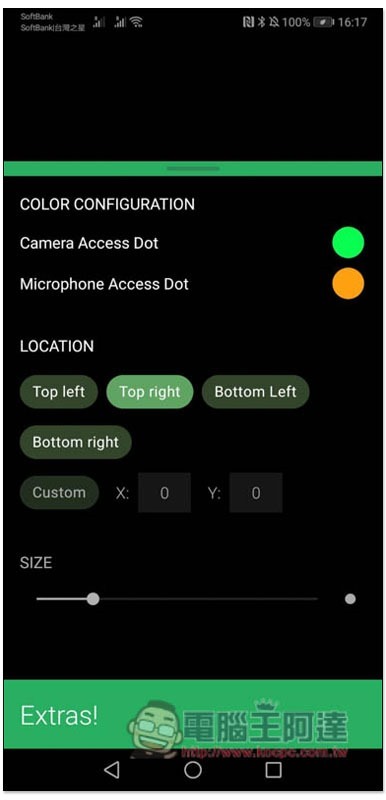
If you don’t like the color or display position, the settings in the app can be adjusted to see if you want it to be placed in the upper left, upper right, lower left, lower right, or even customized and resized:
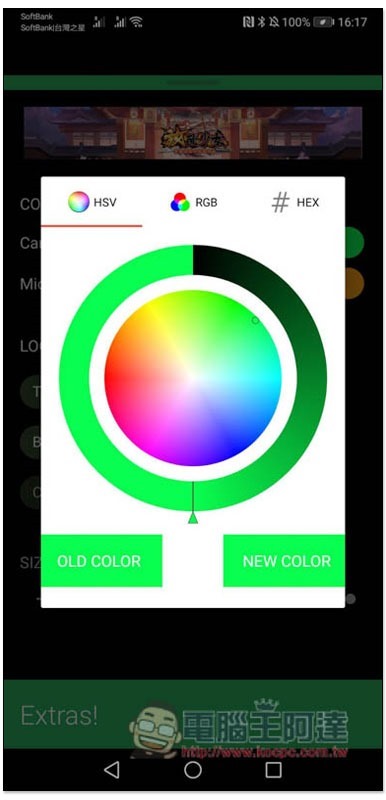
Colors can also be specified at will:
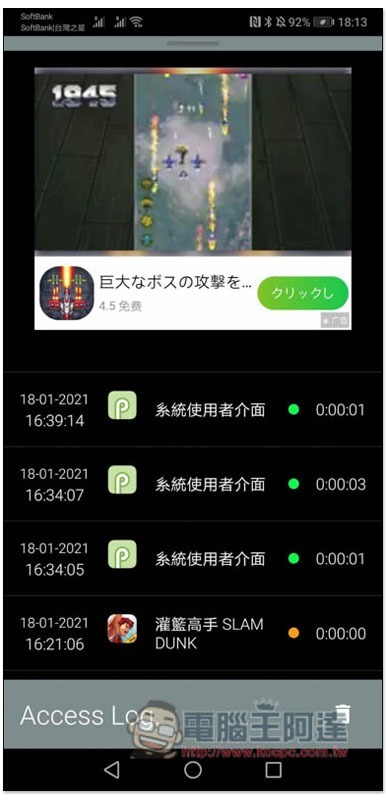
It will also help you record the date, time, and which application used the microphone or camera. This is quite good. If an app is opened secretly, you can easily find out:
However, it should be noted that this app has not been tested on all Android phones, so if there is no response after you install it, it is possible that it is not supported temporarily and you can report it to the developer for improvement.
Supplementary information
- Access Dots download link:Click here to go
Chrome Remote Desktop 由 Google 推出的遠端桌面免費工具,電腦、Mac、Android 與 iPhone 都能用
Source: KOCPC Chinese