


Recently, if there are FB fans who want to create a post, but find that the preview image cannot be displayed, and use the Facebook sharing debugging tool to find that the preview image is normal, then you may need to switch to the new version of the post creation tool, so that you can see the normal preview image before posting.

FB fan page post preview cannot be displayed. You may need to use the new post creation tool instead.
Facebook is constantly doingRevision, but it usually involves changes that people are not used to. Recently, Facebook has had another wave of new revisions, which will remove the like function and allow the page to only display tracking numbers; it will also provide page editors with better permission management tools, etc.
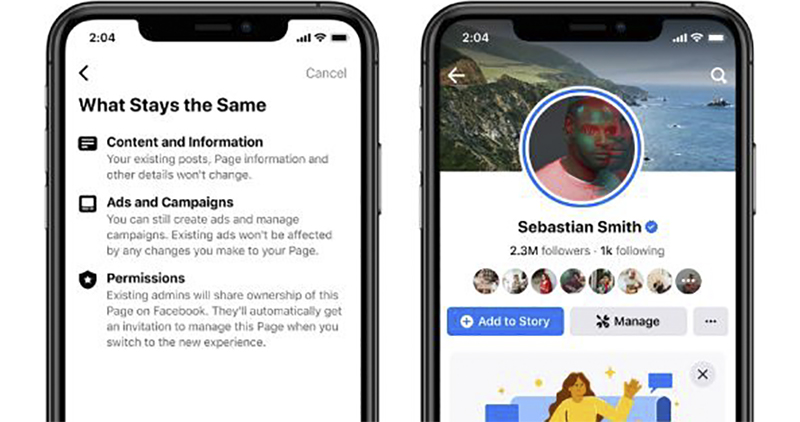
People have had a lot of opinions on the new Facebook page before. After using it for a long time, they have actually gotten used to it. Although the steps to publish a post have become more steps, it is still acceptable. However, when recently using the “Publishing Tool” in the backend of the fan page to “create a post”, some people may find that the preview image will automatically appear when a link is posted, and only the link will be left.

Switching to the preview screen is also very simple, only the link appears (Editor’s note:At this time, just press the “ENTER” key and the preview will appear., just discovered).

Since this may be because the image was not detected just after the article was posted, we also used the Facebook sharing debugging tool to test it, but found that the preview image was actually normal.

So we started looking for possible problems, and found the “new version of post creation tool” in the gear in the lower left corner, so we went there to test it.

The functions of the “new version of the post creation tool” have become more complex, including the ability to select which boards (FB or IG) to post on, preview dynamic messages on the desktop or mobile versions, or directly “enhance promotion” of posts, etc. We first put the link where the preview image cannot be displayed just now on the “Link Preview” side, and then we will find that the preview image is displayed normally.
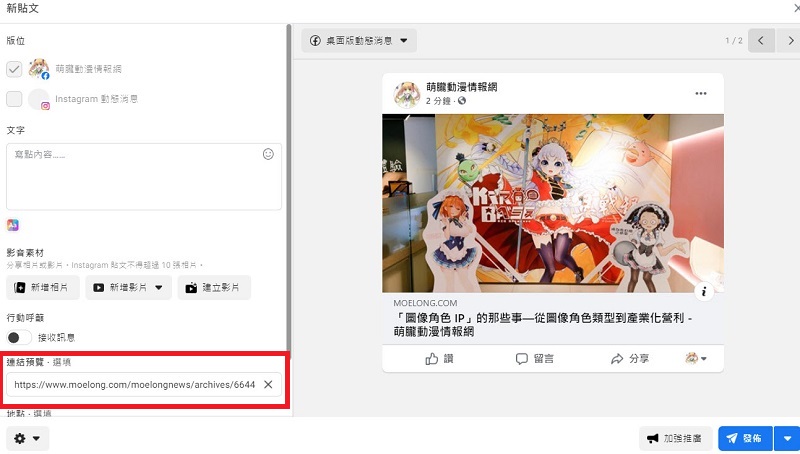

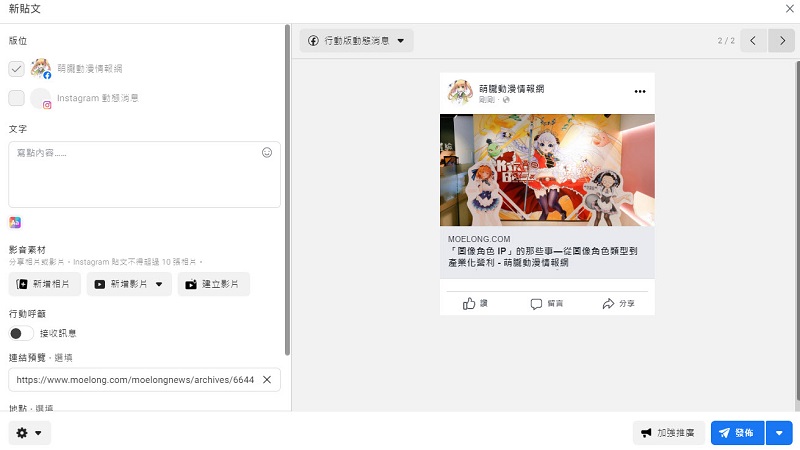
Originally, when you posted a link and posted a text description directly at the bottom, now you have to type the description text in the “Text” box. If you type the link in the “Text” box together, you have to switch the preview desktop version or the mobile version of the dynamic news page to let FB automatically detect it.
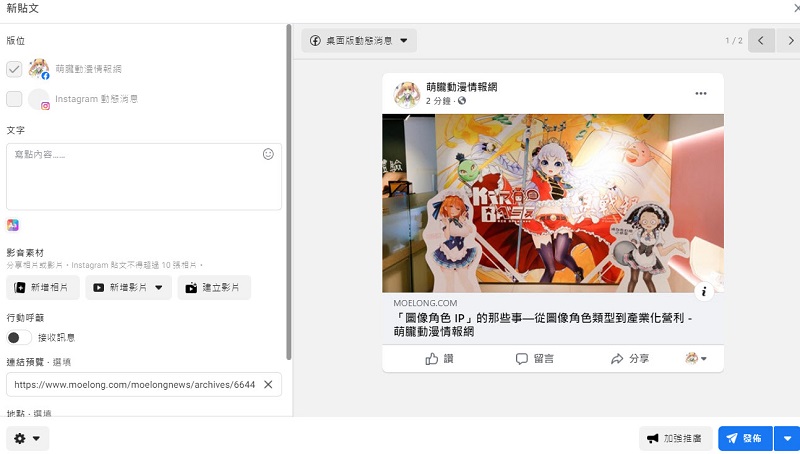
It seems that FB revision is not too unusual, but sometimes you accidentally change the original function and you can’t find it. For example, when you are preparing to post a post, you find that the preview image cannot be displayed. This problem is a bit scary. If you encounter similar problems when posting, you can try to use the new version of the post creation tool, and the preview image should appear normally.
Source: KOCPC Chinese