


Google Google unveiled Stitch at last year’s Google I/O 2025, enabling users to quickly generate UI designs by entering text descriptions or uploading sketches, and it garnered considerable attention at the time.
and a little earlier Google on its official blogAnnouncing a major overhaul for Stitch, introducing the brand-new “Vibe Design” concept, along with an infinite canvas,AI Beyond just generating UI screens, it has evolved into a comprehensive AI-native design platform featuring design agents, voice interaction, and—most importantly—React code export capabilities.
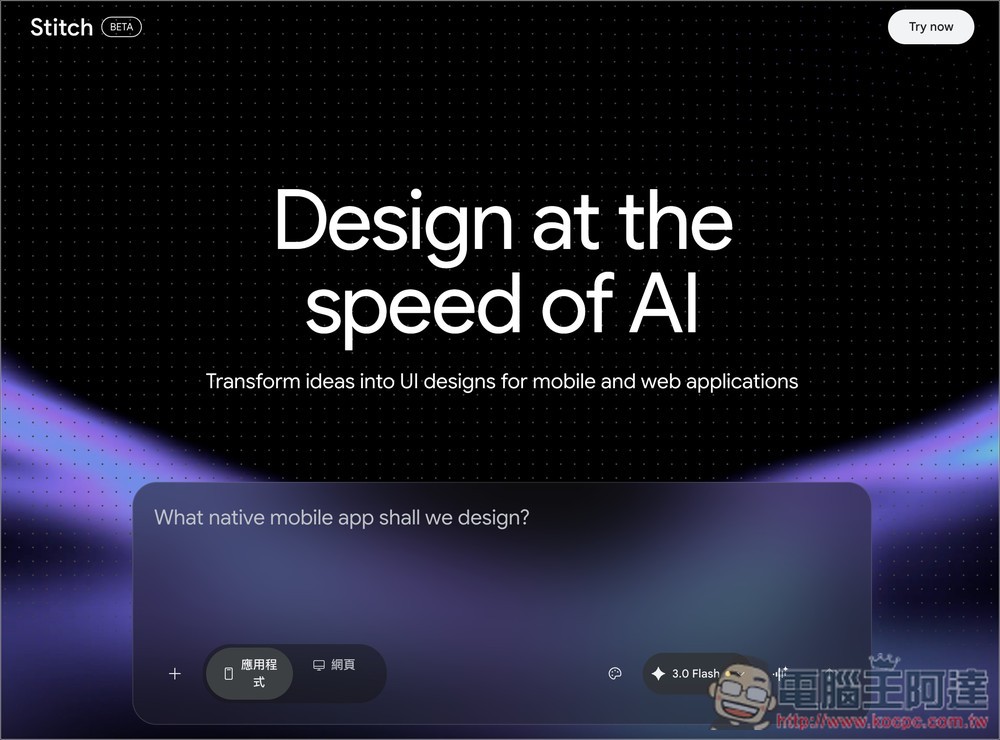
Google Stitch Gets a Major Overhaul! From Text-to-UI to ‘Vibe Design’, Now Exporting React Apps Directly
Stitch is an experimental AI tool from Google Labs, with its core features being “text-to-UI” and “image-to-UI.” Simply describe the App interface you want in text, and this latest update brings significant changes. Here are the key highlights.
First, the most important concept is “Vibe Design.” In the past, designing through Stitch typically started with wireframes and grid systems, but now you can start from a more abstract point—such as a goal, a feeling, or a product idea—and AI will generate high-fidelity UI designs based on your description, significantly lowering the barrier of not knowing where to begin.
Next is the brand-new “AI-native infinite canvas.” Unlike the previous fixed-panel interface, Stitch now features a freely expandable canvas space where you can place various materials—including text descriptions, screenshots, UI reference images, and even code snippets. The AI agent uses all of this content to understand the context of the entire project, rather than responding to each prompt in isolation.
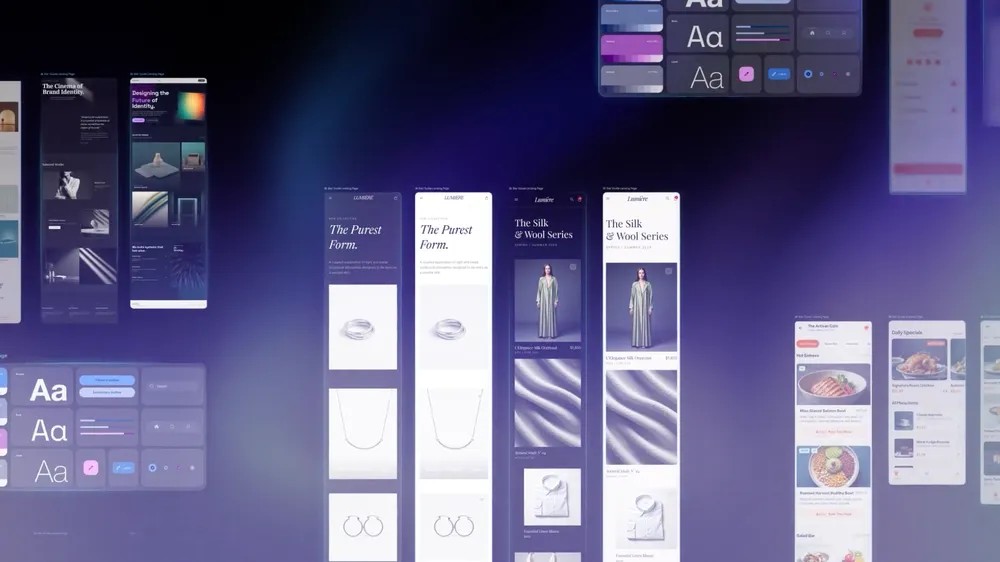
Third is a brand new “context-aware design agent.” Unlike traditional Q&A AI, this design agent can understand the evolution of the entire project—not just responding to your current prompt, but providing suggestions with a holistic view, while simultaneously exploring multiple different design directions.
Fourth is “interactive prototypes”. Now static design mockups can be directly converted into clickable prototypes, and AI even proactively suggests which screens you might be missing based on user interaction logic.
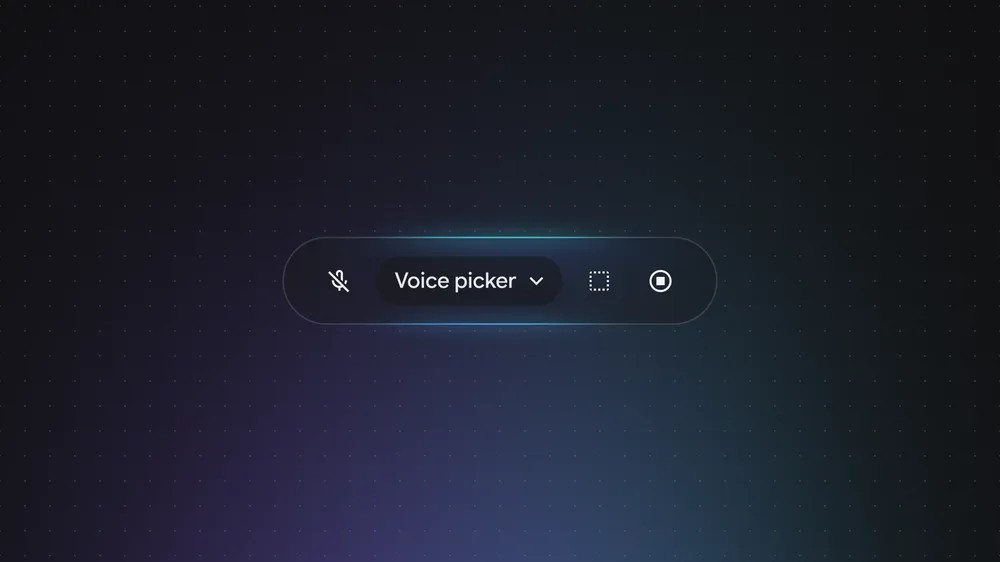
Fifth is the “Voice Interaction Feature” – you can use voice to give commands to the AI agent, ask it to modify designs, or brainstorm together, without relying on typing.
Sixth is the DESIGN.md format. This is a markdown file specifically designed for AI agents, allowing you to export your design system rules—such as colors, fonts, and component styles—into a document that can be imported into other design or development tools. This ensures consistent visual styles across different projects and tools, without needing to reconfigure each time.
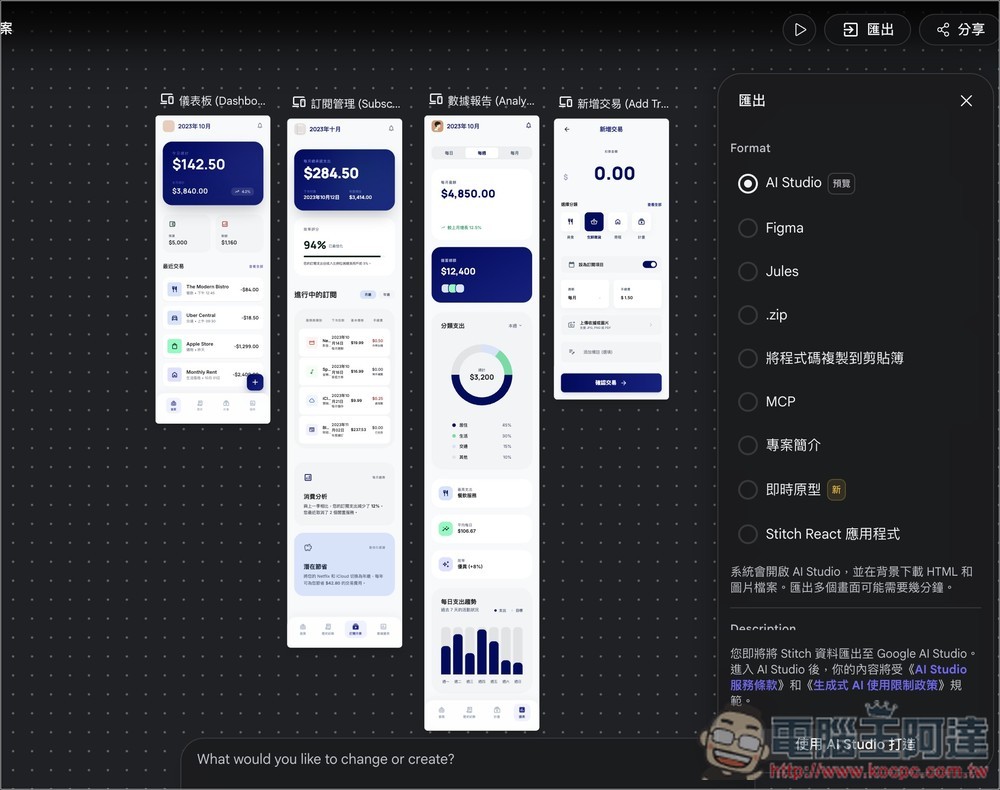
And finally, the biggest highlight: React code export. Previously, Stitch could only output HTML and CSS, but now it can generate a complete, runnable React application directly from your designs. The code can even be exported to Google AI Studio or other development tools for continued development.
How to use Google Stitch?
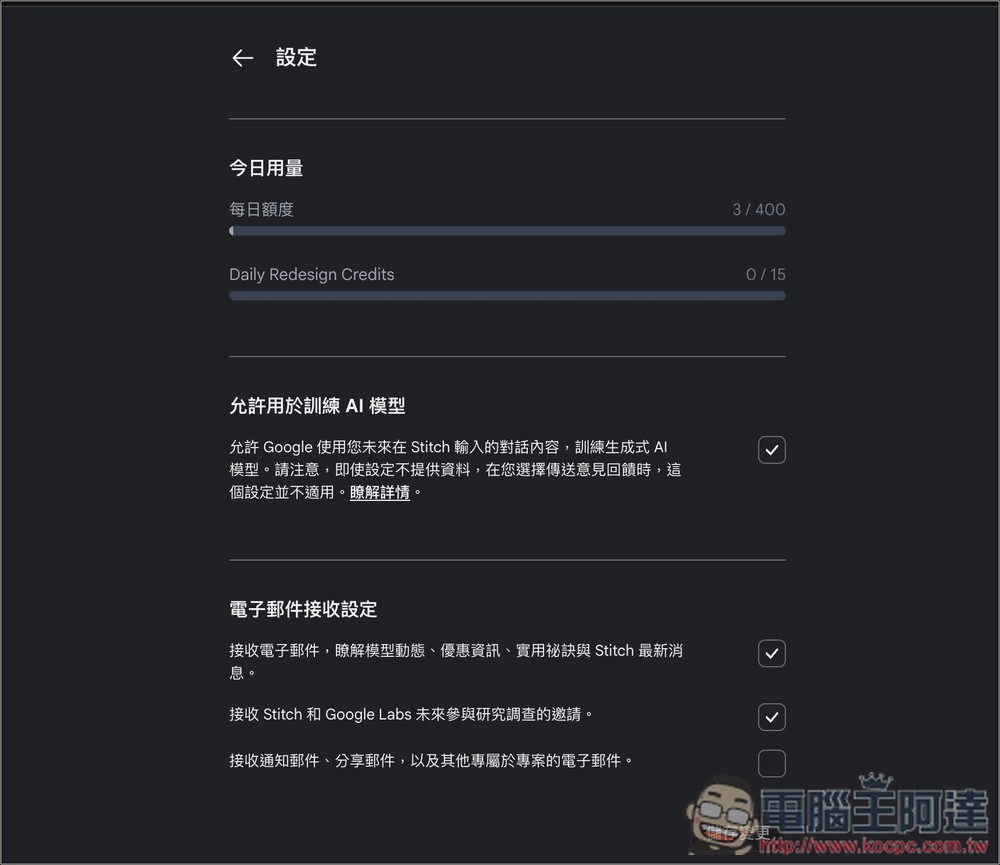
Although Google Stitch is an experimental tool, it’s available in any country where Gemini is accessible, meaning Taiwan can use it too. Currently, it’s still free, though there is a daily quota limit.
You can check the remaining quota in the Google Stitch settings:
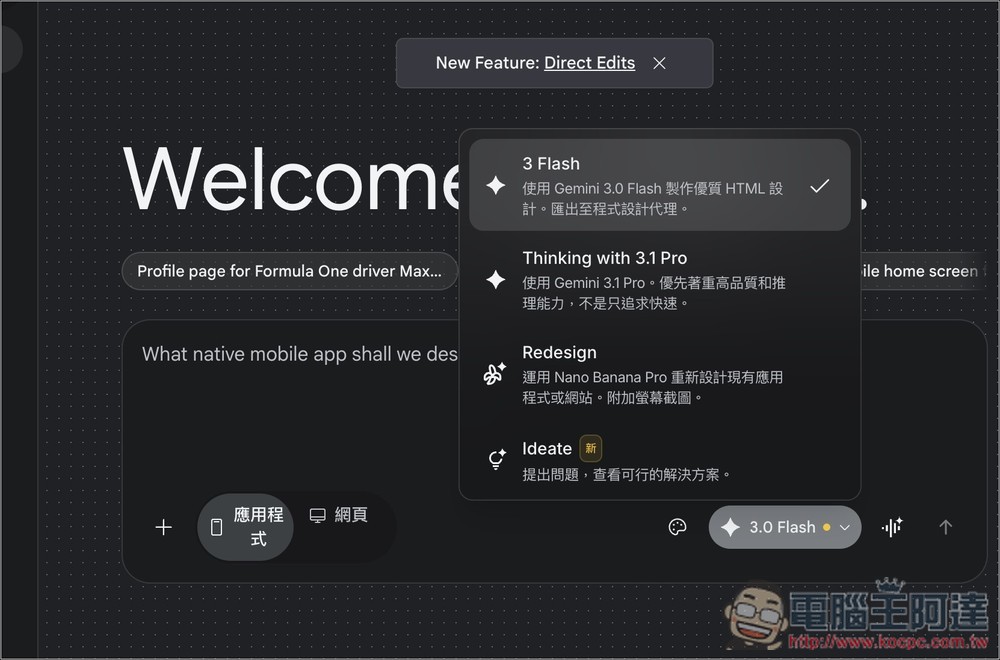
It’s simple to use—just click the link above to go to Stitch, sign in with your Google account, and you can start chatting with AI. You can switch models in the bottom-right corner. If you only know what you want to do but aren’t sure how to provide details, you can use the new “Ideate” model. Before sending, you can switch below between generating an app or a webpage:
I want to create an expense tracking app that runs on iPhone:
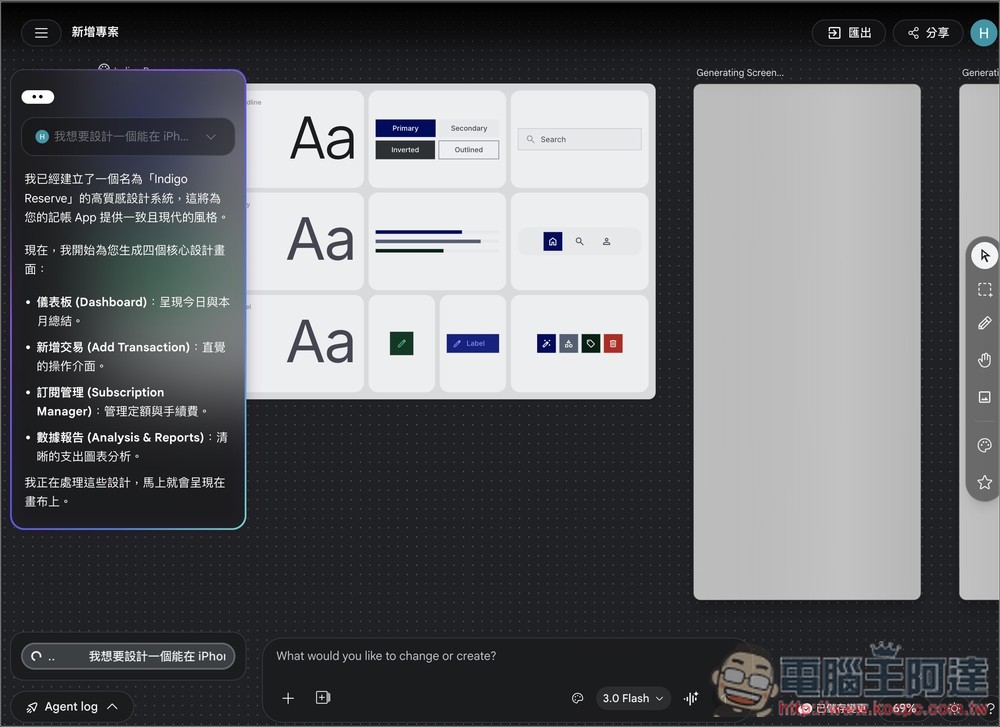
Just waited a few minutes and all the features I requested were generated. The interface has a very refined feel:
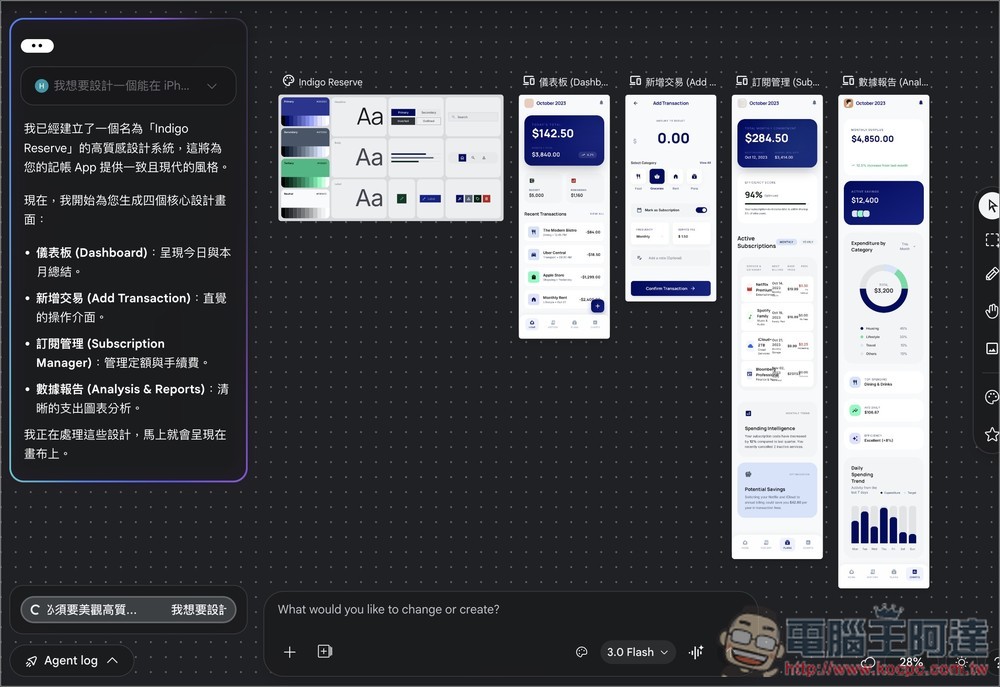
If there’s anything you’re not satisfied with, you can keep asking AI to make changes. For instance, this app of mine isn’t in Chinese:
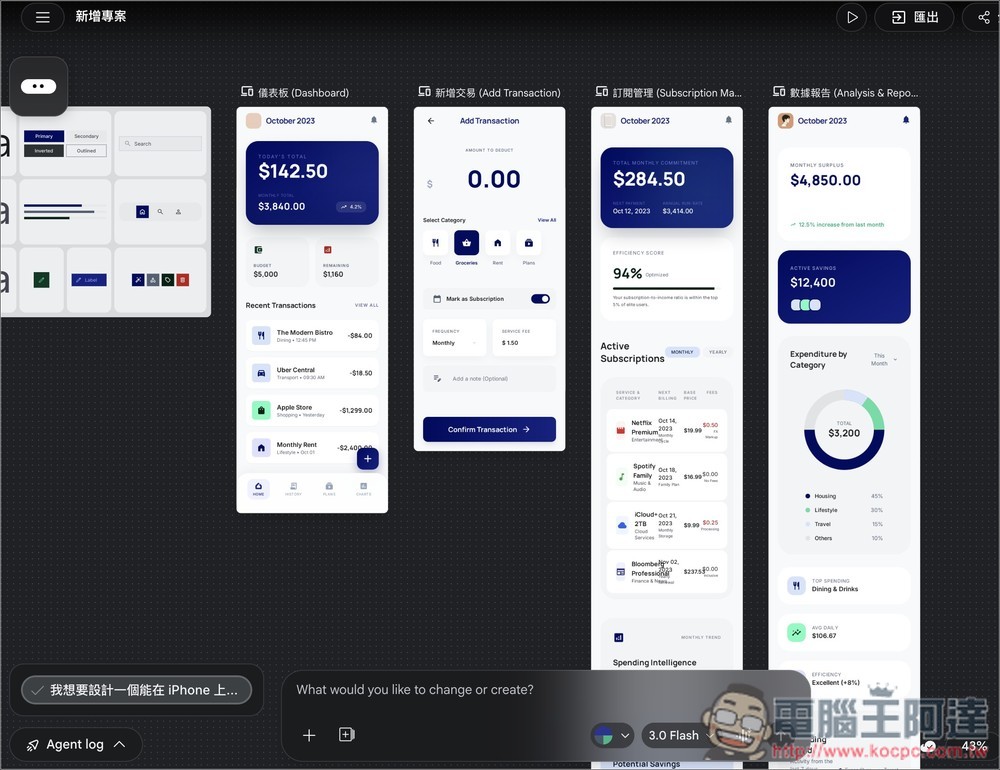
I simply require all content to use Traditional Chinese.
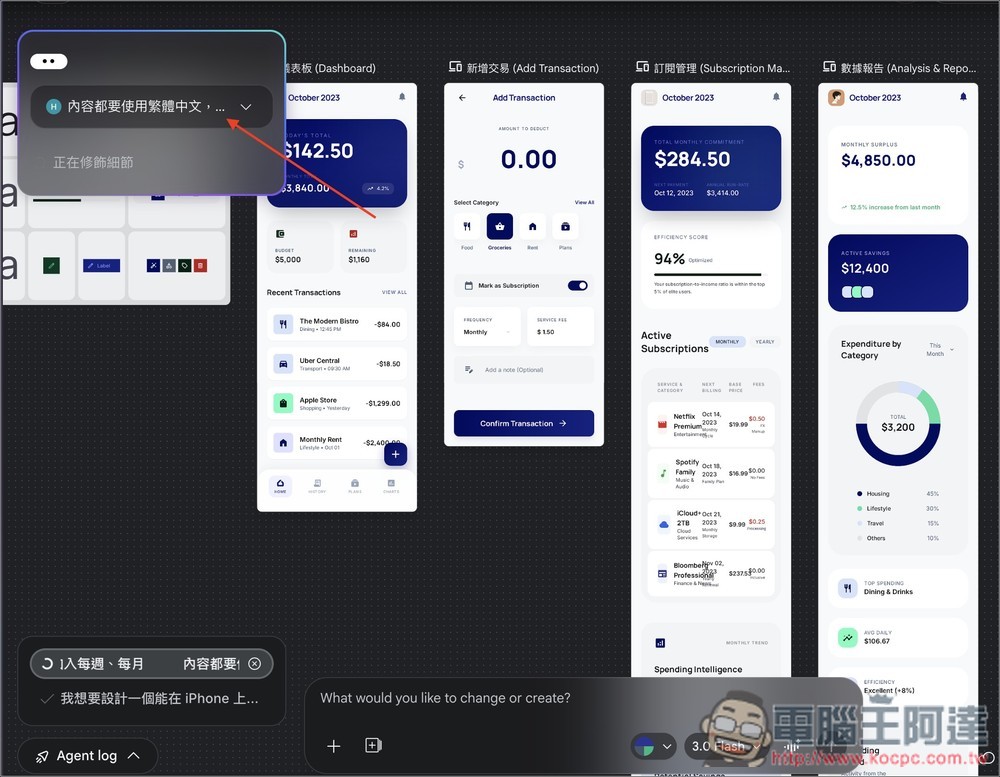
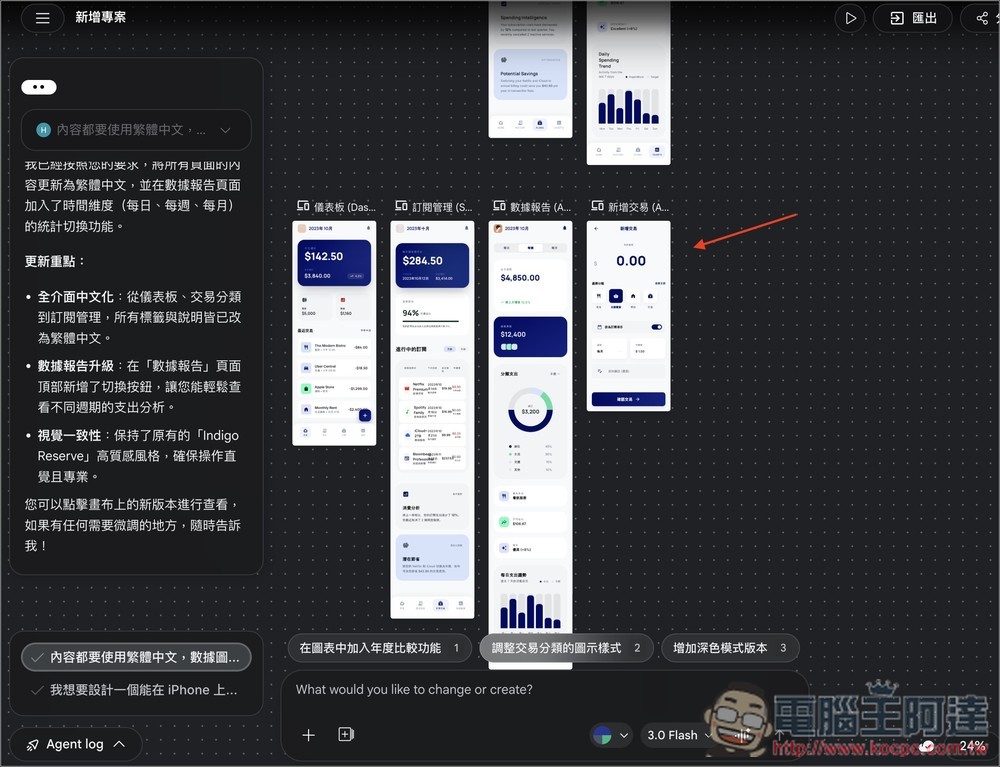
Just help me change all the interface to Traditional Chinese, and generate a new version without modifying the original one. This means if you’re not satisfied, you can always go back to the previous version and give new instructions:
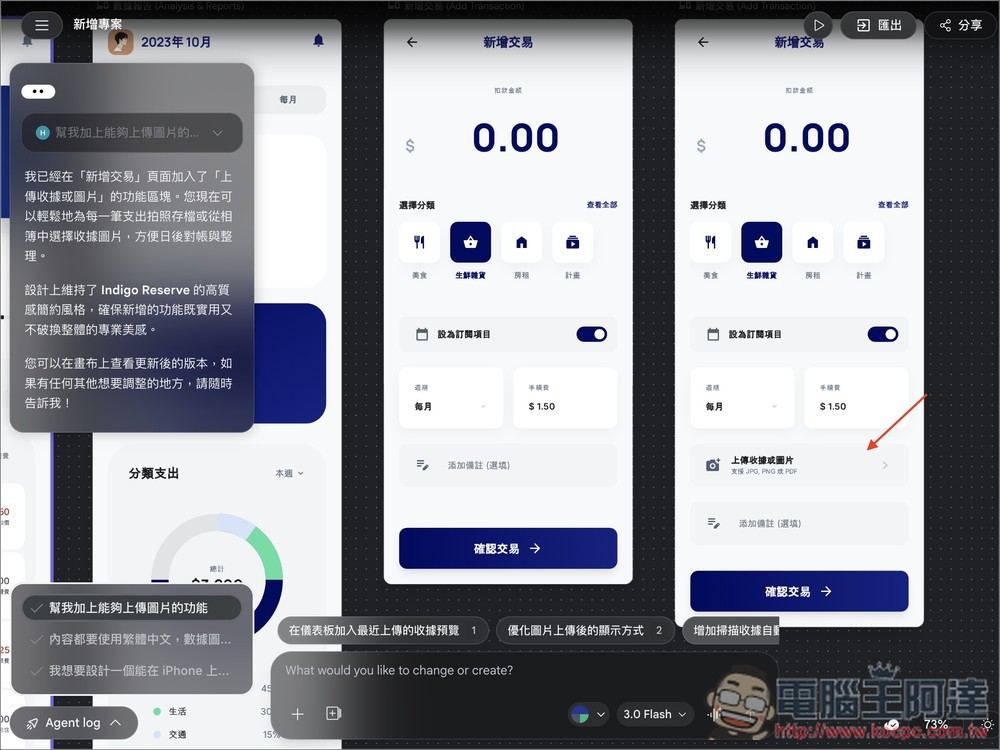
You can also choose a single interface to edit, I require adding “upload image” in the new transaction:
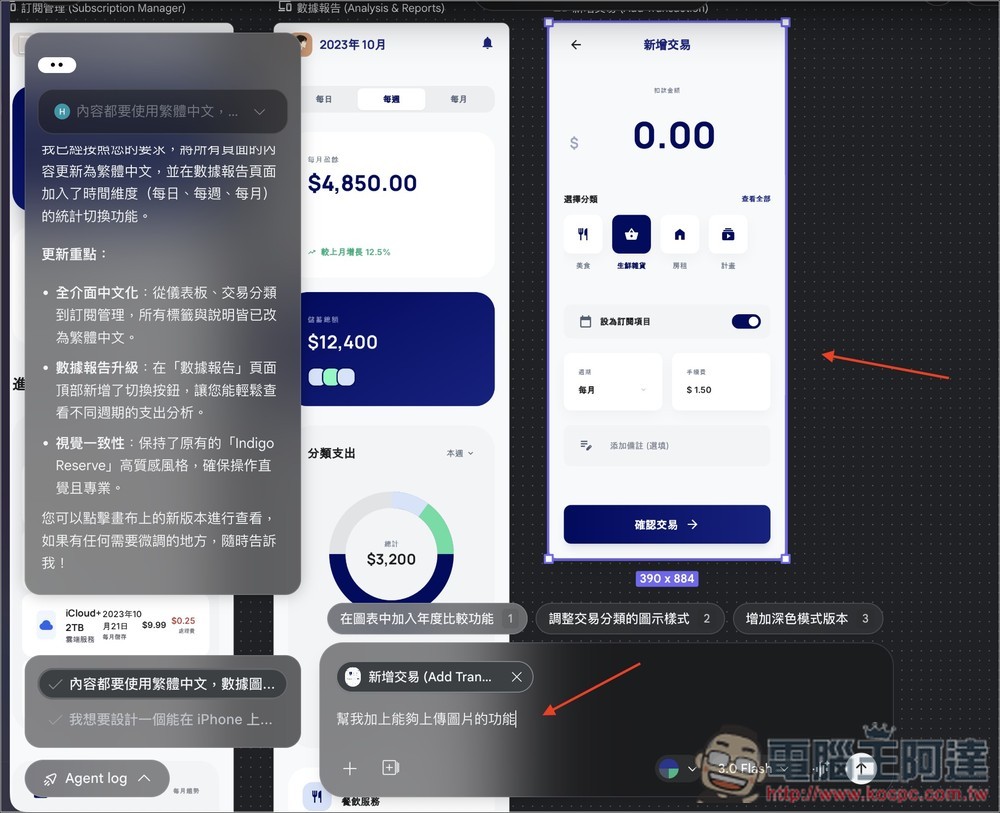
AI also does this perfectly:
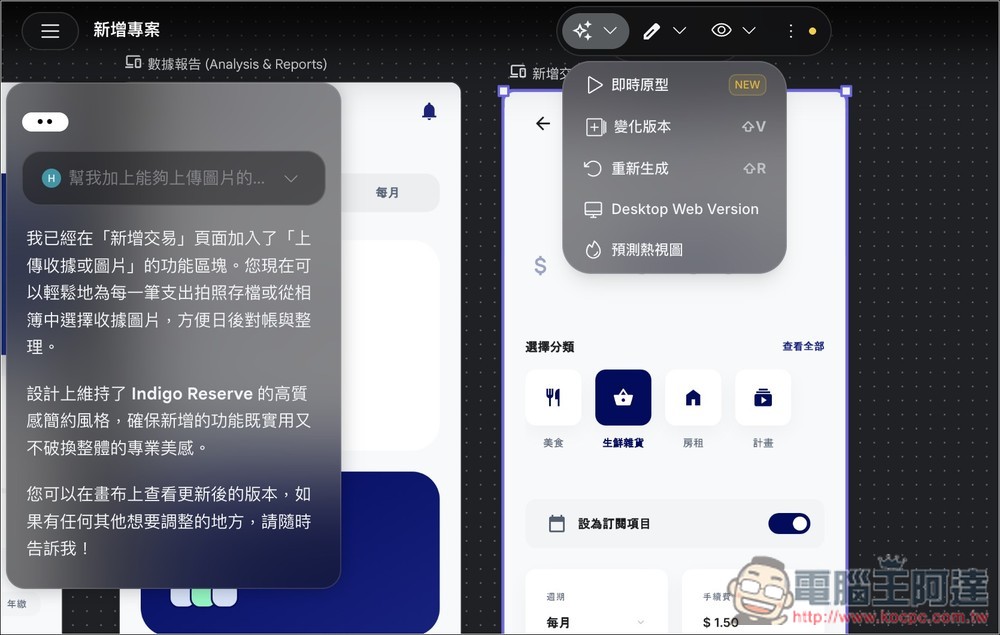
If you want to see the real-time display, select your interface, open the top menu, and you’ll find the option to switch to “Live Prototype.”
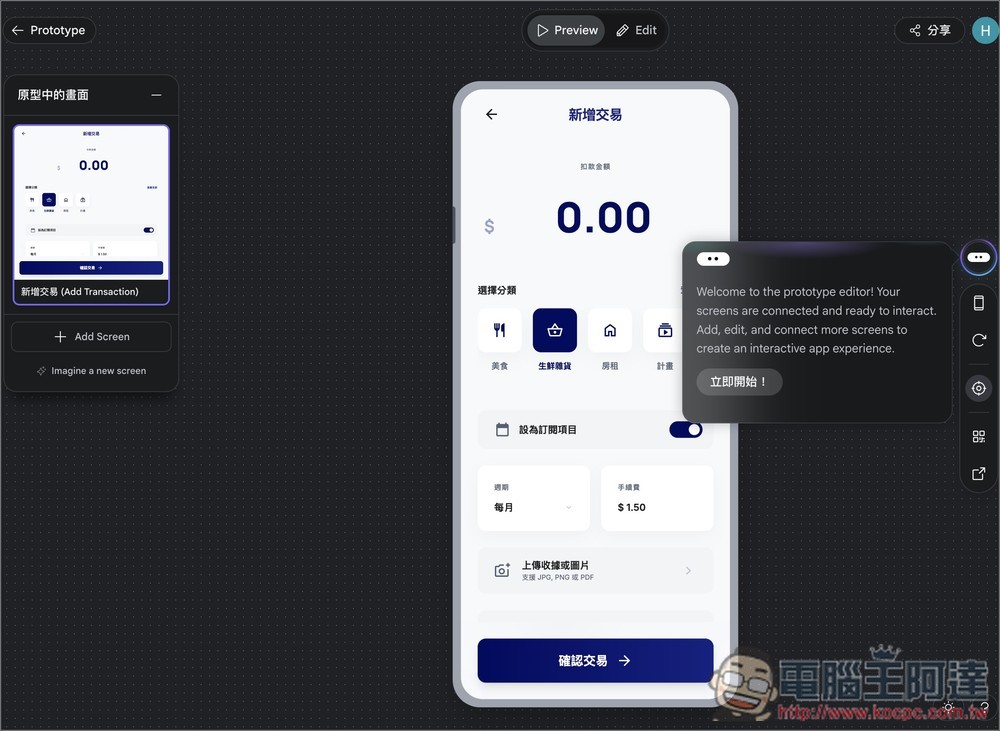
You can experience what this interface would look like when turned into an actual app.
You can also select multiple interfaces to convert into prototypes and switch between screens of different devices. The image below shows the desktop version.
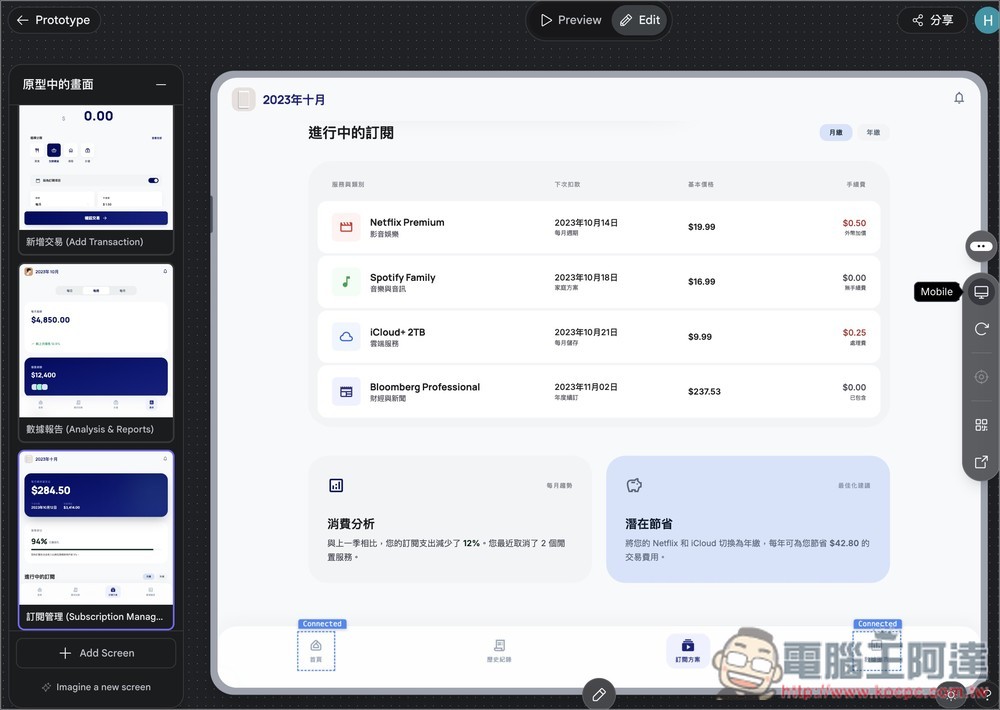
Above, switch to Edit, where you can ask AI to make modifications to this interface:
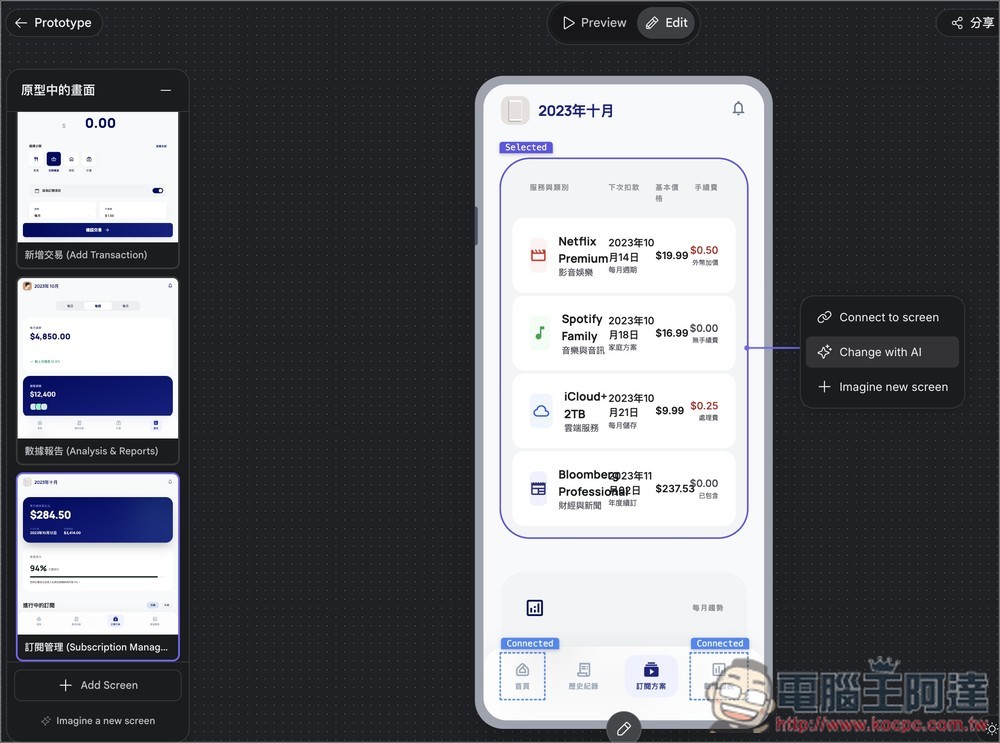
Once everything is complete, click Export in the upper right corner to choose how you want to continue development, such as exporting to AI Sutdio for further development or exporting as a Stitch React application:
Stitch has even more features than this — here we only give a quick demo of the entire workflow, so feel free to spend some time exploring it.
Source: KOCPC Chinese