


When file transfers between your computer and NAS become maddeningly slow, most people’s first reaction may be to go to a speed test website to check their “internet speed.” But even if the download speed it measures is blazing fast, local transfers can still crawl along, because the real bottleneck isn’t your internet speed at all—it’s inside the NAS itself or the local area network (LAN).
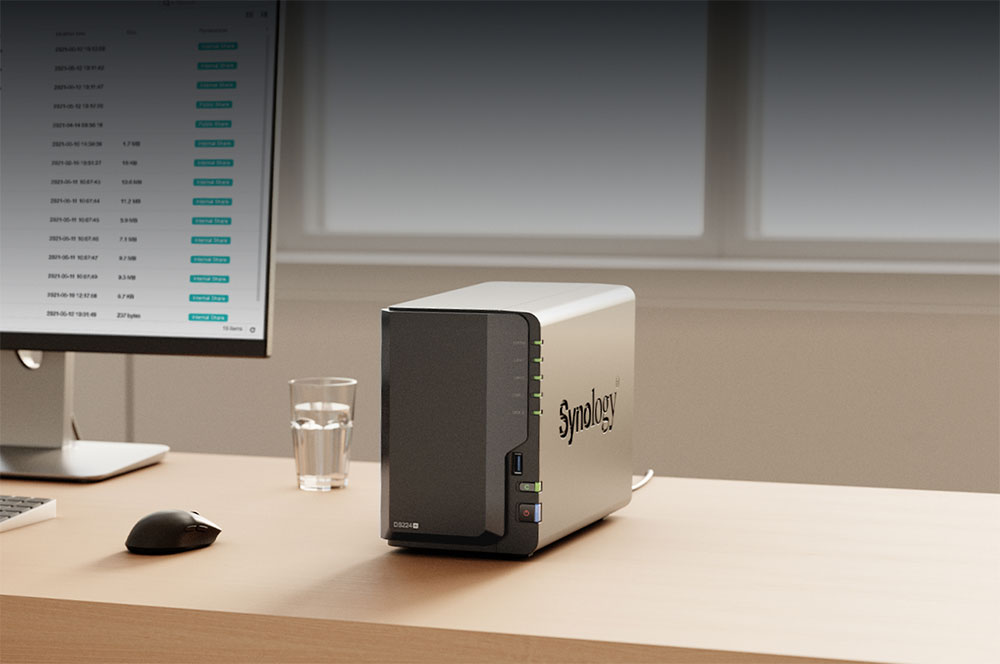
Why is NAS file transfer ridiculously slow? Don’t rush to blame your internet speed!
Clarifying the concept: internet speed and local area network (LAN) speed are completely different things.
Before discussing the factors that affect NAS transfer speed, we must first clarify the difference between “internet speed” and “local area network speed”:
- Internet speed (external network/external bandwidth)
It depends on the plan you subscribe to with your telecom provider (ISP). For example, a 1G/600M plan means the theoretical maximum download speed from the internet is about 1000Mbps. - Local area network speed (LAN/intranet)
This is the “mini Internet” in your home, connecting all the devices in your home through the router. Its transmission rate has nothing to do with your external internet speed; it is determined entirely by the physical interfaces and connection methods between devices.
In certain cases, external network download speeds may actually be faster than internal network transfers, for example:
- Downloading large Steam games: over an external network with 1G bandwidth, download speeds can reach 110 MB/s (about 900 Mbps).
- NAS transferring thousands of photos/MP3s: On the same network, LAN speed can suddenly drop to 15 MB/s (about 120 Mbps).
Why is transferring a large number of small files so slow?
Because transferring small files creates massive system overhead (Overhead). For every file transferred, the NAS must repeatedly: create the file, allocate space, write the contents, update the metadata (Metadata), plus frequent back-and-forth confirmations between the PC and NAS. When these extra processing times accumulate, the speed plummets dramatically.
To test the true transfer limit of a NAS, pack the files into a single large RAR or ZIP archive and copy it across devices. This eliminates small-file overhead and lets you observe the most realistic sustained write speed.

Bottleneck 1: Local Area Network Architecture (Wi-Fi, Network Cables, and Network Interface Cards)
Before the data even reaches the NAS, it may already be stuck in the internal network channel:
- Wi-Fi instability
Although Wi-Fi 6 / 6E / 7 can theoretically deliver extremely high speeds, wireless signals are easily affected by distance, wall obstructions, and interference. For stable speed, a wired connection is always the best solution. - 1GbE Ethernet
At present, with the standard configuration of most routers, PCs, and NAS, the actual maximum transfer speed is around 110–115MB/s. - Upgrade to a 2.5GbE Network (Top Recommendation)
If the device is relatively new, it is recommended to prioritize upgrading to a 2.5GbE environment. Its speed is 2.5 times that of traditional 1GbE (measured up to 280–290MB/s). Moreover, 2.5GbE is extremely widespread and low-cost, and even old Cat5e network cables can support 2.5GbE transmission up to 100 meters without the need to re-run cables.

Bottleneck 2: The Physical Limits of Mechanical Hard Drives (HDD)
Unless your NAS is entirely all-flash (All-Flash), it will most likely still rely on traditional hard disk drives (HDDs) internally. Although HDDs offer large capacity and low cost, their transfer speed has its limits:
- Consumer/External Hard Drives: Sustained write speeds typically range from 80–120 MB/s.
- NAS-specific hard drives (e.g., WD Red Plus 12TB): theoretical transfer rates up to 196MB/s.
If you’re still using a 1GbE network (max around 115MB/s), network transfer will be the first bottleneck; but if you upgrade to a 2.5GbE switch, the hard drive’s read/write limits will become the new bottleneck.

Bottleneck 3: SSDs can greatly improve the experience, but they also introduce new bottlenecks.
NVMe SSDs often have sequential read speeds of 5000–7000MB/s or more, and by comparison HDDs do seem outdated. How does upgrading to an SSD change the NAS experience?
- File previews no longer lag.
When using an HDD, if the drive is asleep or needs to randomly read thousands of thumbnails, opening a photo album often takes several seconds; SSDs have extremely high random access (I/O) capabilities and can open instantly with a click. - Strong multitasking capabilities.
SSDs lack the mechanical delay of head seeking, making it much easier to handle read and write requests from multiple users or services simultaneously.
Side effect
SSDs shift the bottleneck back to “network bandwidth.” Even the most entry-level SATA SSD has a write speed of 500MB/s (roughly equivalent to 4Gbps bandwidth). 2.5GbE (~290MB/s) can’t feed it enough; you need to upgrade to a 5GbE or even 10GbE (10-gigabit) network environment to fully unleash the SSD’s performance.
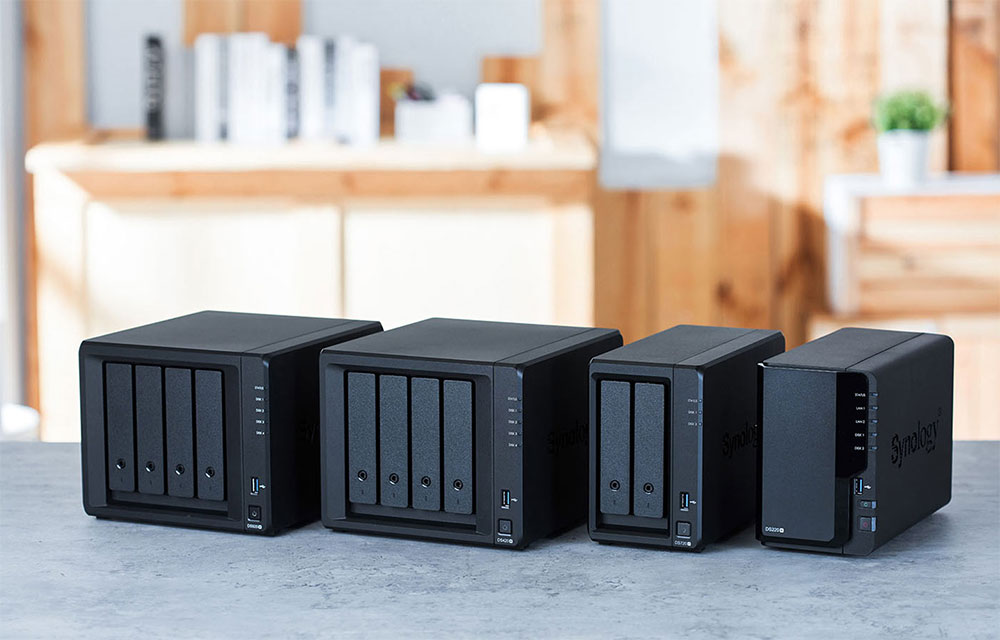
Bottleneck 4: Insufficient NAS CPU performance
The “system overhead” mentioned earlier not only consumes transfer time but also requires the NAS’s CPU compute resources. If your NAS uses an entry-level low-power processor and is also running self-hosted services in the background such as Docker, automatic backups, and media servers (e.g., Plex / Jellyfin hardware decoding), the CPU will max out when handling the overhead of massive small-file reads and writes, making transfer speeds even worse.

Summary: The barrel effect—find the slowest weak link.
The final transfer speed of a NAS always depends on the slowest link in the entire chain. When transfer speeds are less than ideal, don’t waste time running external network speed tests. Check the following in order:
- Transfer type: Are you transferring a large number of small, fragmented files? (Try compressing them before transferring.)
- Network interface: Are you using Wi-Fi, or stuck at 1GbE speeds? (Recommended: upgrade to a 2.5GbE switch and network card.)
- Storage interface: HDD or SSD? Has the drive write limit been reached?
- System load: Is the NAS’s CPU being maxed out by background services?
Identify the real performance bottleneck, then make targeted hardware upgrades or adjust your usage habits so your NAS can deliver the blazing-fast performance it’s meant to have!
Source: KOCPC Chinese