


Nowadays, many people use AI tools during meetings to quickly get transcripts and key points. However, the vast majority of AI meeting note-taking tools require recordings to be uploaded to the cloud for processing and even charge a monthly fee, so if a company has strict information security policies, they may not be usable.
To that end, Google recently launched a completely free meeting notes app for Mac users called “AI Edge Foresight.” It has built-in recording-to-transcript functionality, automatically fills in complete notes, and also has an AI Q&A feature that answers questions based on the knowledge sources you provide. Moreover, the recording, transcript, and AI features are all processed locally on the Mac, are not sent to the cloud, and can be used without an internet connection.
This is also the third Mac app in the Google AI Edge family, following Google AI Edge Gallery and AI Edge Eloquent’s arrival on Mac in June this year.
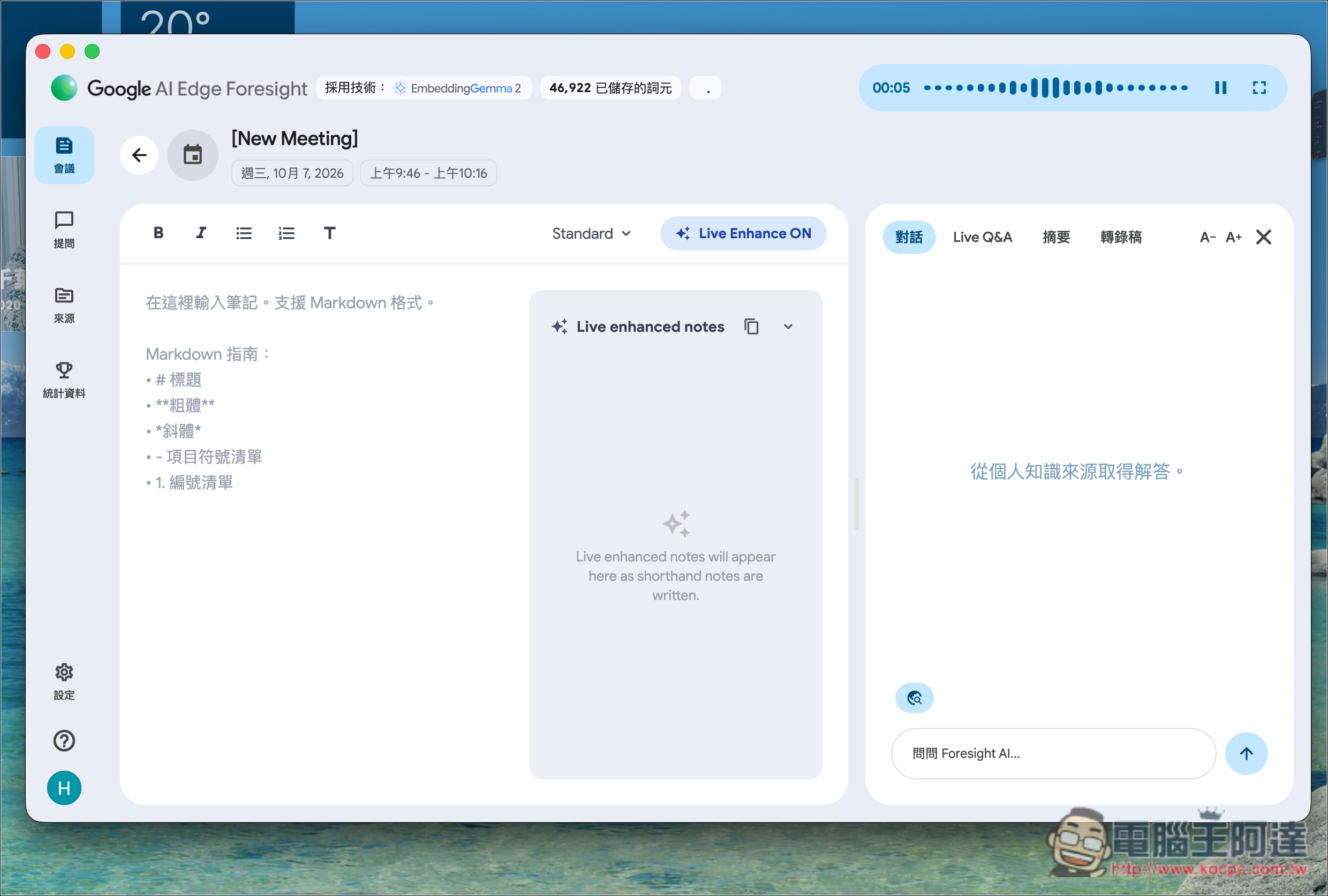
Introducing Google AI Edge Foresight: Powered by EmbeddingGemma 2, it auto-completes key points as you jot them down, and you can ask your local files directly too.
Earlier, alongside the release of its new open model EmbeddingGemma 2, Google also announced the launch of Google AI Edge Foresight, a Mac App, as a demo application showcasing what this model can do.
Foresight is powered by EmbeddingGemma 2 together with the Gemma 4 model and has three main functions:
- Enhanced Notes automatically turns your brief notes into complete notes.
- Turn local folders and Google Drive into a personal knowledge base where you can ask questions directly.
- A “real-time AI assistant” that answers questions instantly during meetings
Enhanced notes: during a meeting, Foresight continuously listens in the background and generates a transcript. You just need to type down what you want to remember in the briefest way possible, as usual, for example, “Cut Q4 budget by 20%?” “Design draft delayed to the end of the month.”
After the meeting ends, the App uses these few brief lines of notes to cross-reference the meeting transcript, filling in the context, who said what, and the relevant numbers, turning it into a complete set of notes.
The benefit of this design is that you don’t have to choose between “listening attentively” and “frantically taking notes.” Many AI meeting tools just throw a full transcript and summary at you, but the key points the summary captures aren’t necessarily what you care about.
Foresight, by contrast, expands on the few words you wrote down yourself as its core, so the resulting content is closer to what you really care about.
Next is the second one: you can turn work data into a knowledge base you can query directly.
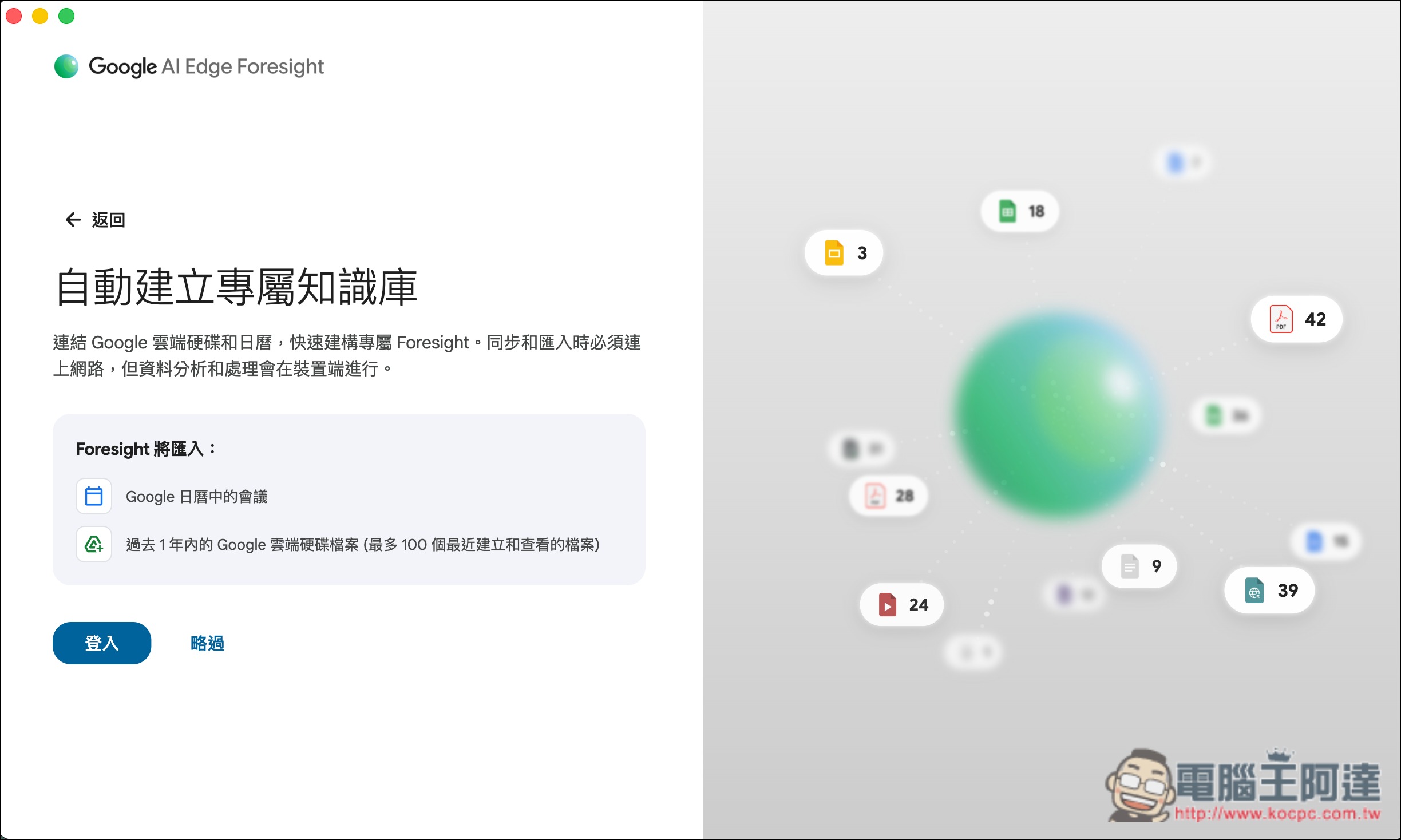
Foresight supports local files, calendars, and Google Drive. Once set up, you can ask it questions directly in natural language, such as “What was the delivery date I last confirmed with the customer?”, and it will find the answer from this data without you needing to organize and categorize your files in advance. The built-in chat feature can also search and summarize this personal data:
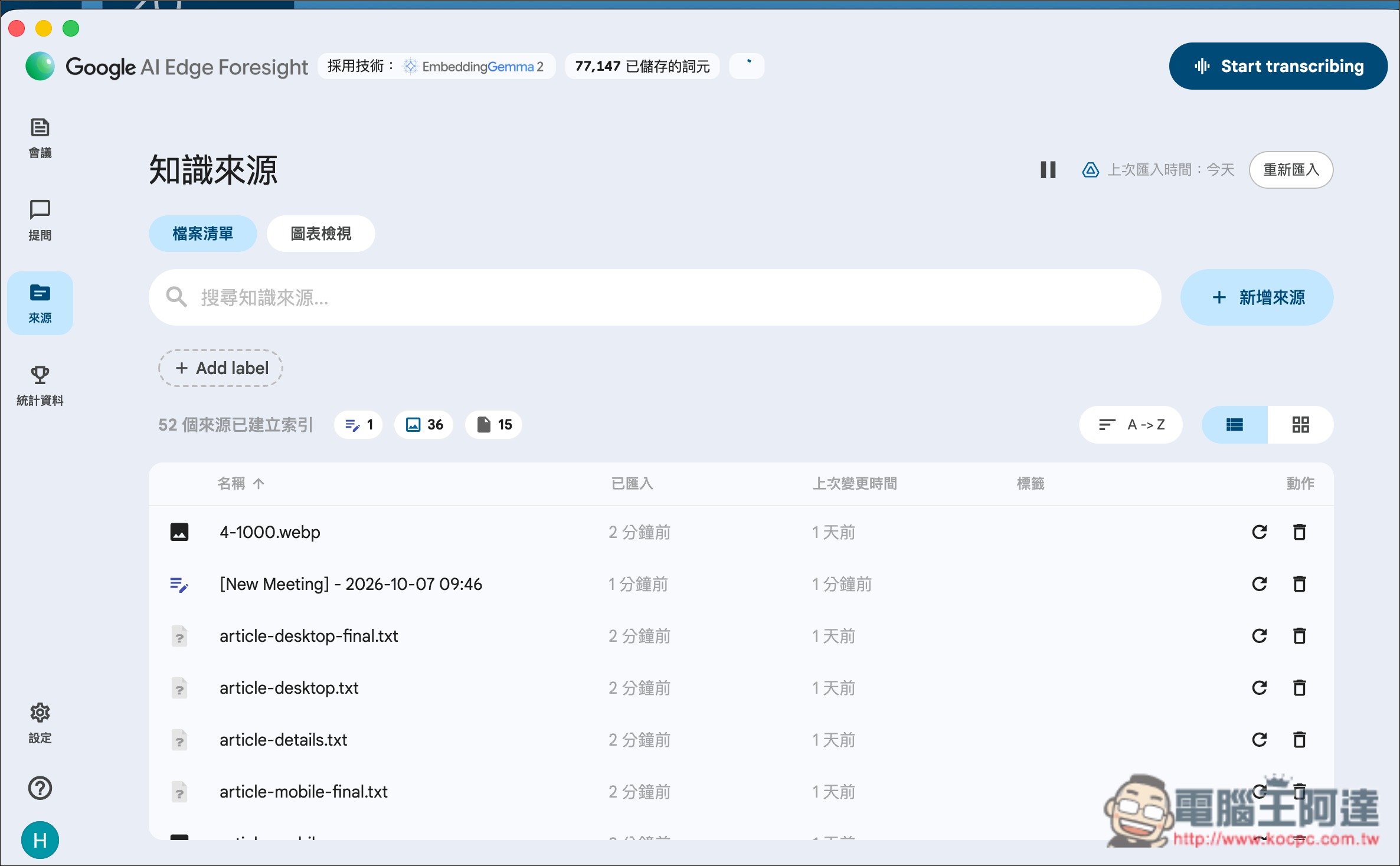
In the Sources menu, you can manage knowledge sources, including sources that have already been added, or add new sources:
The third one, Live Assistance, is also very useful. For example, if you’re suddenly asked in a meeting something you can’t answer, like “What was last quarter’s conversion rate?”, and you can’t really find the file either, Live Assistance can be a big help. It keeps listening during the meeting, and when it detects that someone has asked a question, it automatically finds the answer in your database and displays it:
These three features all use “local processing.” Google also emphasized in its blog post the benefits of running on-device, including keeping sensitive data on your own computer, continuing to work regardless of network conditions, and no cloud subscription fees.
To add here as well, Google’s newly launched EmbeddingGemma 2 embedding model increases the context length from 2K in the first generation to 8K tokens, and can process up to about 5.5 minutes of audio, 29 images, or 58 video frames at a time. In Foresight, EmbeddingGemma 2 is mainly responsible for indexing text, audio, and visual data and performing semantic retrieval, while Gemma 4 handles understanding context and generating answers; together they form this on-device AI feature:
During initial setup, you’ll be asked to choose which Gemma model to use. There are two options: Gemma 4 E4B and Gemma 4 12B:
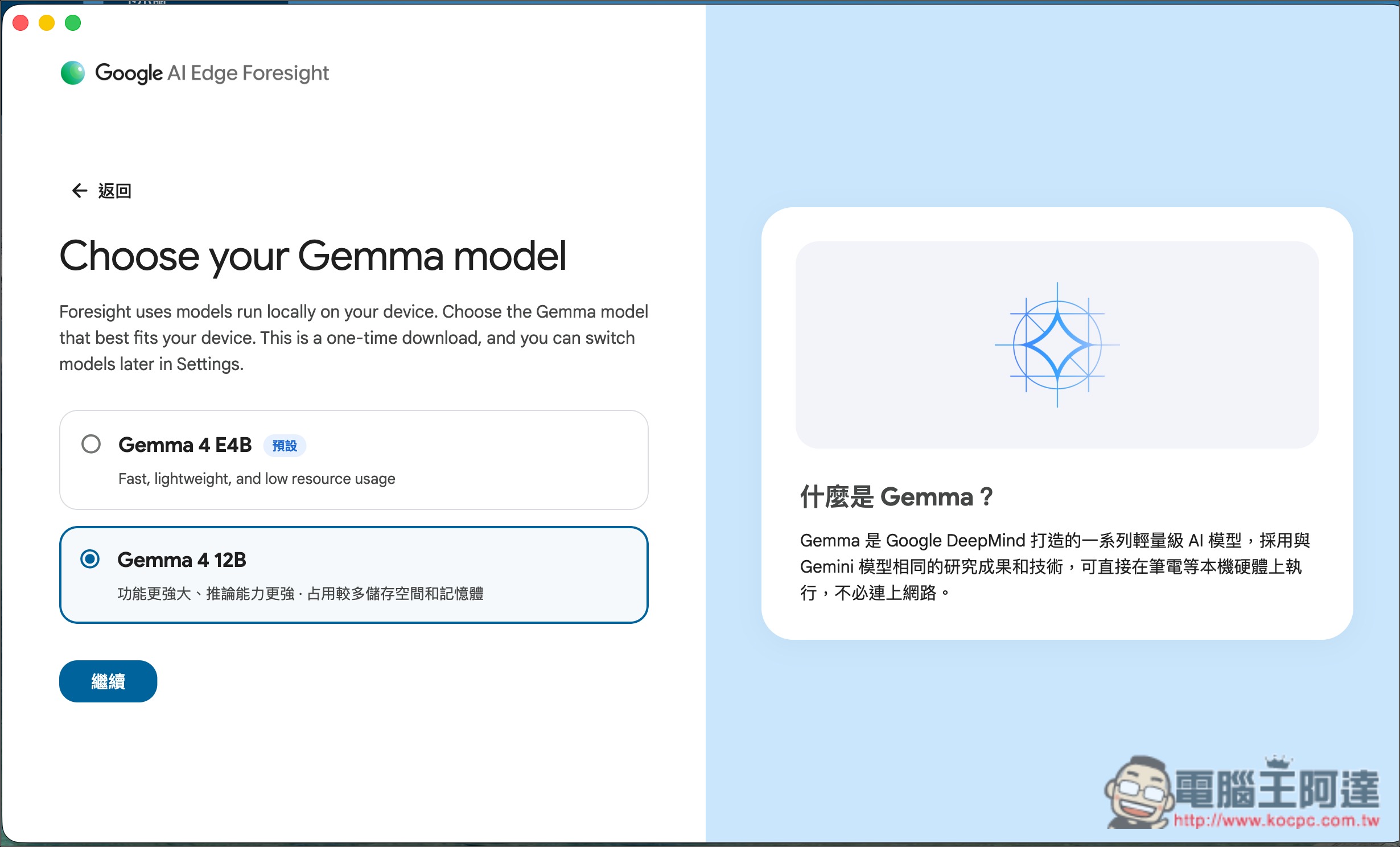
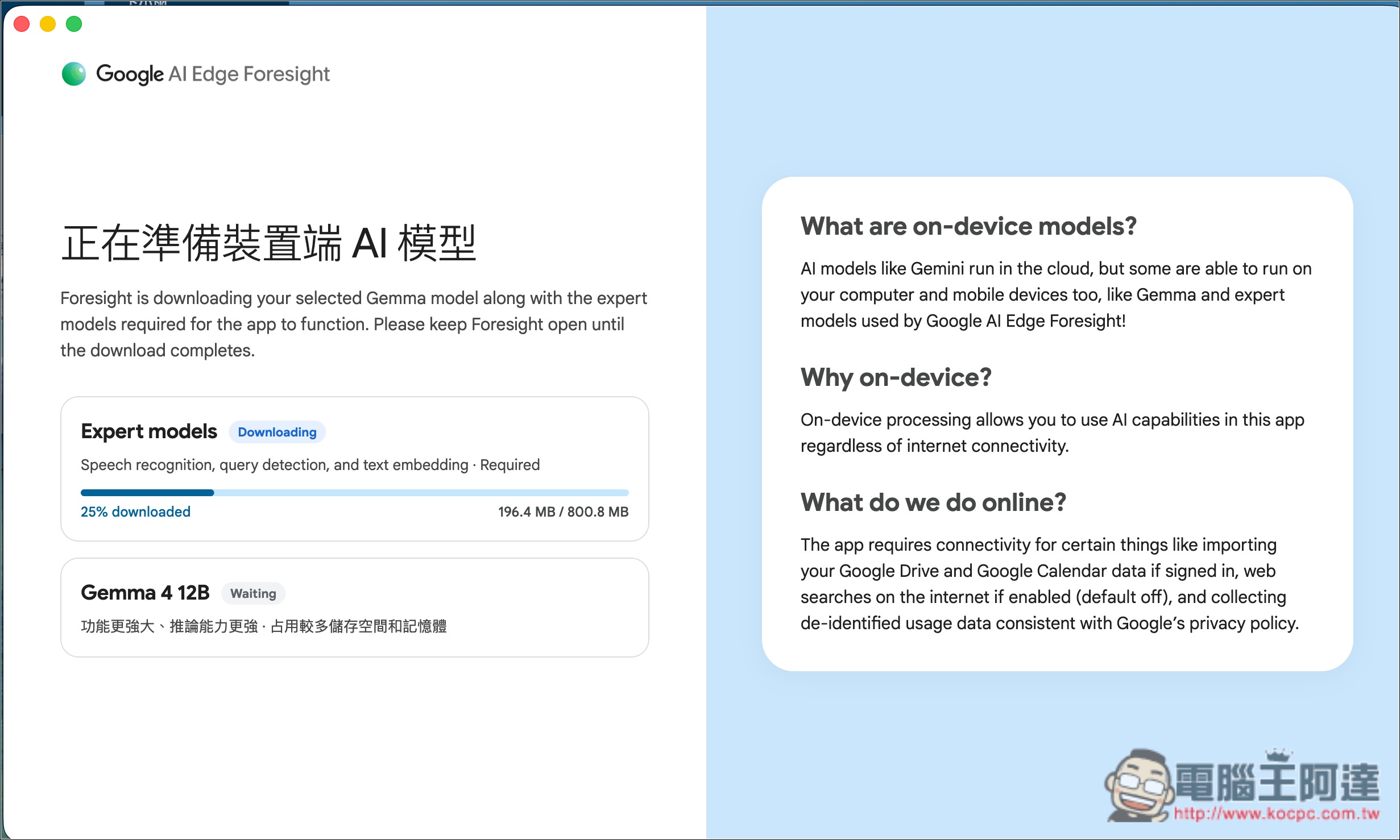
Once selected, it will start downloading EmbeddingGemma 2 and the Gemma 4 model you selected:
Google AI Edge Foresight It is now available for download and installation from the official website, and only supports Mac.
Source: KOCPC Chinese