


After first offering Xbox Insider members an early chance to test it, Xbox’s long-in-development Disc-to-Digital feature officially became available earlier this week to all players on Xbox One and Xbox Series X consoles. As the name suggests, players can use this new feature to convert the vast majority of physical Xbox games into digital versions. Along with the full rollout, Microsoft also further explained how the feature works, as well as a rather useful tip and piece of information.
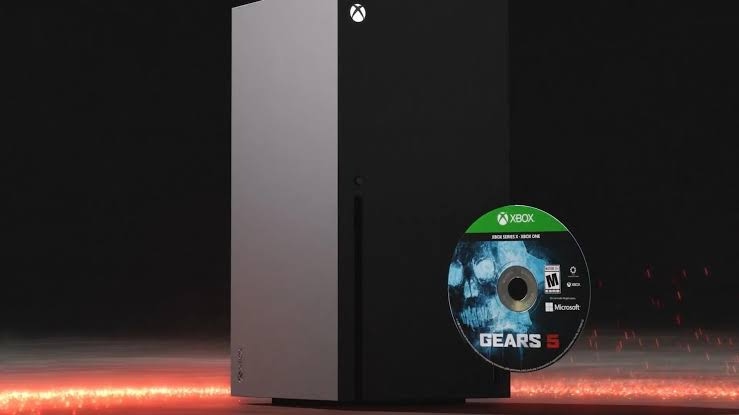
Whether using an Xbox Series X or Xbox One console, this feature is very simple to use. If players want to obtain a “digital license” for a physical Xbox game that supports this feature, they only need to first sign in to their Xbox account and insert the physical disc into the console. The system will then display a notification informing them that they have successfully obtained the digital license for the game, and the game will be added directly to their digital game library.
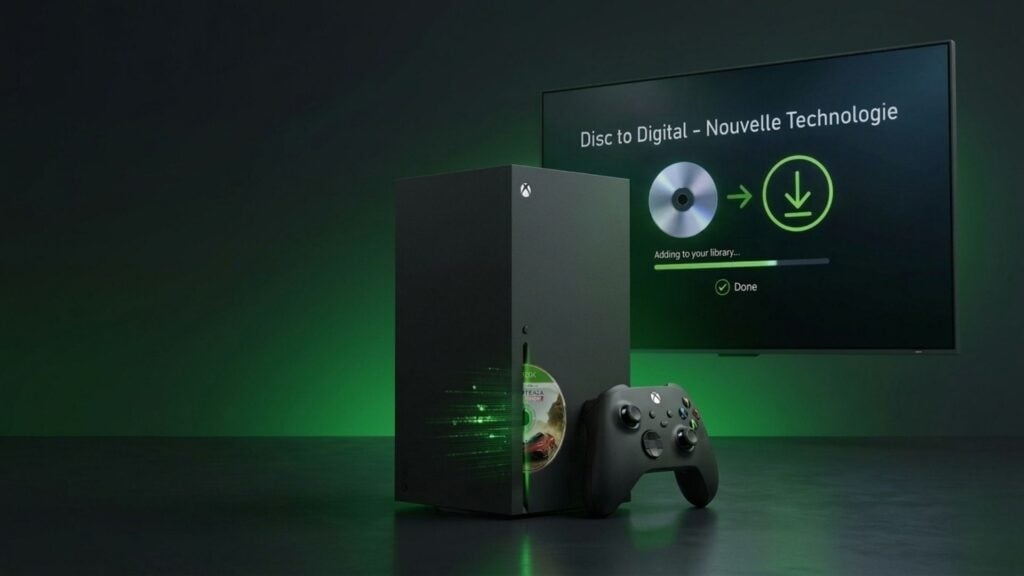
In addition, when a player inserts a physical game disc, the Xbox console will also automatically start installing the game content. If players want to avoid a similar situation, they can also go to the “Profile & system” option in Settings, then enter the “Devices & connections” category, find the “Disc” option, and then uncheck “Auto-play disc.”
After disabling this feature, players can more efficiently obtain digital licenses for multiple games at once and temporarily skip the entire installation process. However, when inserting a disc this way, players still need to manually select the corresponding game option on the home screen, then open the menu page, and then choose “Get Digital License.” After that, they just need to eject the disc and insert the next game they want to convert to digital. Although Microsoft has fully rolled out this feature, some games still do not support it yet.
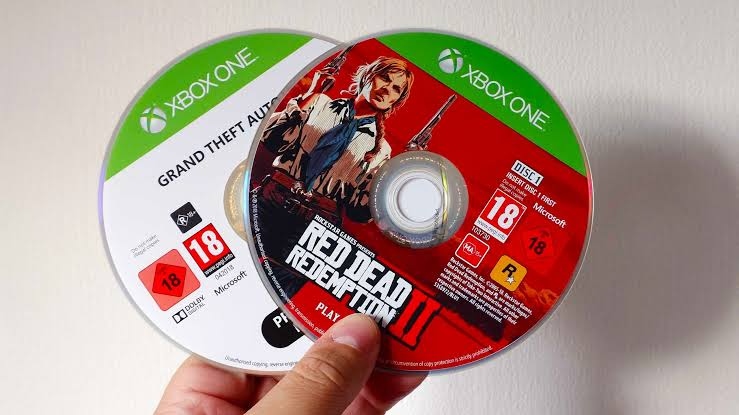
It is worth noting that after successfully obtaining a digital license for an Xbox game via a physical game disc, players can still lend the physical game disc to other users. However, when the other person inserts the disc, they will also automatically obtain the digital license for that game, and the original holder’s license will be temporarily deactivated until the other person returns the disc and the transfer process is carried out once again.
Source: KOCPC Chinese