


Have you ever calculated how much you’ve paid in total for cloud storage over the past few years? Many people started subscribing to Google One and iCloud in 2019 or 2020. A few hundred dollars a month may not seem like much, but after being charged all the way until now, the total could actually buy you a pretty good phone. And with this kind of subscription model, as soon as you stop paying, your storage capacity immediately shrinks; if you want to keep your original storage, you have to keep paying.
Besides long-term subscription fees, the security of important data in this AI era is another issue that cannot be ignored. If no protection is put in place and important files are simply stored in the cloud, there are still certain risks.
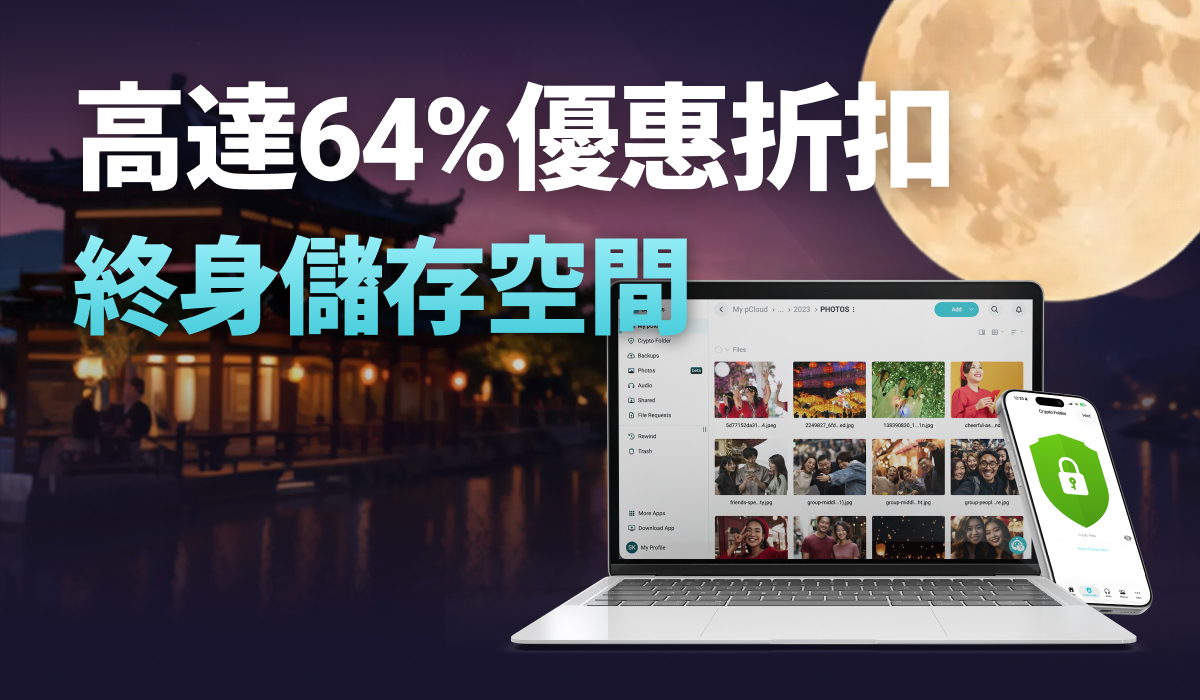
pCloud’s Mid-Autumn promotion for its Lifetime Cloud Storage plans highlights two key features: a one-time purchase and data encryption. The 1TB, 2TB, and 10TB capacities are discounted by up to 64% off, and every plan includes pCloud Encryption zero-knowledge encryption—originally priced at $229—for free.
Pay once, use forever. You control the protection of your important files—even pCloud cannot decrypt or access them.
Get the pCloud Lifetime Plan + Encryption Mid-Autumn Offer
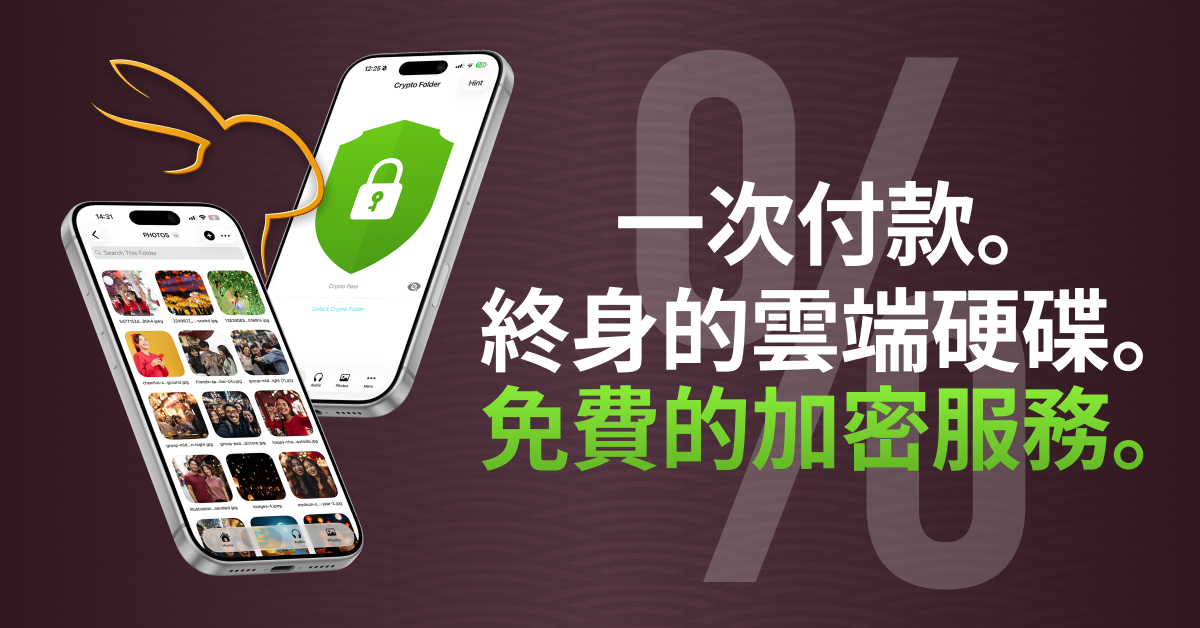
pCloud 2026 Mid-Autumn Cloud Storage Lifetime Plan Offer
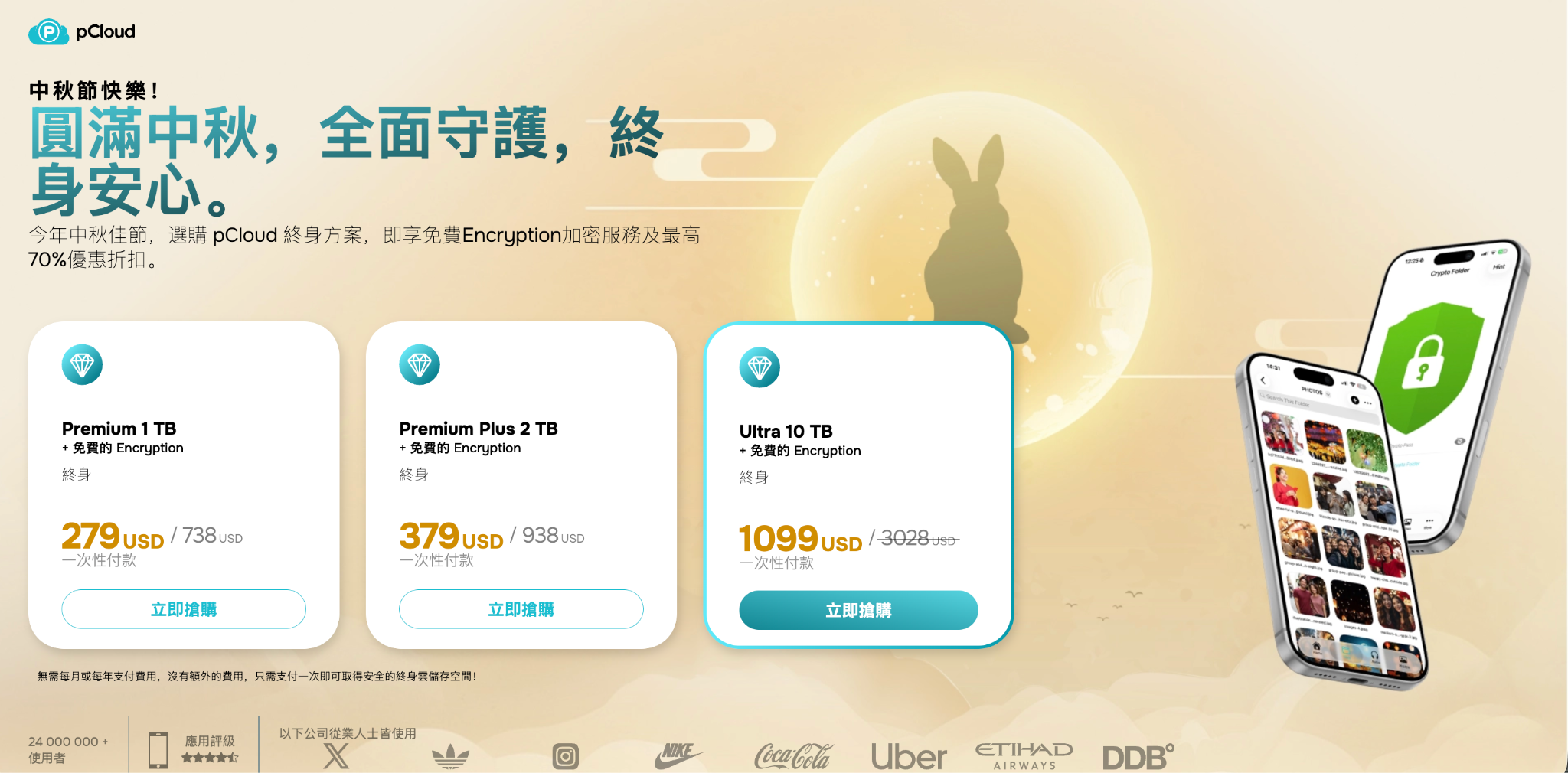
pCloud’s Mid-Autumn promotion this time runs from September 21, 2026, to September 30, only 10 days. All three lifetime plans are bundles of “storage + pCloud Encryption,” with no separate purchase required:
- 1TB lifetime plan + free Encryption: special price US$279, approx. NT$8,800
- 2TB Lifetime Plan + Free Encryption: special price US$379, approximately NT$11,900
- 10TB Lifetime Plan + Free Encryption: Special price US$1,099, approx. NT$34,600
Get pCloud Lifetime + Encryption Mid-Autumn Deal
If you buy pCloud Encryption separately, the official website price is US$229 for lifetime, with a regular sale price of US$150 (about NT$4,700). If you deduct the price of pCloud Encryption from this bundle, the cloud lifetime version is incredibly cheap.
| Lifetime plan | After deducting the US$150 regular discounted price for pCloud Encryption |
| 1TB: $279 | US$129 (approx. NT$4,100) |
| 2TB: $379 | US$229 (approx. NT$7,200) |
| 10TB: $1,099 | 949 USD (approx. NT$29,900) |
The benefit of pCloud Lifetime: turning “pay every year” into “pay once and you’re done.”
The biggest difference between cloud storage and other software subscriptions is that after long-term use, you store more and more files and become increasingly unable to leave, so the barrier to canceling only gets higher and higher.
The biggest advantage of pCloud’s lifetime plan is that it replaces continuously accumulating subscription fees with a one-time payment.
Cloud storage is usually not something you use for just a year or two. As more and more photos, videos, and work files are stored, you’ll use it for longer and longer and become increasingly dependent on it, and the longer the usage period, the more pronounced the cost difference between a lifetime version and a subscription plan becomes.
For 2TB of cloud storage, a subscription requires continuous annual payments; unless prices drop, the total cost accumulated over five or ten years can be considerable. With a lifetime version, the total cost is fixed at the time of purchase, and there are no monthly or annual fees afterward.
Another advantage is that you won’t have to worry about price increases in the future. Subscription service prices are not fixed forever; plan changes, exchange rate fluctuations, or rising operating costs can all increase monthly or annual fees.
For people who use different devices at the same time, pCloud’s cross-platform support also offers greater flexibility. It works on Windows, macOS, Linux, iOS, Android, and the web.
Of course, if you only need cloud storage for the short term, a subscription is still better. But if you expect to use it for many years, pCloud’s lifetime plan is more attractive: you pay once, the long-term average cost keeps getting lower, and you can also avoid future price increases and the hassle of ongoing renewals.
Get pCloud Lifetime + Encryption Mid-Autumn Offer
Compared to Google One, iCloud+, and Dropbox, how much does the pCloud Lifetime plan differ?
I’ll compare a few well-known 2TB cloud plans here.
In Taiwan, Apple iCloud+ 2TB is currently NT$300 per month, which comes to NT$3,600 a year; Google One 2TB is NT$330 per month, and if you pay monthly, that’s NT$3,960 a year; Dropbox Plus also offers 2TB, and choosing the annual plan works out to US$9.99 per month, or about US$120 a year.
pCloud 2TB lifetime plan with Encryption is US$379, about NT$11,900, one-time payment.
- After about 3.3 years of using iCloud+ 2TB, the cumulative subscription cost will exceed NT$11,900.
- Based on its current annual price, Dropbox Plus would also reach a similar amount in a little over 3 years.
- If Google One is calculated at NT$330 per month, 3 years already comes to NT$11,880.
It becomes more apparent over a longer period of use. For example, with iCloud+ 2TB, 5 years costs NT$18,000, and 10 years costs NT$36,000.
Of course, this isn’t to say that pCloud can completely replace Google One or iCloud+, since Google One also integrates Gmail, Google Photos, and AI features, while iCloud+ has more complete system integration on iPhone and Mac. This is simply a comparison from the perspective of cloud storage.
What Is pCloud Encryption? Private Data That Even pCloud Cannot See
Cloud storage services generally do have encryption mechanisms, but most use “encryption in transit + server-side encryption,” meaning that after files are uploaded to the cloud, the service provider is responsible for holding the encryption keys. Although this approach provides a certain level of security, the service provider itself still has the technical ability to process or access some data.
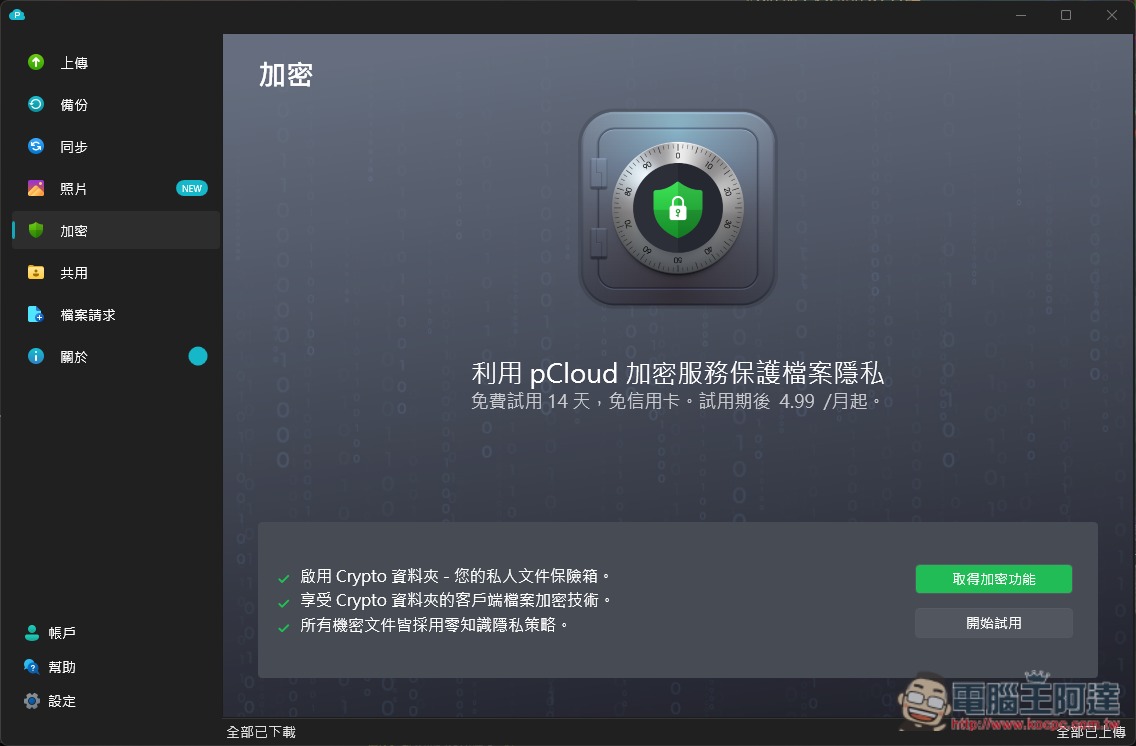
The biggest difference with pCloud Encryption is that it uses zero-knowledge client-side encryption.
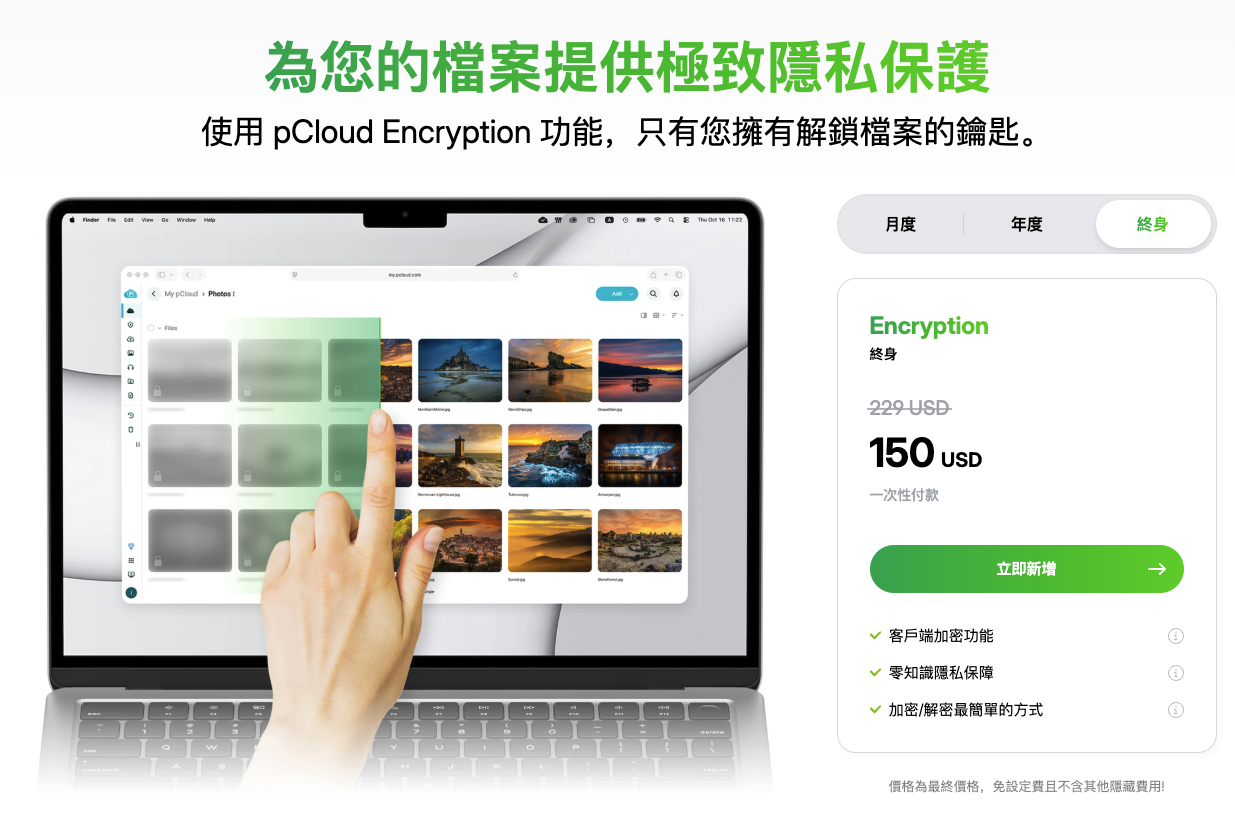
Simply put, files are not encrypted only after they are uploaded to pCloud; instead, they are encrypted on your computer or phone first, and then the encrypted files are sent to the server. The Crypto Pass used for decryption is also not stored on pCloud’s servers. For this reason, pCloud officially states that it cannot access the encrypted files in a Crypto Folder, nor does it know the file names, file types, or other contents inside.
The most useful thing about this feature is that it lets you lock up important data you really don’t want others to see.
Scanned copies of documents such as ID cards, passports, and driver’s licenses, tax documents, pay stubs, credit card bills, bank statements, insurance policies, and so on pose a significant security risk if simply dropped into an ordinary cloud folder; after moving them into a Crypto folder, only the client-side encrypted version will be uploaded to the cloud.
Now that AI has become widespread, many people are used to handing company meeting recordings to AI to summarize, but these files may contain unreleased product information, customer names, internal decisions, or even accounting figures. If they need to be kept for the long term, compared with just putting them in ordinary cloud storage, extra encryption is definitely much more reassuring.
Other things like private photos and videos are also well suited to zero-knowledge encryption.
What really matters about this feature is that even if someone obtains your pCloud account login information, without the Crypto Pass and without access to a device that has already unlocked the Crypto folder, they cannot directly decrypt the data inside.
pCloud also specifically notes that regular account passwords can be reset via email, but Crypto Pass cannot.
pCloud even once held a public cracking challenge for this encryption mechanism, offering a $100,000 prize. The challenge lasted 180 days and drew 2,860 participants from universities including MIT and Berkeley, as well as 613 organizations. In the end, the official results showed 0 successful cracks.
Of course, never forget your Crypto Pass, because pCloud can’t recover it for you either. If you do forget it, the only option is to reset the Crypto folder, and the original encrypted files will be permanently inaccessible.
Therefore, after setting up a Crypto Pass, it is recommended that you also save it separately, such as in a trusted password manager.
Get the pCloud Lifetime + Encryption Mid-Autumn Offer
It’s also very simple to use—just three steps.
- Set up Crypto Pass: In your pCloud account settings or the desktop app, find Crypto and set an encryption password. This password is separate from your login password, and you can set a separate hint.
- Drop files into Crypto Folder: After setup is complete, a Crypto Folder will appear in pCloud Drive. Drag files into it and they will be automatically encrypted locally before being uploaded; it works exactly like a regular folder.
- It can also be opened on mobile: the iOS and Android apps also have Crypto Folder. Enter Crypto Pass to unlock and view it, and you can lock it when you leave—so even if someone else gets your phone, they can’t open it.
pCloud Core Features at a Glance
For those who haven’t used pCloud, here’s a brief introduction as well.
pCloud is a Swiss company founded in 2013, headquartered in Zug, Switzerland, and governed by Swiss privacy laws; it is one of the few cloud services that sell a “lifetime plan” as its main offering.
pCloud has many features. Here, I’ll explain a few that I find the most useful.
- pCloud Drive virtual disk: After installing the desktop version, your computer will have an extra pCloud Drive. It works just like a local hard drive—you can open, edit, and drag files directly, but it doesn’t take up local space.
- Rewind version rollback: You can view your account’s state at a past point in time and restore files that were accidentally deleted, overwritten, or modified. Paid plans include up to 30 days of rollback by default; with Extended File History, this can be extended to 365 days.
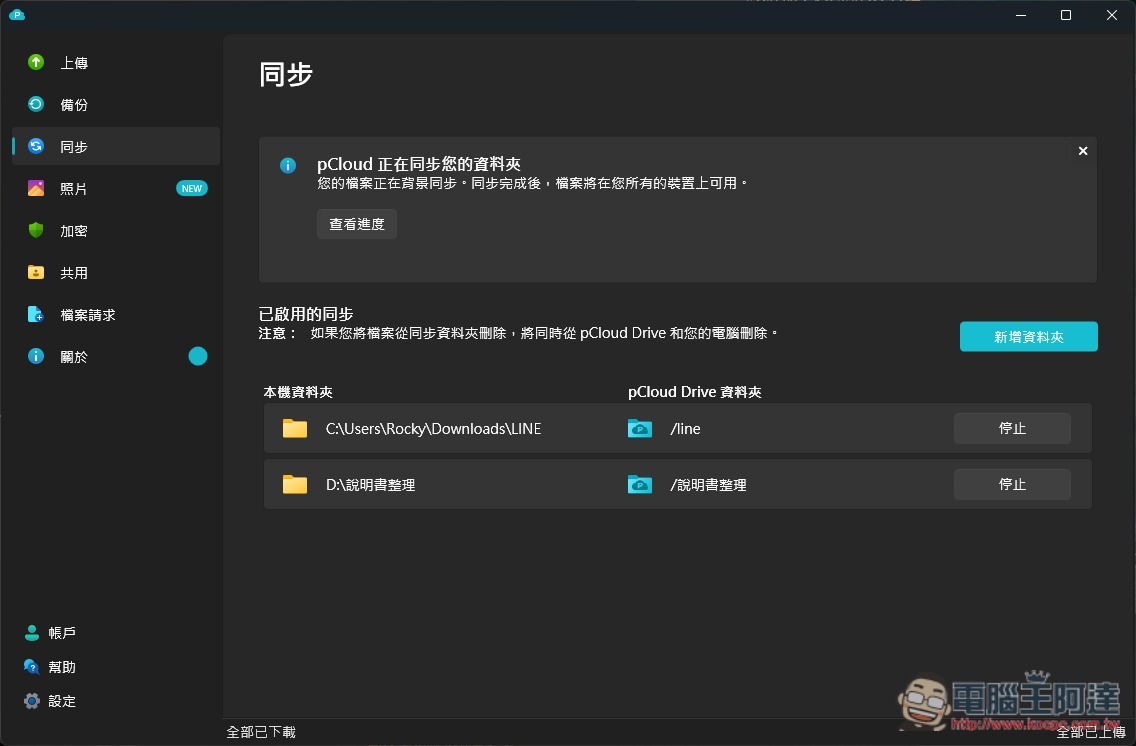
- Automatic backup and sync: After you enable automatic upload in the mobile app, photos and videos you take are backed up in the background. The desktop version can also sync a specified local folder.
- Sharing Links and File Collection: In addition to file sharing, pCloud also lets you create “upload links” so clients or friends can send large files directly to you without needing to register for a pCloud account.
- Built-in music and video playback: Uploaded music can be played directly in the App, playlists can be created, and videos can also be streamed directly without downloading.
Get pCloud Lifetime Plan + Encryption Mid-Autumn Offer
Source: KOCPC Chinese