


Every time you just want to add a slide or edit a few slides, but none of the computers you have on hand has Office or Keynote installed and ready to use, doesn’t that frustrate you? What’s more, the Office software we often used in the past not only had large files, but also often came with expensive licensing fees. If you only need lightweight use, then the lightweight, ready-to-use, device-independent solution introduced today, “PPTistIt is a very powerful open-source presentation software.
PPTist is a powerful, web-based open-source PPT application—put simply, it lets you run PPT directly in a web page. It breaks the limitation of traditional presentation software requiring download and installation, allowing users to smoothly edit and play PPT in full screen directly in the browser. It not only strives to recreate the smooth operating experience of native desktop software, but also integrates AI-generated presentation features, making it a very practical open-source project :
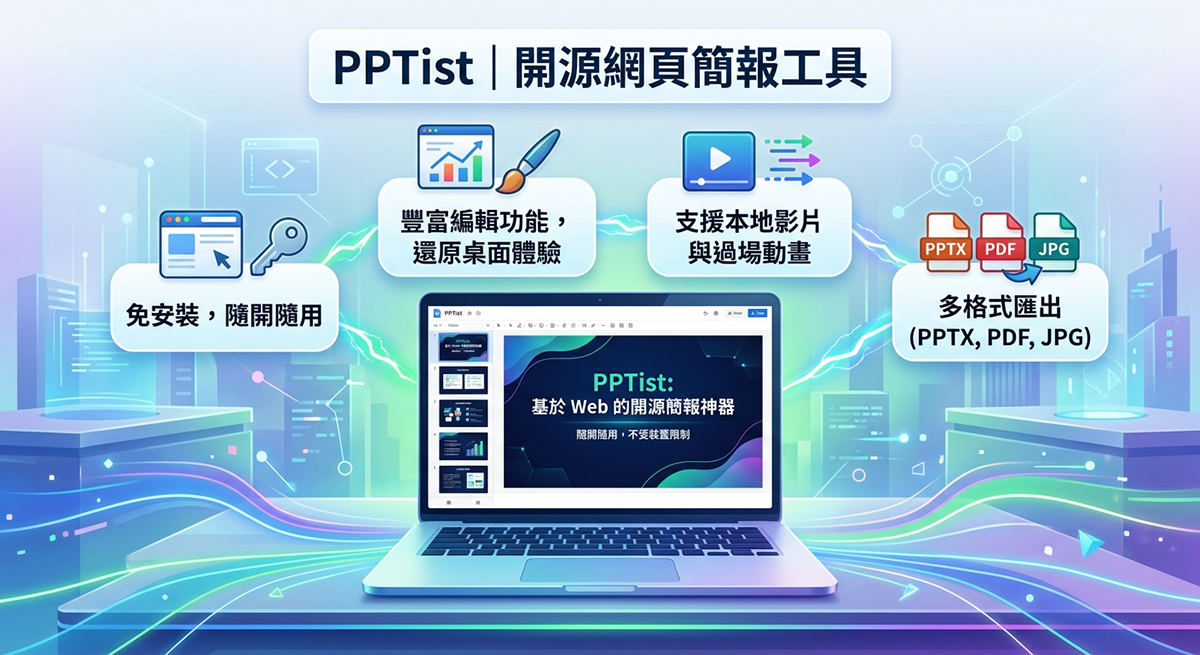
Introduction to PPTist
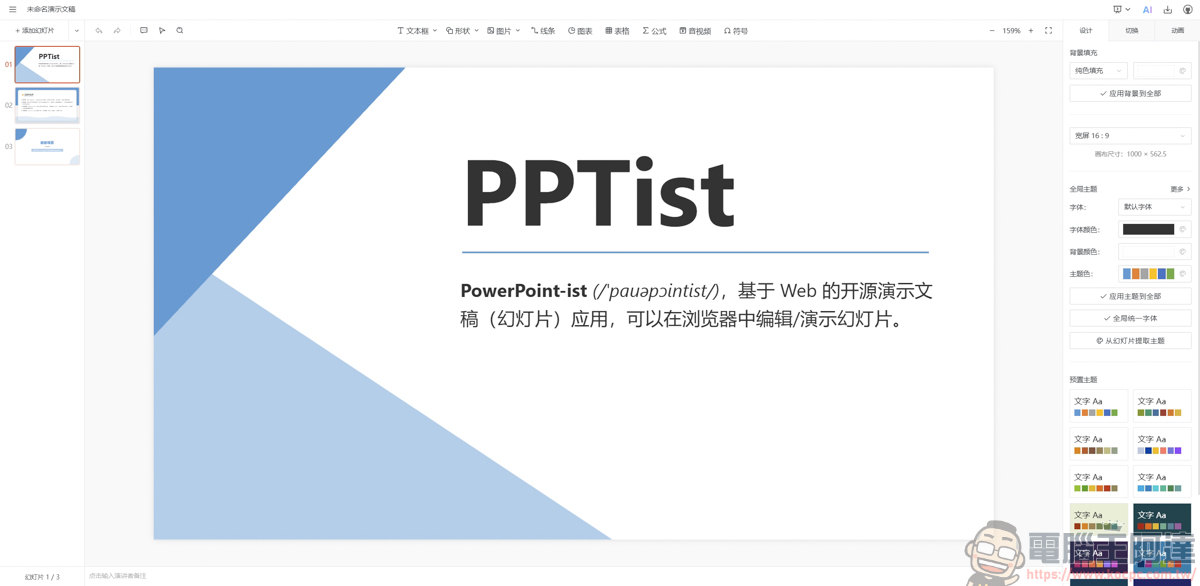
After clicking the URL above, you will go directly to the PPTist homepage. No setup is required at all—open it and it is a web-based PPT application:
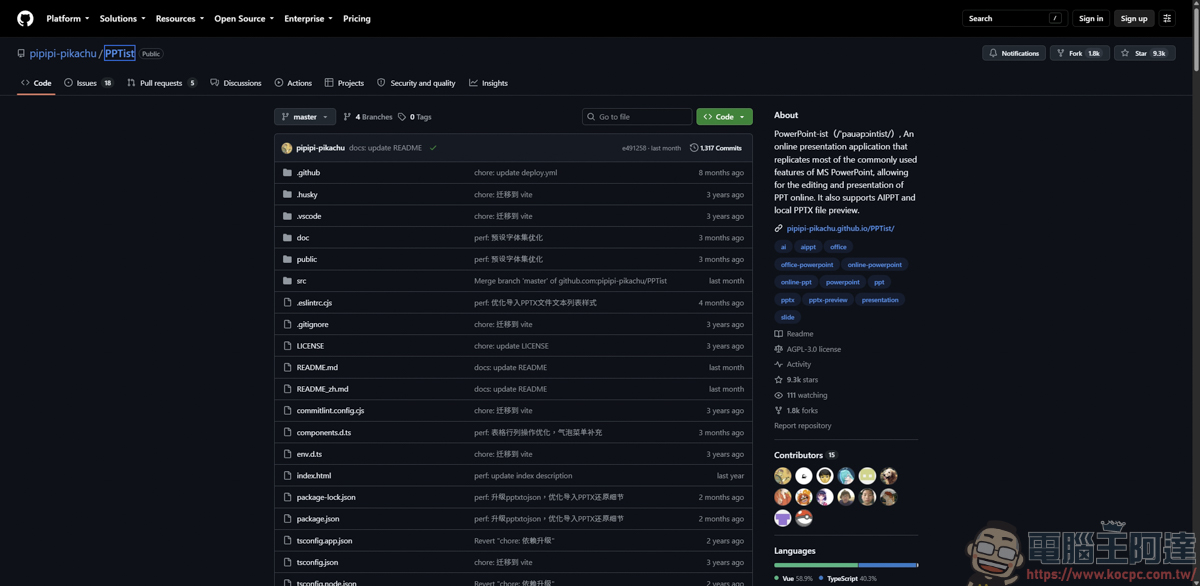
This open-source software can be found on GitHub, and the author is pipipi-pikachu:
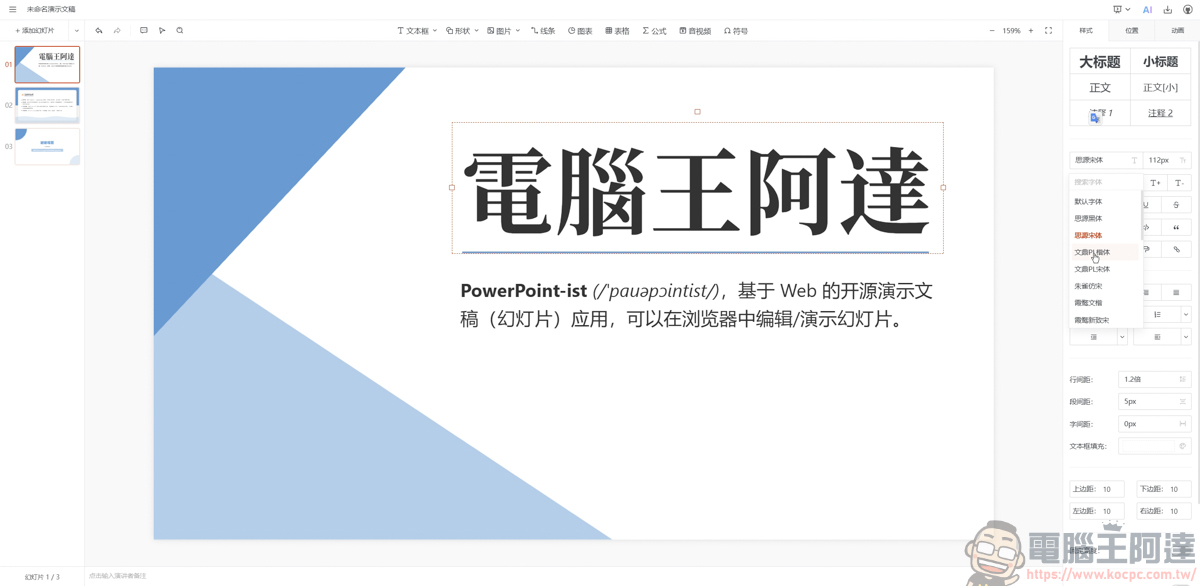
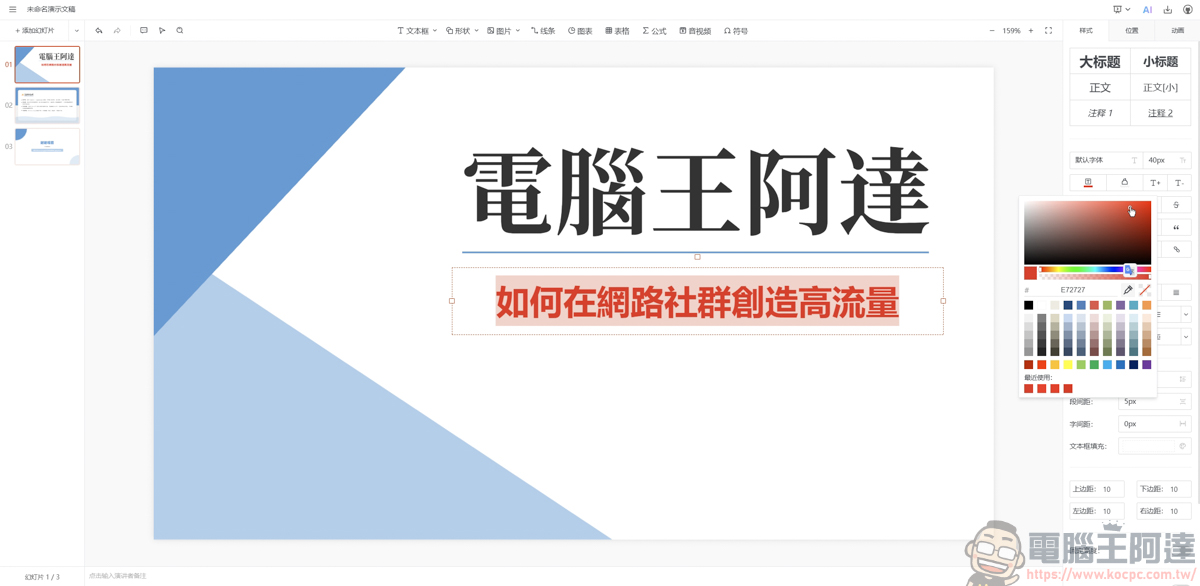
It works just like the PPT software we use every day: you can customize titles, type, change fonts, and adjust text spacing… etc.:
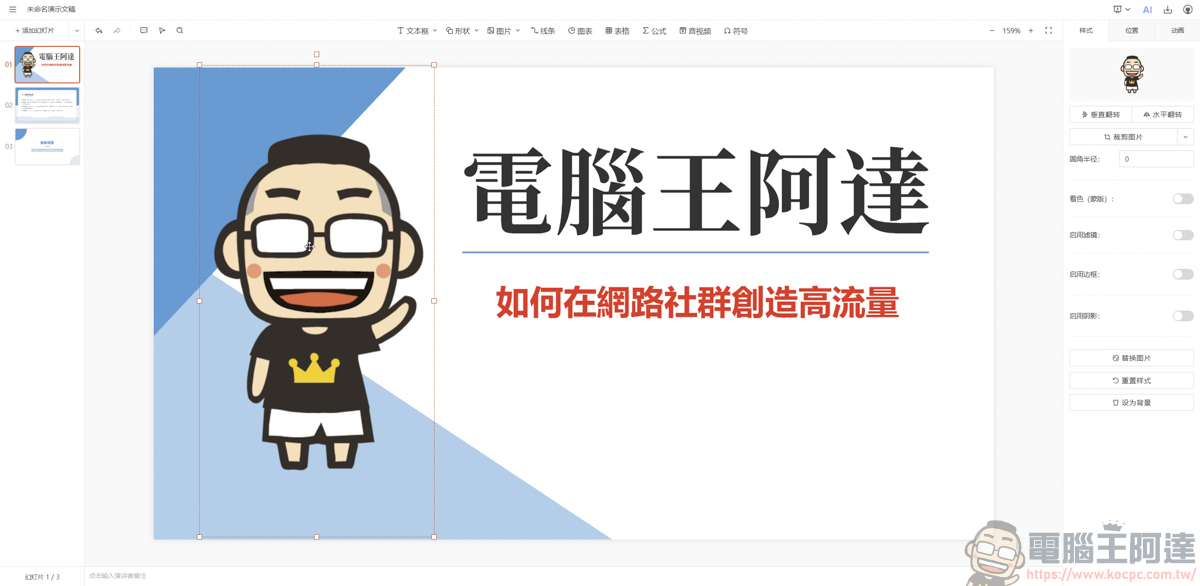
Even something as simple as inserting an image can be done:
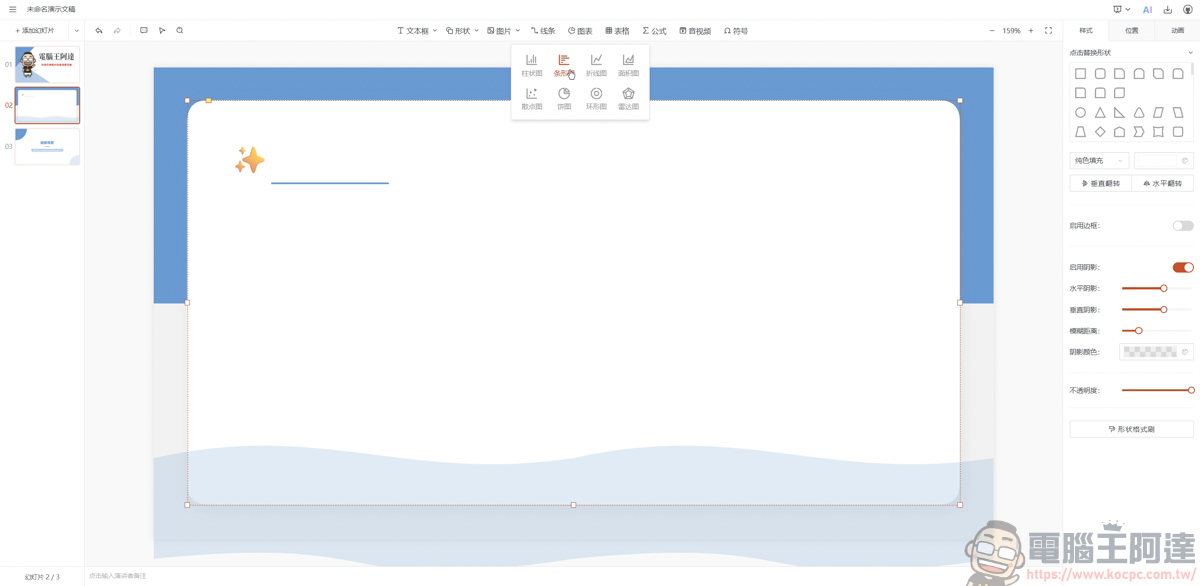
Like the chart features that PPT has, PPTist also provides:
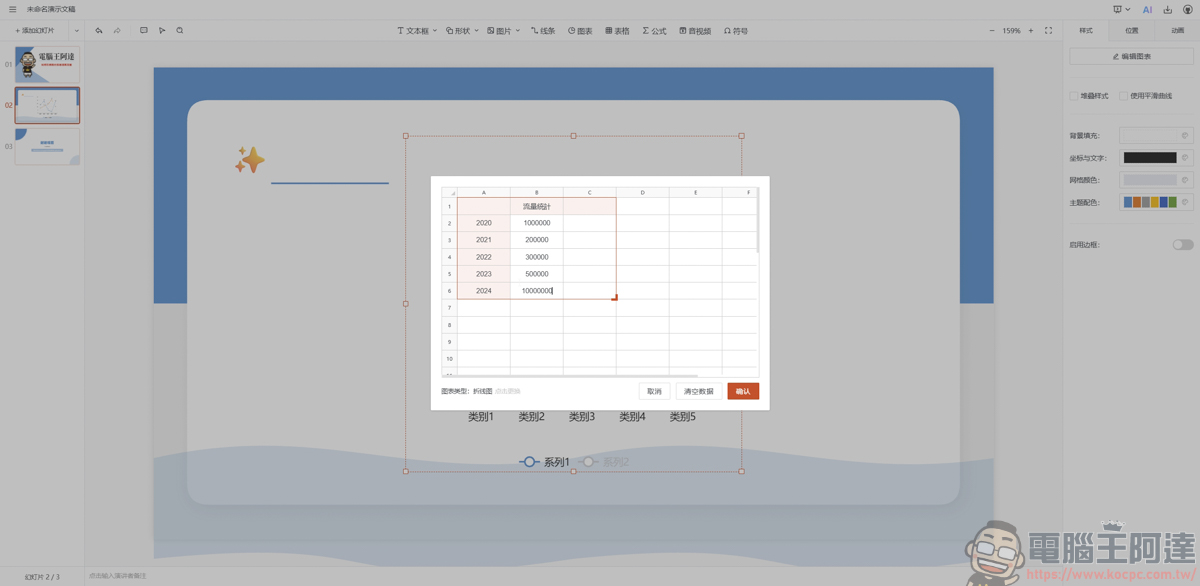
It can even modify chart values and text:
Moreover, its charts are still animated, which is a pretty nice feature :
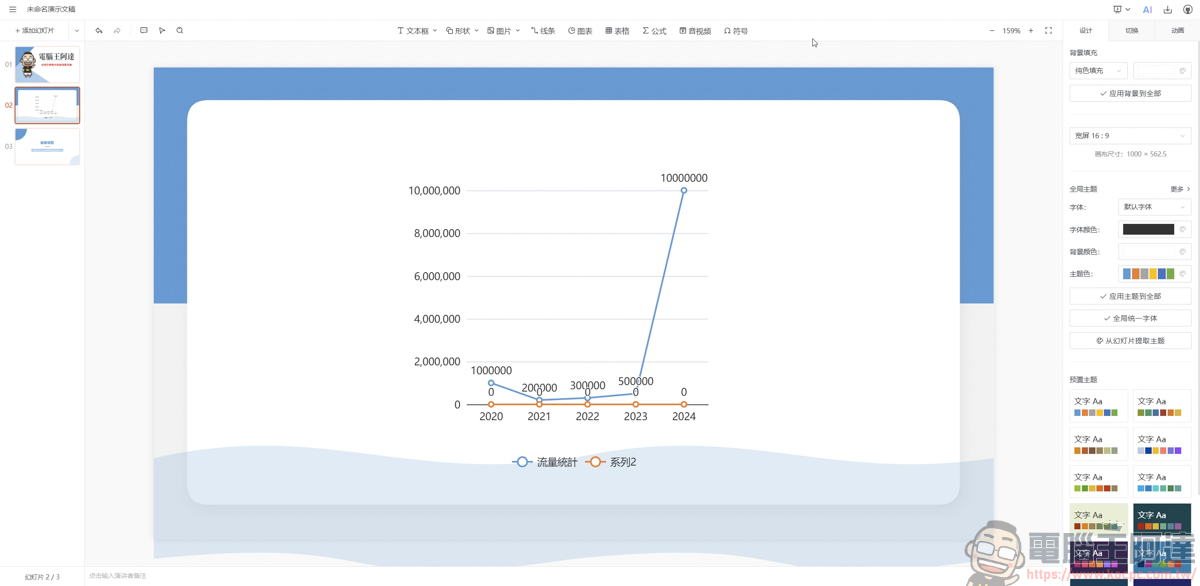
You can also choose a suitable background theme to create your own PPT:
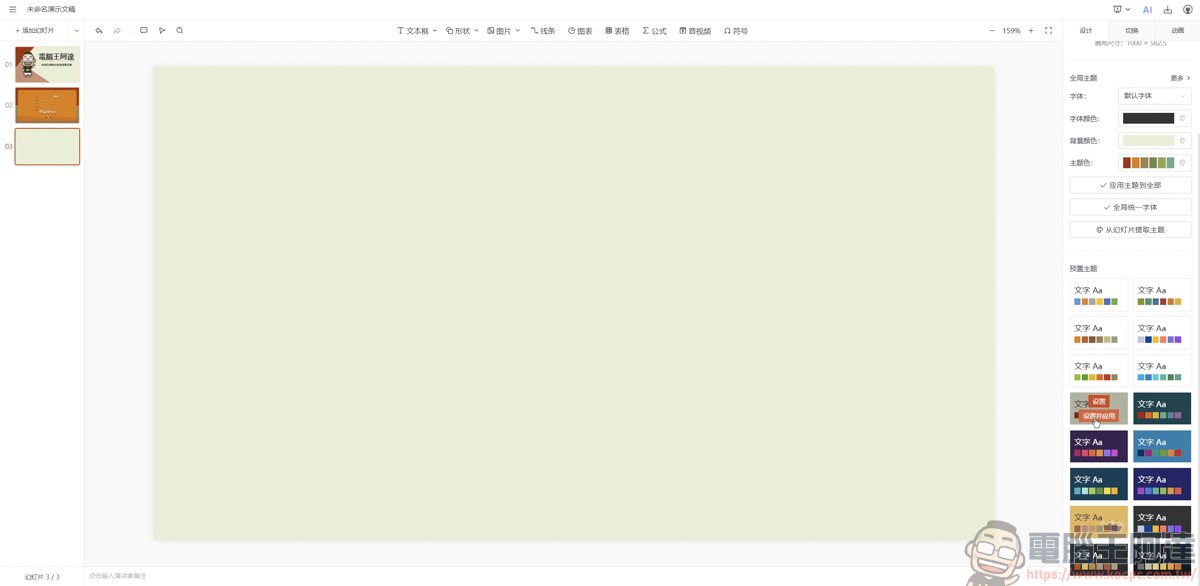
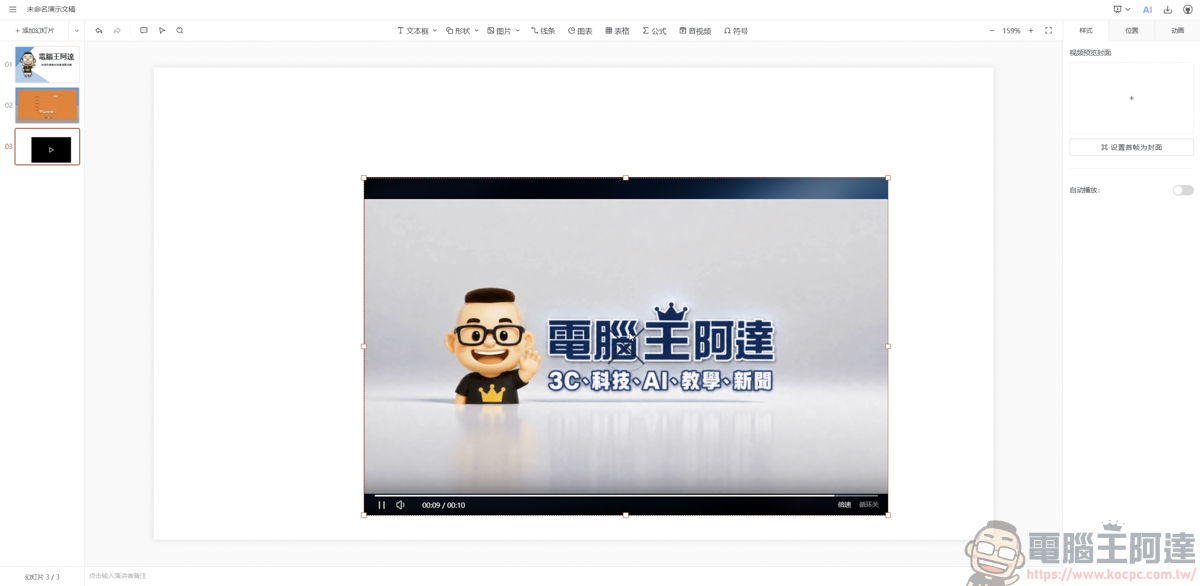
If you need to display videos, PPTist also provides a local video upload feature, and videos will not be uploaded to online storage:
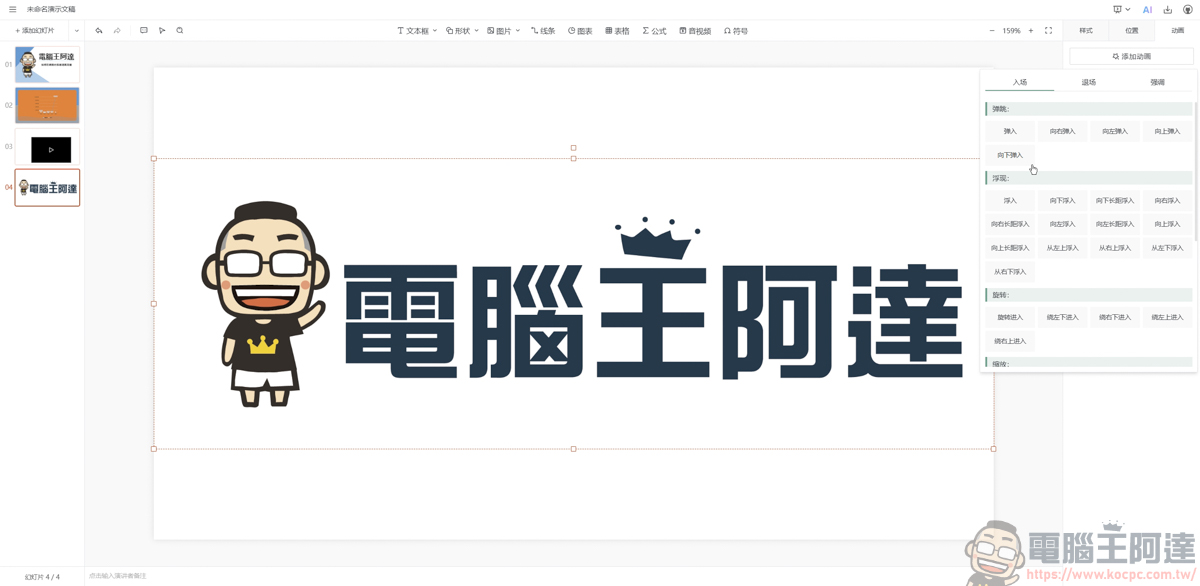
Animation transition effects in PPT can also be used, and the effects are displayed directly on the page, and they’re very fast with no lag:
Once you’ve finished your presentation, you can also use the full-screen feature to view it. Whether you’re presenting at the office or putting on a visual display, you can do it without any software:

In addition, it also provides an AI automatic PTT generation feature, but I tried having it generate, and the speed was extremely, extremely slow. After running for half an hour, it was still spinning. If you want to use AI to generate a PPT, ChatGPT works great :
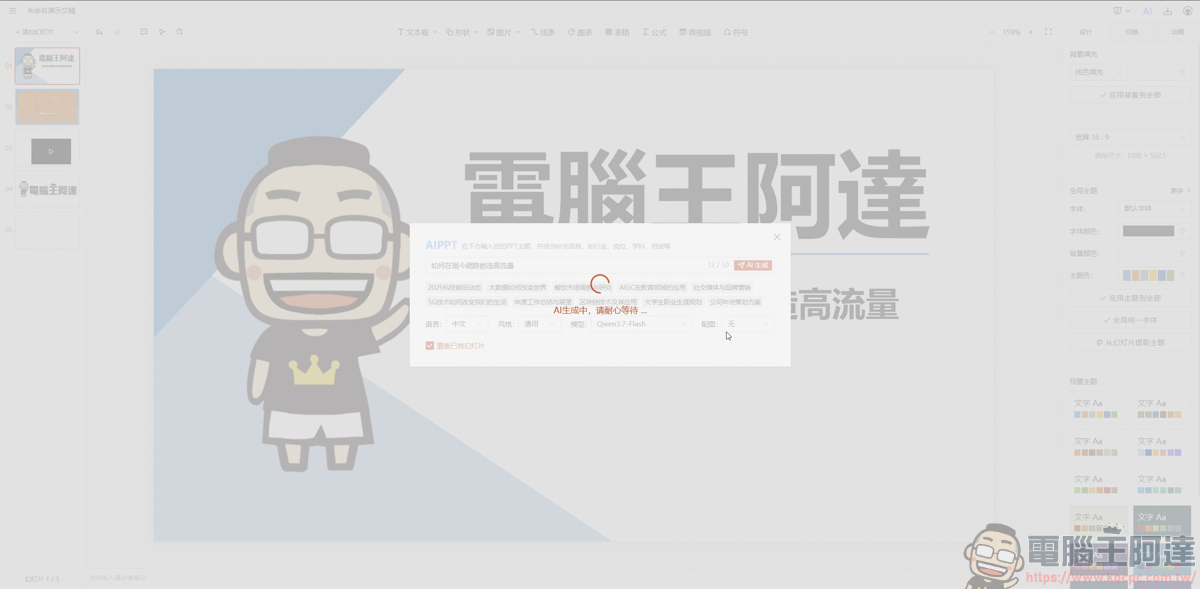
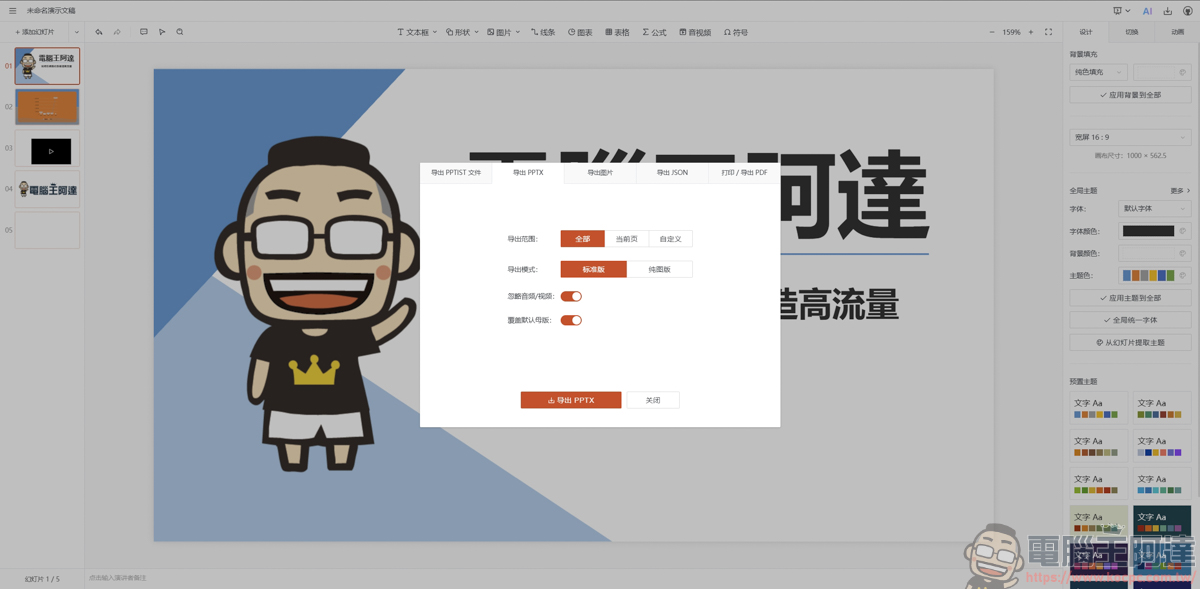
The coolest thing about PPTist is that it supports exporting finished presentations to a variety of different file formats—PPT, JPG, PDF, and more—meeting various needs for meetings, printing, or sharing:
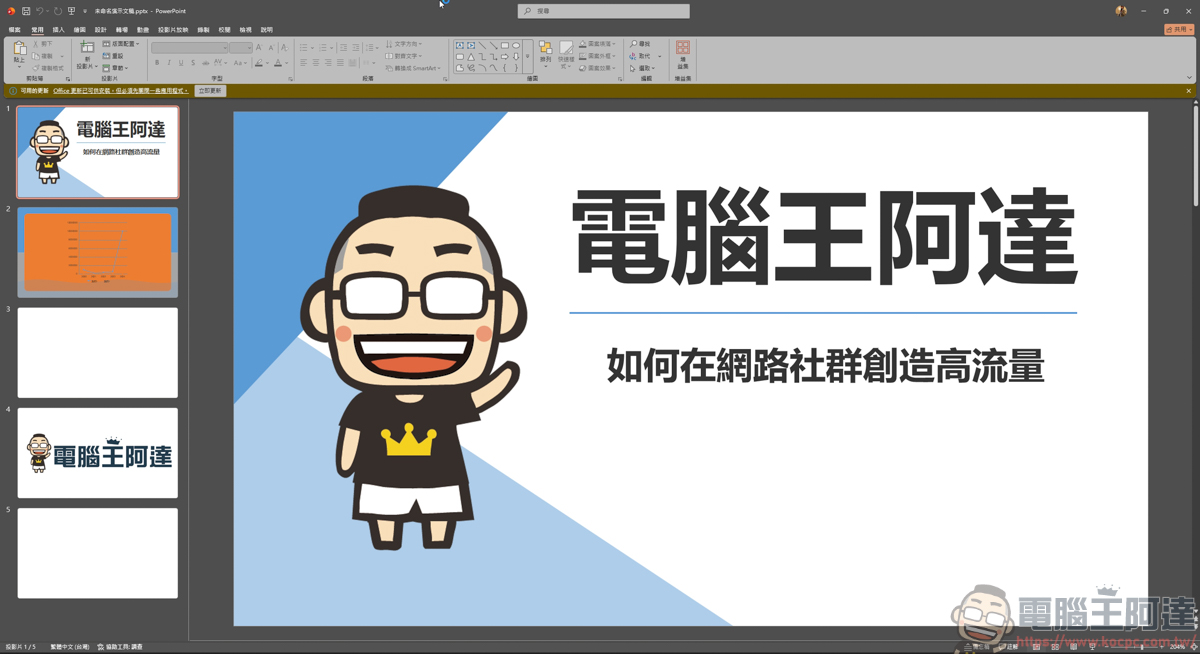
The downloaded files can also be used directly in PPT software normally, and images and videos play normally. However, the animation effects presented in the software cannot be seen when run in PPT software, so they need to be adjusted again in PPT software:
Summary
PPTist is an installation-free, ready-to-use open-source web-based presentation tool that perfectly solves the predicament of not having Office or Keynote at hand. It not only recreates the smooth operation of desktop software but also supports full text formatting, chart editing, local video uploads, and animated transitions, and it can play directly in full screen. Although its current AI generation features are almost useless, it supports exporting finished presentations to multiple formats such as PPT, PDF, and JPG. For lightweight office work or situations requiring temporary presentation edits, it is a highly practical and efficient web-based gem:
Source: KOCPC Chinese