


Two USB-C cables that look identical on the surface can perform vastly differently in practice. One can fast-charge a laptop, transfer large files in seconds, and even drive a high-resolution external display; the other can barely charge a phone, with unbearably slow transfer speeds. They are both USB-C connectors, so why is the difference so huge? The answer is that USB-C is only an interface specification, not a guarantee of functionality.
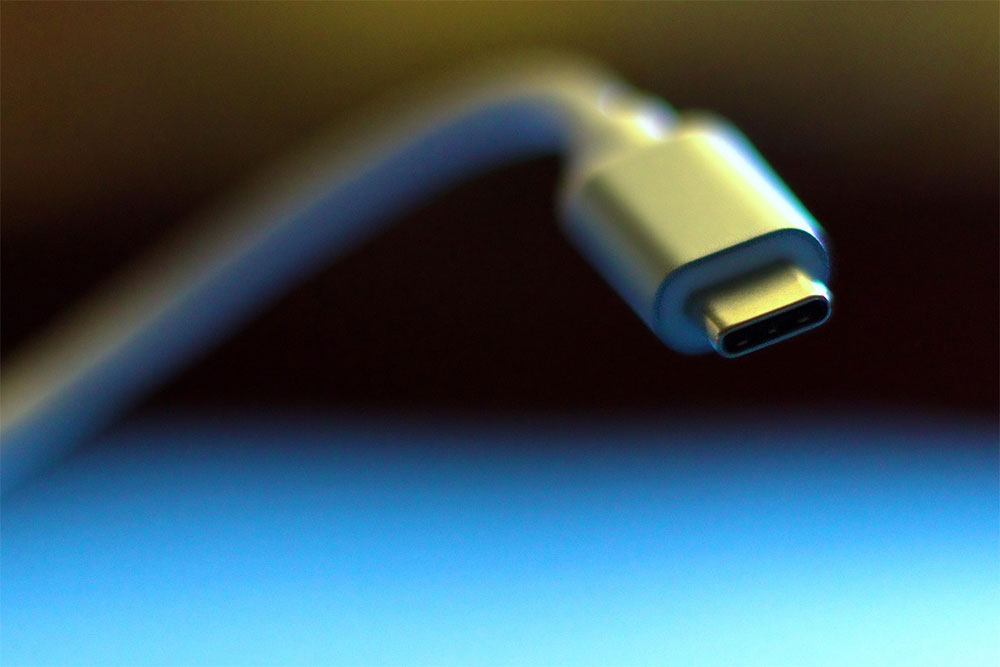
Why are some USB-C cables incompatible with computers?
Same USB-C appearance doesn’t mean same capabilities.
Many people mistakenly assume that USB-C means high-speed transfer and fast charging, but that is not the case. The USB-C specification primarily covers the connector shape and reversible-plug design; the internal wiring of a cable, its supported features, and its transfer capabilities depend entirely on the manufacturer’s design. Some cables contain only the basic wires required for USB 2.0, with a maximum transfer speed of only 480Mbps; high-end cables, by contrast, include additional high-speed data lanes that can support 40Gbps transfer, USB4, Thunderbolt, and even simultaneous audio/video output to an external monitor. More importantly, even if a cable has these hardware lanes, it may not be able to perform to its full potential.
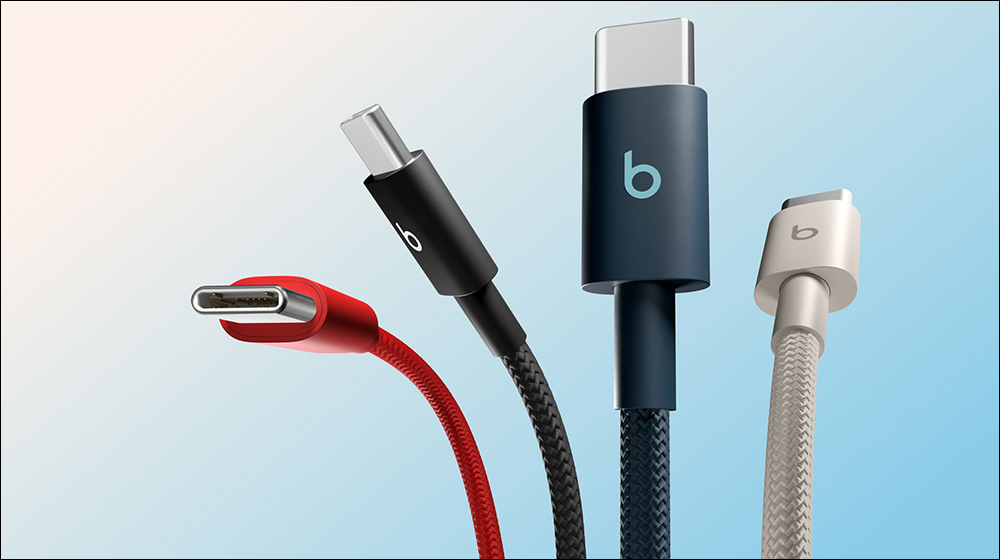
The key lies in a special component inside the cable: the electronic marker chip (E-Marker). This tiny chip is hidden inside the USB-C connector and is responsible for telling chargers, computers, and other devices about the cable’s capabilities, including maximum charging power, data transfer speed, and whether it supports functions such as video output. When a cable supports power delivery above 60W, or has transmission specifications higher than USB 2.0, it usually needs to be identified through an E-Marker chip. If this chip is missing, the device will automatically operate in the most conservative safety mode.
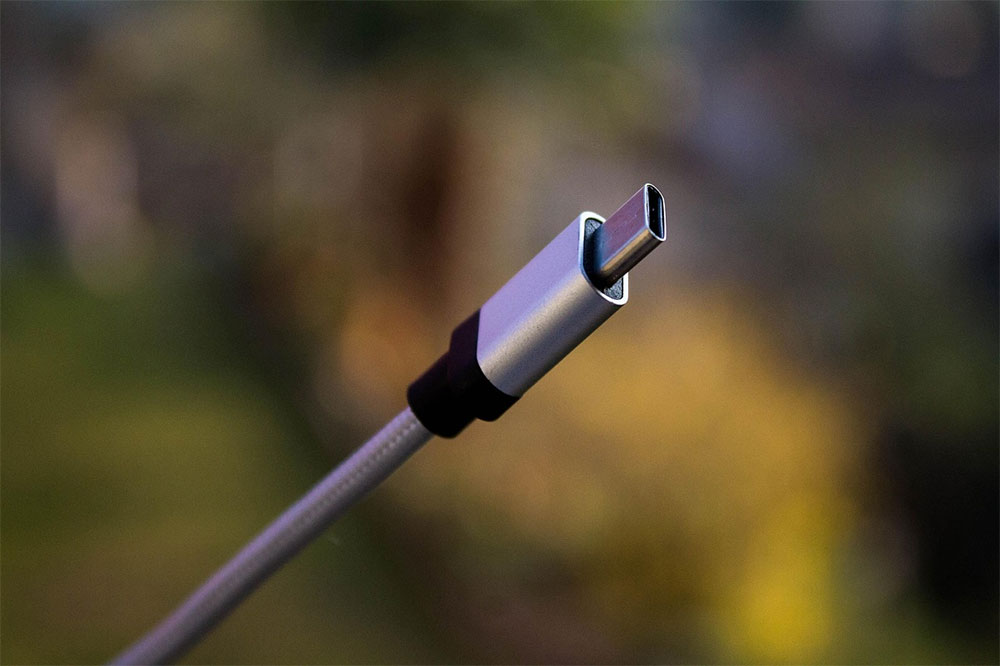
In other words, even if your charger can output 100W of power and your laptop supports high-speed charging, a cable without an E-Marker may still be limited to under 60W. At the same time, data transfer speeds may also remain at USB 2.0 levels, and it may even be unable to output video signals.
Why are included cables often so disappointing?
Many people have experienced this: the USB-C cable included with a phone works fine for charging the phone, but when connected to a computer, data transfer is slow, and it cannot be used to connect to a monitor. This is usually not a product malfunction, but because the manufacturer designed it to meet only the minimum requirements. After all, for a phone manufacturer, as long as it meets the charging needs at the time of shipment, there is no need to increase costs by adding more high-speed transmission lines or chips.
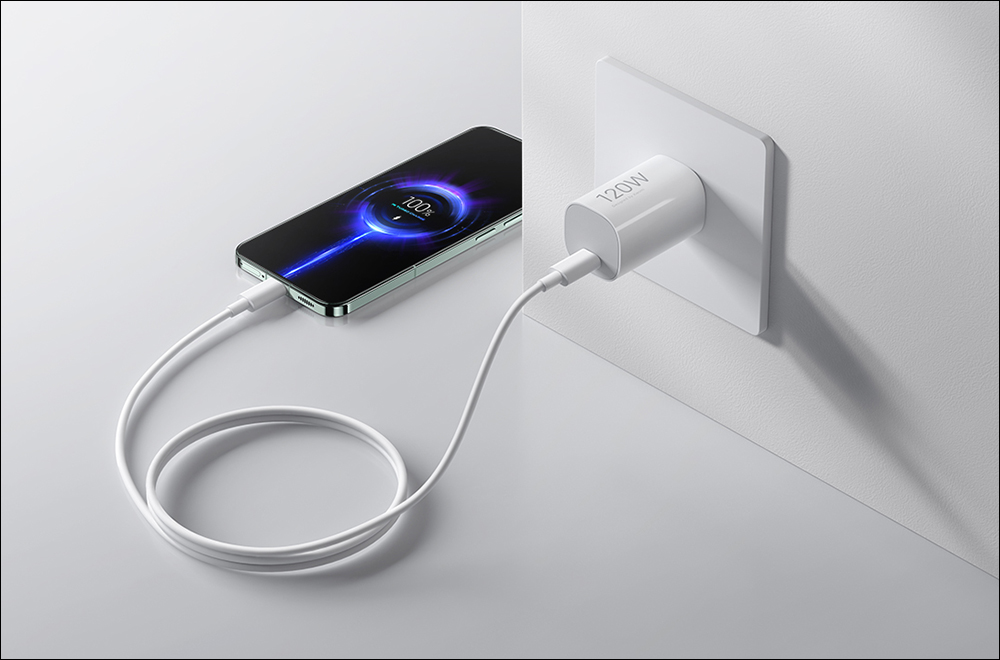
A fully functional USB-C cable is actually far more complex than you might imagine. A USB-C connector has 24 pins, and a high-spec cable may contain more than a dozen wires for different purposes inside. If some of these lines are damaged, even if charging still works normally, data transfer, video output, or high-speed charging capability may be affected. Therefore, “it can charge” does not mean “it is completely normal.”
When buying cables, don’t just look at the USB-C label.
The best way to avoid pitfalls is to first confirm your actual needs before buying. If you are only charging a phone, a regular cable may be sufficient; but if you need to power a laptop, handheld gaming console, or high-capacity power bank, you must confirm that the cable supports the required wattage. If you need to connect an external SSD, high-speed storage device, or monitor, you should also check the data transfer specifications and video output capabilities.
When buying, don’t just see “USB-C” and place an order right away; instead, carefully check the product specifications. Compared with price or appearance design, this specification information often better reflects the cable’s true capabilities, for example:
- Maximum charging power (60W, 100W, 240W)
- Data transfer speed (480Mbps, 10Gbps, 20Gbps, 40Gbps)
- Does it support USB4 or Thunderbolt?
- Does it support DisplayPort Alt Mode video output?
- Is it officially certified by USB-IF?
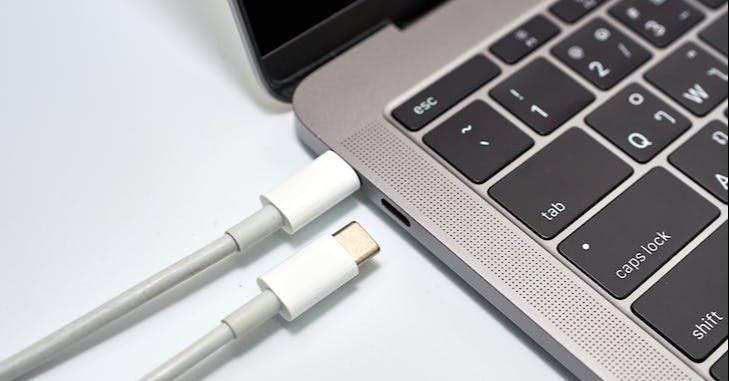
In particular, for devices such as laptops that require 65W or more charging power, if you use a cable that does not support E-Marker, even if the charger is very powerful, it cannot achieve the expected charging speed. Likewise, to connect an external monitor via USB-C, the cable must explicitly state that it supports video output; otherwise, it may not display properly at all.
If you already have the cable on hand, how do you verify its capability?
If your drawer is already full of all kinds of USB-C cables, all is not lost. Windows users can use Microsoft’s USBView tool to see the actual negotiated connection speed of a USB device; the free hardware monitoring tool HWiNFO can also show the maximum specification supported by a port and its current operating speed.
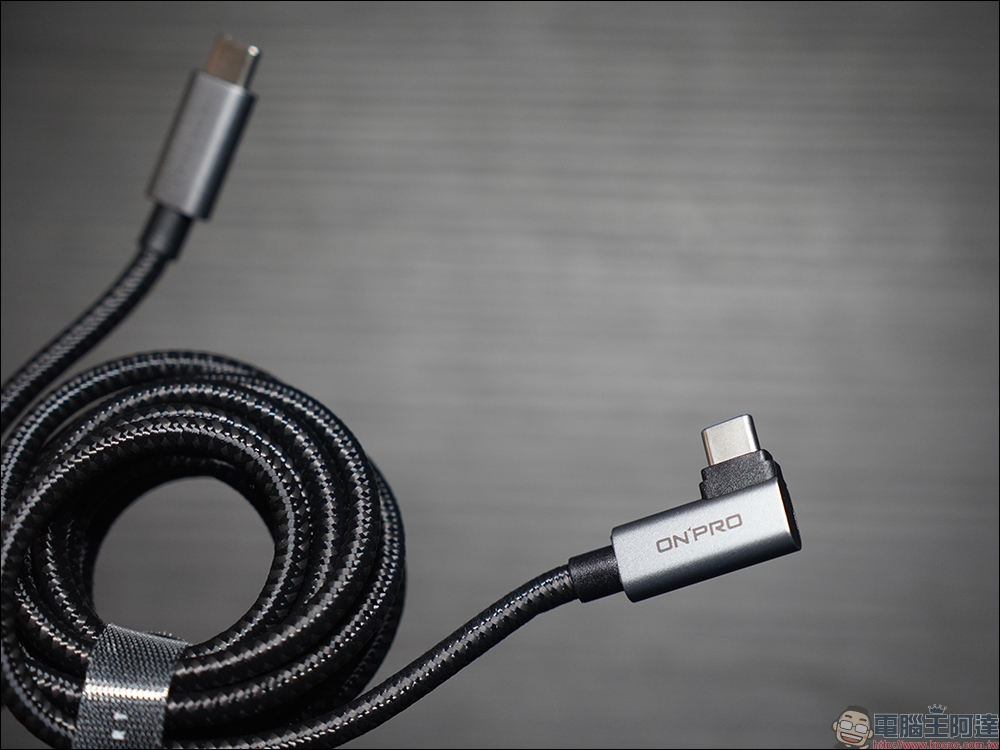
On macOS, you can view the relevant information through the USB page in System Information. If a device that originally supported high-speed transfer suddenly starts operating at a reduced speed, the problem may come from the cable, adapter, hub, or port itself. In this case, the most effective method is to swap out the device, cable, and port one by one for testing to identify the actual bottleneck.
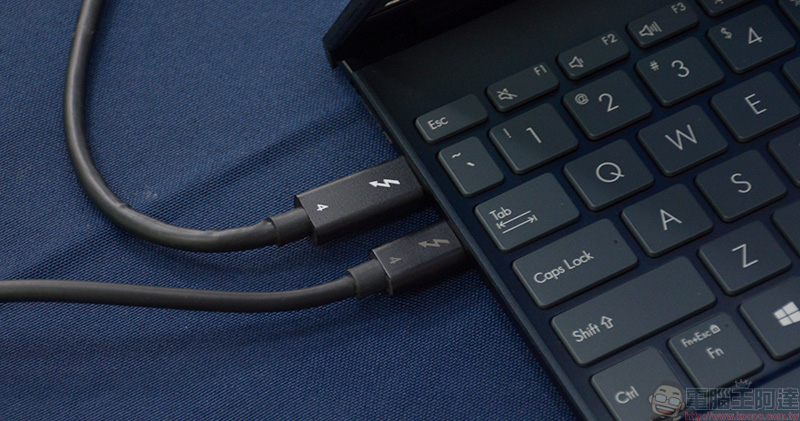
For users who want precise answers, a dedicated USB-C tester is also worth considering. These tools can directly check the transfer specifications and charging capabilities a cable supports, as well as whether it has a built-in E-Marker chip. If a cable performs poorly across various devices, that usually means it is no longer suitable for continued use.
USB-C’s biggest advantage is its unified interface design, but this also makes it easy to assume that all cables have the same capabilities. In fact, what really determines performance is not the appearance of the connector, but the wire configuration, chips, and specification design hidden inside the cable. A good USB-C cable can not only achieve the highest transfer speeds, but also deliver full charging performance and stable display output; a cheap cable that looks identical, on the other hand, may become the biggest bottleneck in overall system performance.
Source: KOCPC Chinese