


In the Pixel 11 series phones launched this year, Google introduced a rather eye-catching new feature: a color LED notification system called “HiLight.” The biggest highlight of this system is that it can provide notification alerts through different lighting effects, theoretically offering high potential for personalization and customization. However, Google has been quite conservative about how open this feature is, leading many users to feel that its practical applications are limited.
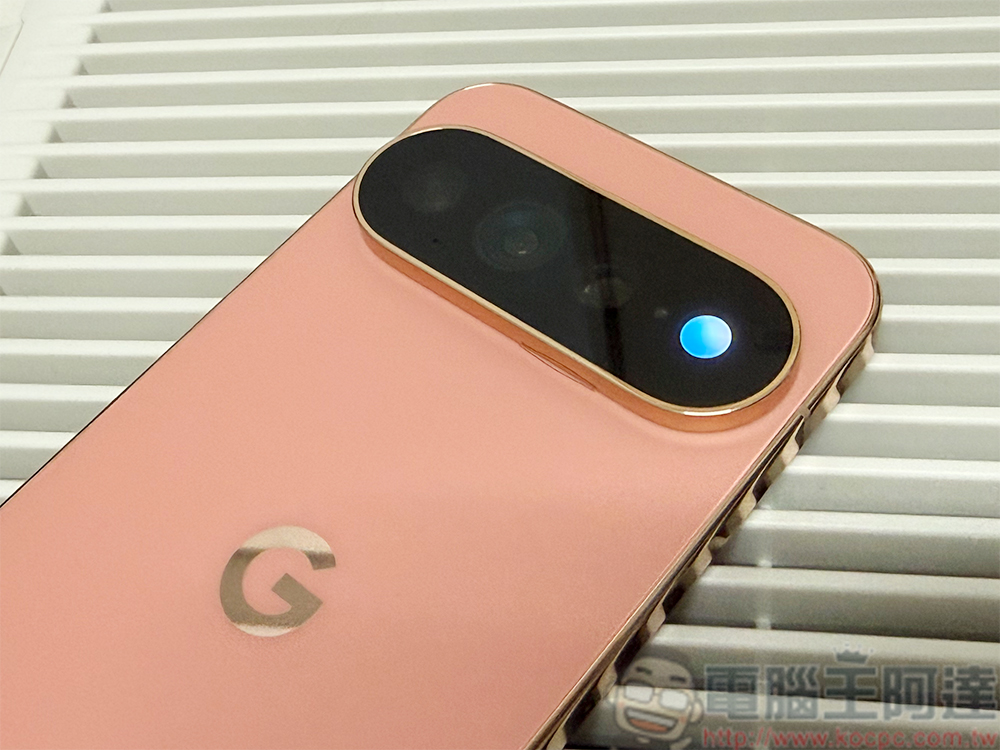
Netizens unlock Google Pixel 11 Pro series HiLight feature, removing limitations on practical use
Currently, HiLight’s use cases are quite limited. For example, the colored light only activates when users interact with the Gemini AI assistant, or when Gemini is set as the incoming call display interface. Beyond that, the system doesn’t offer more advanced settings options. Many Pixel enthusiasts have criticized Google for missing an opportunity to truly make the hardware feature valuable. If the official side allowed users to set dedicated light colors for different apps, or provided more dynamic effects and notification rules, HiLight’s practicality and playability would be greatly enhanced.
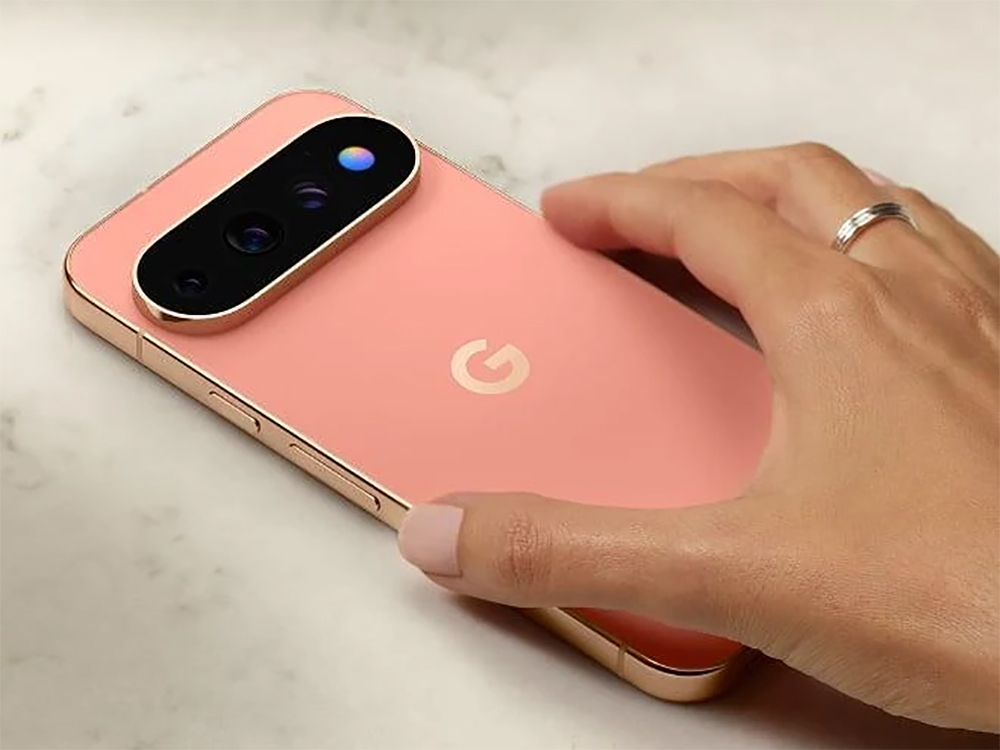
Just as the discussion continues to gain momentum, tech content creator Dhananjay Bhosale (@Dhananjay_Tech)launched a third-party tool called “HiLight Studio,” aiming to fully unlock the HiLight feature on the Pixel 11 Pro. Through this app, users are no longer limited by Google’s default rules, but can freely adjust how the LED lights behave.
Google put a colour LED on the Pixel 11 Pro and limited it to calls and texts.
So I made an app, so you can use it with anything 😎
Any app, any colour, any effect you want. WhatsApp green, Slack red, Gmail whatever you like 🚀
No ads. No root. Free. Completely open source 🙌… pic.twitter.com/YGxPf9oQKv
— Dhananjay_Tech (@Dhananjay_Tech) August 20, 2026
HiLight Studio offers five different lighting color options and can set various dynamic light effects for the eight built-in LEDs on the phone. More importantly, users can create independent lighting rules for different apps, giving messages, social media, email, or other notifications their own unique colors and effects. Additionally, the app supports importing and exporting profiles, making it easy to share or back up personalized configurations.
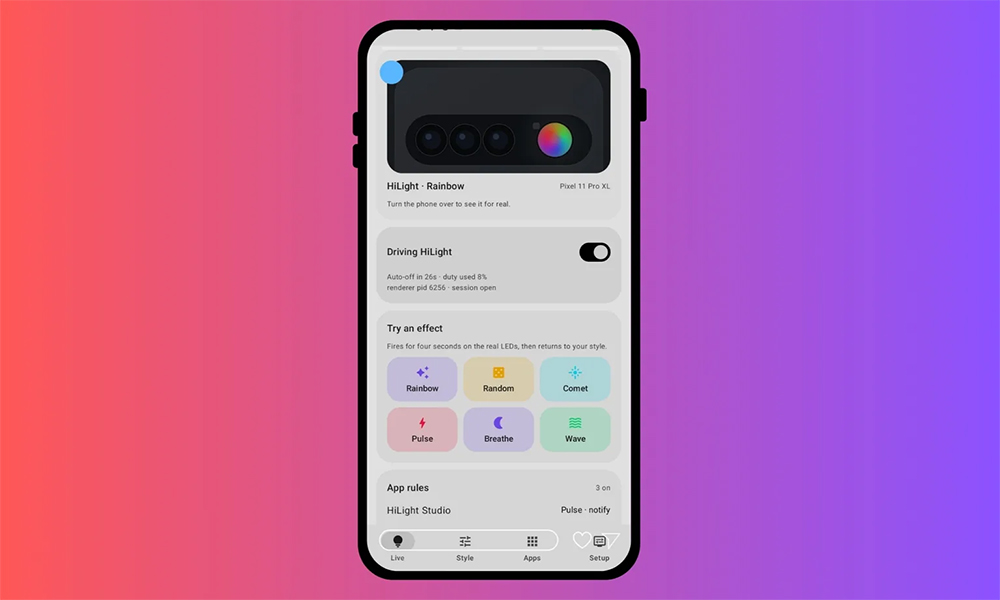
In addition to notification functions, HiLight Studio can also link lighting effects with system status, such as automatically switching between different light responses in silent mode, Do Not Disturb mode, or low battery states. The app even allows extending the ambient light display duration to up to five minutes, far exceeding the factory setting. However, these advanced features are not without restrictions. The developer notes that if the LED remains lit for more than 10 seconds, the system automatically reduces brightness to lower power consumption and hardware load, while the maximum blinking duration for notification light effects is limited to 60 seconds.
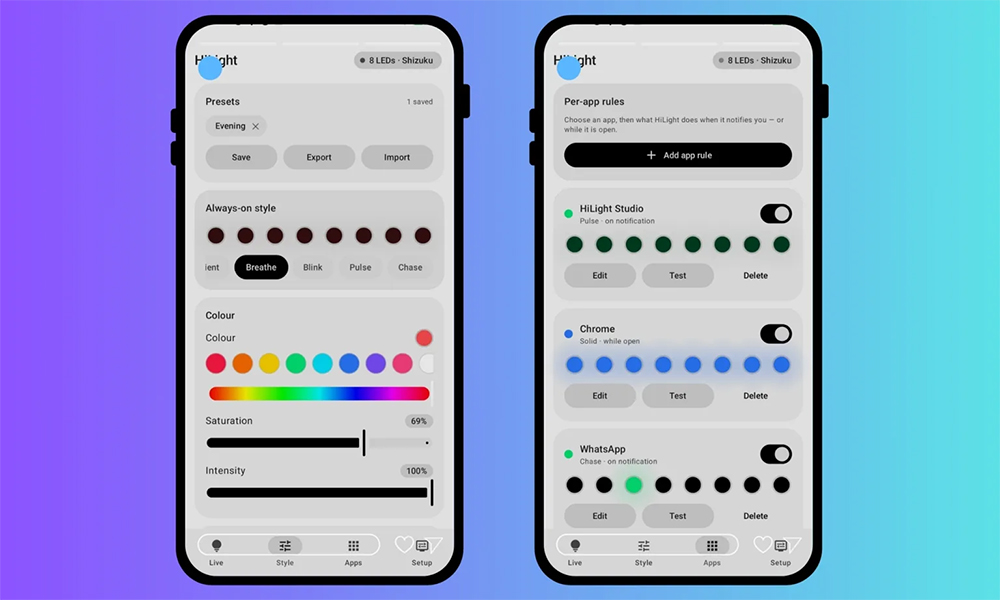
However, before attempting to use this tool, users still need to be aware of the associated risks. First, HiLight Studio is not available on the Google Play Store, so it has not undergone the full security review process of Google’s official app store. In other words, users must bear the risks that may come with installing and using third-party software. The installation process itself is also fairly complicated: users need to manually download the APK installation file, then enable the developer options on their phone, allow installation of apps from third-party sources, and enable wireless debugging before they can complete the setup and launch the program. For the average user, these steps involve a certain technical threshold.
In addition, the developer has also specifically reminded users on the GitHub project page that the stability and durability of HiLight LED under prolonged continuous operation have not yet been fully tested. If users modify related parameters, extend lighting operation times, or make other custom adjustments on their own, they must bear all associated risks and consequences. Therefore, while enjoying more flexible lighting control, users should also carefully evaluate the potential impacts.
Source: KOCPC Chinese