


Most free YouTube download tools are packed with ads, especially when you click a button—pop-up ads appear. While you can just close or ignore them, the user experience is really poor. This article recommends a free tool that not only has no ads but can also download YouTube videos in up to 4K quality, plus MP3 music, and even supports Facebook, Instagram, and X (Twitter). The “yt5s.biz” tool is genuinely great, and anyone who needs it should definitely save it.
RemindBefore use, please verify on your own that the content on YouTube or other websites is legally authorized, such as works you have uploaded yourself, Creative Commons-licensed content, or public domain material. If it is copyrighted music or audiovisual works, downloading or converting them without the rights holder’s consent may involve copyright risks and may also violate the original platform’s terms of service.
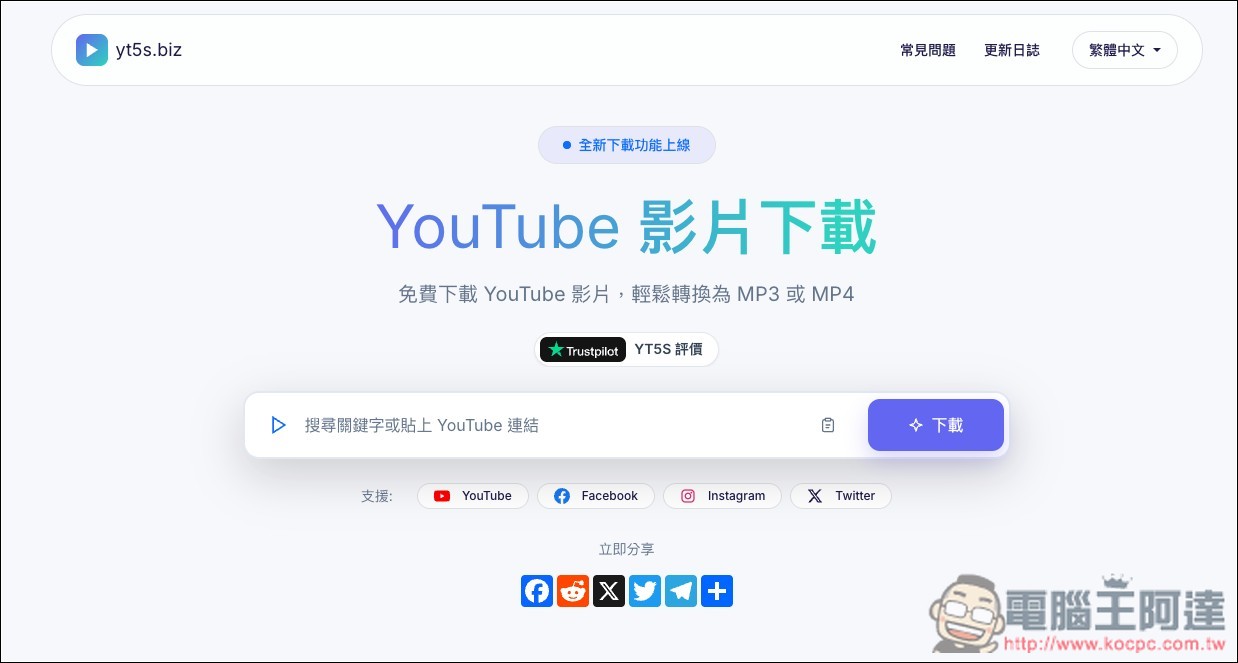
yt5s.biz is a free online tool with no ads that supports downloading YouTube videos in up to 4K quality and 320k MP3 music.
yt5s.biz is a free, no-install online YouTube video downloader and converter tool that also supports Facebook, Instagram, and X (Twitter). You can use it directly in your browser—no need to install desktop software or an app, and no account registration required. The operation is very intuitive: paste a YouTube video URL into the search box, and the site will automatically parse the available download formats. If you don’t have a URL, you can also directly enter a video title, song, creator, or related keywords to search, then pick the desired video from the results (though in my testing, this feature seems to have issues right now and won’t display properly).
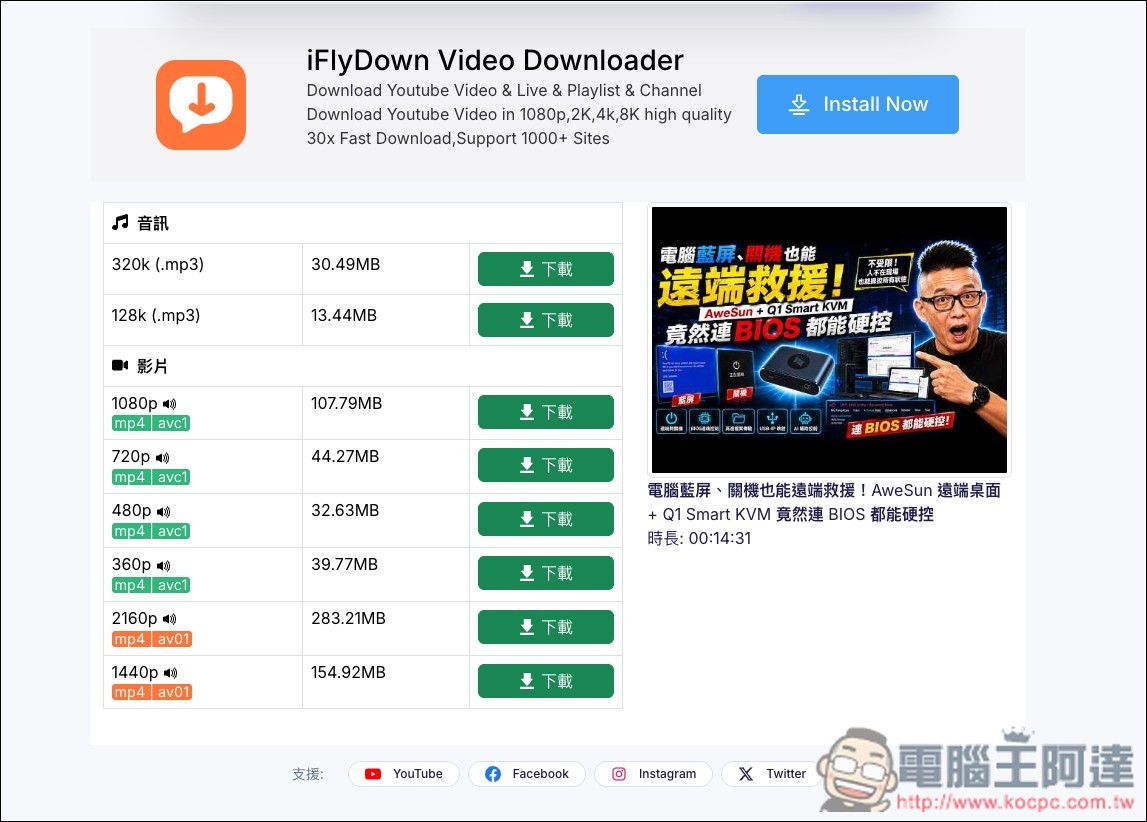
Regarding download formats, MP4 and MP3 are provided. Videos may range from 360p, 480p, 720p, 1080p to 2K and 4K. MP3 offers two options: 128kbps and 320kbps. Note that the official FAQ specifically states that 320kbps is the converted MP3 output specification, and does not mean the original YouTube audio itself is 320kbps.
It also features no pop-up ads and no redirects, and supports use on mobile, tablet, and desktop. However, the actual downloadable quality is still affected by the original video’s specifications, regional restrictions, age restrictions, or whether the video is public, so not every video will offer the same options.
Key Features
- Free to use online, no registration required: no payment needed, and no need to install additional software or apps—just open the website and start using it directly.
- Supports YouTube URLs and keyword search: you can paste video links or search for videos directly.
- Supports up to 4K: offers options including 360p, 480p, 720p, 1080p, 2K, and 4K.
- MP4 Video Download: Choose MP4 with audio or video only
- MP3 Audio Conversion: Provides two output specifications: 128kbps and 320kbps.
- Main feature: no pop-up ads. The official claim states that the download process involves no pop-ups and no redirects.
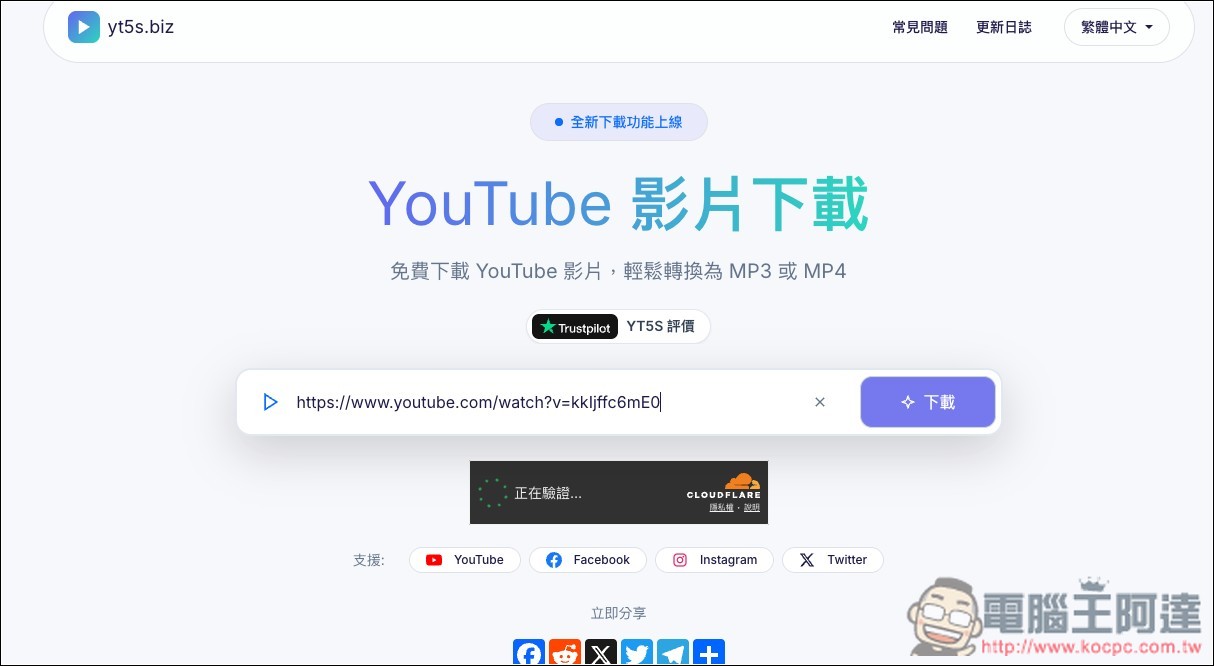
yt5s.biz is actually the predecessor of what we introduced before. yt5s.bestI don’t know why it was renamed. After clicking the link above to go to yt5s.biz, you can paste the link of the video you want to download, and it will automatically start parsing:
Then the download links will appear, and you can choose whichever quality you want to download. Also, for the video part, note that if there’s no sound icon next to the quality option, it means there’s no audio. The 電腦王阿達 videos I downloaded all have sound, including the 4K quality. Above are the MP3 audio download links:
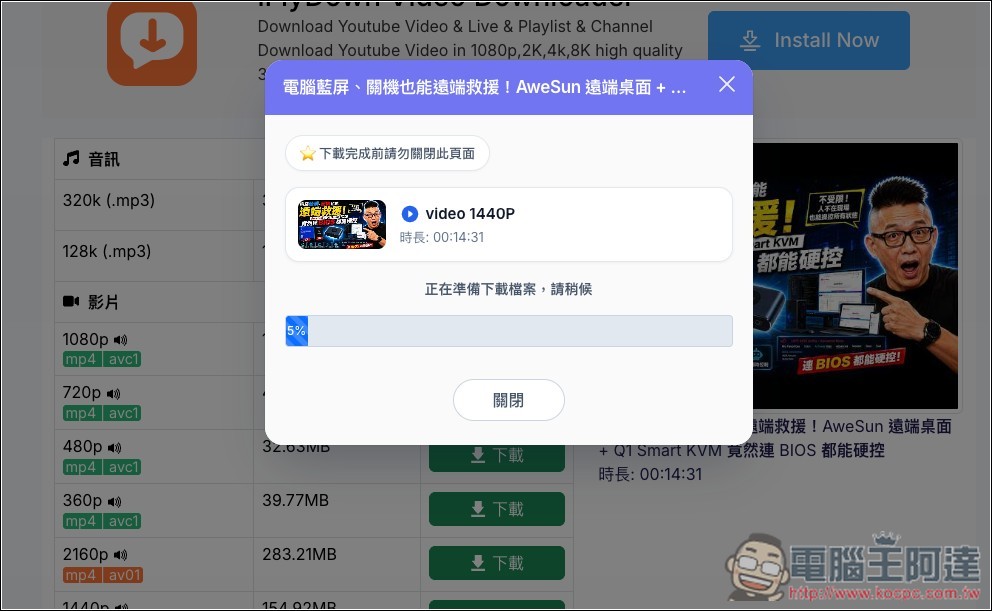
Press the download button, and it will start preparing the file for download. Wait until it reaches 100%:
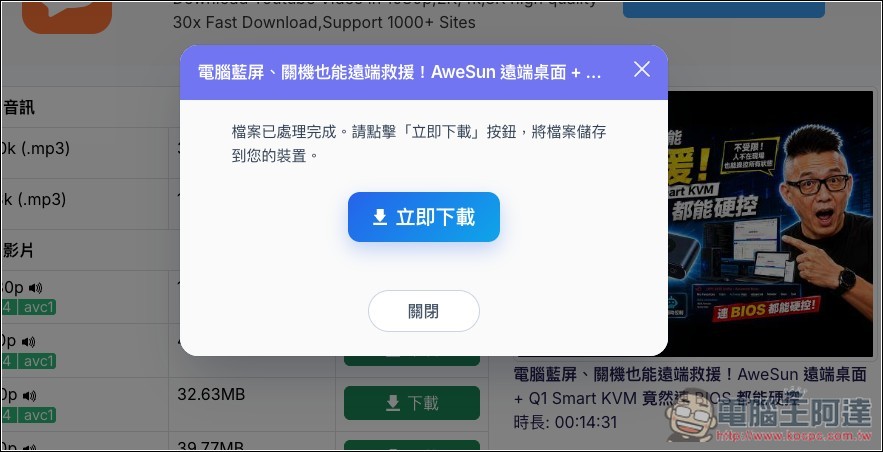
Then an immediate download button will appear:
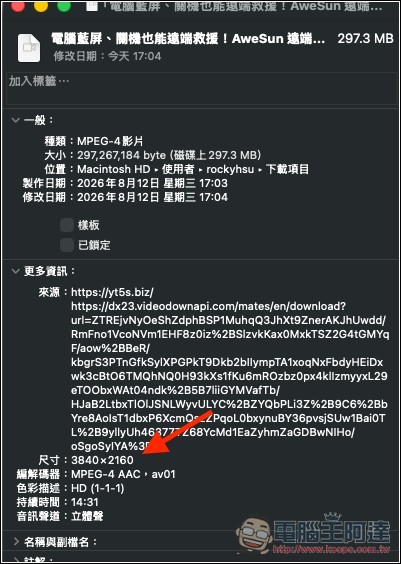
Successfully tested downloading MP4 videos with sound and 4K quality:
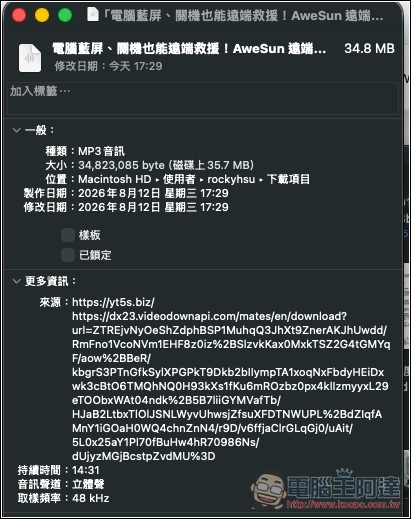
MP3 was equally successful:
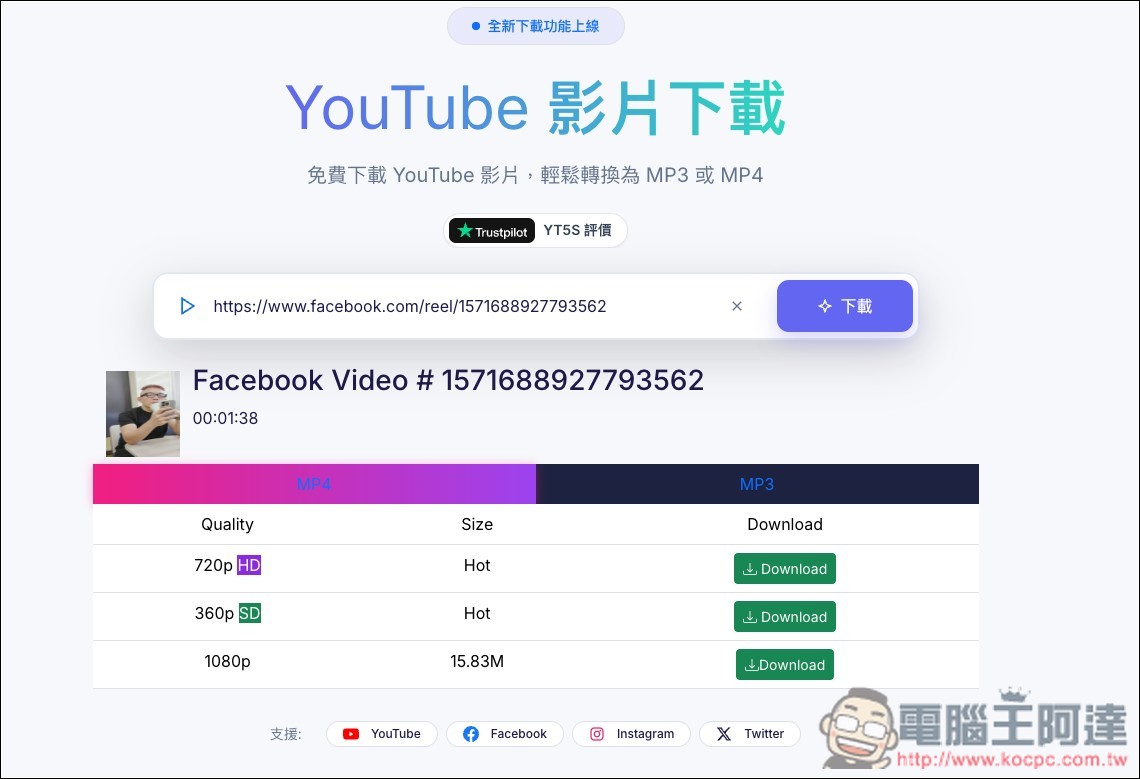
I also tested Facebook videos, and it succeeded, and it even offered a rare 1080p option:
Source: KOCPC Chinese