


When shopping for a gaming monitor or TV, you may come across terms like “120Hz” and “120FPS.” While it may seem like they are interchangeable and many people think that having a 120Hz monitor automatically equates to having games running at 120FPS, they actually represent two very different things. Update rate (Hz) and frame rate (FPS) both contribute to smooth visuals, but the main difference is that they provide different functions.
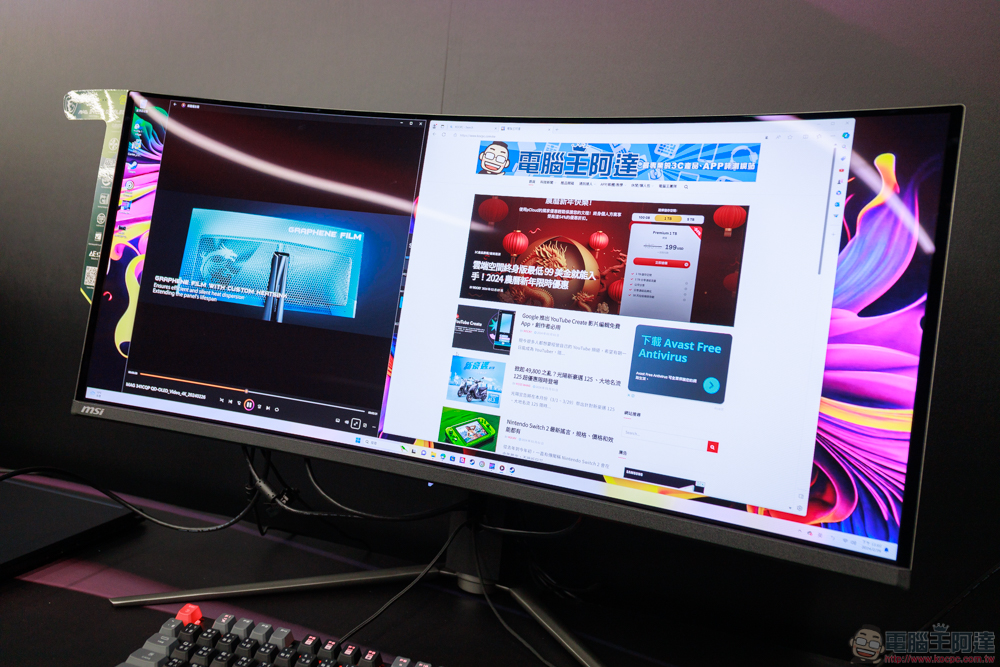
120Hz is different from 120FPS, what is the difference?
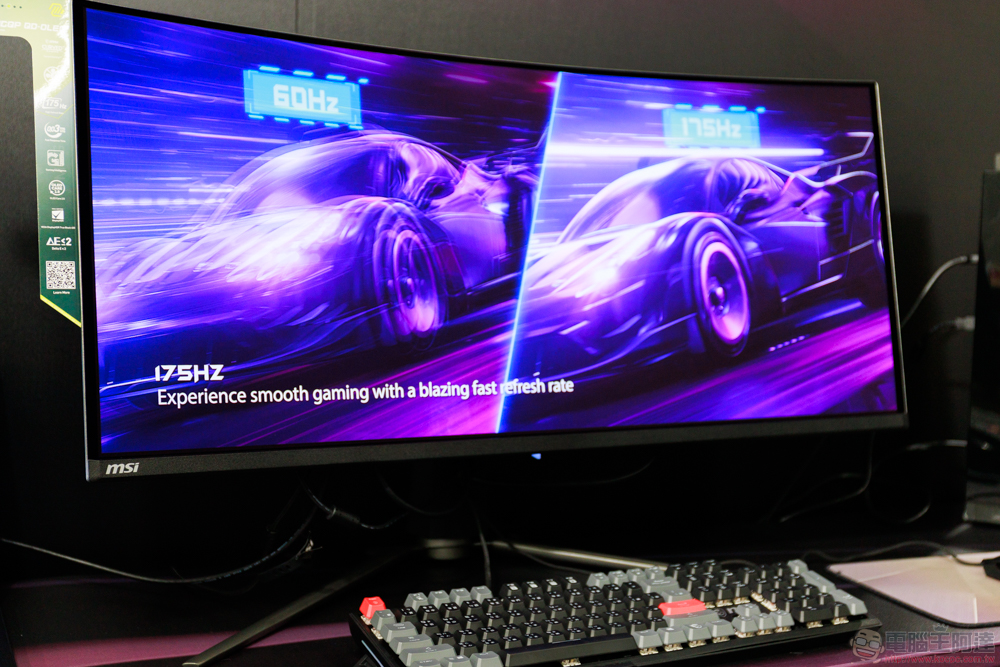
A monitor’s refresh rate (measured in Hz) represents the number of times the screen is updated with new images per second; FPS, or frames per second, is the number of images that can be generated and sent to the monitor. If the FPS is higher than the monitor’s update rate, the extra frames won’t be displayed, creating a display bottleneck; on the other hand, if the update rate is higher than the FPS output, you won’t get all the benefits of a higher update rate. Understanding these differences can help you make better decisions when upgrading your monitor or graphics hardware, helping you enjoy a smoother, more responsive overall gaming experience.
What does 120Hz mean?
A 120Hz display will update 120 times per second, making motion look smoother than at lower update rates like 60Hz. However, the update rate itself doesn’t determine how many frames you’ll actually see, it only sets an upper limit on what the monitor can display. If a game or movie only outputs 60FPS, a 120Hz screen won’t magically increase frame rates. It just updates the same frames more frequently. In this case, the 60 frames per second will be spread across those 120 refreshes, essentially displaying each of the 60 frames 2 times per second.
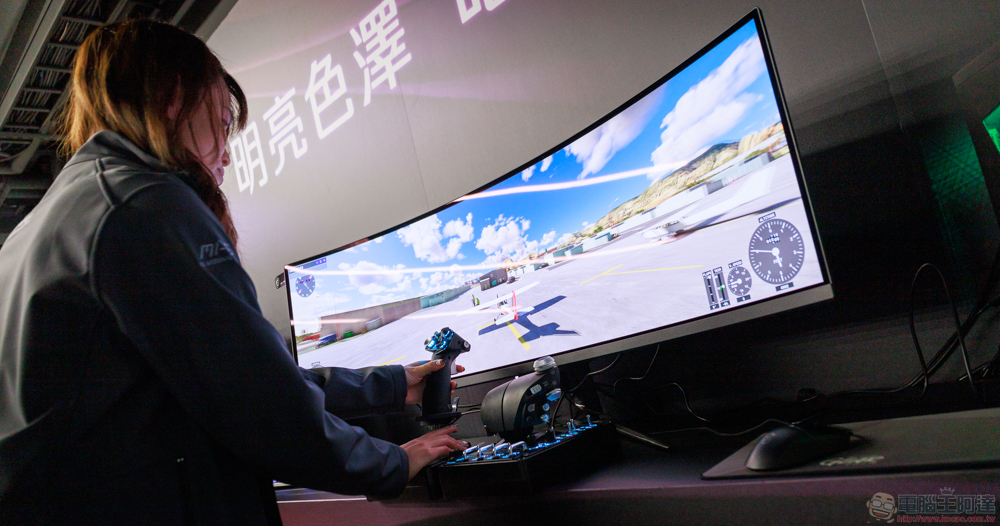
Higher update rates are especially helpful for fast-paced games, as they can reduce motion blur and input lag, making operations feel more responsive. Additionally, high refresh rates can enhance your experience in ways other than gaming. The smoothness is even more noticeable when scrolling through web pages, navigating system interfaces, and even watching videos shot at higher frame rates. This makes 120Hz and above a popular choice not only for competitive gamers, but also for professionals who value smooth dynamics in their workflow, with many modern TVs and monitors coming with motion enhancement features to take advantage of high refresh rates.
What does 120FPS mean?
Unlike the monitor’s update rate characteristics, FPS is determined by the power of the GPU and CPU. Higher FPS generally results in a smoother gaming experience and smoother motion. However, if your monitor’s update rate is lower than your GPU’s FPS output, you won’t be able to fully experience those extra frames. For example, if your graphics card is capable of running a game at 120FPS, but your monitor only supports up to 60Hz, you’ll only see 60 frames per second, and the rest will be wasted.
Additionally, FPS may fluctuate depending on the complexity of the game and the workload on the hardware. Some games allow you to set an FPS cap to ensure consistent performance, while others may experience frame drops if your system isn’t powerful enough. Features like Variable Refresh Rate (VRR) help eliminate inconsistencies and prevent noticeable stuttering and tearing. Gamers who prioritize high FPS often invest in high-end GPUs, powerful CPUs, and enough RAM to avoid bottlenecks and maintain stable performance.
Match Hz to FPS to get the most out of it
The mismatch between Hz and FPS can lead to visual artifacts such as tearing, where parts of multiple frames appear on the screen at the same time, making it look cluttered. Technologies like G-Sync (Nvidia) and FreeSync (AMD) help solve this problem by dynamically adjusting the monitor’s refresh rate to match the FPS output. This synchronization ensures a seamless experience, especially in high-action scenes where sudden FPS drops can be disturbing.
In addition to games, the update rate and FPS relationship also affects movie playback. Most movies and TV shows are shot at 24FPS or 30FPS, which means even a 120Hz screen will mostly display the same frame multiple times. However, some newer content, such as video games and, increasingly, sports broadcasts and high frame rate movies, may take advantage of higher update rates to create a more realistic viewing experience.
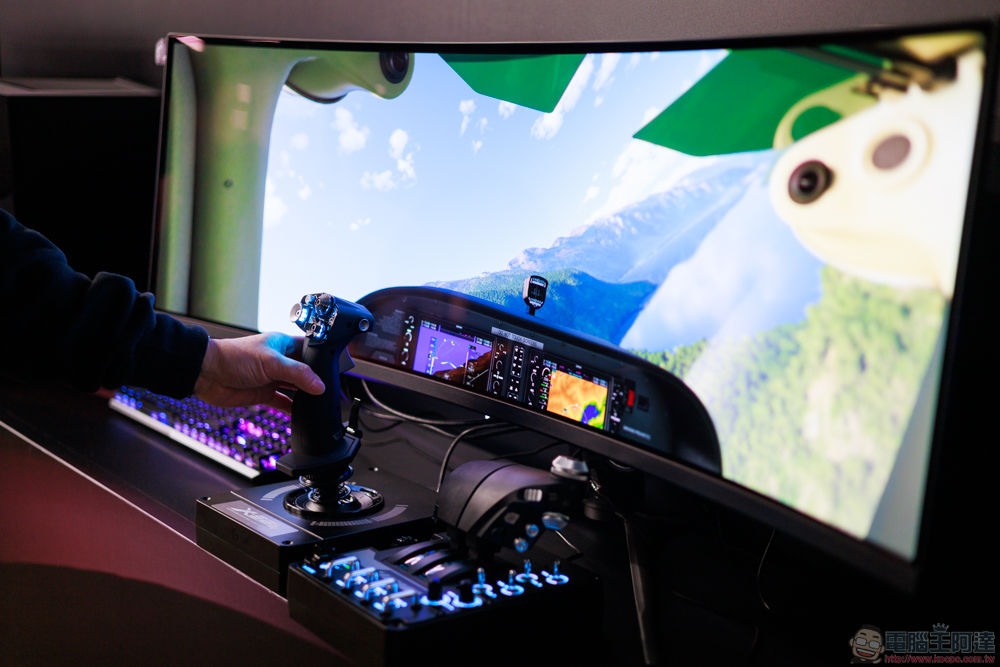
To maximize visual performance, it’s important to match the refresh rate of your TV or monitor to the capabilities of your GPU. Competitive gamers should aim for a high refresh rate monitor, combined with a system powerful enough to consistently push high FPS output and display. Casual gamers may not notice such a noticeable difference, but can still benefit from smoother animations and less input lag.
Source: KOCPC Chinese