


Thanks to Apple’s clever pricing strategy, users on a tighter budget will turn to SSD external hard drives. There are so many SSD external hard drives on the market that it can be difficult to choose the best option for you and your Mac, but don’t worry, this time we will tell you how to find the best SSD external hard drive for your Mac, both as a professional user and as a casual user.
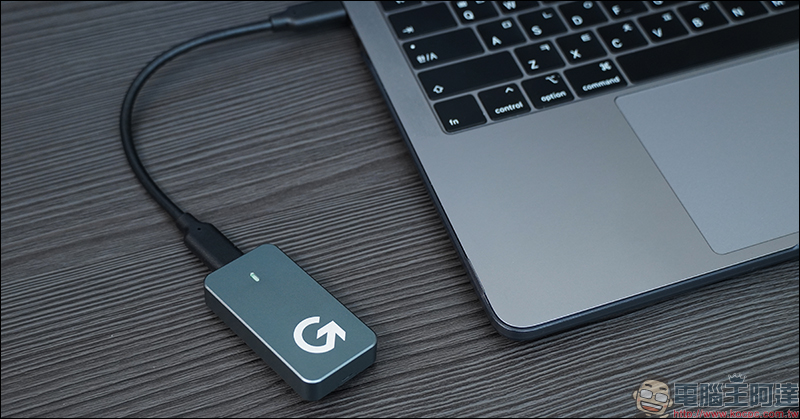
Why/how to choose the best SSD external hard drive for Mac?
Why get an external hard drive for your Mac?
Before making a purchase, you must first understand why you should buy an external hard drive for your Mac. This decision is more beneficial than you think. Of course there are many reasons, but listed below are some of the more important ones.
- The base storage capacity of Macs in 2024 won’t be enough
You can tell from the options Apple is offering that they still think 256GB as the base capacity will be enough in 2024, but frankly that’s not the case. The base models of Mac Mini, iMac, and MacBook Air only have 256GB of available storage space; the base models of Mac Studio and MacBook Pro come standard with a 512GB SSD, which may be a bottleneck if your budget can only afford the base model.
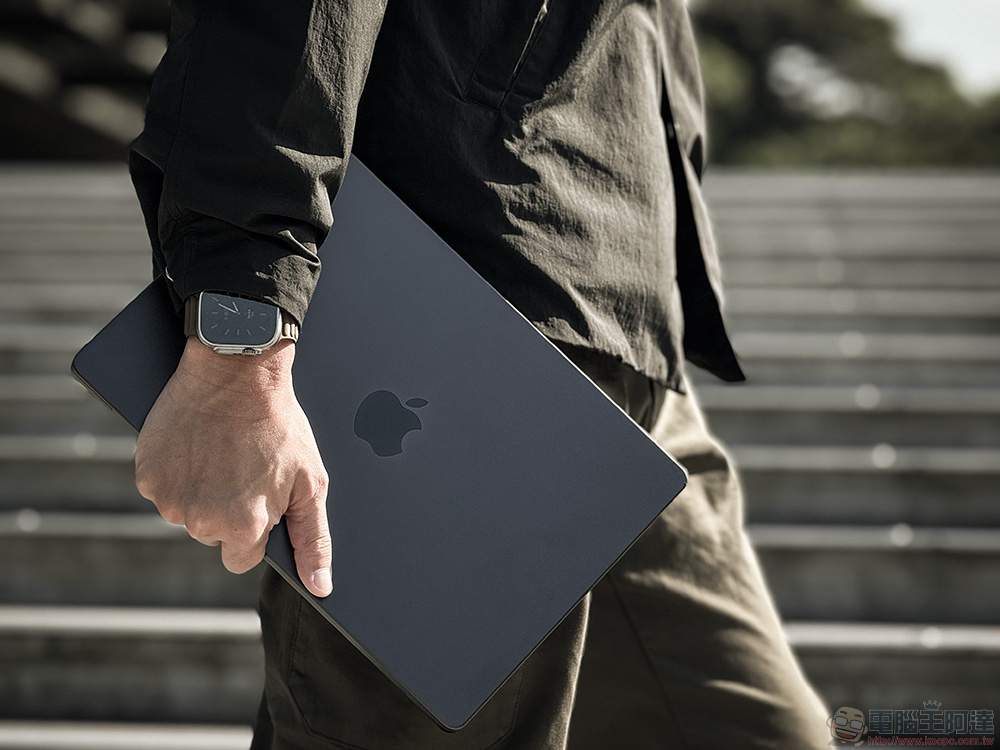
- Buying an external hard drive for your Mac is much cheaper than upgrading storage
If you want higher storage space, although Apple has this option, it is quite expensive, especially the upgrade to the basic version. At this time, the advantages of SSD external hard drives appear. In comparison, you can buy a standard 1TB SSD external hard drive for just over 2,000. Not only can it have 4 times the capacity of the basic model, the price is also much cheaper.
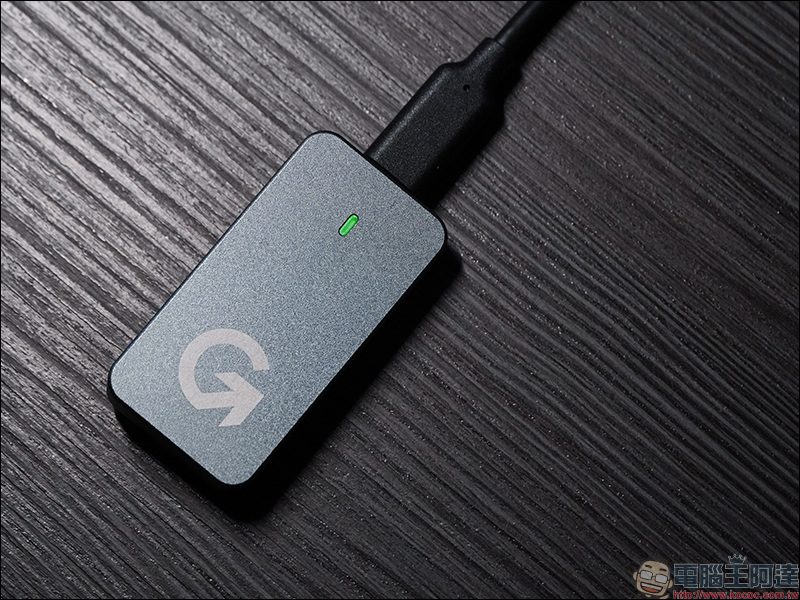
- External hard drives are very portable
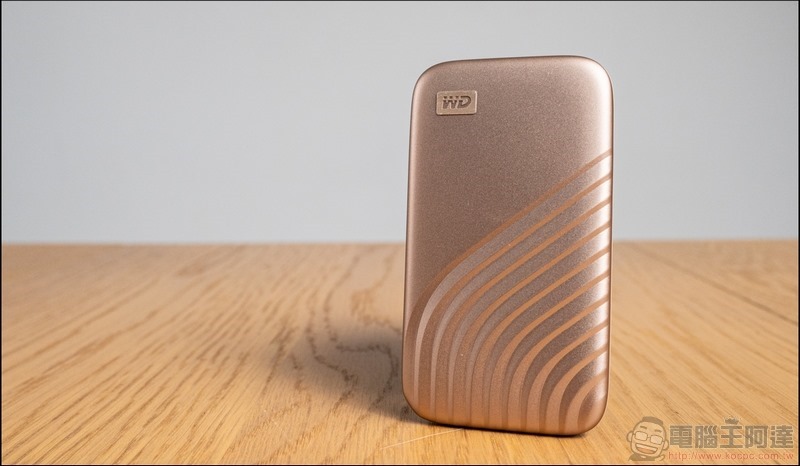
Today’s SSD external hard drives are so thin and light that you can slip them into your pocket or bag without even noticing the extra weight they bring. Of course, you have to remember to bring the included cable to get the maximum transmission speed, but you won’t feel too burdened by having an extra cable.
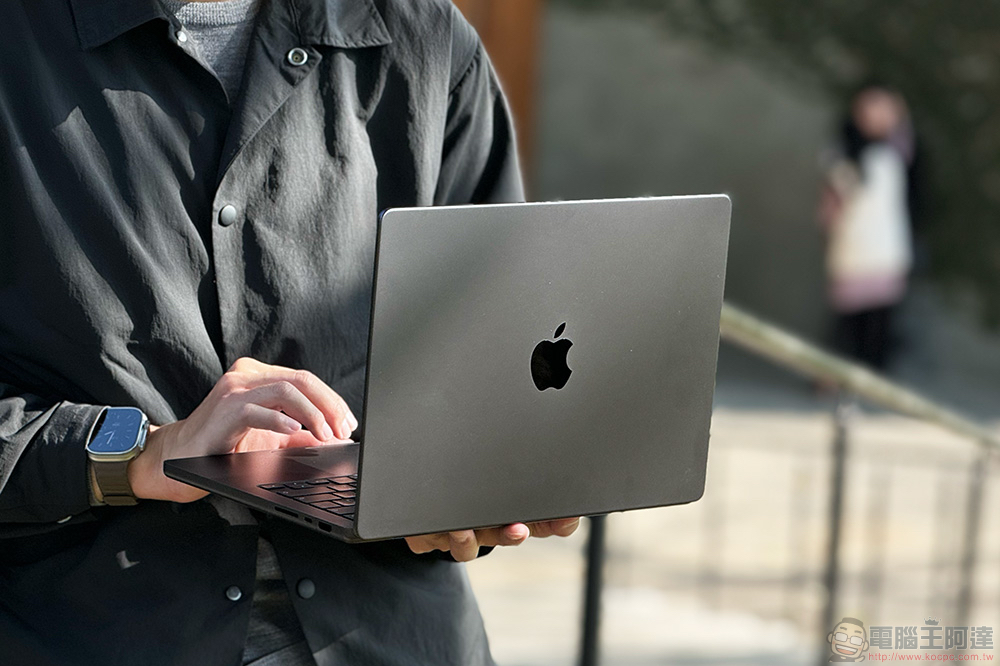
- Universally compatible with other devices
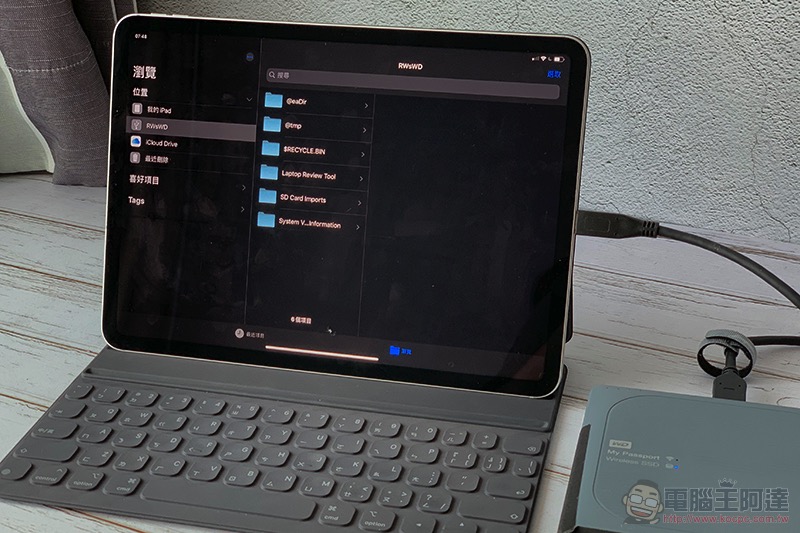
Thanks to the interoperability of USB Type-C, external SSDs are compatible with almost every device you own. If you zoom out a bit, professional cameras, desktop computers, game consoles, and other modern peripherals can all be connected via the USB Type-C port. In addition to Mac and iPad, the latest iPhone 16 series also relies entirely on USB Type-C for charging and data transfer. The icing on the cake is that an SSD external hard drive can be connected to an iPhone 16 Pro or Pro Max to instantly record and store ProRes video.
- SSD external hard drive has extremely fast transfer speeds
SSD external hard drives now offer blazingly fast transfers, and even standard SSDs, as long as they are newer, can theoretically reach speeds of up to 2,000MB/s, even faster than the SSDs inside the base models of the M2 MacBook Air and M2 Mac Mini. Sure, other higher-end Macs have faster SSDs, but external SSD drives can get the job done easily with the transfer speeds they offer.
- SSD external hard drive can be used to back up your Mac
If you’ve ever tried to back up your Mac using Time Machine, you’ll know that the only way to do this is to connect an external storage device, and SSD external hard drives are perfect for this purpose. Thanks to its high storage capacity, you can regularly and reliably back up your Mac without worrying about losing valuable data.
- Mac cannot be upgraded after purchase
The fact that Macs are not upgradeable makes them difficult to have a long lifespan. Apple does not allow users to upgrade the SSD or RAM, nor does it provide additional slots to perform upgrades. With the exception of the Mac Pro, which allows for a certain degree of DIY post-purchase, most Macs have to rely on methods such as external SSD hard drives and cloud storage to solve the problem of lack of space.
How to choose the best SSD external hard drive for Mac?
With so many SSD external hard drives available on the market, it’s important to know how to choose the right one. In addition to brand and price, there are many things you need to consider.
- Determine storage capacity
SSD external hard drives have different storage capacities, ranging from 256GB to 100TB. Of course, 1 – 2TB is enough for ordinary users, but it is still recommended that you first clarify your needs and decide on the appropriate storage capacity. Don’t consider anything less than 1TB to avoid running out of capacity quickly. 1TB is the best choice for the general public, but if you are a content creator, the storage capacity should not be less than 2TB.
- Don’t overlook transfer speed
Every brand goes to great lengths to market its product and make it look attractive. Since ordinary users may not necessarily have a full understanding of SSDs, brands will use various marketing techniques to convince consumers to accept them, such as SSD transfer speeds. Pay attention to these numbers when choosing an SSD because they are important, you can get twice the storage capacity for half the price, but at higher transfer speeds. It’s recommended that you don’t pick anything below 500MB/s, with 1,000MB/s being the perfect middle ground; if you’re a pro you can pick anything above 1,000MB/s (2,000MB/s or higher).
- Don’t be fooled by USB protocols
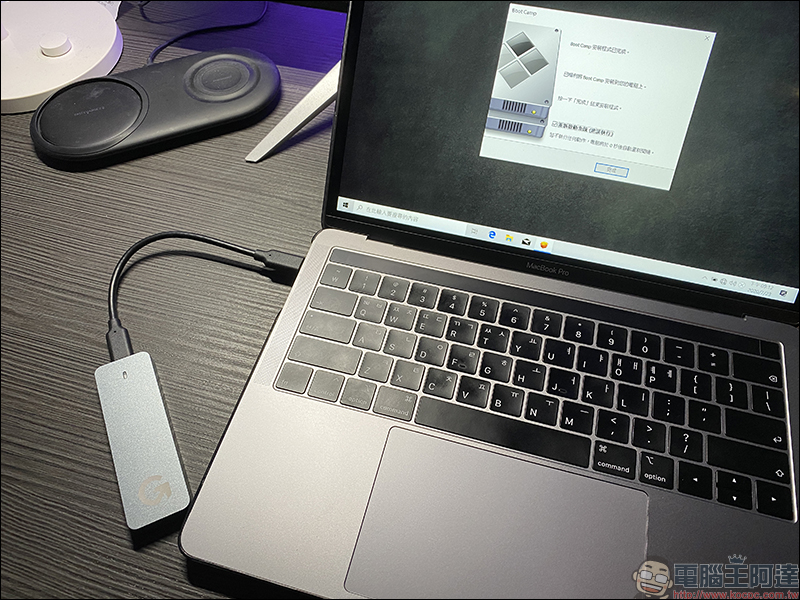
The USB protocol is the most important to pay attention to. Although it requires some trouble, it is relatively easy to do. In fact, you need to make sure that the SSD you buy supports the Mac input protocol. Newer Macs are equipped with USB Type-C ports, but the important thing is that these are Thunderbolt. Unfortunately, most SSD external hard drives have abandoned Thunderbolt in favor of the more common USB 3.1 or 3.2 protocols.
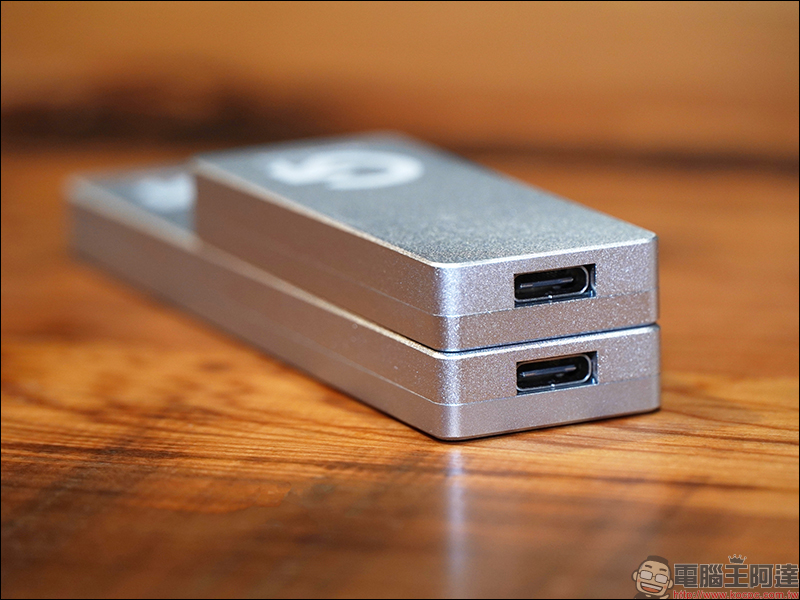
In addition to Thunderbolt, a special variant of the USB Type-C interface and one of the fastest, Mac is fully compatible with the standard protocols (USB 3.1 Gen 2, USB 3.2 Gen 2, and USB 4). Therefore, it is recommended to read Apple support documentationto learn more about the Mac peripherals at hand. There’s no point in buying an SSD with a higher protocol than your Mac supports, as it won’t increase transfer speeds. However, if you want to use the SSD with other devices that support the protocol or buy it for future development, it is recommended that you purchase an SSD external hard drive that supports newer protocols.
- Choose the right SSD type
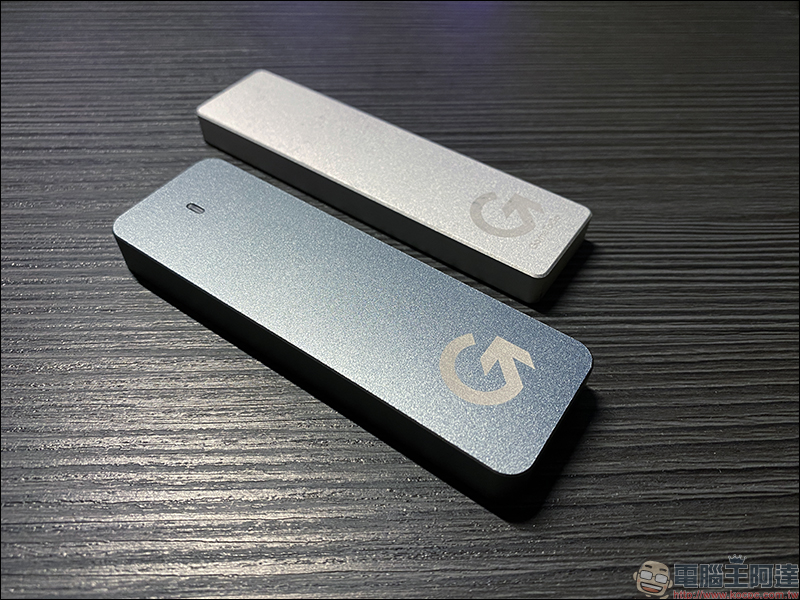
This part is relatively easy. In addition to ready-made external portable SSDs from brands such as Samsung and SanDisk, you can also build your own SSD. All you need is an SSD and an external box, and the rest is simple DIY. Although ready-made products are convenient, there are many advantages to assembling them yourself. If you are a DIY enthusiast, it is recommended to choose the latter.
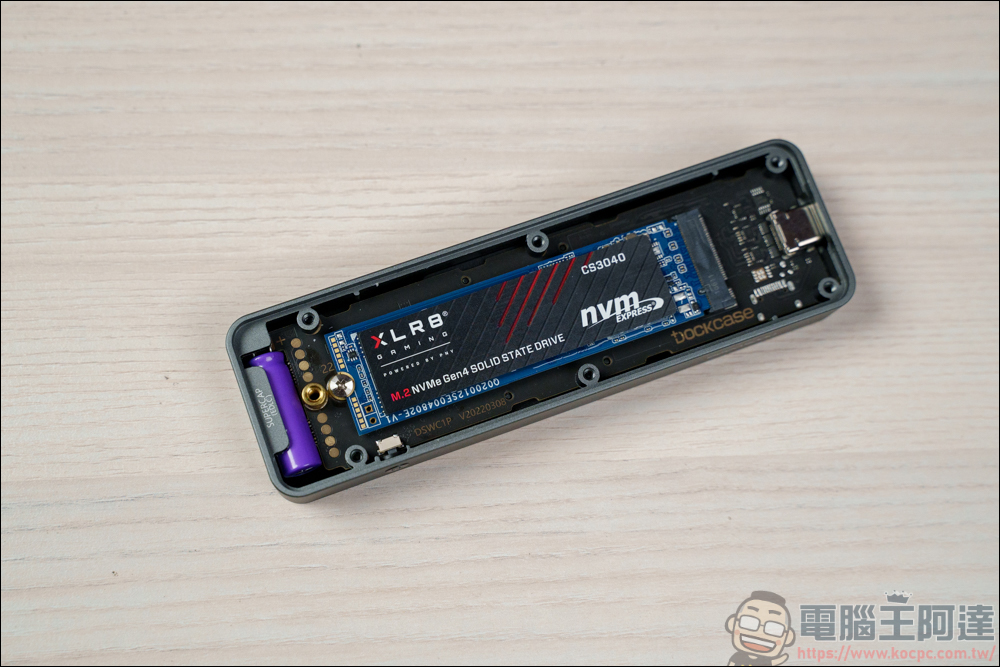
- Quality is also important
You can’t ignore the quality of SSD either. The days of flimsy hard drives are over, and modern SSDs are more durable and not only resistant to drops, water splashes, and dust, and some are even certified as GIS-certified for extra protection. Software also plays an important role. Some products have encryption functions. You can use passwords, fingerprints and other protection methods to prevent data leakage.
Source: KOCPC Chinese