


Whether you are a casual gamer or a die-hard gaming fan, you must have heard of Steam. As one of the largest digital game distribution platforms, Steam has a huge library of games covering a wide range of genres. However, Steam can be used for much more than games. If you have ever browsed through the endless list of applications on Steam, you may have noticed that there are one or two strange software occasionally interspersed in the vast sea of games. Many of these applications are incredible to gamers. This time, we will introduce 10 useful software on Steam to improve your gaming experience.
The 10 most useful apps on Steam
Crosshair X
Built for users who love to customize, modify and fine-tune every aspect of their games, Crosshair X is a simple application that lets you create and deploy custom crosshairs on your favorite games. It’s compatible with Xbox Game Column overlays and includes all the tools you need to design a crosshair from scratch.
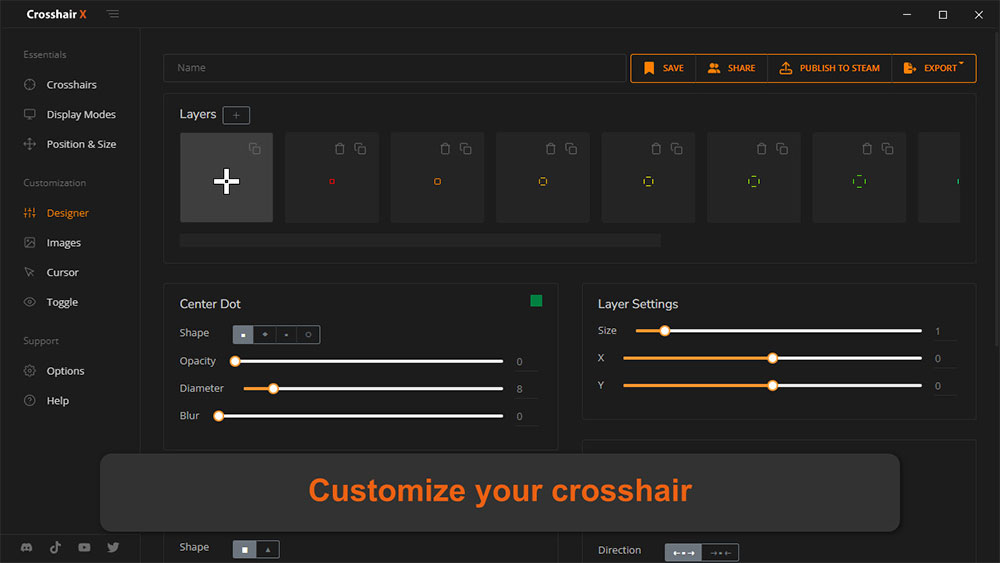
In addition, you can modify thousands of presets already available in the community, with designs ranging from simple dots to colorful crosshairs that animate with special effects when you perform certain game actions.
Soundpad
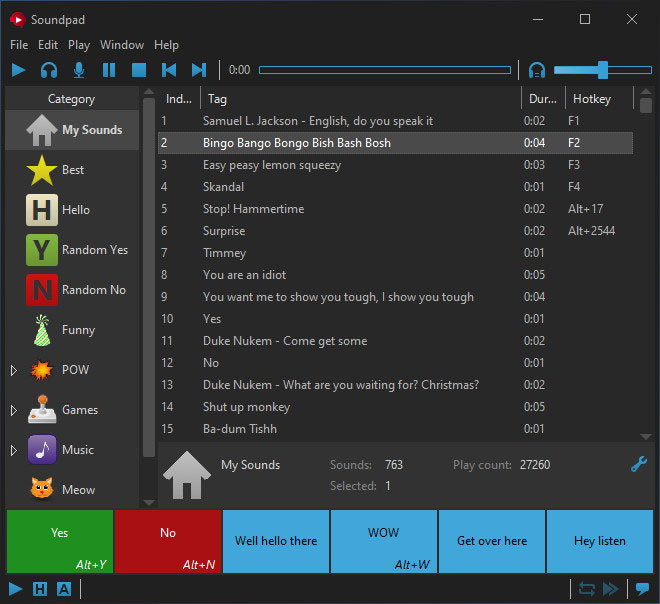
The concept of the app is simple, but if you spend a lot of time interacting with friends via voice chat, Soundpad is a pretty solid app. SoundPad can record and edit audio clips before playing them through the microphone, and you can even set hotkeys to easily access specific sounds if you want to prank your friends. Combine your Soundpad with horror co-op games like Lethal Company and Dead By Daylight, and you’re bound to get some interesting reactions from your friends.
DSX
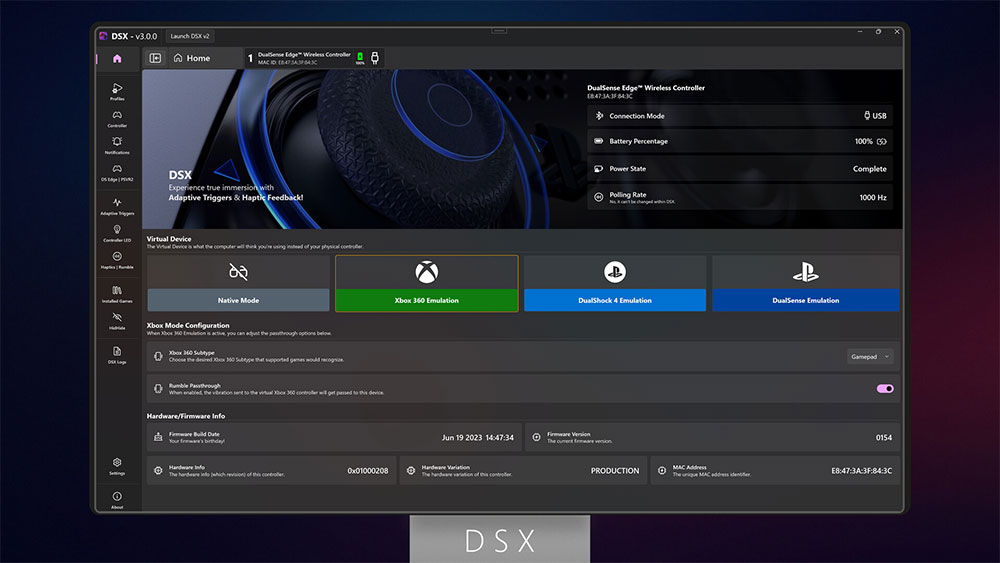
Although a lot of the time I play games with a keyboard and mouse, for some RPG-type games I prefer to play with a controller. The DSX application can calibrate the controller with a lot of flexibility. It is more recommended for users of Xbox controllers. If you use a DualSense controller, you will need to buy additional DLC. The overall interface and description of this app are quite intuitive, but it still takes a lot of time to figure out all the settings.
OBS Studio
OBS Studio is completely free to use, but it’s one of the best companions for any budding game streamer. In addition to being compatible with most major streaming platforms, OBS Studio supports multiple hardware codecs specifically for different GPUs.
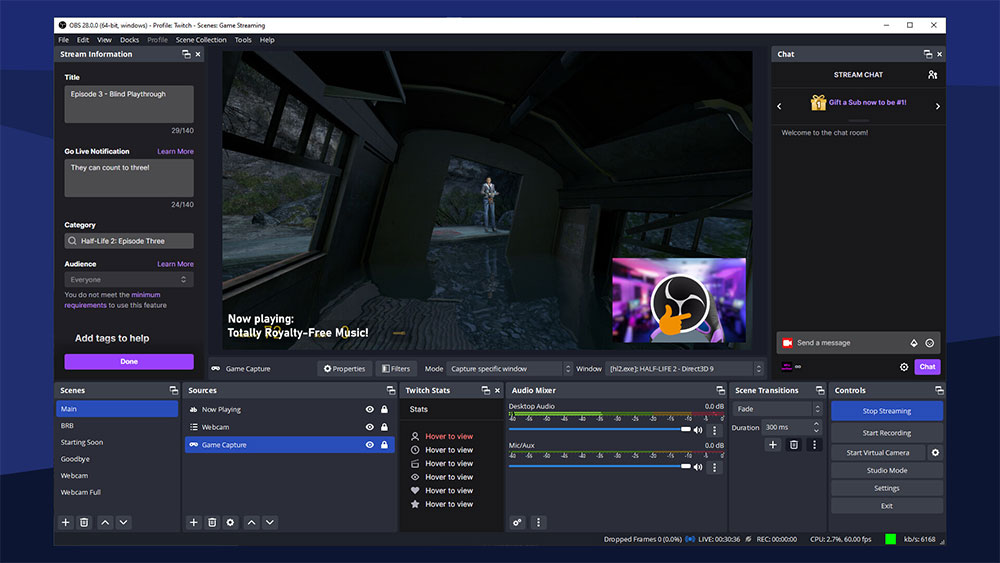
With integrations with a range of plug-ins, extensions, and other tools, OBS Studio is a very versatile tool that’s worth trying even if you don’t like creating content.
VTube
Virtual YouTubers featuring Live2D avatars have quickly become popular in the past few years, and the good news is that you don’t need to have sophisticated animation skills to manage and create your own animated VTuber models. VTube Studio is a free app that lets you import models and convert motion into avatars with the help of a webcam.
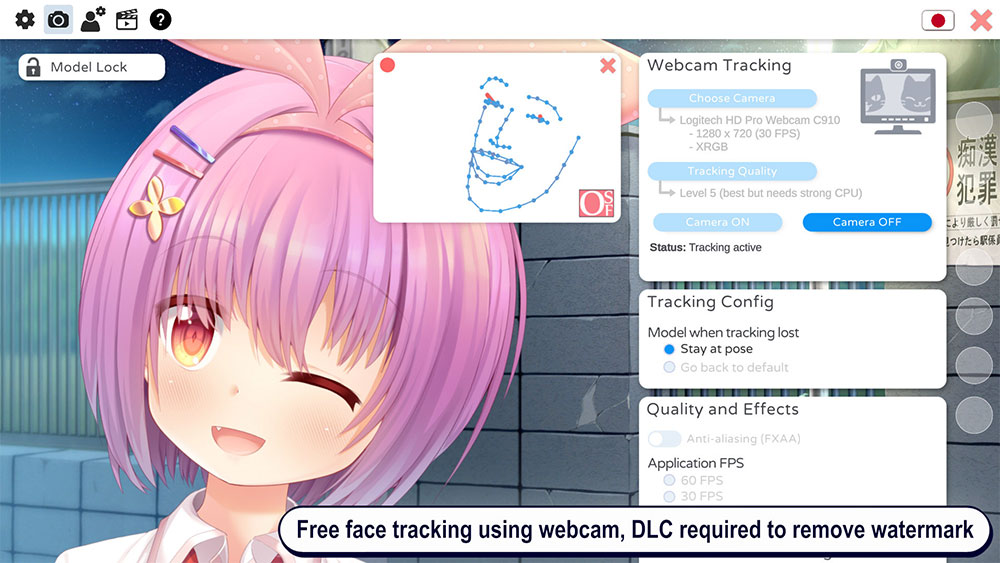
Additionally, VTube Studio lets you control nearly every aspect of your Live2D character, from simple expressions to more complex parameters like automatic blinks and lip sync.
3DMark
Once you’ve finished building your PC, it’s always a safe bet to run some benchmarks so you know if your newly assembled system performs well enough for the price you paid for the components. Likewise, benchmarking apps can be helpful for serious overclockers as they will provide some insight into overclocking stability.
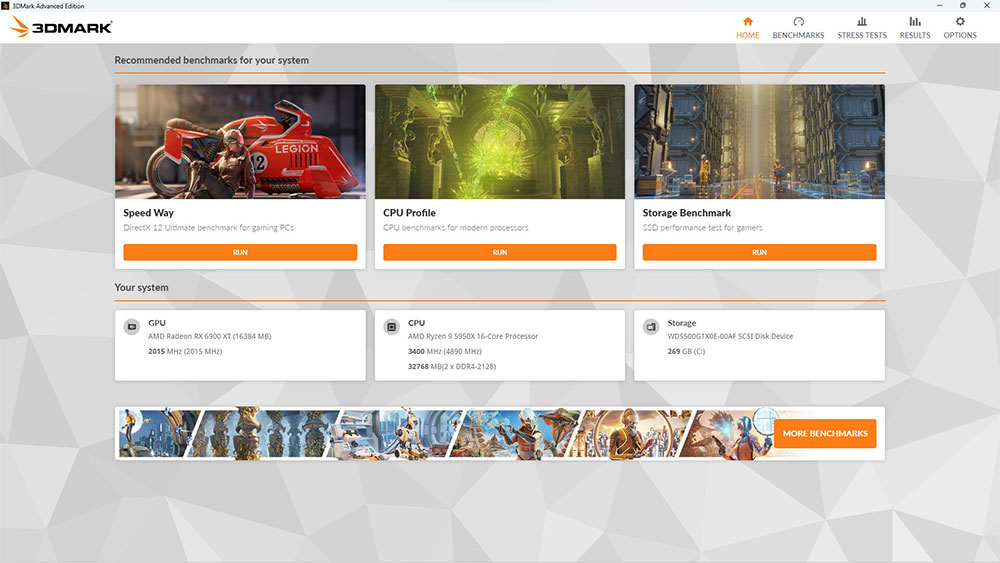
With a variety of testing tools, 3DMArk is undoubtedly one of the best benchmarking applications. Although it costs more than 500 yuan, if you just want to benchmark your computer without uploading scores, you can choose the free 3DMark Demo.
Wallpaper Engine: wallpaper engine
If you ask any PC enthusiast for the best wallpaper app, you’ll definitely hear about Wallpaper Engine. Powered by a large community of talented artists and creators, Wallpaper Engine includes thousands of themes and dynamic wallpapers that can be customized to your liking.
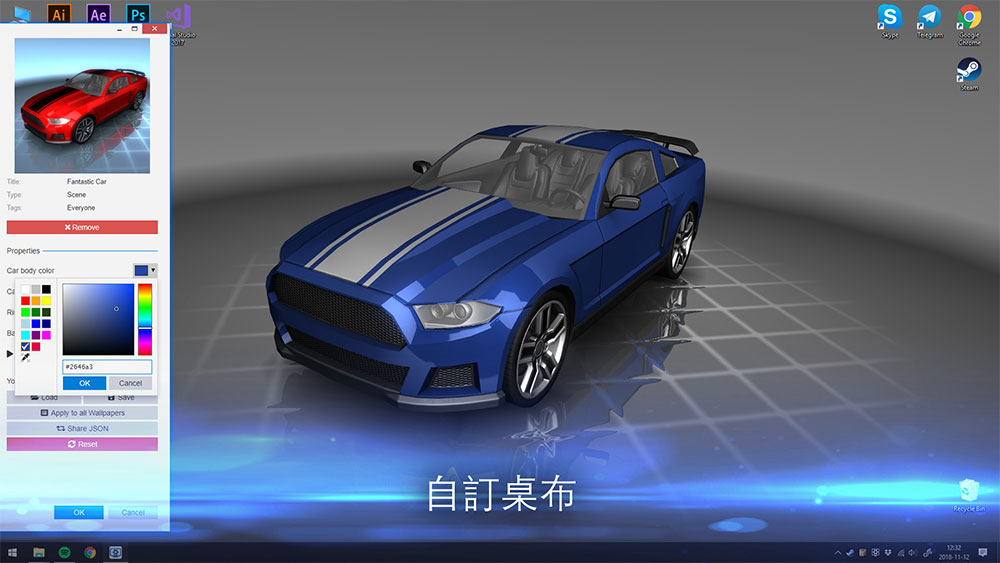
Additionally, the app includes all the tools and effects to convert still images into stylish video wallpapers. Wallpaper Engine may not be as useful for gamers as the other engines on this list, but it’s still worth picking up for anyone who likes to personalize their PC with beautiful wallpapers.
Borderless Gaming
Borderless Gaming is a simple display mode that covers the entire screen while providing smooth application switching between windowed modes. While most modern games have built-in options such as borderless mode, full screen, and windowed mode, you may still come across games that don’t support this feature.
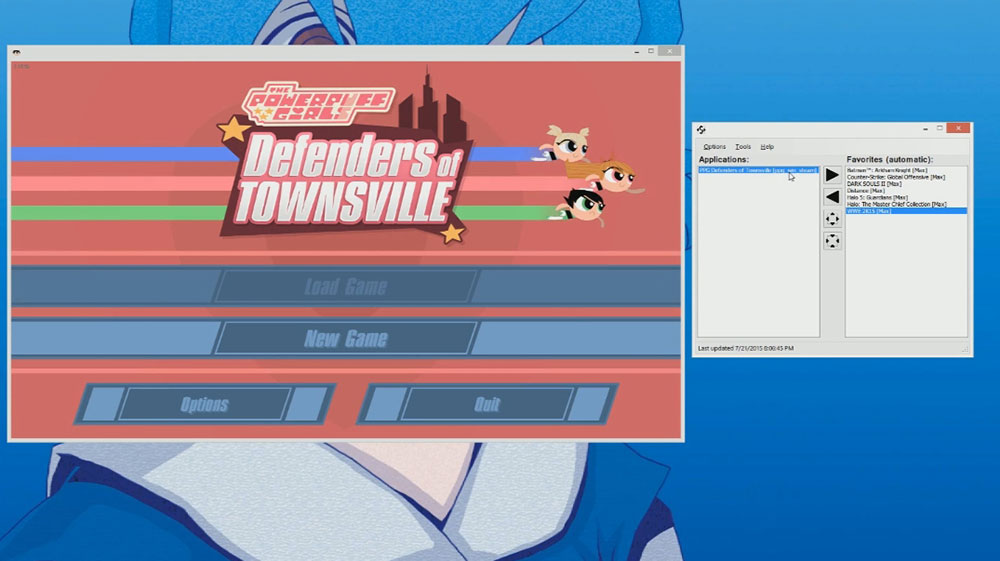
Borderless Gaming is a handy tool that allows you to run any game, application or .exe file in borderless mode. For those who don’t want to buy it on Steam, you canGet this handy app from GitHubsource code and compile it using an IDE (of course, it is recommended that people with technical skills give it a try).
Lossless Scaling
PC hardware has become more and more expensive over time, and some of the best graphics cards and CPUs come with a hefty price tag. Developers may have started implementing DLSS and FSR in their games to improve performance, but not all games support the AI upscaling algorithm. Lossless Scaling provides a great solution to your performance challenges through frame rate generation and scaling facilities.
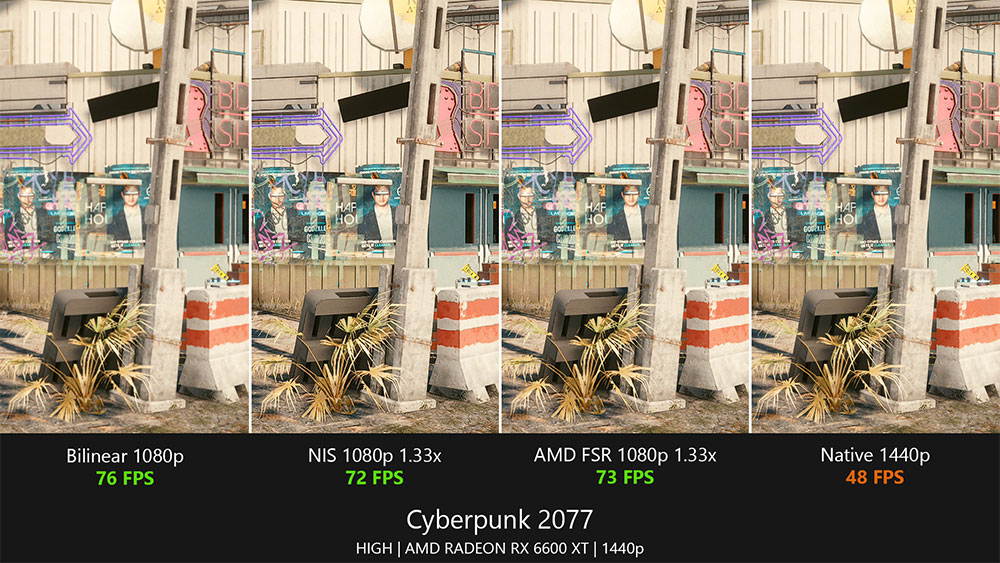
Lossless Scaling’s algorithm is far from perfect, but it’s very easy to use and can be used with any theme, and is recommended for use on computers with older hardware.
DisplayFusion
Multi-screen setups are very common these days, but the default Windows setup obviously leaves a lot to be desired and is generally very good-looking. DisplayFusion can make up for the shortcomings of Windows and make multi-screen environments more practical.
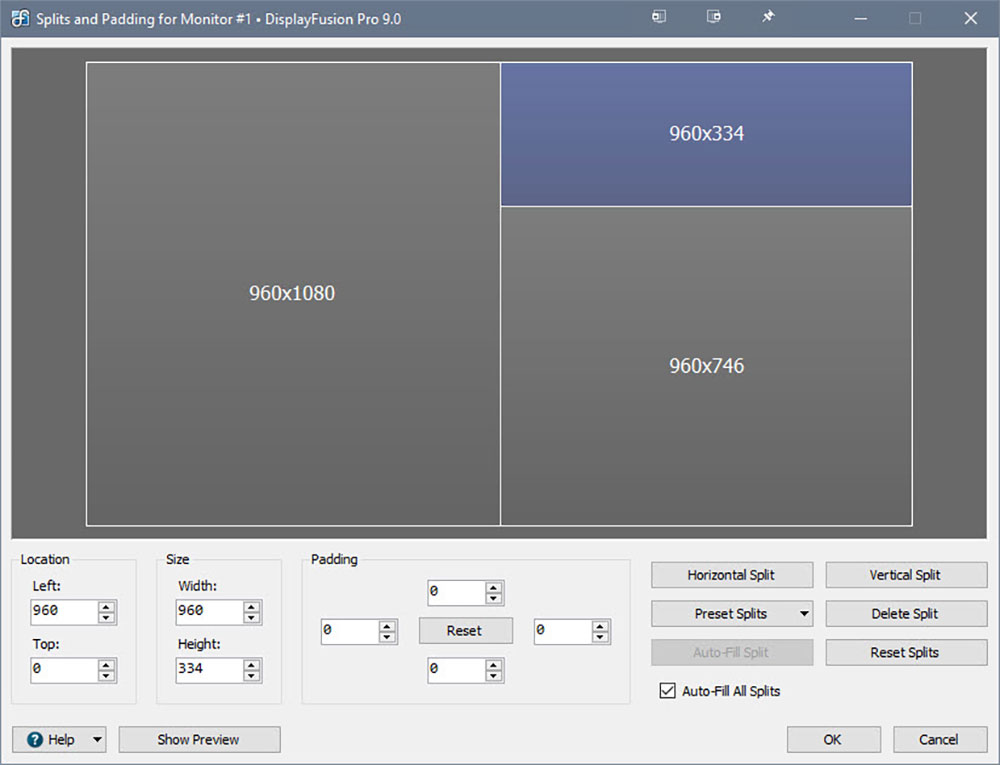
For starters, the app lets you add individual apps, shortcuts, and options to taskbars on different monitors, making your workspace easier to manage. One of my personal favorite DisplayFusion features is the ability to split a larger monitor into smaller, more manageable screens. There are also wallpapers, screensavers, monitor fades, and many other useful apps, making DisplayFusion a must-have app for multi-screen users.
Steam is more than just a treasure trove of games, and while the 10 apps compiled above are my personal favorites, there are many hidden treasures waiting to be discovered on the platform.
Source: KOCPC Chinese