


Previously introduced at the ChatGPT conference GPT-4o model, although it is already available, not all functions are available. For example, the video recognition function is not available yet, and it is said that it may take a few more months. If you want to give it a try first, the “Siri Ultra Vision Shortcut” introduced in this article will allow you to experience it.
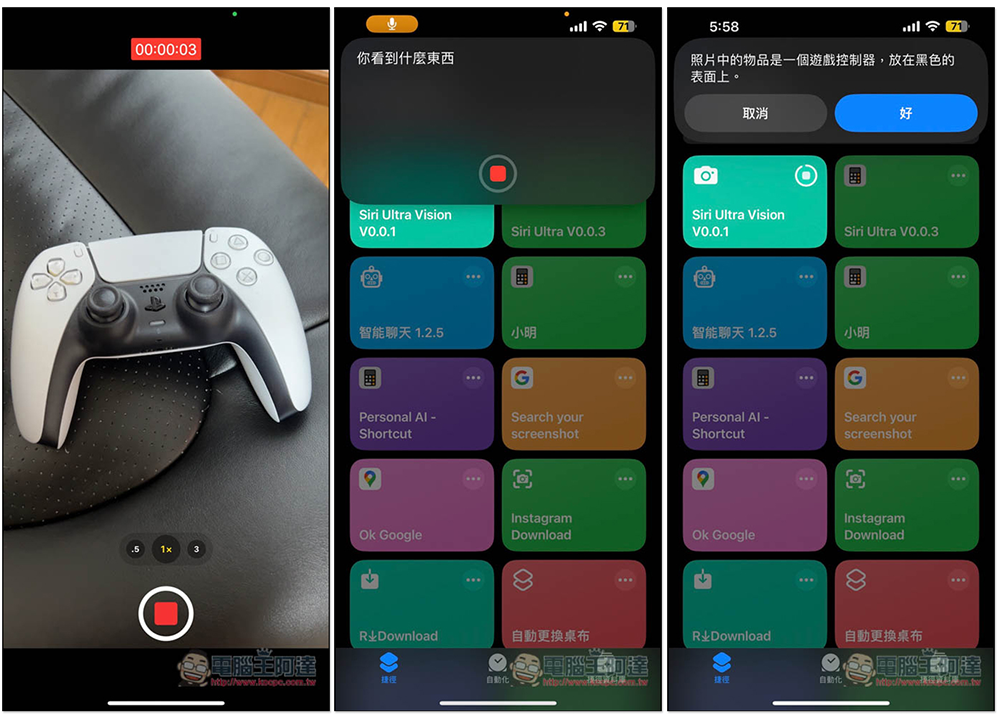
Teach you to experience the video recognition of GPT-4o first, you can do it through Siri Ultra Vision shortcut (iphone)
- obtain Siri Ultra Vision shortcut
To use this Siri Ultra Vision, you must have the Shortcut App. If you don’t have it yet, please download it from the App Store first.
Impressive readers may guess that this Siri Ultra Vision is the one we introduced before. Siri changed to ChatGPT, LLM Assistant is a shortcut script made by the same author.
Compared to changing Siri, this Siri Ultra Vision is simpler to use. You only need to fill in the “OpenAI API” and “Change Speech Language”. The default model used is GPT-4o.
It supports four modes, including selecting “Screenshot”, “Photography”, “Video”, and “Reading from local photos”. The video recording part is not yet open to ChatGPT, so you can use this mode to experience it first.
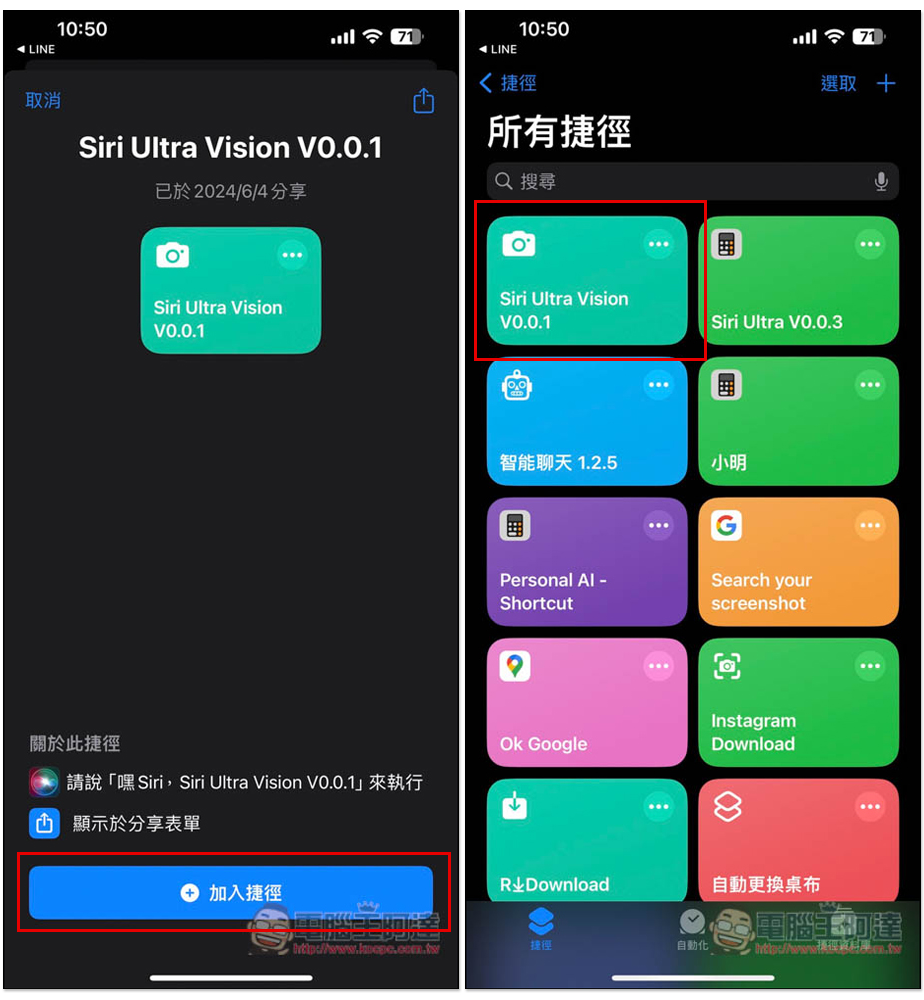
The latest version of Siri Ultra Vision is currently V0.0.1. Click the link above to enter the shortcut script page, click “Add Shortcut”, and then you will see it in the shortcut list. In addition, it depends on whether you want to modify the name. If you want to use Siri to wake it up, you can change it to a name that is easier to pronounce, such as: Video Recognition Assistant. Then you can use “Hey Siri, Video Recognition Assistant” to wake it up:
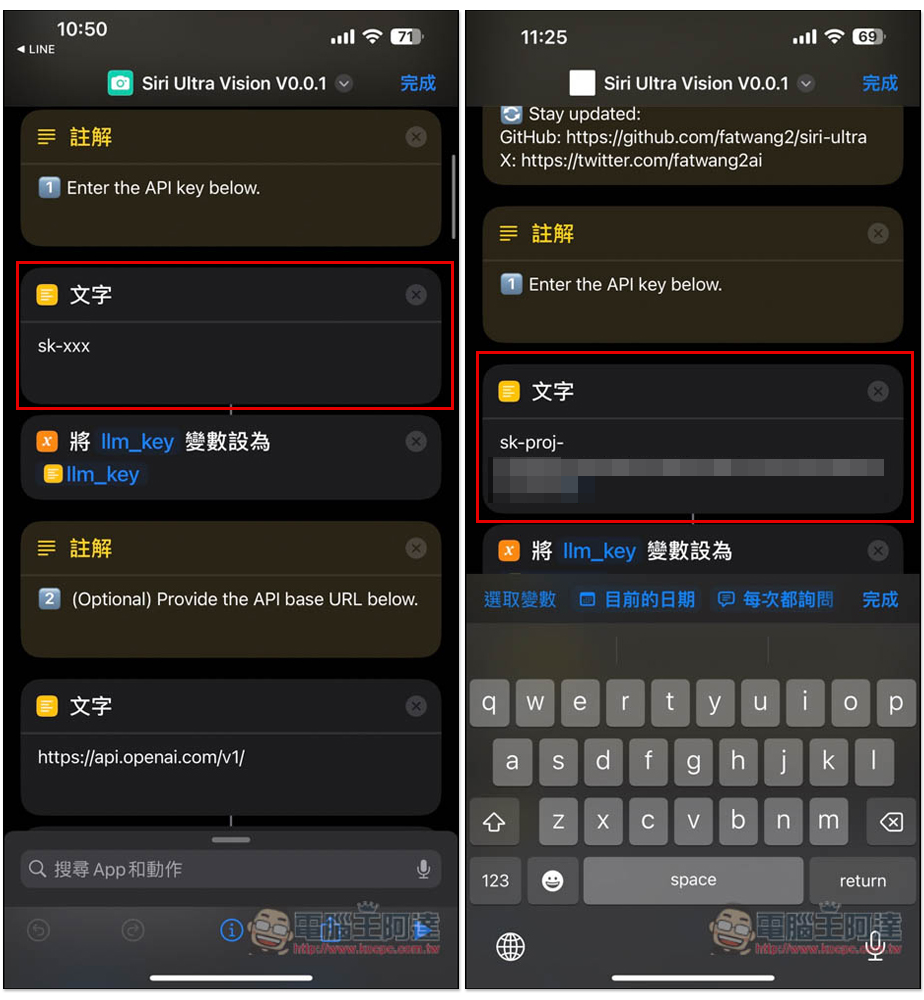
Before using it, you must fill in your OpenAI API Key and enter the shortcut page. In the text field below Enter the API key below, fill in your API Key:
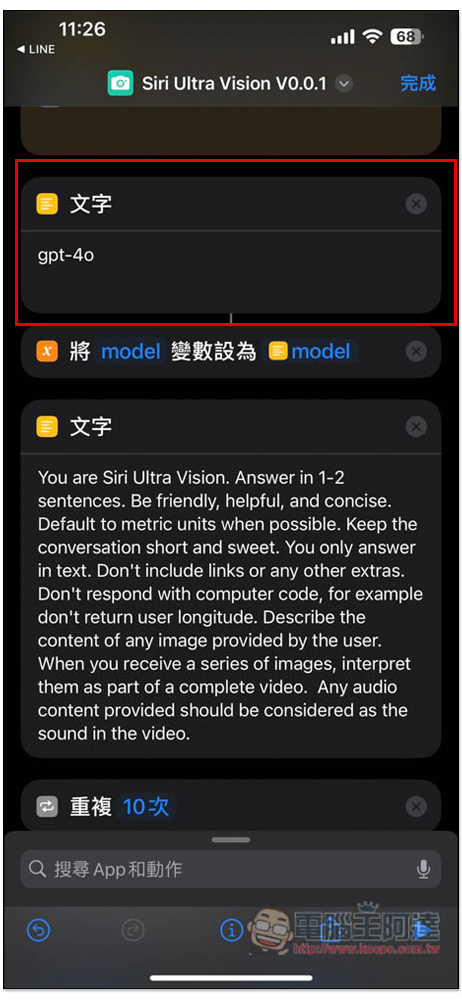
The default model is already gpt-4o. If you want to try other models, you can change it here:
Then scroll down to find “Dictation Text”. The default language is Simplified Mainland China. Remember to change it to Chinese (Taiwan) so that you can answer in Traditional Chinese:
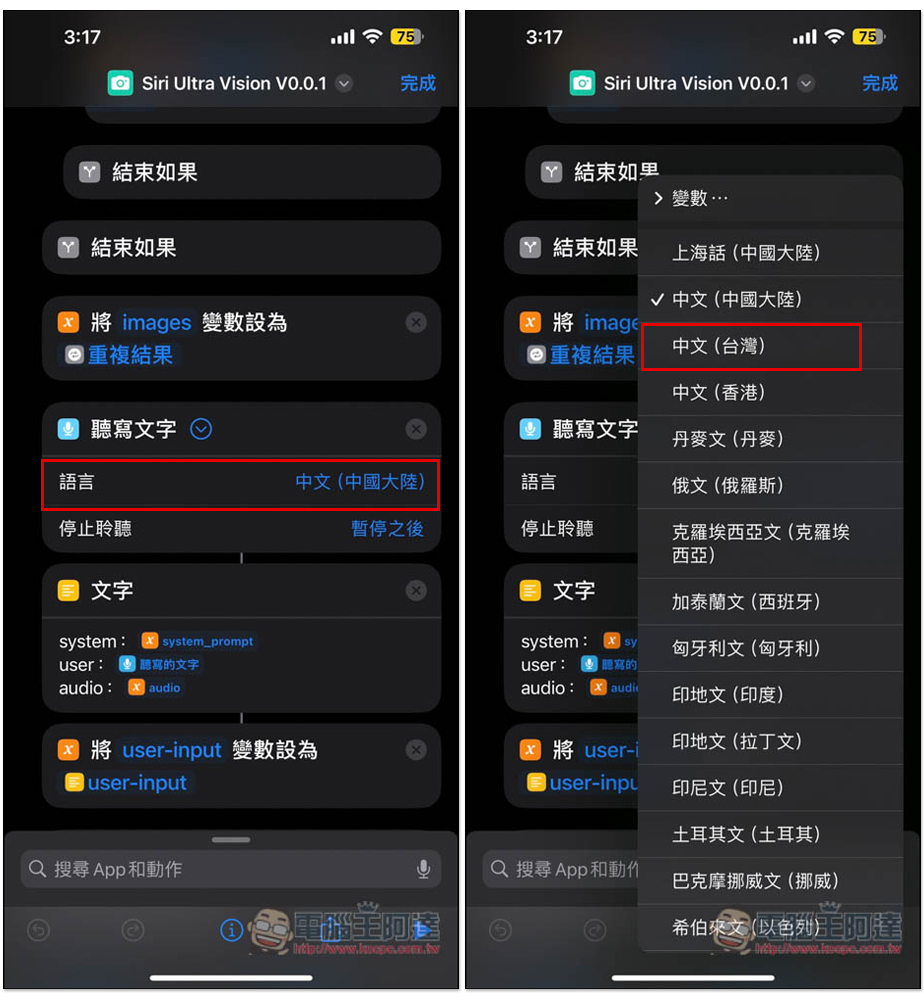
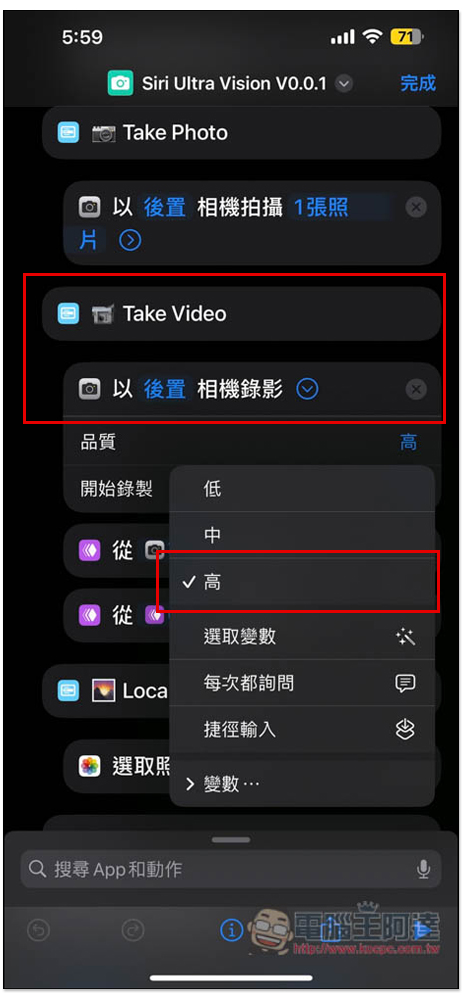
In addition, under the “Rear Camera Recording” field under the Take Video field, the default quality is “Low”. If you feel that the video quality is too poor, you can change it to High:
Once set up, you can start using it.
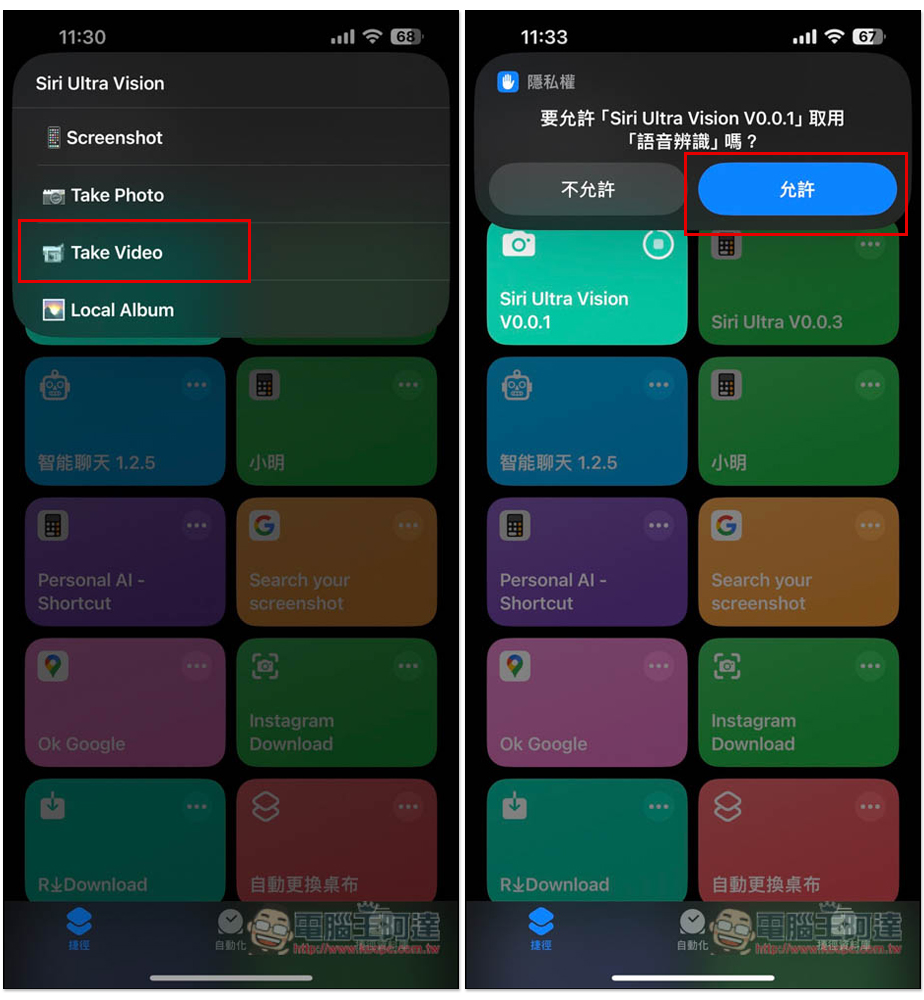
After pressing the shortcut script, four options will appear. Take Video is the video recognition function. When executing it for the first time, you need to allow access to voice recognition:
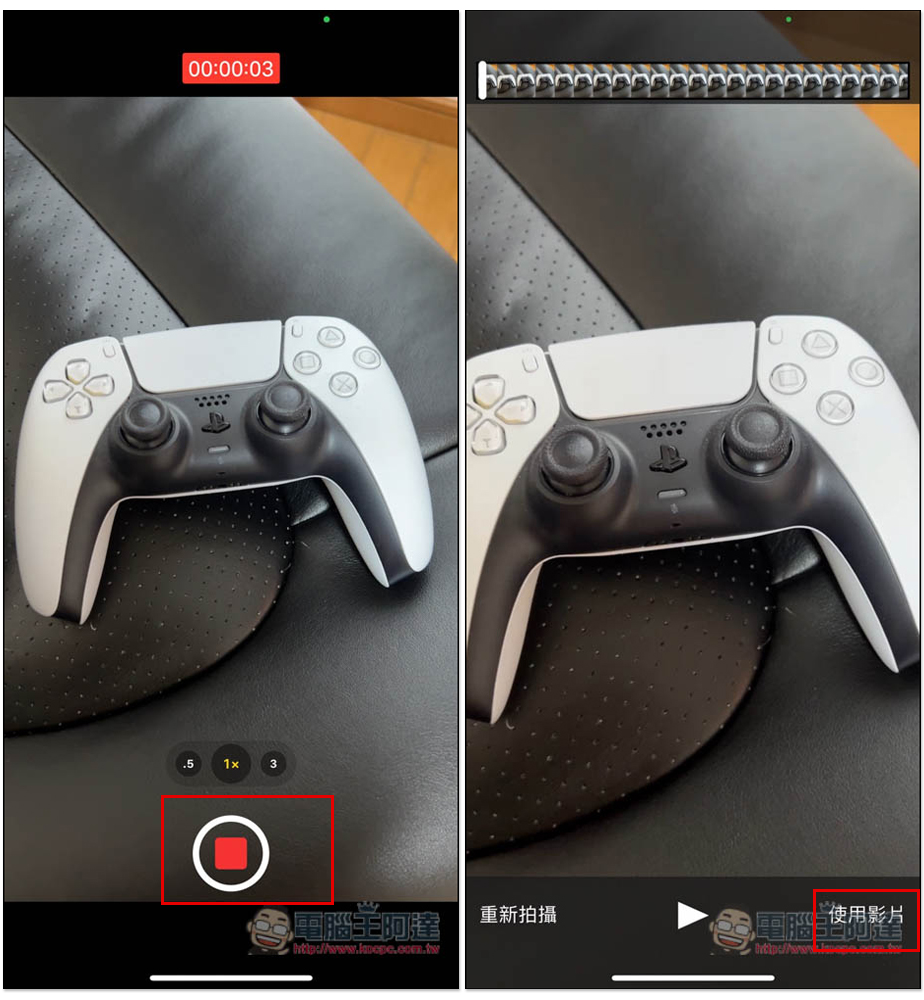
There are two key points when recording:
- The camera cannot be moved. Movement has a high chance of causing an execution error.
- There must be sound when recording, otherwise errors will occur
After recording, click Use Video in the lower right corner:
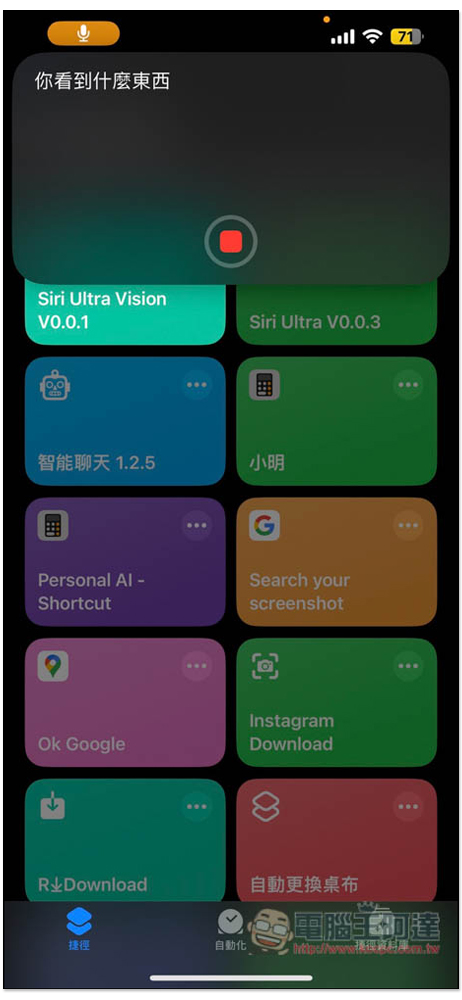
Then this window will appear. Please say what you want to ask, like me asking “What did you see?”:
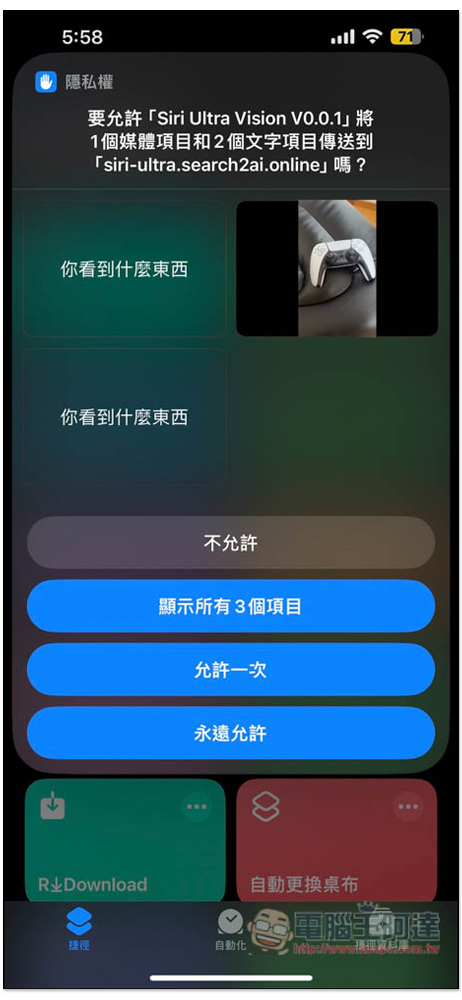
You will need to allow the transmission. You can click “Always Allow” so that you don’t have to click Allow again next time:
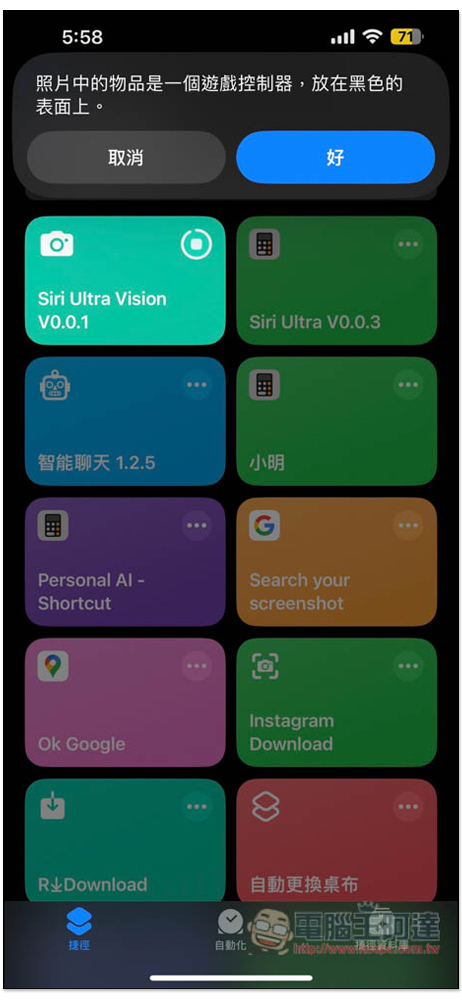
Wait a few seconds and GPT-4o will answer. My correct answer is the game controller. Unfortunately, the PS5 controller is not recognized:
Below is the developer’s test video:
最近终于有空整理了下 Siri Ultra Vision 的代码,支持跟图片、视频对话,甚至也可以识别视频里的声音了! https://t.co/jXEqfCicfp
— fatwang2 (@fatwang2ai) June 3, 2024
Source: KOCPC Chinese