


Your Android smartphone can detect all major brands of trackers and receive notifications whether the tracker is designed for iPhone or Android. When a Bluetooth tracking device moves away from its owner, it will start sending “unknown tracker alerts” to nearby smartphones. The purpose of these alarms, on the positive side, is to return these lost little things to their owners as soon as possible; on the negative side, they can help you protect yourself from being tracked by others.
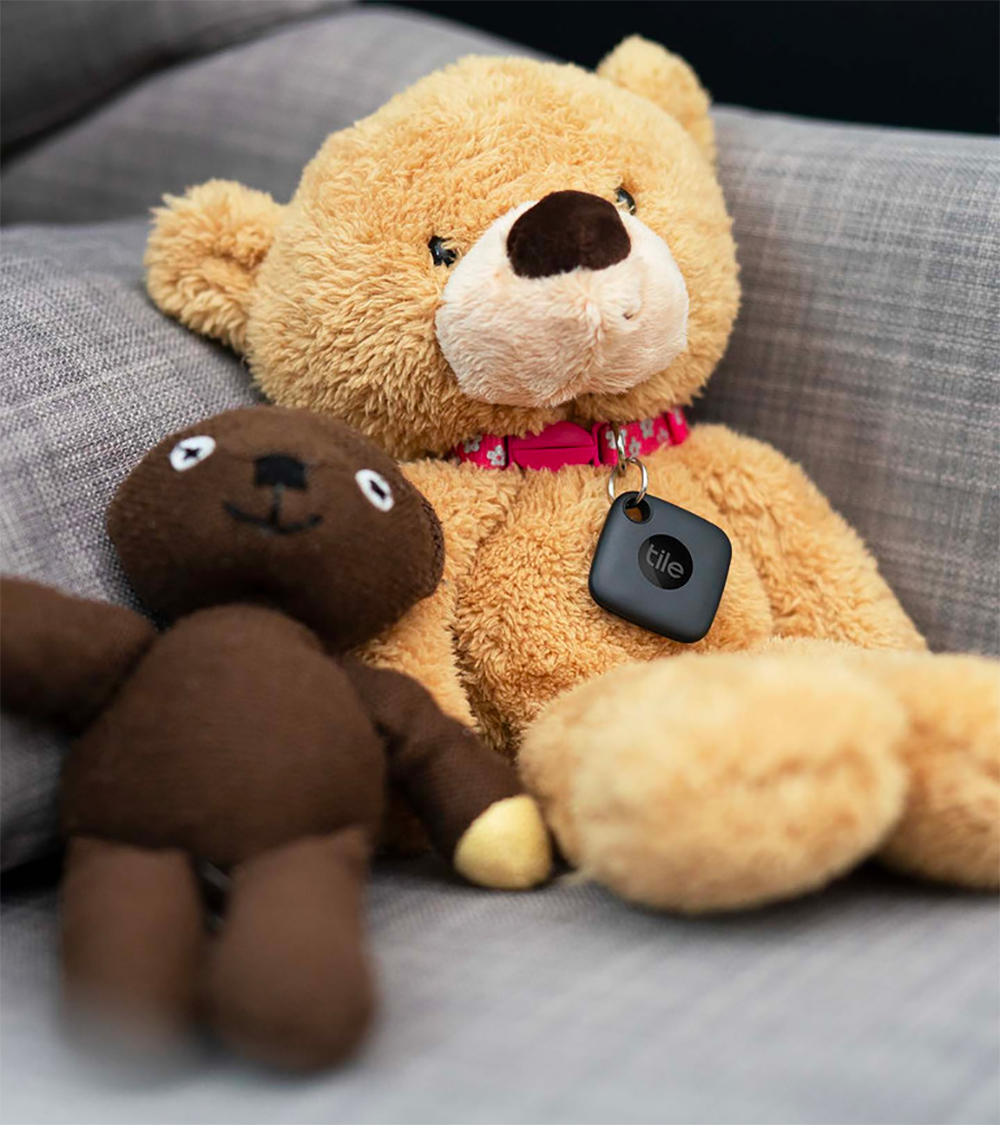
What to do when you get an unknown tracker alert on Android?
Android smartphone owners are alerting you when a tracking device, such as an Apple AirTag, detaches from its owner and moves with you. This unknown tracker alert is the default setting on the system. You can click “Unknown tracker alert” in the “Device Finder” in “Security and Privacy” in the settings, and then click “Scan Now” to perform a manual scan. Of course, you can also turn off the alerts that are turned on by default. Just turn off the “Allow display of alerts” switch in the last step in the picture below.
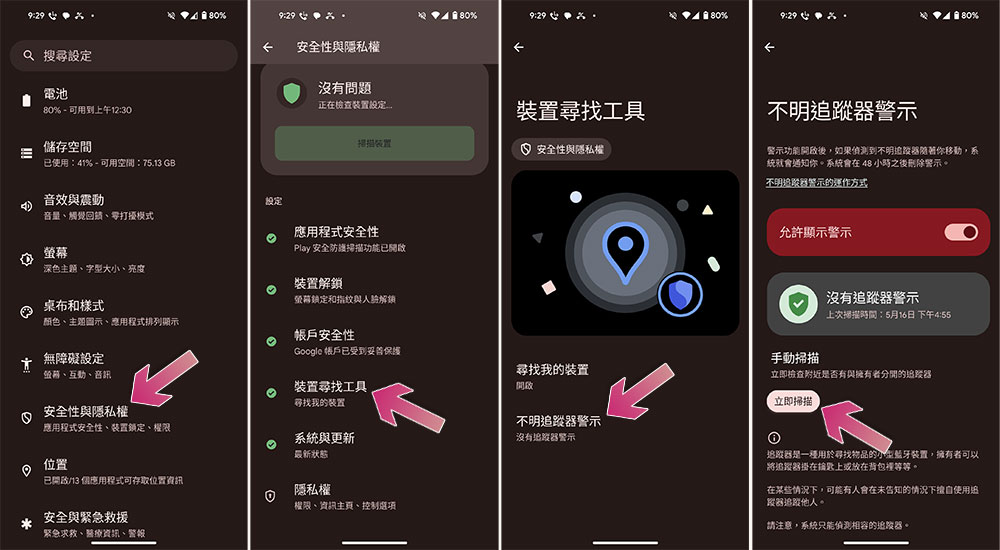
In most cases, unknown tracking alerts will not trigger a system prompt. You may receive these alerts when a friend leaves their bag at your house or you borrow a family member’s car keys to go out. In some cases, a neighbor’s AirPods may even trigger an unknown tracker alert. Given the poor history of Bluetooth trackers being used to track others, be sure to pay attention to any unknown tracker alerts you receive.
Use your phone’s location tracker
When you receive an unknown tracker alert, tap the alert and you’ll see some information about the smart device, including the manufacturer’s name and a map showing where it’s moving with you. Be sure to take a screenshot of this message as you may not be able to view the tracker details at some point. If you accidentally ignore tracker notifications, go to “Device Finder” in “Security & Privacy” in Settings to view past alerts. When you view tracker information, click on the labeled “Play Sound” to listen carefully to the source of the sound and try to figure out where the tracker is. When finding a tracker, you may need to press the play sound button multiple times, which does not notify the owner of the tracker; if the “play sound” option disappears, it is usually because you are out of range of the smart device.
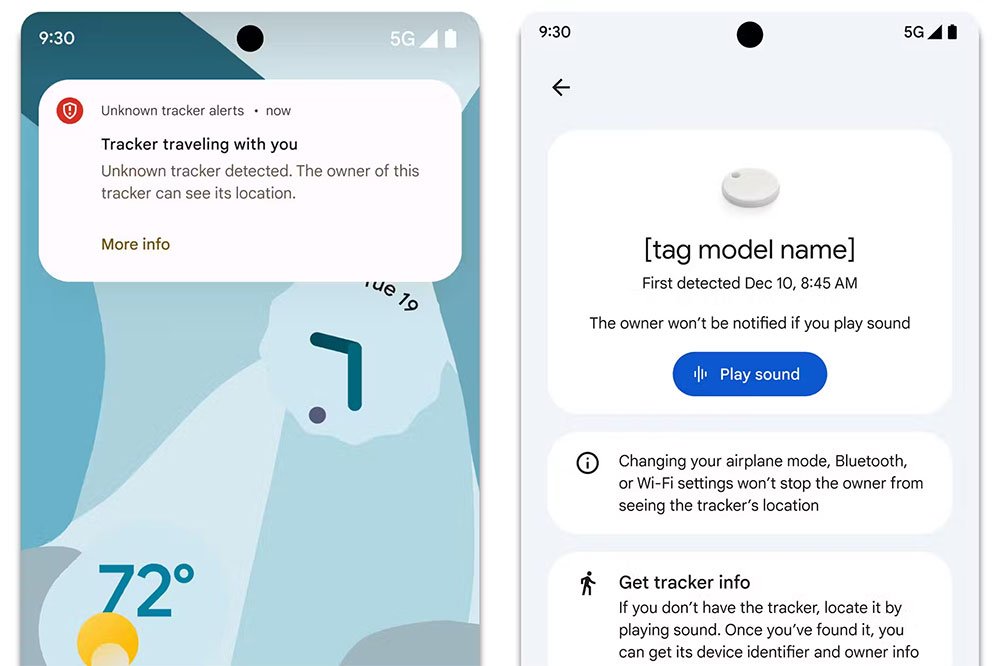
Damaged or modified trackers may not beep. If you can’t hear the tracker, check any items that may have been touched by strangers, such as your bag or the outside of your car. Of course, you should also check any items you have recently borrowed from friends or family. If someone has been in your home or car, they should check the seat gaps and other areas.
Source: KOCPC Chinese