


Previously, we have shared many Sora 2 invitation code, so quite a few readers have probably already started playing. OpenAI Even if you didn’t get an invitation code for the latest video generation model, we also have one to introduce. MindVideo The tool can be used for free with Sora 2. If you are generatingFilmWhen you’re stuck and have no ideas, here’s a really useful recommendation: the “Sora 2 Prompt Collection Library,” where you can find over a hundred video generation [prompts]Prompt, including some that are official OpenAI video prompts, which should hopefully bring you plenty of inspiration.
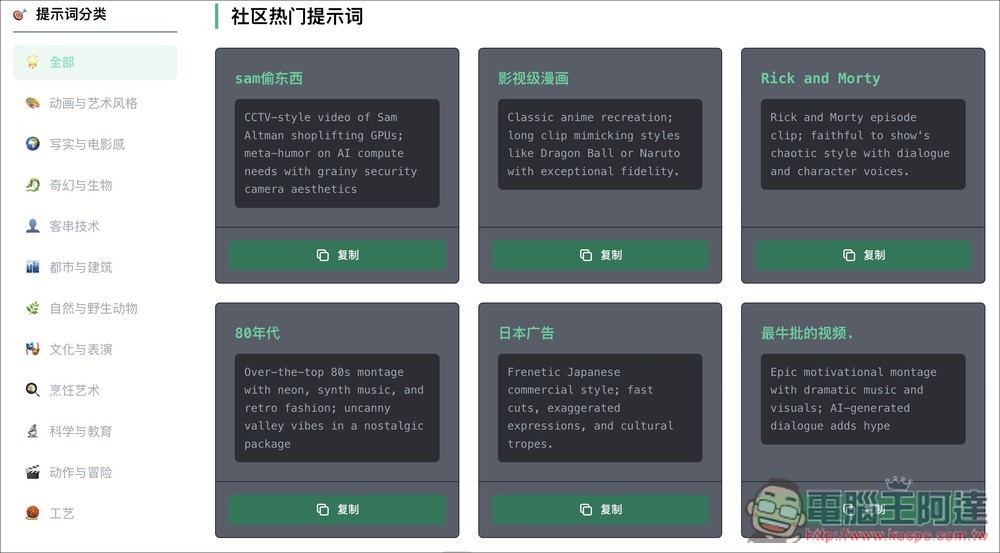
Introduction to “Sora 2 Prompt Collection Library”: Over 100 video generation prompts to inspire creativity.
“Sora 2 Prompt Collection Library” is a platform dedicated to collecting and showcasing video generation prompts from OpenAI’s Sora model (Prompt) platform, with the main purpose of providing a rich inspiration library for video creators, AI enthusiasts, and anyone interested in generative AI videos. If you don’t know how to use Sora yet, you can first watch this video tutorial:
You can find here official selections and high-quality prompts shared by the global community. The website also systematically categorizes these prompts, fromAnimationFrom art and cinematic realistic styles to fantasy creatures and futuristic city architecture, the content is very diverse, allowing users to easily find creative examples that meet their needs.
Go to the Sora 2 Prompt Collection Library
Main features
- Diverse prompt categories: The website divides prompts into multiple categories such as “Animation and Art Styles,” “Realistic and Cinematic,” “Fantasy and Creatures,” and “Urban and Architecture,” making it easy for users to quickly find what they need.
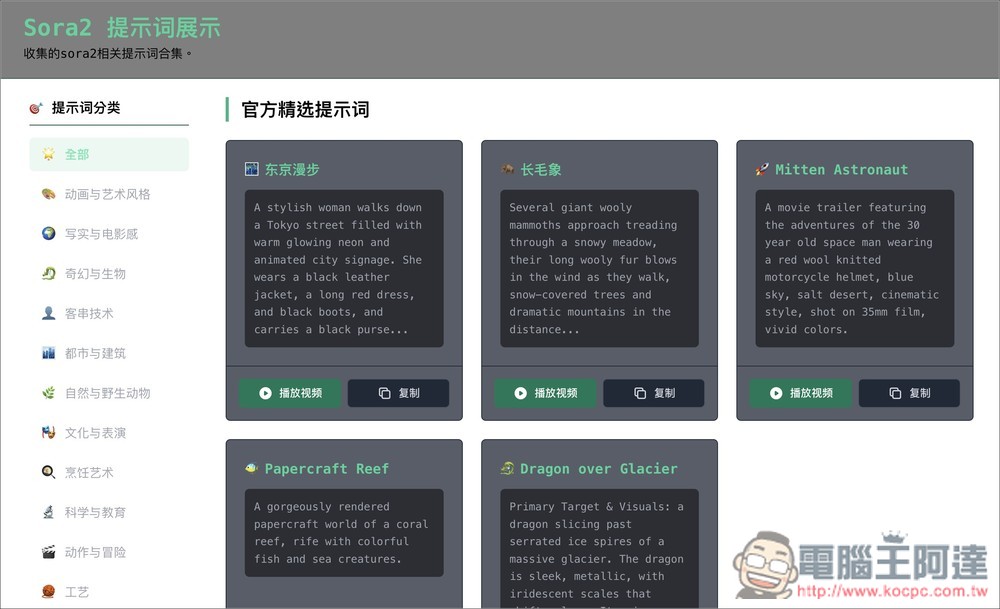
- Official and Featured Content: In addition to featuring curated examples released by Sora, such as “Tokyo Walk,” it also includes popular creative prompts shared by the global creator community.
- Detailed scene descriptions: Many prompts provide complete English descriptions, including detailed depictions of the video’s scene, characters, actions, environmental atmosphere, and camera movement style, which can serve as excellent references for users.
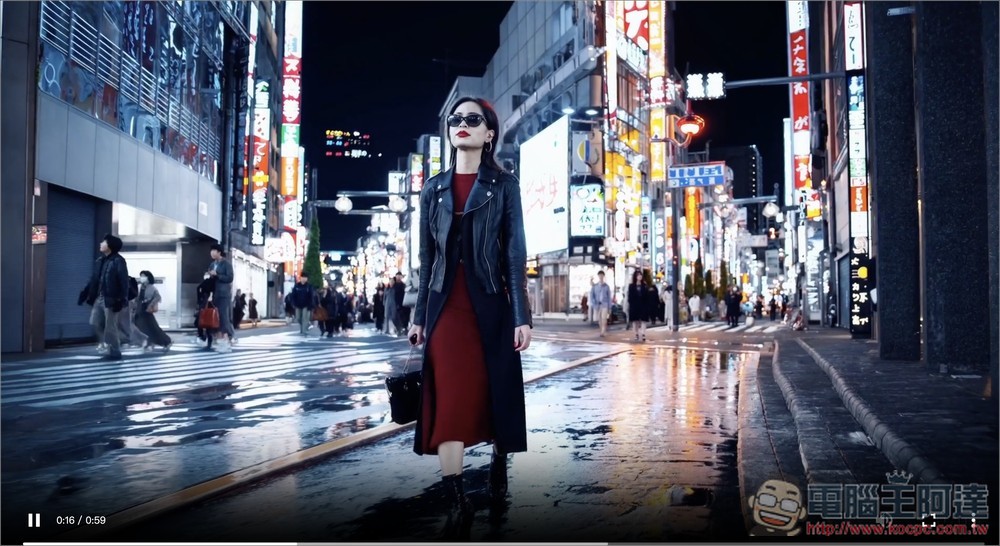
Once you click the link above to enter the “Sora 2 Prompt Collection Library,” you can browse all the Sora 2 prompts, which number over 100. At the top, you’ll see OpenAI’s official featured prompts—like the first one, Tokyo Walk, which many people probably recognize. You can also click the play video button next to it to see what the official video looks like.
I play the Tokyo walk video, and then it opens this OpenAI video. Once you have the prompt template, you can generate content of the same high quality as this video:
Below there is also a community trending prompt that’s worth trying. These are all videos that are very popular in the Sora App right now, like the first one: Sam stealing something.
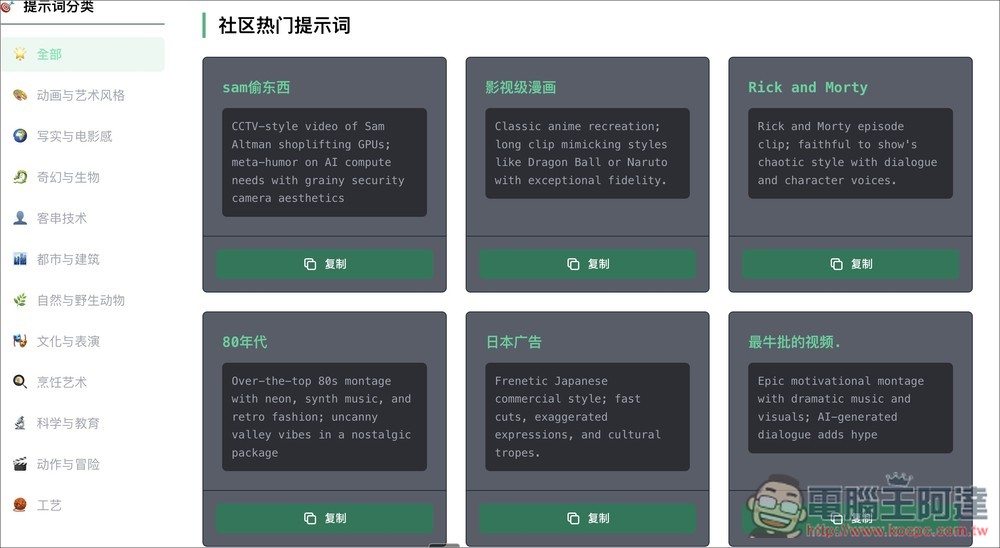
On the left side, there’s a complete breakdown of prompt categories, including animation and art styles, realism and cinematic looks, fantasy and creatures, cameo techniques, urban and architecture, nature and wildlife, culture and performance, culinary arts, science and education, crafts, and more. But while I was browsing, I felt like some videos didn’t seem to be sorted into these lists, so I’d recommend browsing under the “All” category instead.
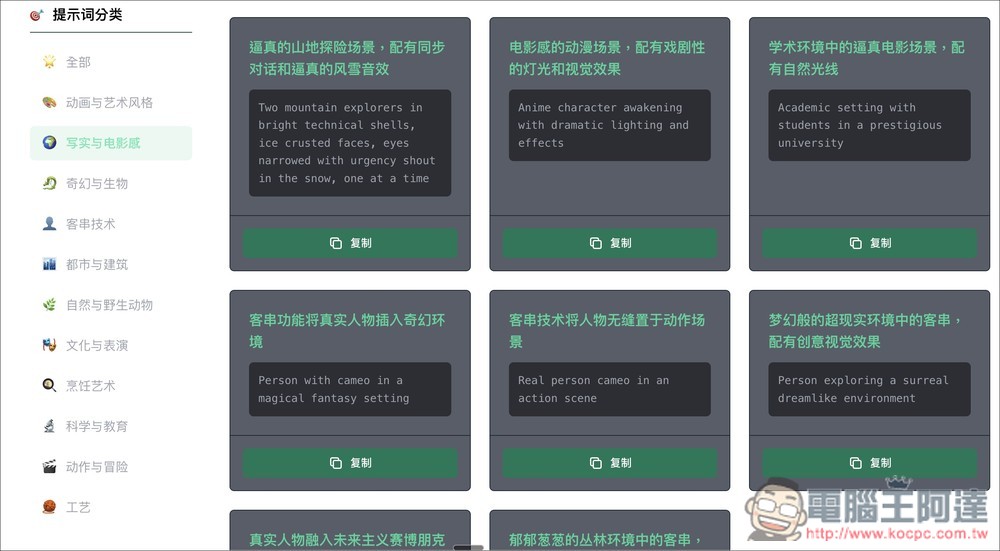
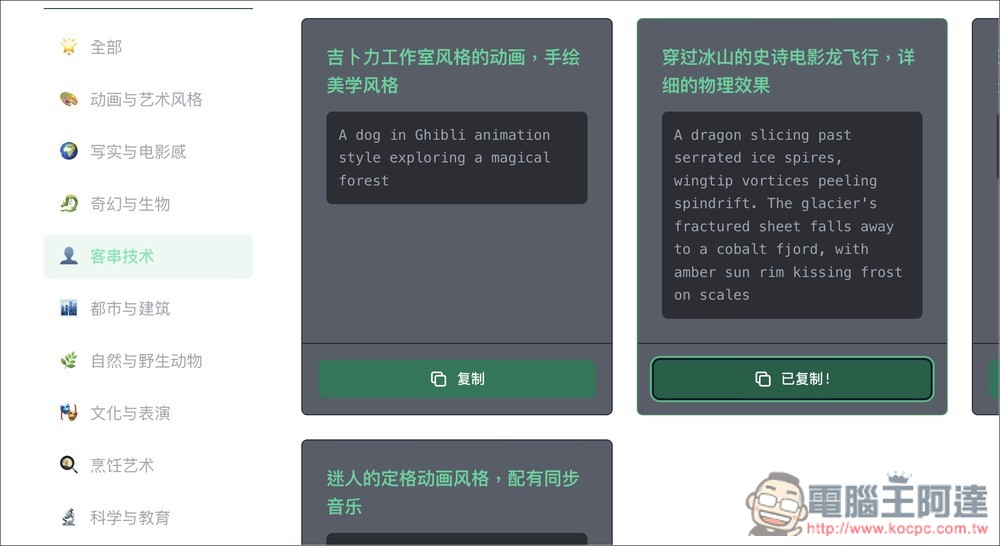
After finding a prompt you’re interested in, press the copy button below to copy it to the clipboard with one click. I copied “Epic cinematic dragon flight through icebergs, detailed physics effects.”
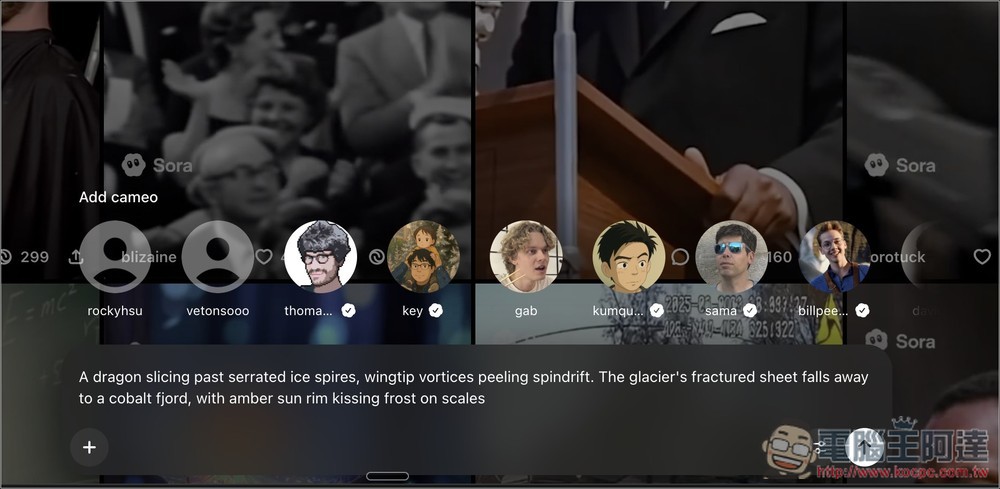
If you just want to see what the video generated by this prompt looks like, you can paste it directly into Sora to generate it. Of course, besides Sora, any video generation service can use these prompts, such as Veo 3:
This is the result of the dragon flying video generation I tested:
If you want to change it to another version but don’t know how to modify it, the method is simple—just throw the prompt into ChatGPT or other AI tools to modify it. For example, I changed the prompt above to “a pig flying,” and ChatGPT helped me revise it:
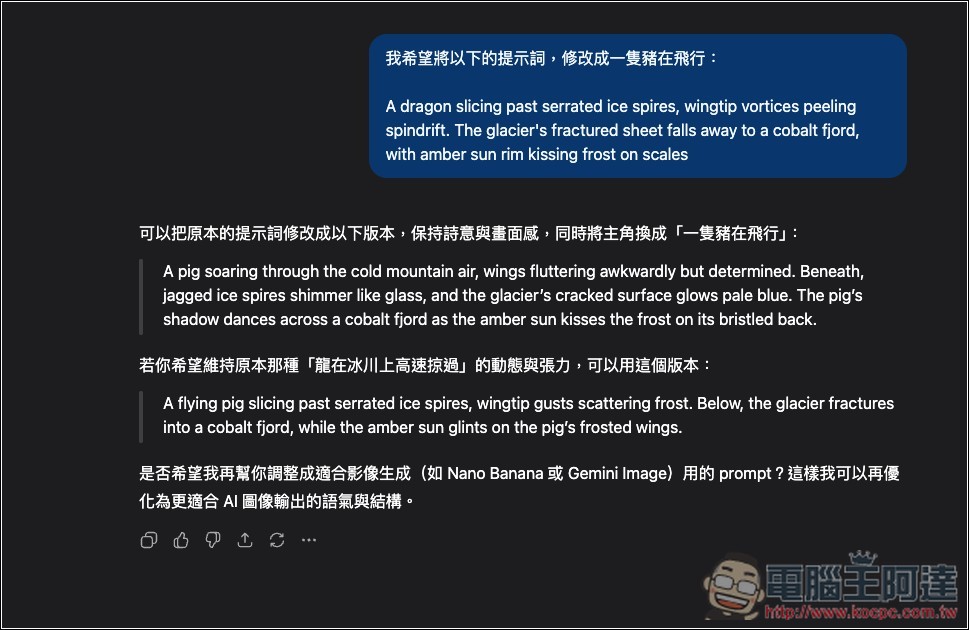
The protagonist turns into a pig:
Source: KOCPC Chinese