


When traveling, you will definitely use your iPhone to take a lot of precious memory photos. However, there are a lot of people in most scenic spots, so it is very difficult to take a solo photo without any passers-by. At this time, you may want to use post-production to remove objects, people, and objects in the photo. This “Smoothrase” is a very good choice. Use your finger to draw the things you want to remove, and AI will start post-production processing. The removal effect is quite good, and there are currently no ads.
Smoothrase is a super easy-to-use iPhone AI app to remove photo objects and people
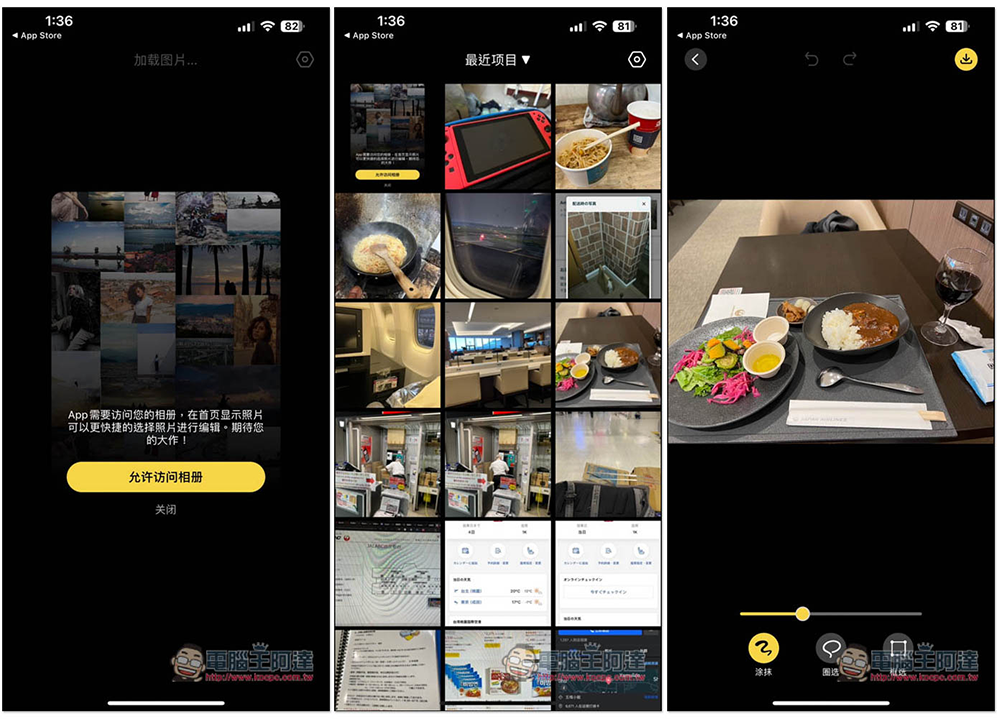
Smoothrase is very simple to use and supports Chinese, so you don’t have to worry about not understanding it. After opening the app, you first need to allow access to your iPhone photos so that you can import the photos from which you want to remove objects. Then select the photo you want to remove. There will be three functions at the bottom, “Smudge”, “Circle Selection” and “Frame Selection”. These are different circle selection modes. Smudge can adjust the brush size:
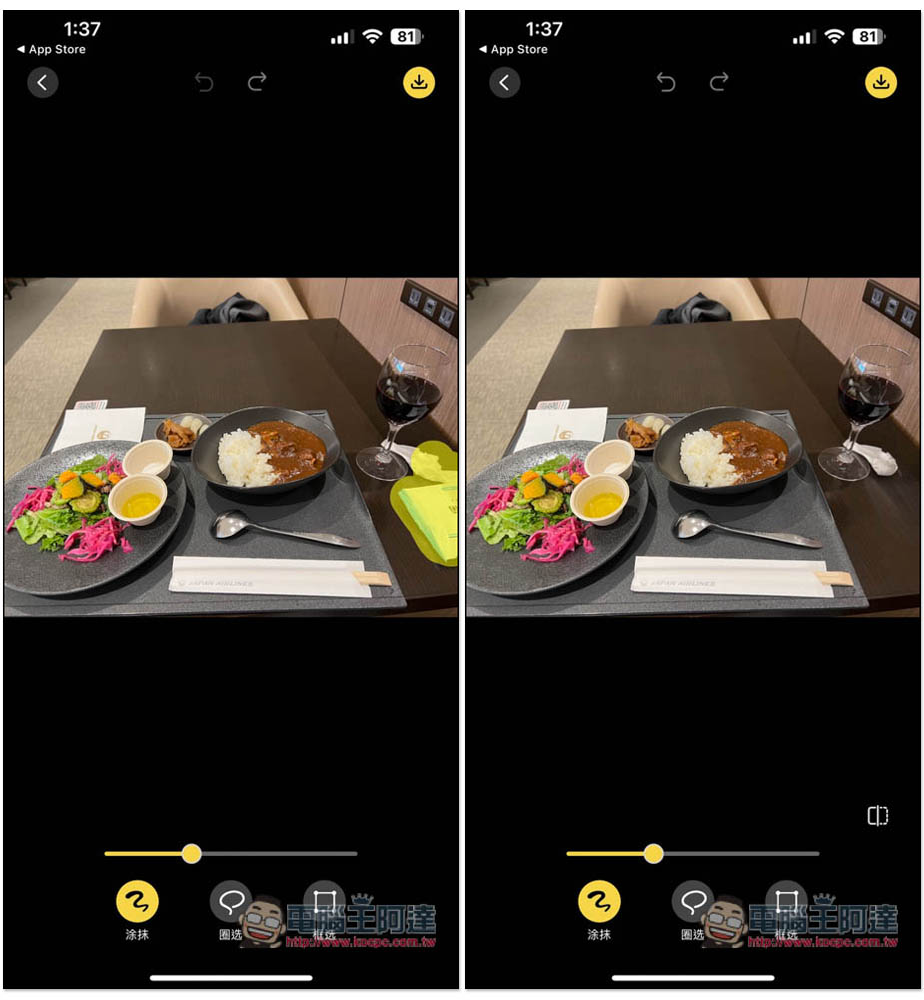
I painted the white paper towel and wet paper towel on the right. After painting, it will be processed by AI in just a few seconds. The effect is quite natural, and the important point is that all processing, calculations, etc. are completed locally, which means that your photos do not need to be uploaded anywhere:
You can also use circle selection on small areas, it will be easier to use than smearing. In addition, if you feel that the AI removal is not very good, you can press the return key above and it will resume the previous step. The effect of AI processing is different every time, so you can try more. If you are not very satisfied the first time, you can try the second time. Maybe it will be better:
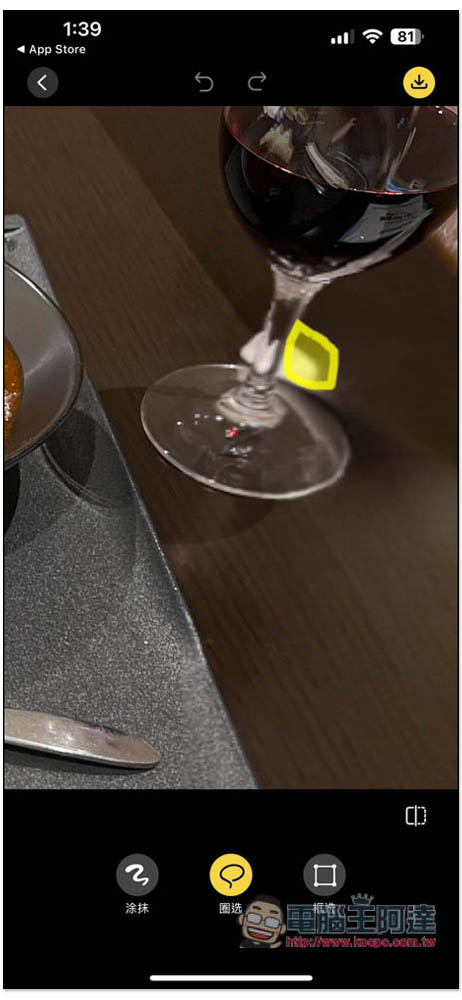
However, the remaining white paper towel under the wine glass in my photo cannot be processed well, even if it is accurately drawn. In addition, I tried to remove the spoon on the table:
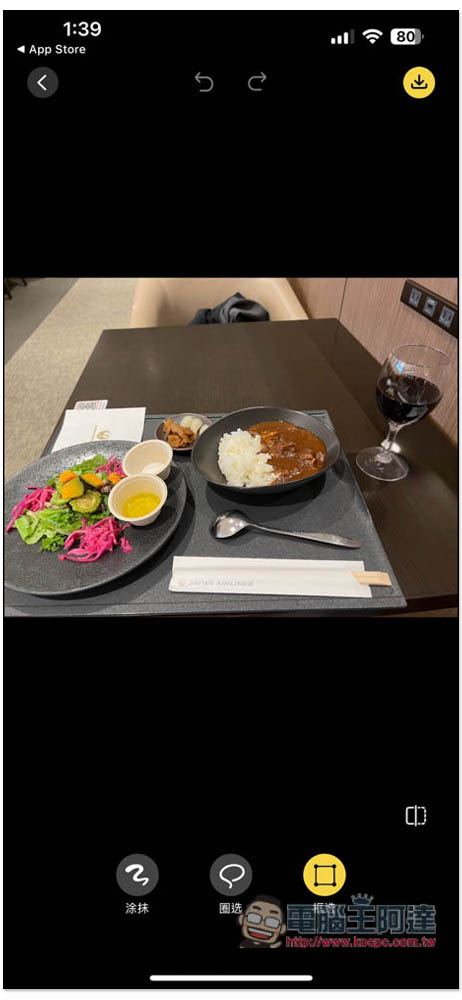
Just draw the whole spoon. If there are no other objects nearby to interfere, it doesn’t have to be accurate:
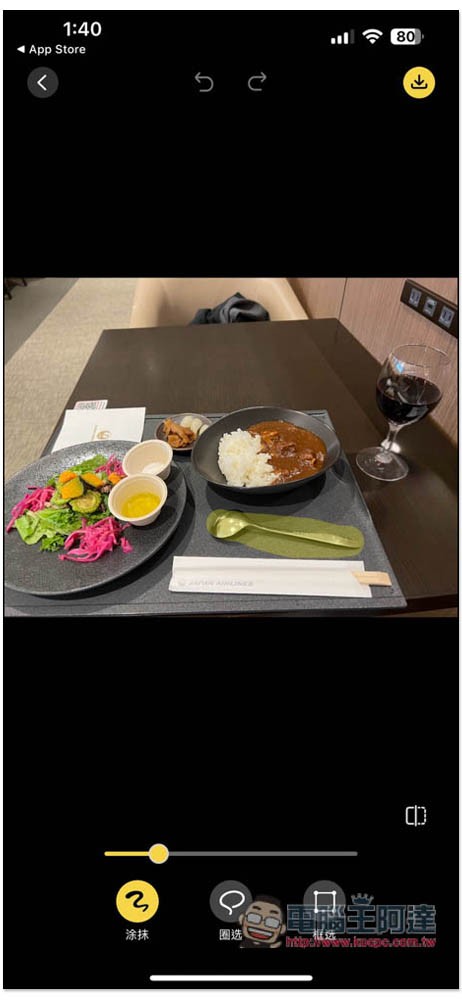
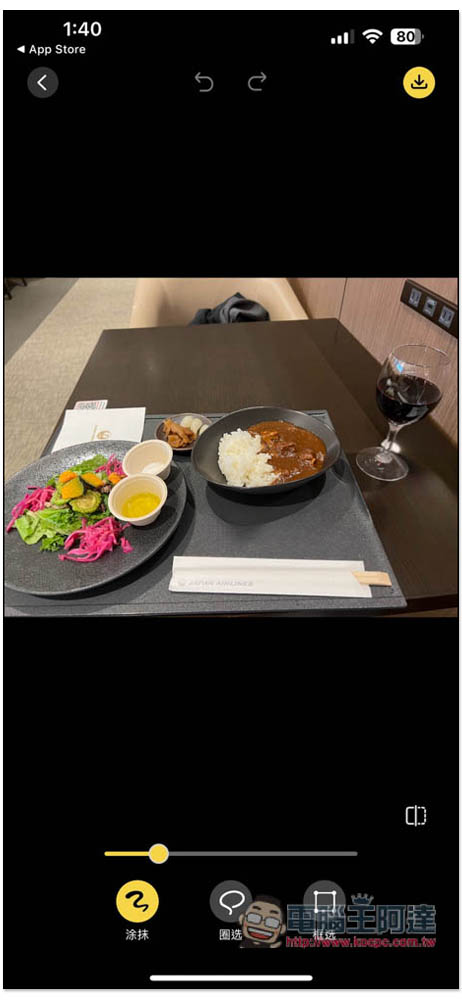
This removal effect is very good. If you are satisfied with the photo, click the download image in the upper right corner to save it to the iPhone photo:
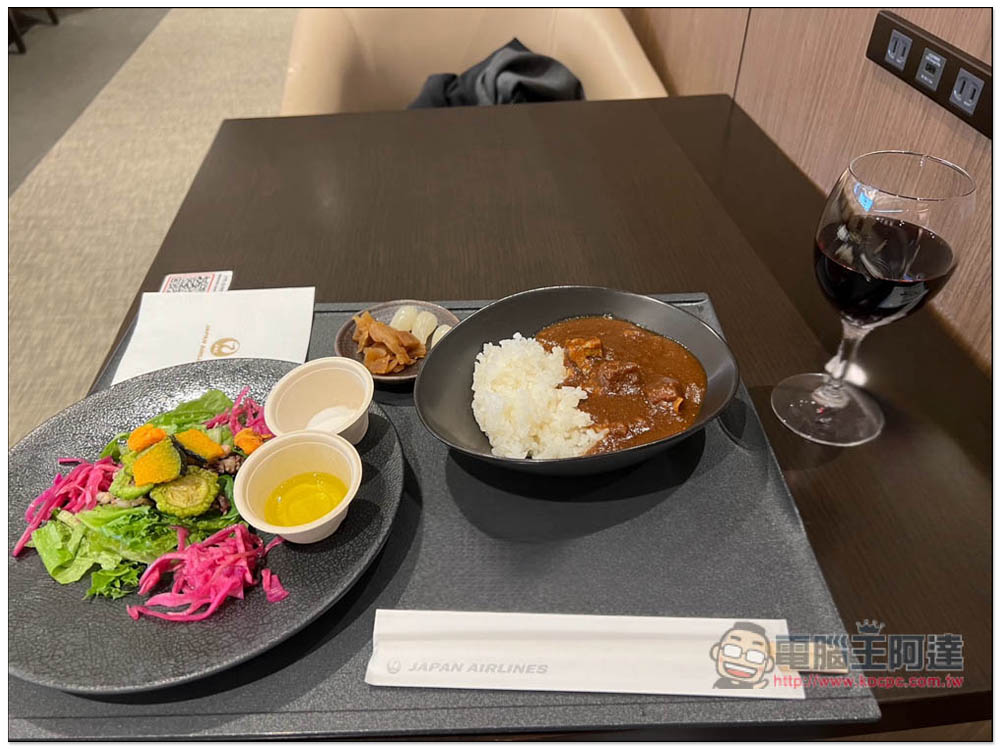
The stored pictures are also in their original resolution and have no watermark:
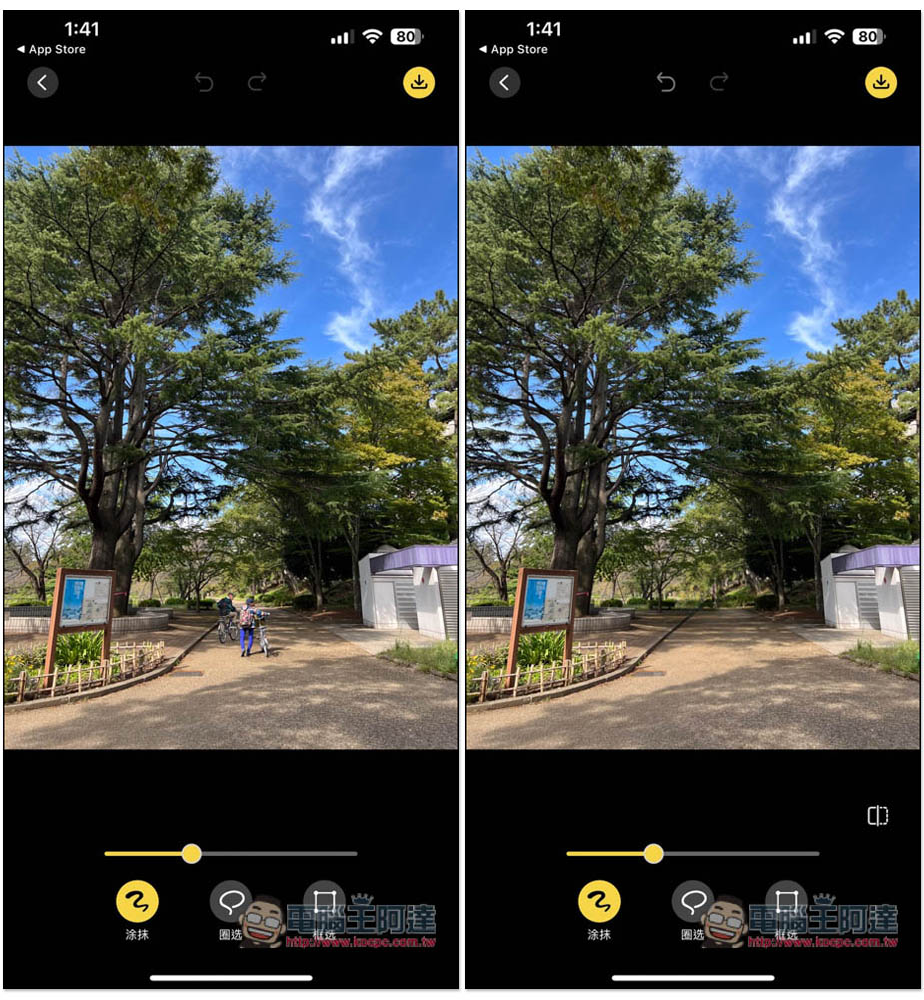
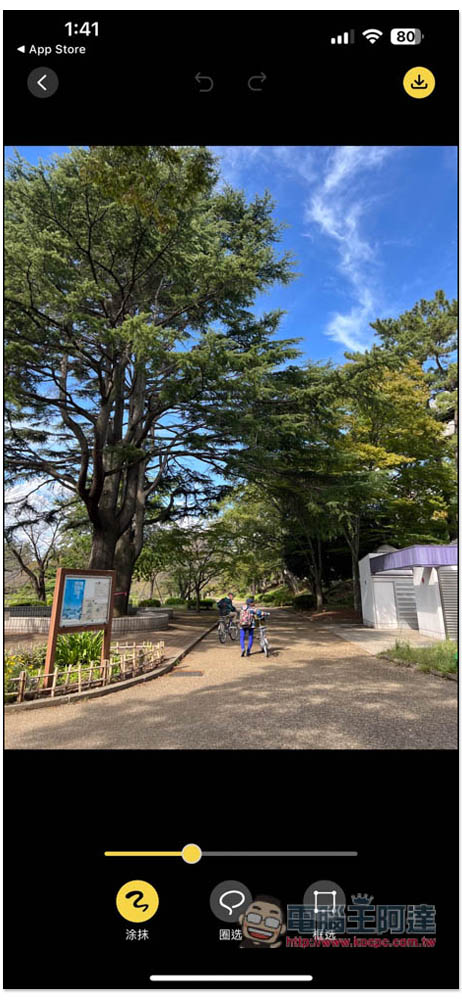
Let me test another travel photo that many people will encounter. There are passers-by in the photo. Like my photo, there is a couple holding a bicycle. I want to remove them, so I draw them:
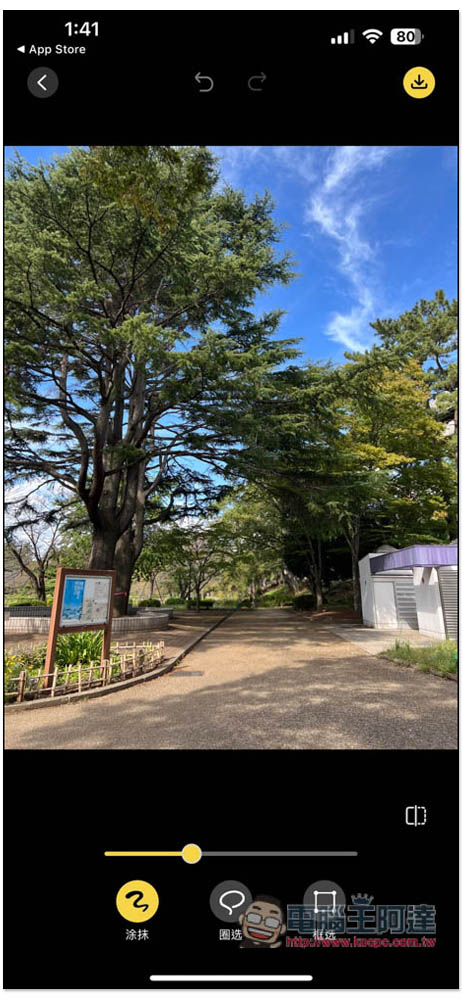
The two of them disappeared, and the effect was quite natural:
However, it should be noted that the free version seems to have a limit on the number of storage times. This one also has a paid version, and it seems to have more functions available. The price is not expensive. It is also a lifetime version, which means you pay once and do not need to subscribe. People who think it is good can consider:
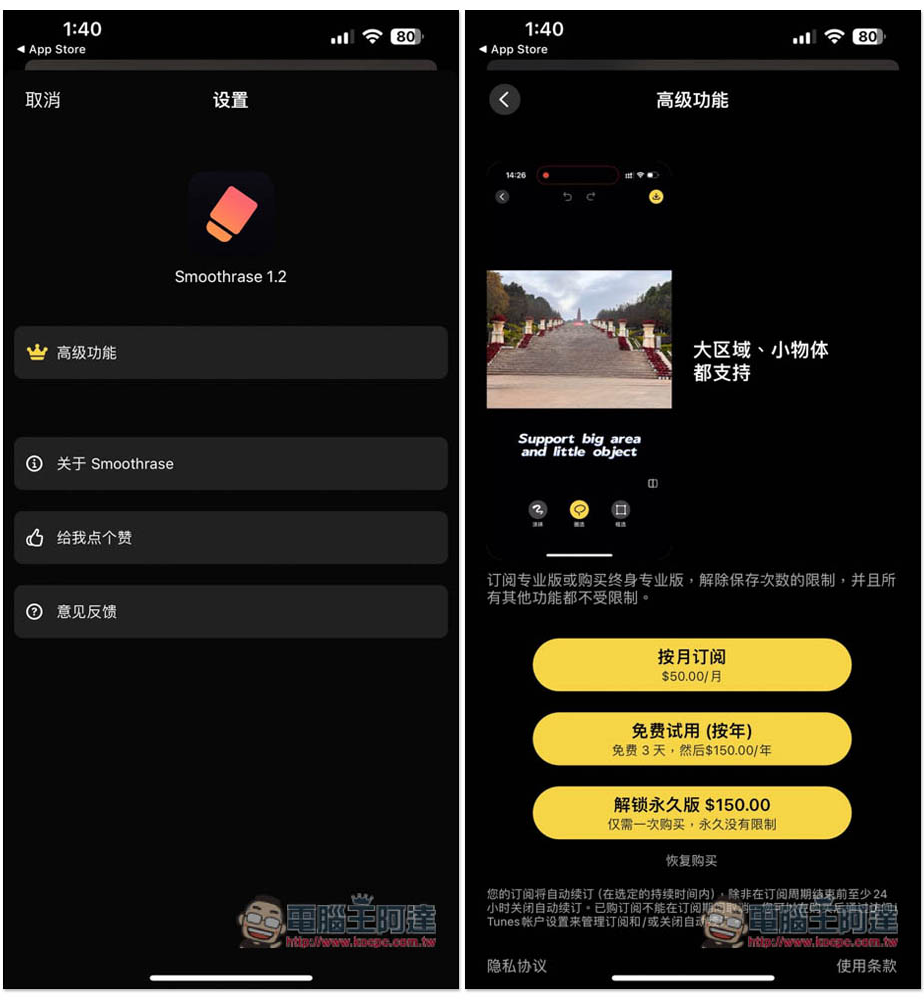
According to developer instructions, this is the first complete app he developed using ChatGPT. It is a picture erasing app that can smoothly erase objects, lines, tattoos, watermarks, etc. in pictures. It is called Smoothrase. The effect is much better than some well-known such apps. Welcome to try it. All image operations are done locally on your phone, so you don’t have to worry about image privacy being leaked!
In addition to the iPhone version, there is also a Mac version, so those in need can also play it.
Source: KOCPC Chinese