


Although there are many cloud space services now, the free capacity is not very large, which is not so convenient for sharing large files, and it is easy to occupy a lot of space. If you only want to share for a short time, and it is not a very important or private file, then you can consider the SendBig free file transfer space introduced in this article. It is free of registration and supports up to 5GB. After registration, it supports up to 30GB, and it can be set to expire for up to 3 years. The file transfer speed is also quite fast. For friends who often share files, it is highly recommended to collect it.
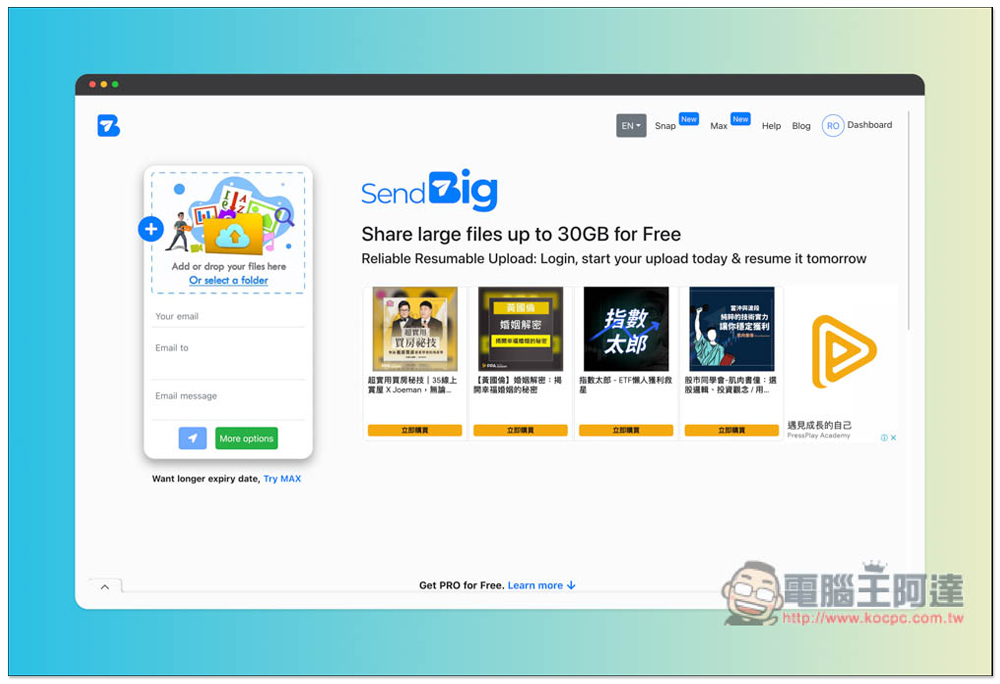
SendBig provides free file transfer and file sharing space, with a maximum support of 30GB and a maximum retention period of 3 years.
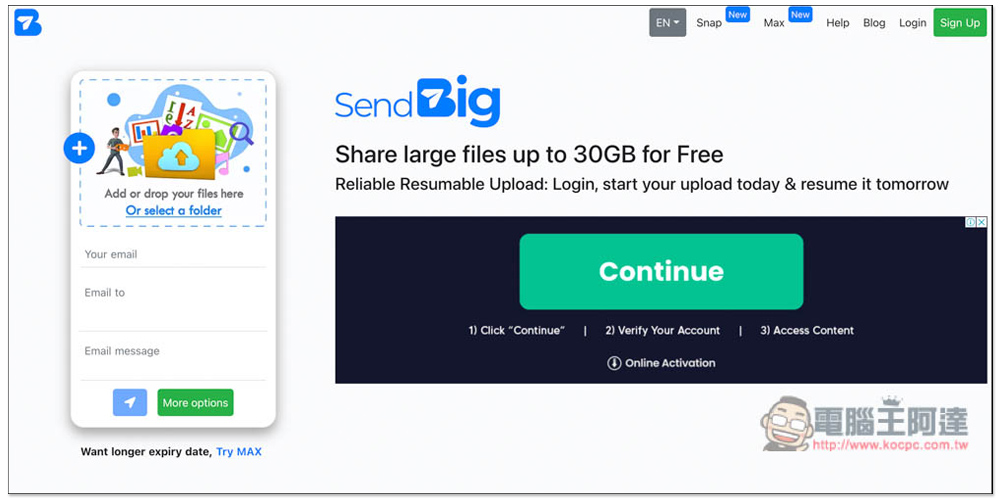
After entering the SendBig website, if your file does not exceed 5GB, you can use it directly without registration. Just drag in the file you want to share:
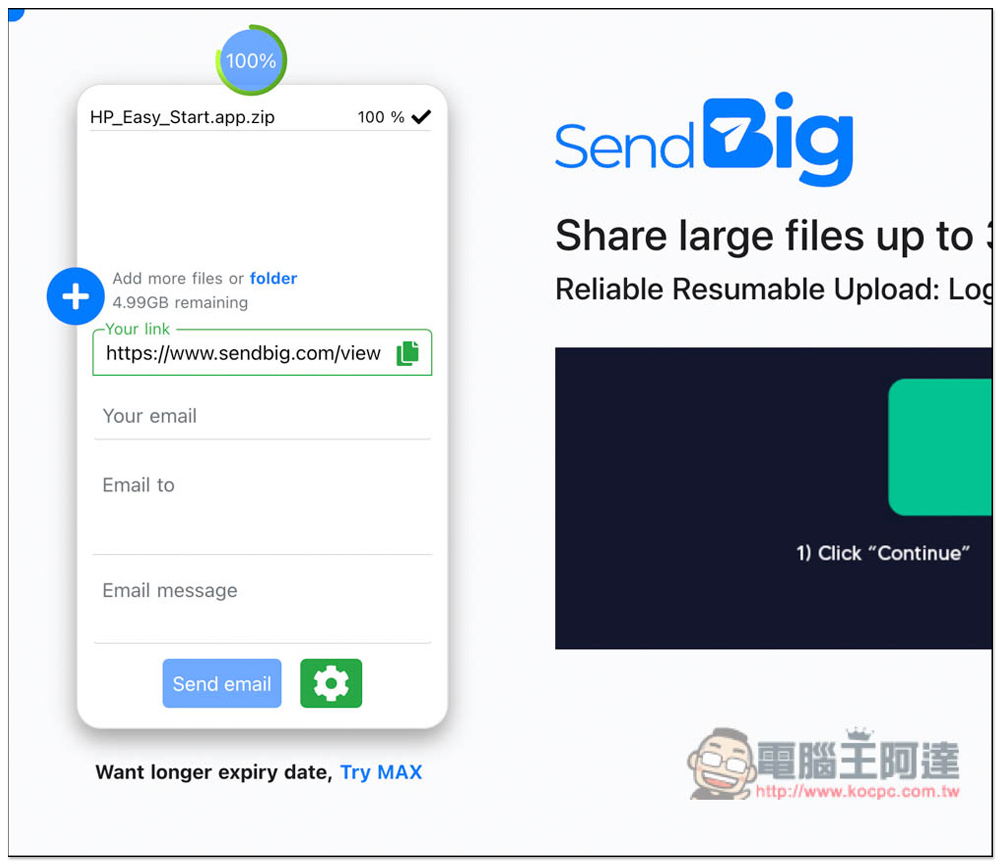
As shown in the picture below, after the upload is completed, you will get an exclusive link, and there is also an E-Mail sending function below. In addition, if you keep this page, you can add files later, and it will prompt you how much free space is left:
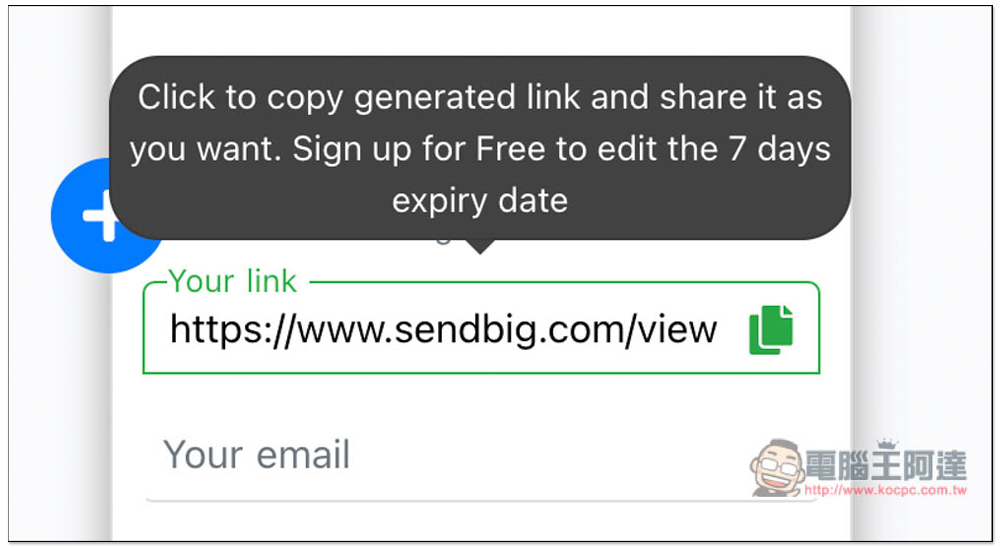
Click “Copy” next to the image to copy the sharing link to the clipboard with one click. In addition, registration-free shared files will only be kept for a maximum of 7 days, and cannot be extended to 3 years. If you want to extend it, register for free:
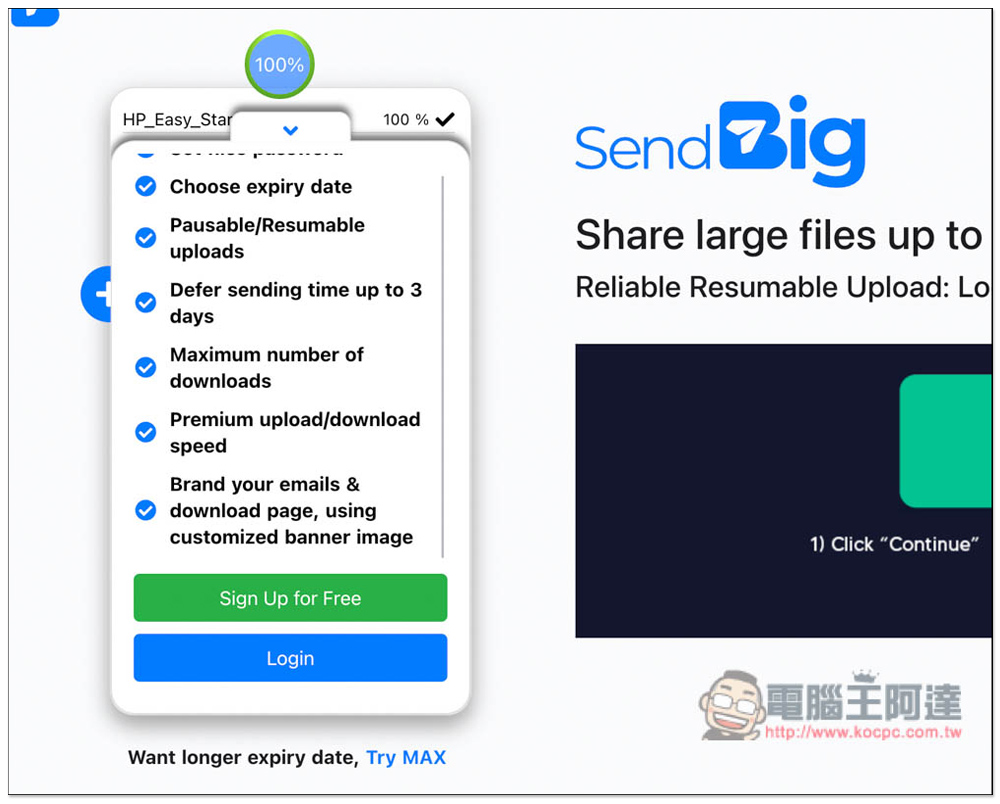
There are also some benefits to registering, including setting the file expiration time, more downloads, faster download and upload speeds, etc.:
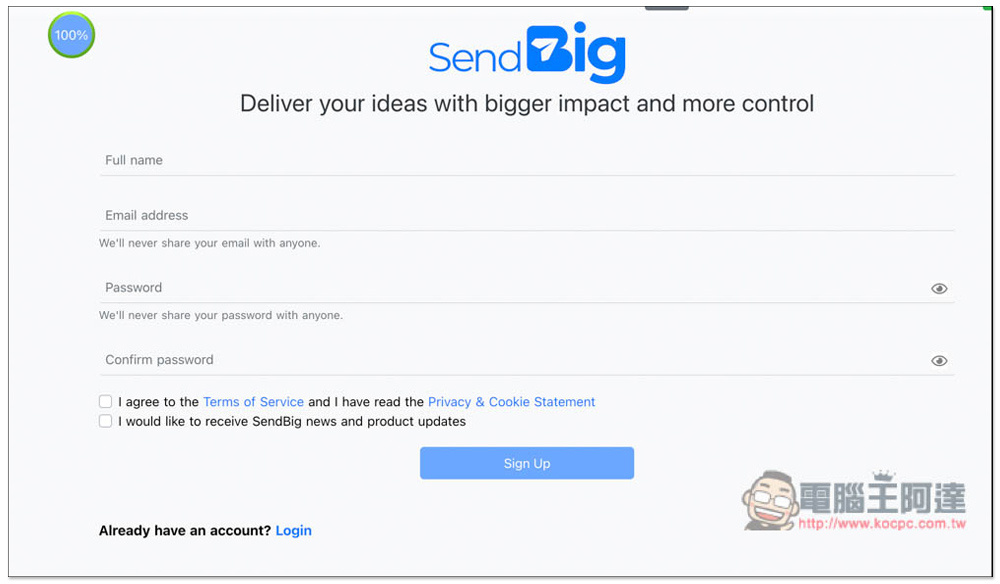
To register, you only need to fill in your name, email and password. You need to receive a verification letter. Registration is completed after clicking the verification link:
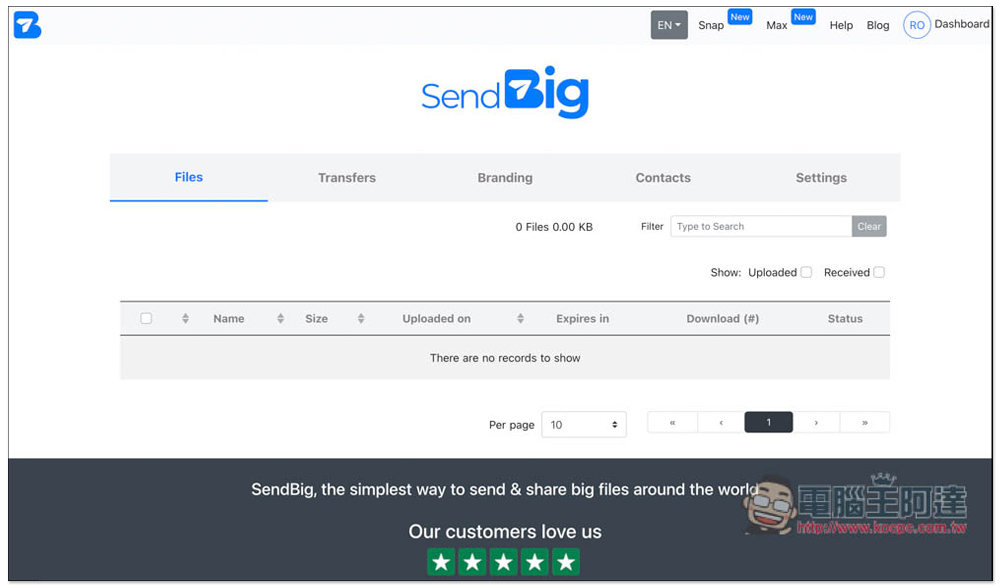
Registered members will also get a Dashboard control center, where you can manage your shared files, contact books, brands, and other settings. Compared with other similar file sharing services, SendBig provides quite a wealth of functions:
After registration is completed, Your email below will be automatically filled in, and the file capacity that can be shared each time is also upgraded to 30GB:
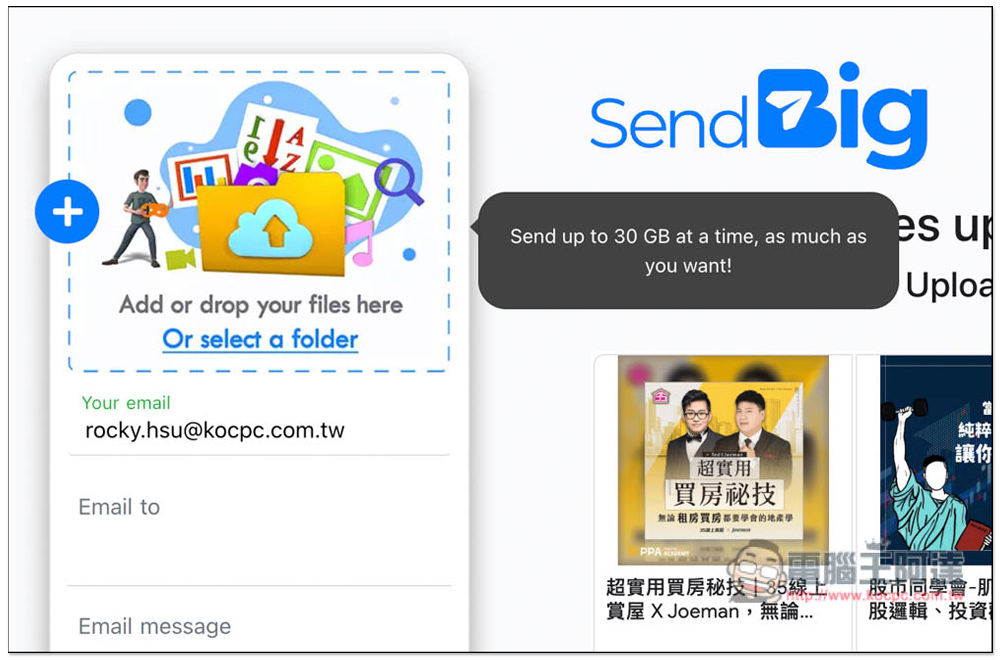
According to the actual measurement, there is indeed 30GB. I uploaded a file and it says 29.99GB remaining:
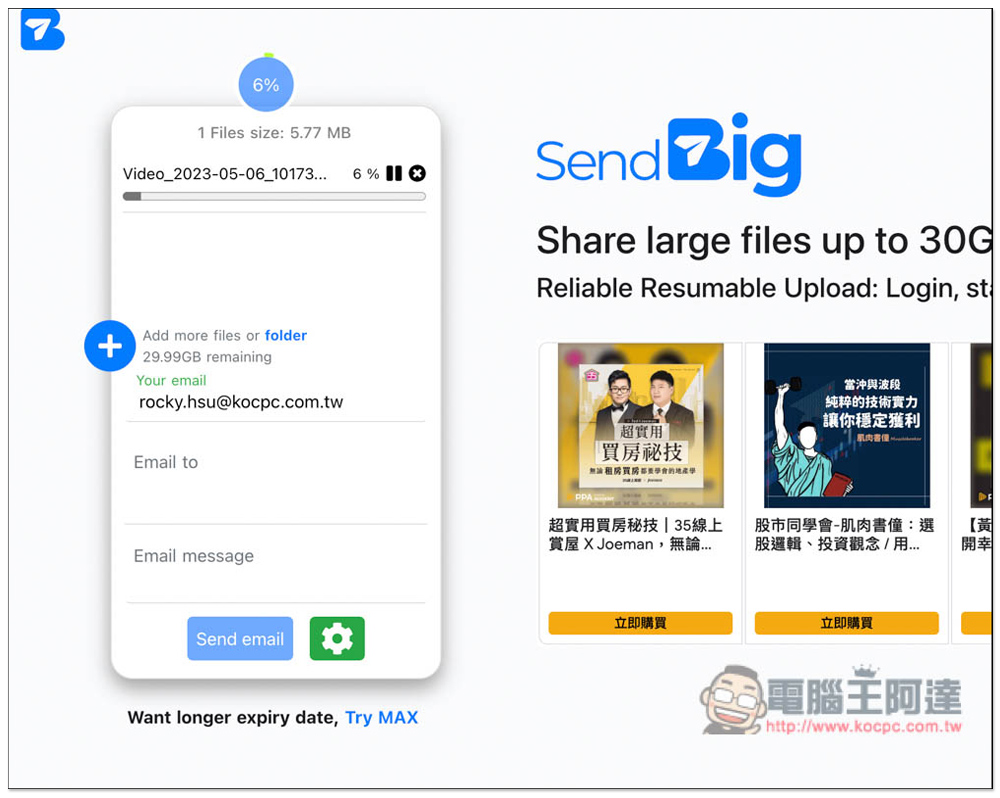
The settings icon below allows you to add a password, adjust the number of file downloads (the default is unlimited), the file expiration date (the default is 7 days), etc.:
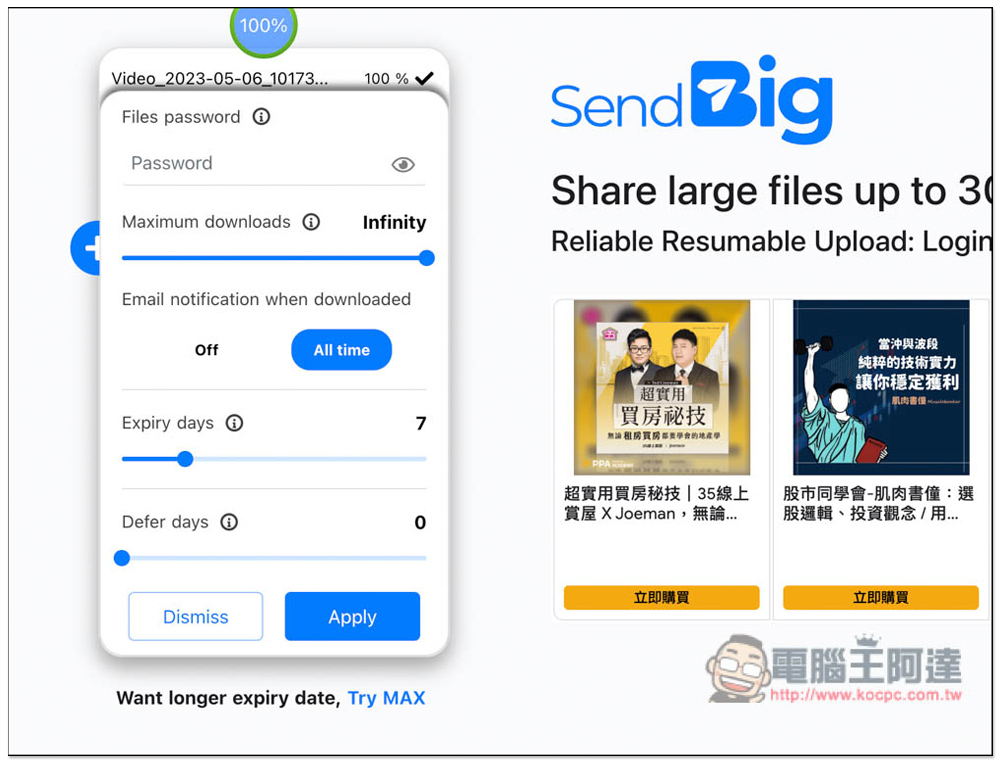
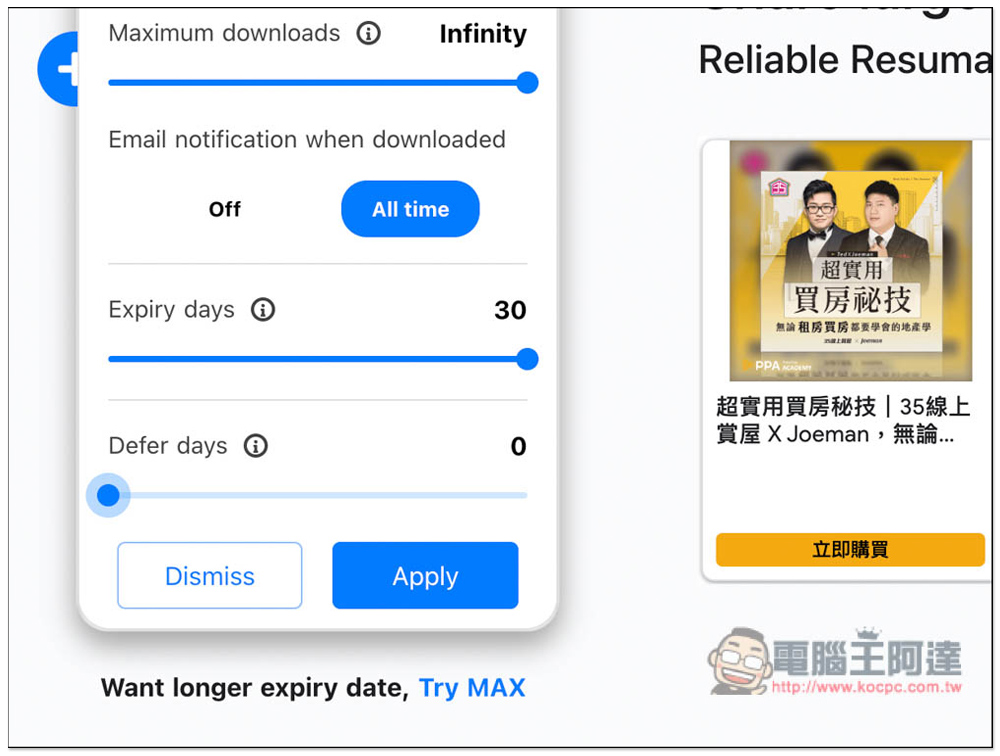
The file expiration date here can be set up to 30 days. If you want a longer period, up to 3 years, please click Try MAX below:
The files shared here can be up to 3 years old, but please note that there are conditions. That is, someone must download it within 30 days before it will be extended for another 30 days. This means that if someone downloads it today, the file expiration date will be 30 days later. If someone downloads it in the middle, the file expiration date will be recalculated for another 30 days, up to 3 years:
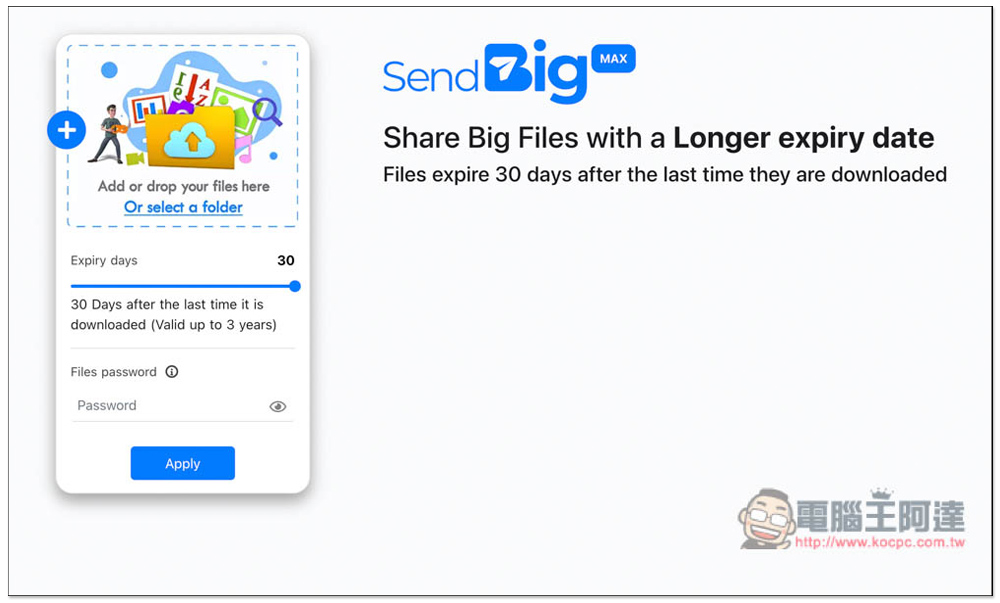
In particular, this file sharing space service does not have a paid version, that is, it is only divided into “free registration” and “free version for Pro registered members”.
If you have any questions about using it, SendBig also has oneHelp Q&A page, there are some pretty good setting techniques here, I highly recommend you read them.
Source: KOCPC Chinese