


Previously, we have introduced many free…Background removalTools can achieve quite good background removal results on simple backgrounds, but for complex images where the subject is hard to identify, the effect is not as good. The Remove.photos introduced in this article, however, has incorporated the latest… AI The technology achieves near-perfect background removal even on complex backgrounds. I tested it on multiple images and all succeeded, including objects. It also has a built-in background replacement feature.
If you have a need for background removal, it’s definitely worth trying, and it’s completely free to use.

Remove.photos: A Guide to the Powerful Free Online AI Background Removal Tool
Remove.photos is a free tool that uses AI technology to achieve flawless background removal. It boasts hair-level precision, and the removal process requires no manual operation—the AI automatically detects objects in the image and removes the background. You can then download the high-resolution cutout image. If needed, it also has built-in editing features that let you quickly replace the background with another image or use a solid color.
According to the website, people, products, animals, vehicles, and graphic images are all supported, meaning that those who need to create product images can also use this tool to get perfect product cutouts.
Once you click the link above to go to Remove.photos, you can upload the image you want to remove the background from. It also supports drag-and-drop. No account registration is needed to use it:
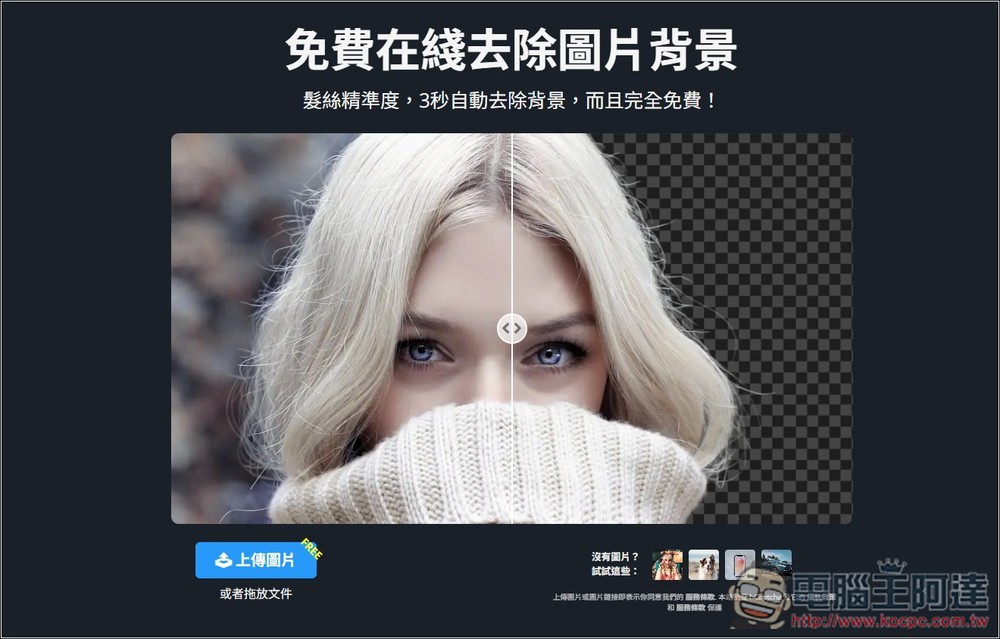
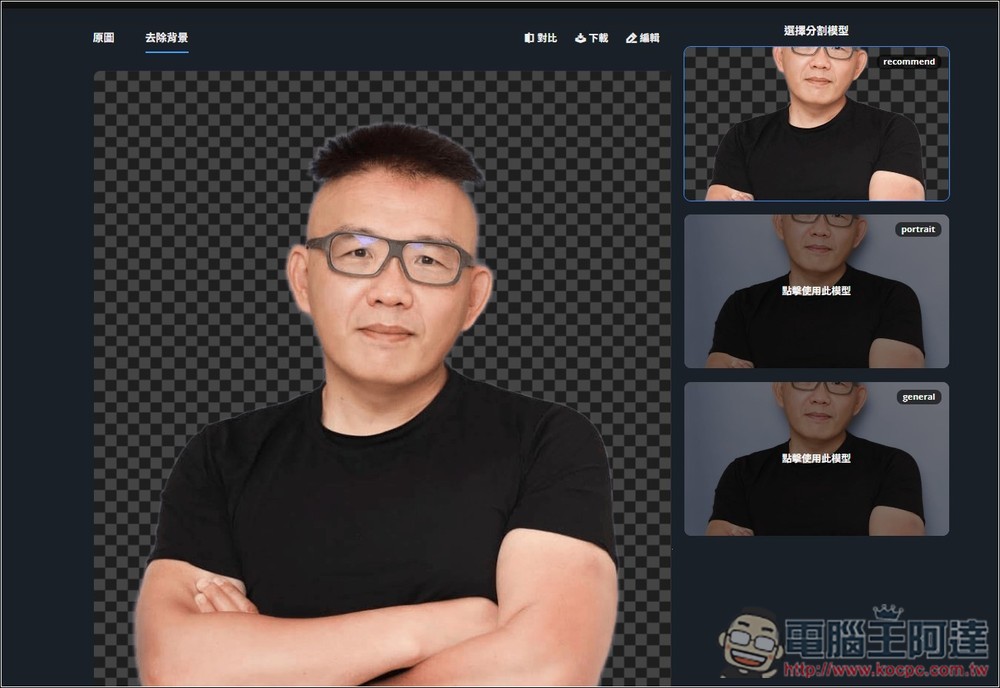
I’ll first test an image with a simple background. This is Ada’s portrait photo with only a solid-color background. After uploading, the AI will start to recognize the subject and remove the background. On the right, there are three modes: recommend, portrait, and general. The default is to use recommend for background removal:

The background removal speed for solid color backgrounds is quite fast, done in just a few seconds. As expected, no problem at all—perfect background removal, even in the hair area:
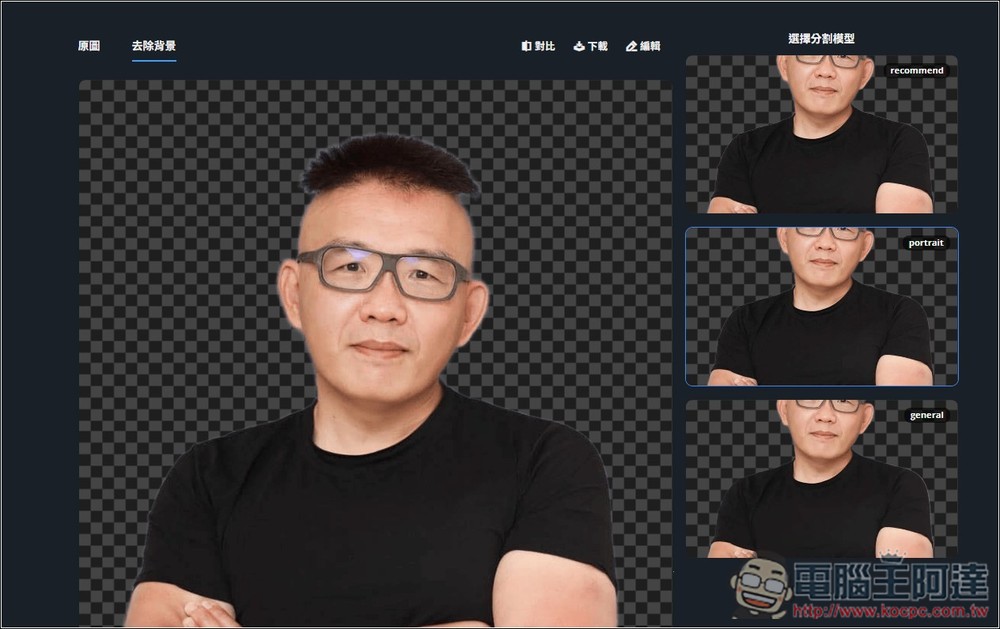
You can also try each mode and find the one you are most satisfied with:
After pressing download, a download link for the background-removed image will be generated. Once Free Download appears, you can download it. All downloaded images are high resolution and completely free of watermarks.

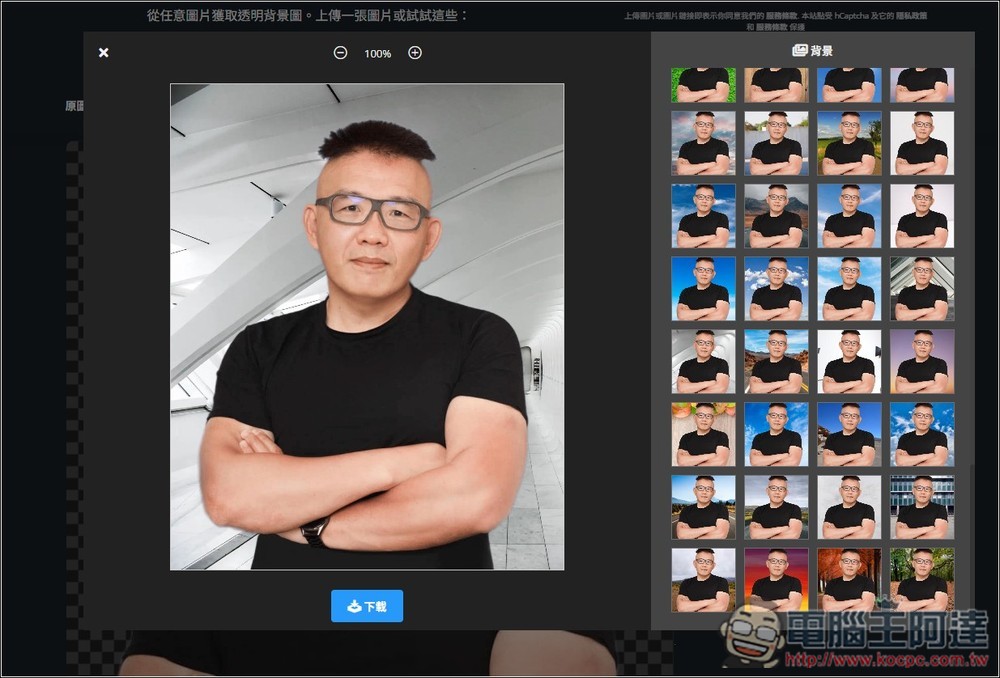
In the editing features, there are multiple backgrounds you can swap in directly, but the ones that aren’t solid colors all look pretty much like those cheesy elderly share images:
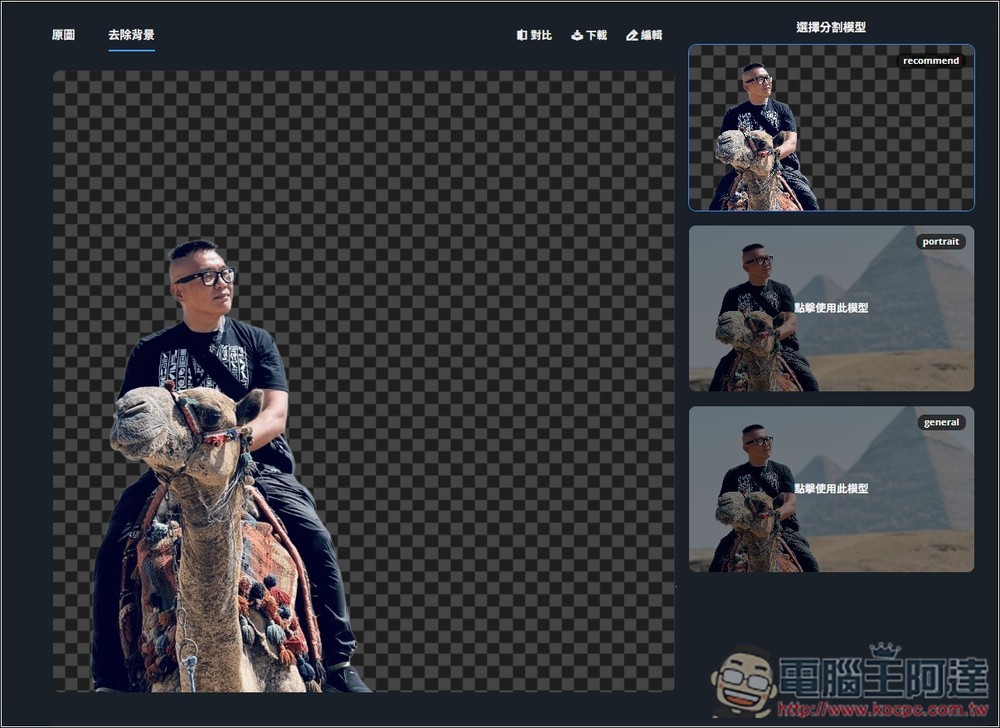
Next, I tested this high-difficulty image. The AI has to identify that the subjects include not only Ada, but also a camel.
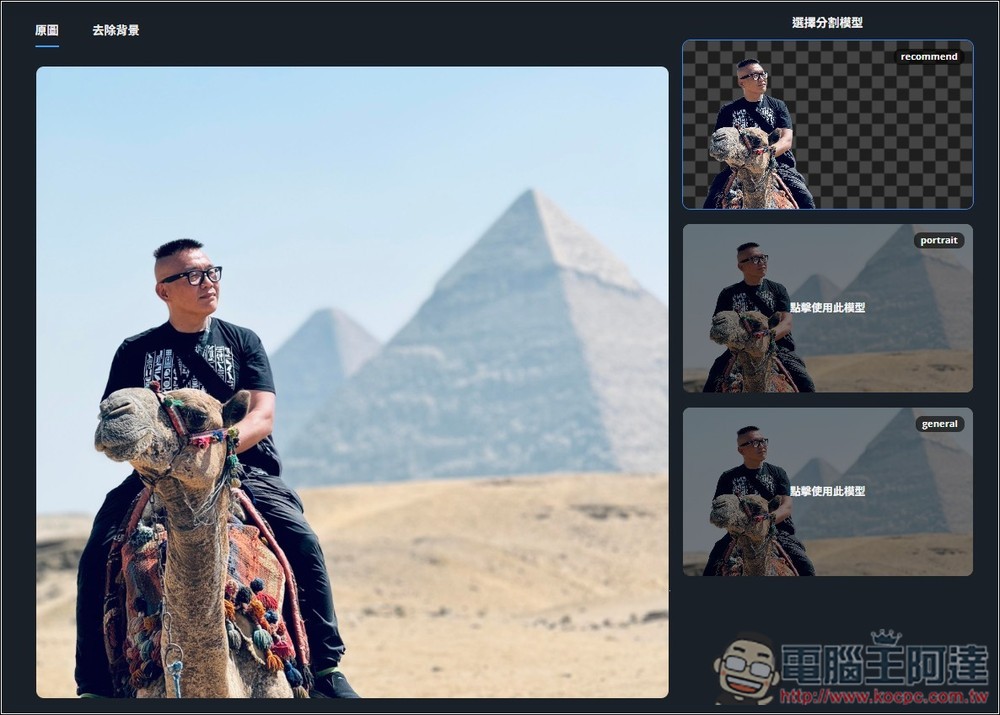
The background removal effect is also perfect; both Ada and the camel are perfectly preserved, while the rest is deleted:
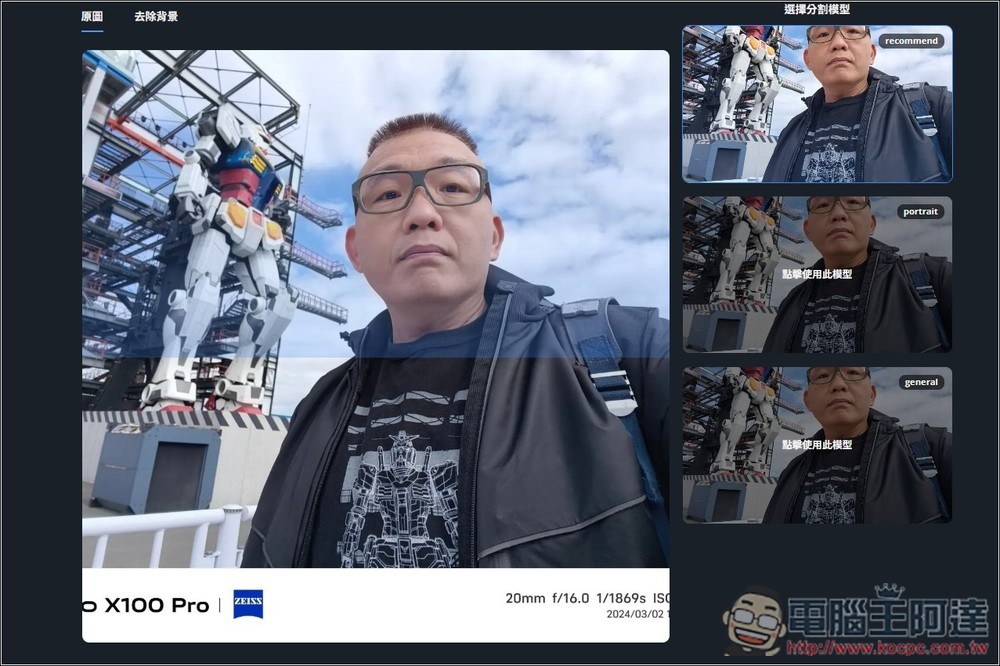
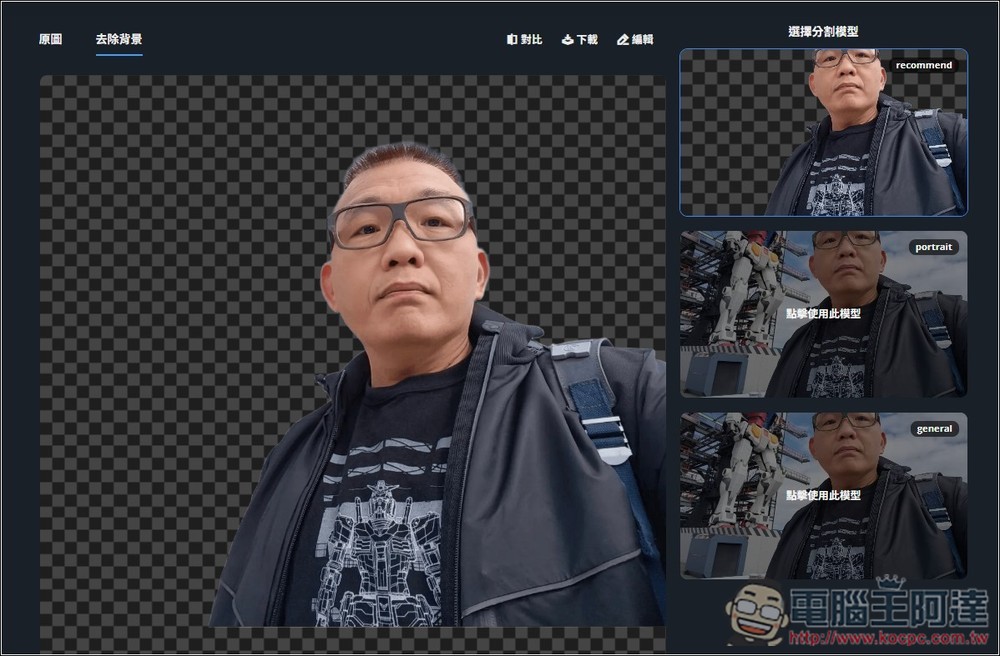
Another selfie that’s also somewhat challenging, with a large Gundam beside it, and at the bottom of the photo there’s the Vivo X100 Pro along with some camera settings.
Equally perfect background removal, and the values at the bottom have all disappeared too, truly impressive:
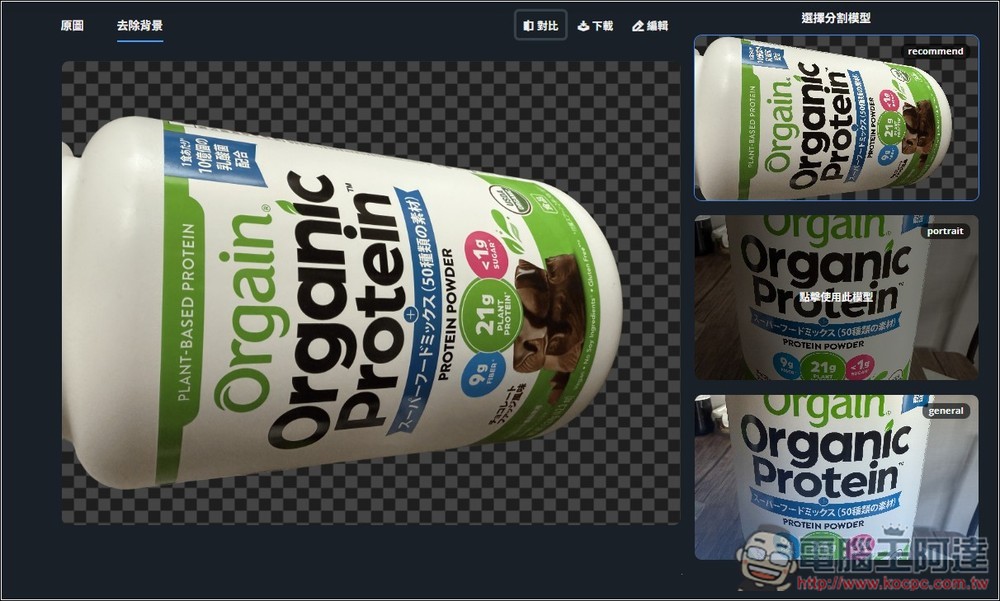
Besides portraits, I also tested object background removal:

That’s fine, but the recognition speed is a bit slower than for portraits. If you feel like it’s stuck or not responding, try switching to another mode; sometimes the cutout image will appear.
Remove.photos is currently completely free to use with no quantity limits, so you can remove backgrounds from as many images as you want.
They also offer other useful features, such as OCR text recognition, removing unwanted objects from images, colorizing photos, image format conversion, sky replacement, AI image expansion, image compression, and more — all worth trying out.
Source: KOCPC Chinese