


Currently, there are many tools on the market that can easily deploy LLM models locally, but most of them don’t have Chinese support. For people who aren’t good at English, it might still feel somewhat difficult. Recently, I came across this new free open-source tool called AingDesk, which not only supports multiple languages, including Traditional Chinese, but its model library also contains hundreds of models, including well-known ones like LLAMA, Gemma, Mistral, and DeepSeek, all with one-click easy installation and removal.
More importantly, it also has a built-in knowledge base feature—once you upload files, the LLM can read your documents. There’s also web search, so all the key features are covered. It supports both Mac and Windows.
AingDesk Introduction and Usage Tutorial
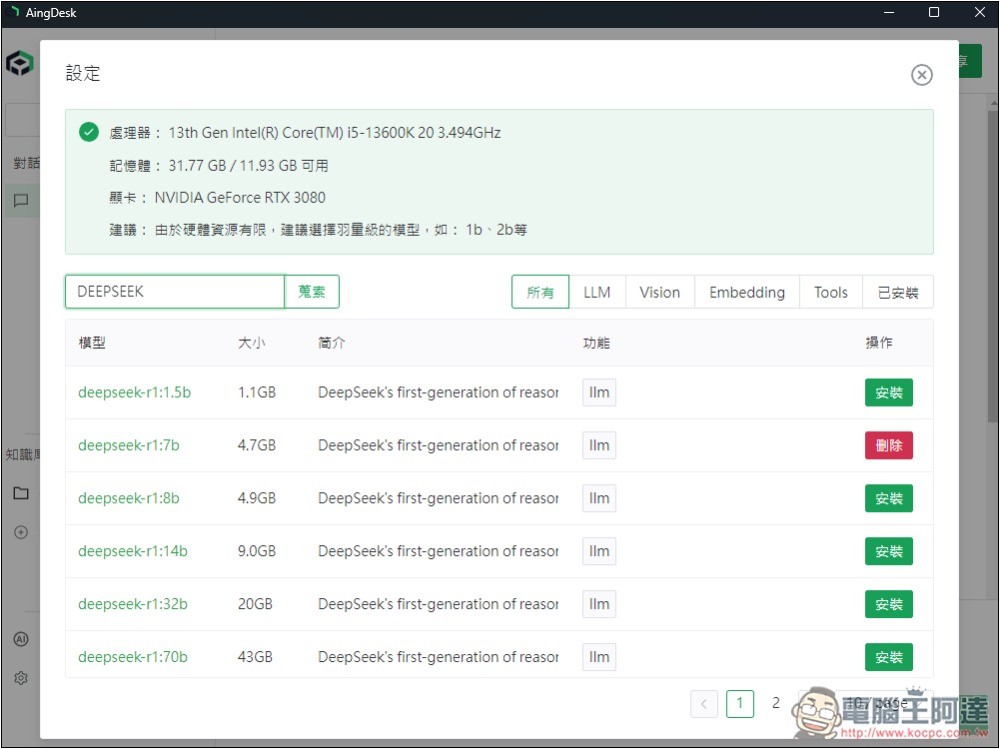
AingDesk is a free, open-source tool. The full source code is available in its GitHub project, and the developers have also packaged Windows and Mac installers.
After clicking the link above to go to the GitHub project, you’ll find the AingDesk installer. The latest version is currently v1.1.1. I installed the Windows version, which is win-1.1.1:
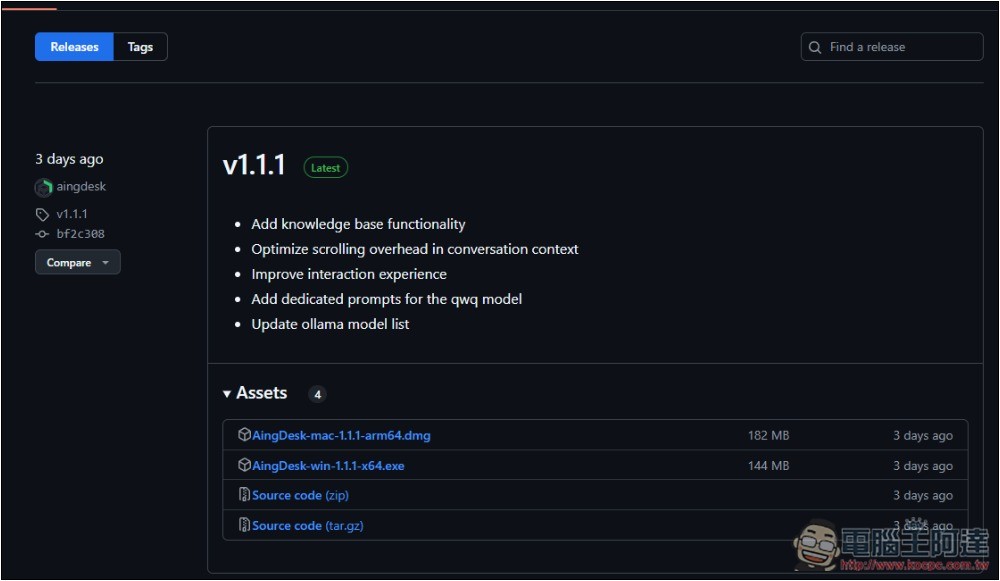
The installation process is the same as other software; if there are no special needs, just keep clicking Next.
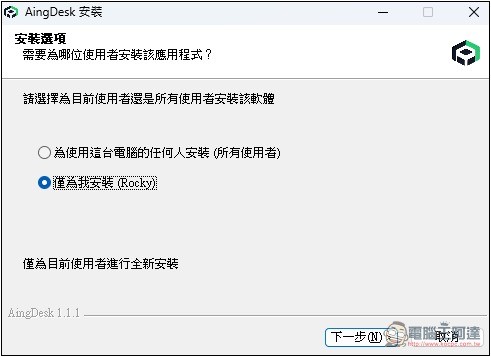
The figure below is the AingDesk interface, which is very simple. The homepage is just a chat interface with the LLM. The llava model is pre-installed by default, so first-time users can try it out. If you want to install other models, click “Model Management” at the bottom left:
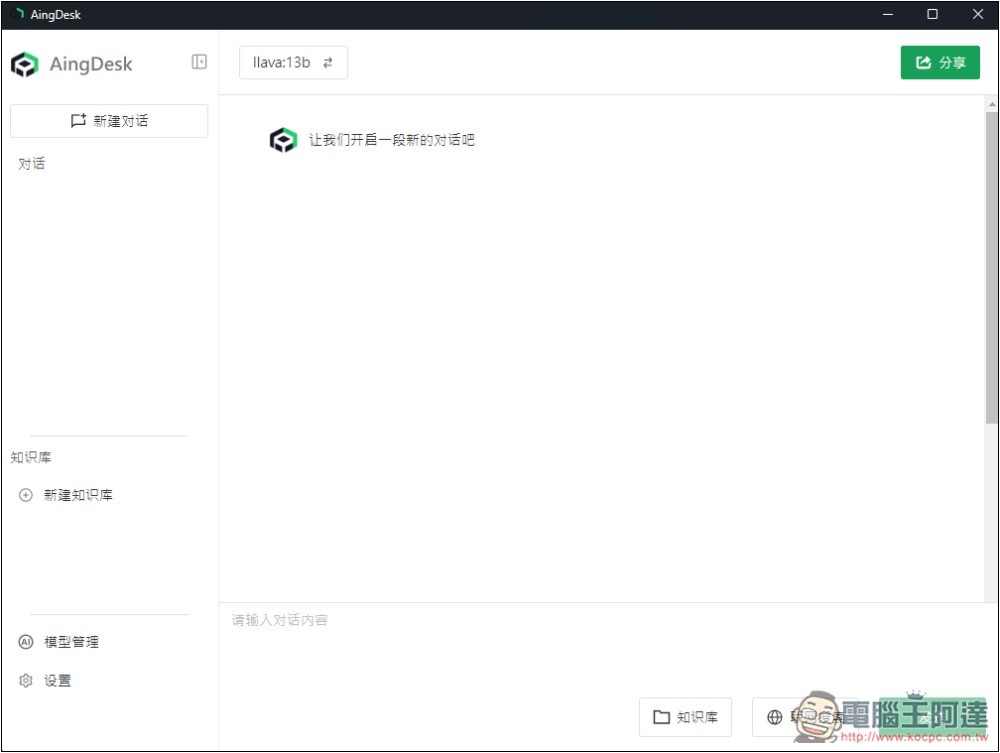
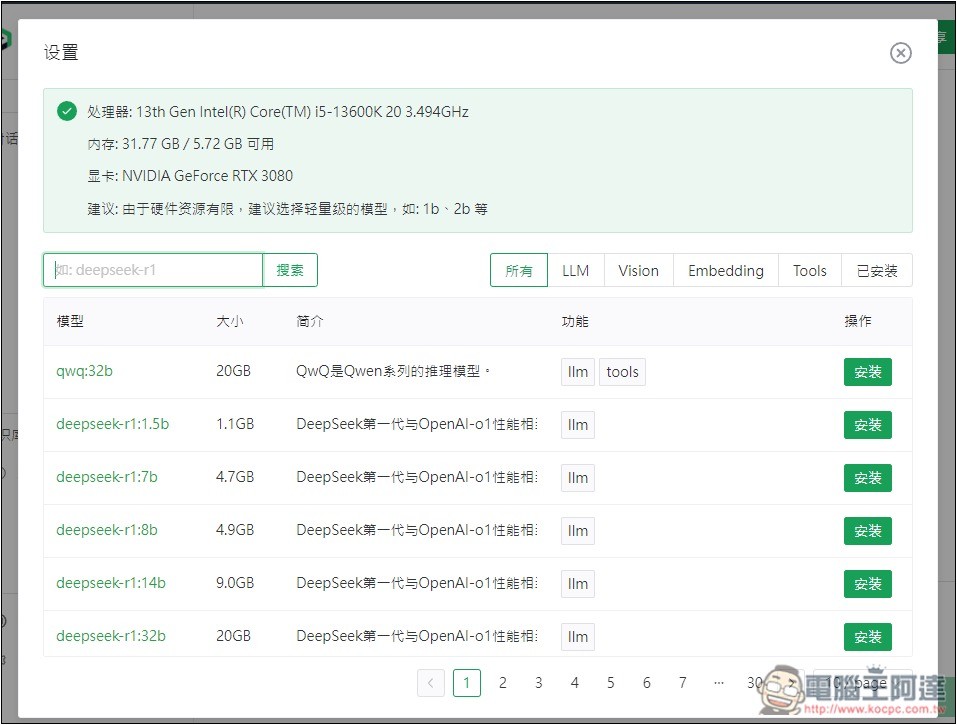
It will open this screen, providing download links for a huge number of models, with categories not only for LLM, Vision, Embedding, and Tools, but also an introduction for each model. That’s really awesome. Even better, at the top it also shows your computer’s hardware specifications, including CPU, memory, and GPU, and gives recommendations for the size of model to install:
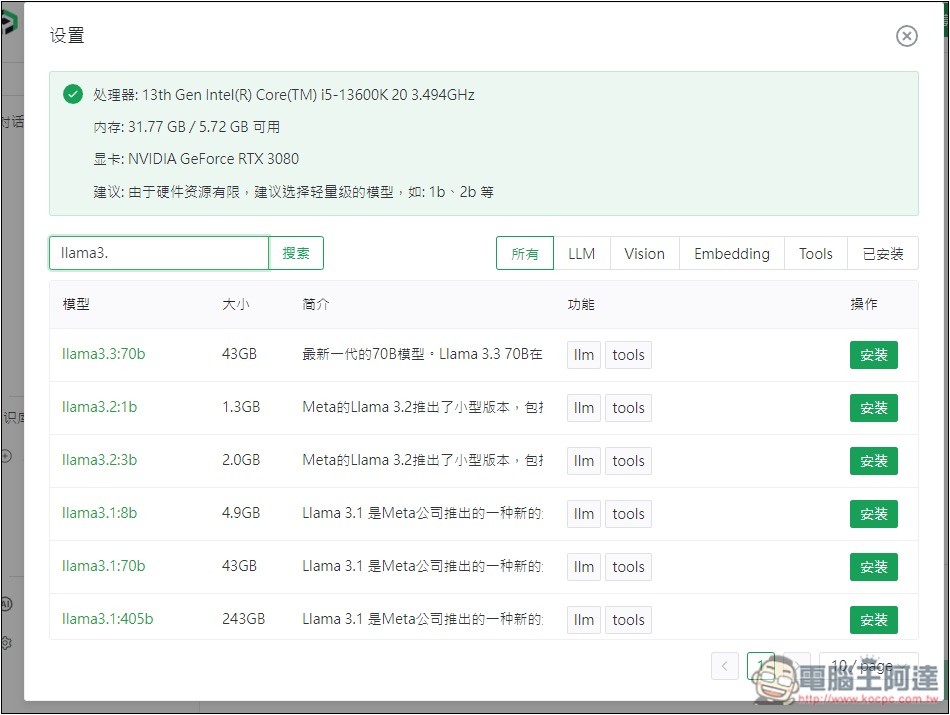
I searched and every Llama model is there, including the latest Llama 3.3 70b.
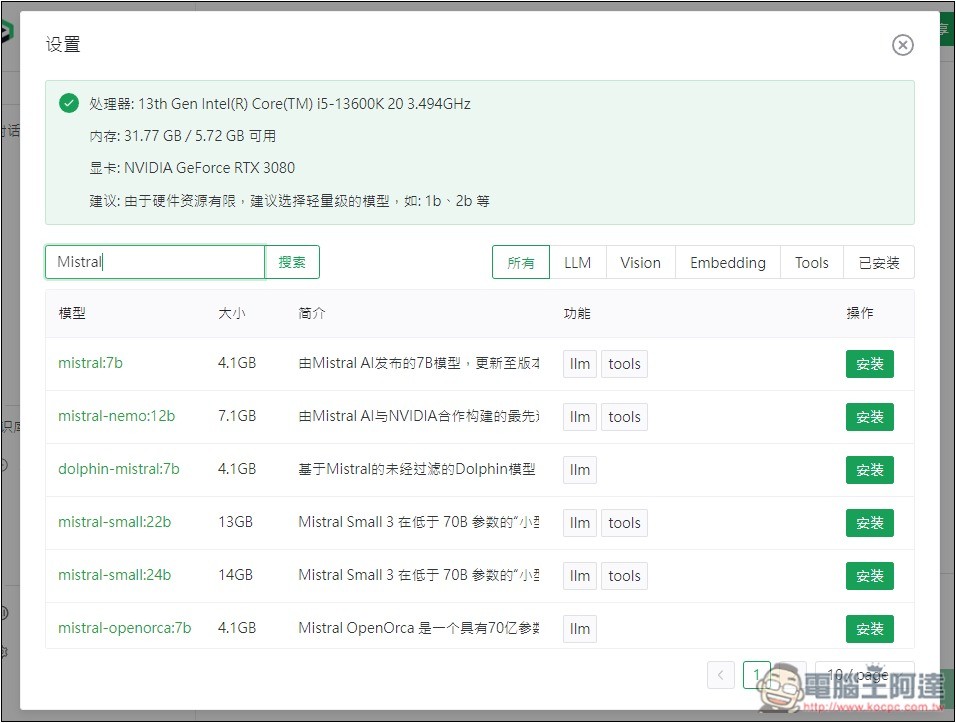
The Mistral model is also:
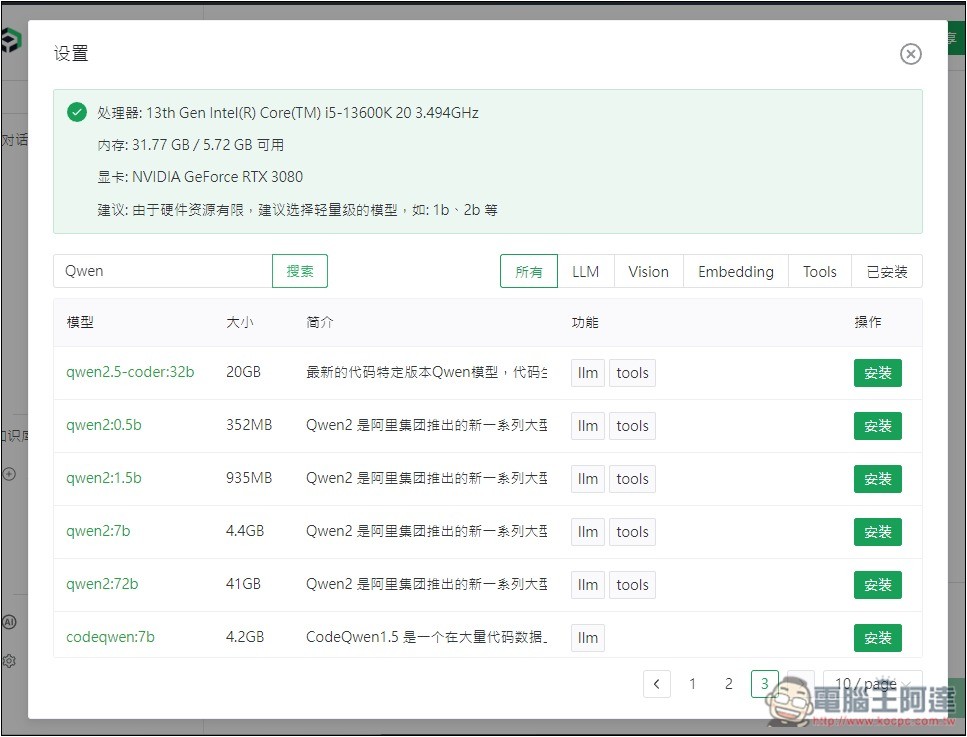
The Qwen open-source model developed by Alibaba can also be found:
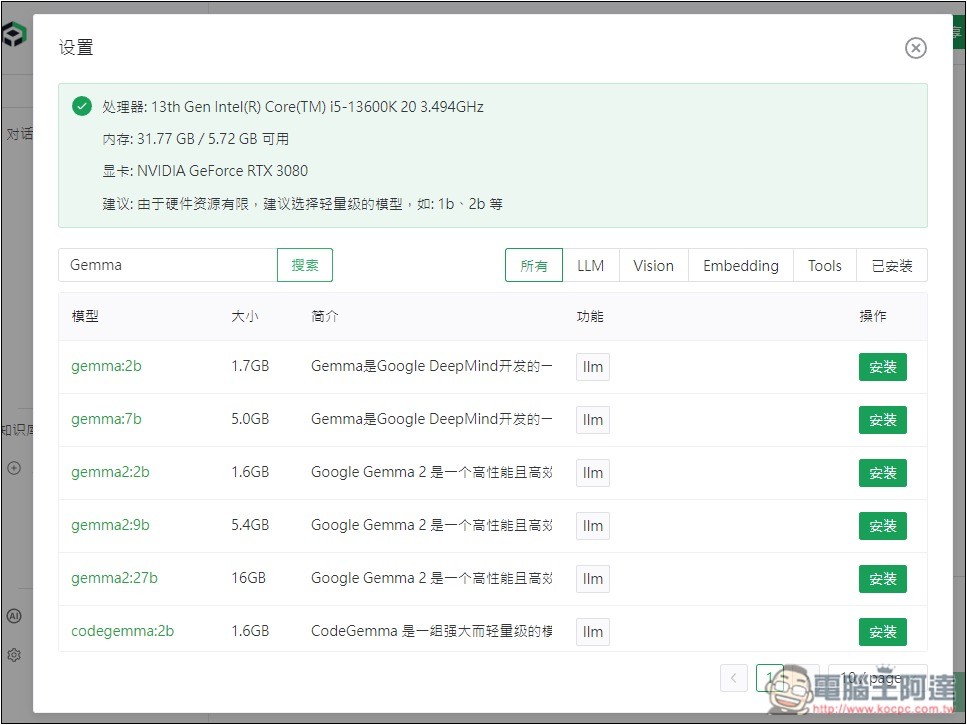
Google’s Gemma open-source model:
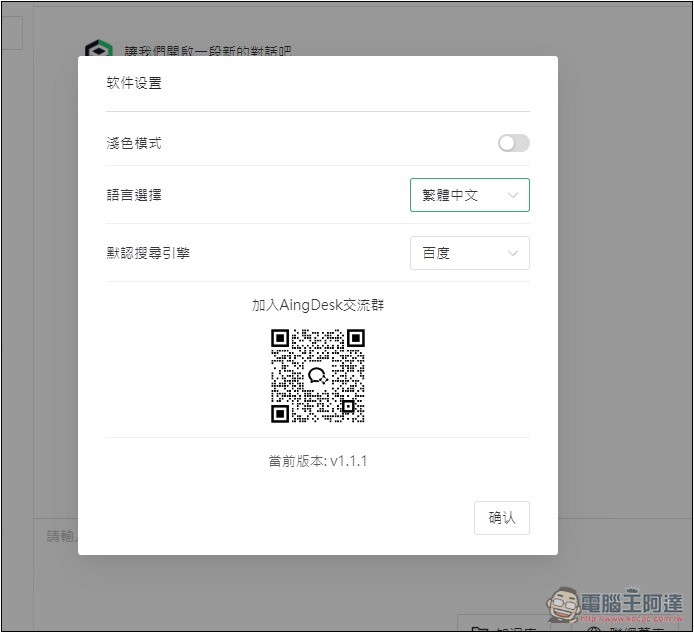
This tool also offers Traditional Chinese — you can switch it in the settings. I forgot to switch it when I first started using it.
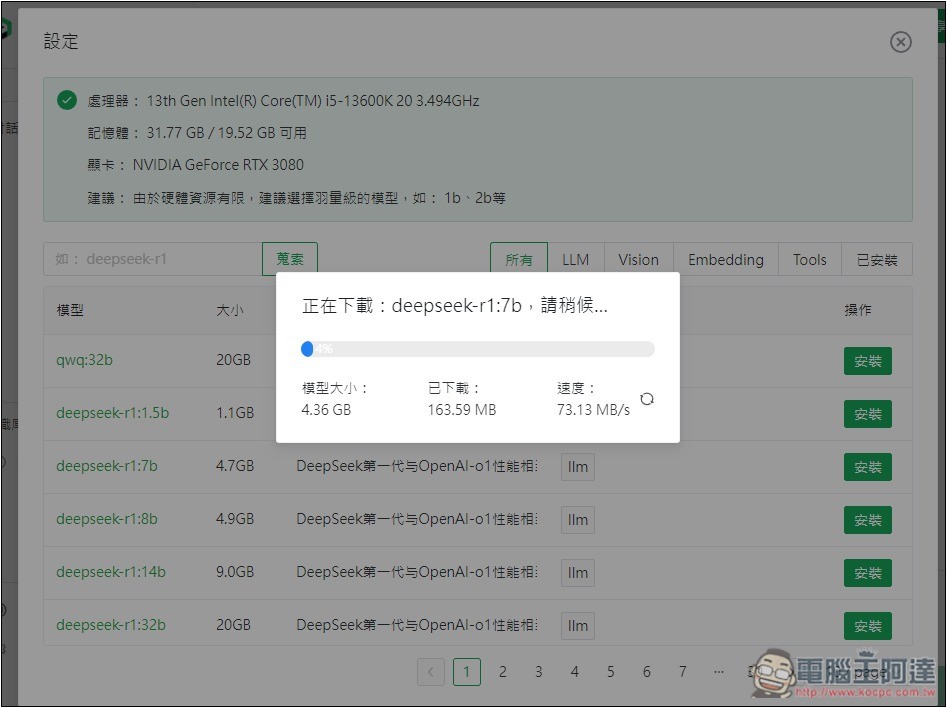
After finding the model you want to use, click the “Install” button next to it, and it will download and install automatically:
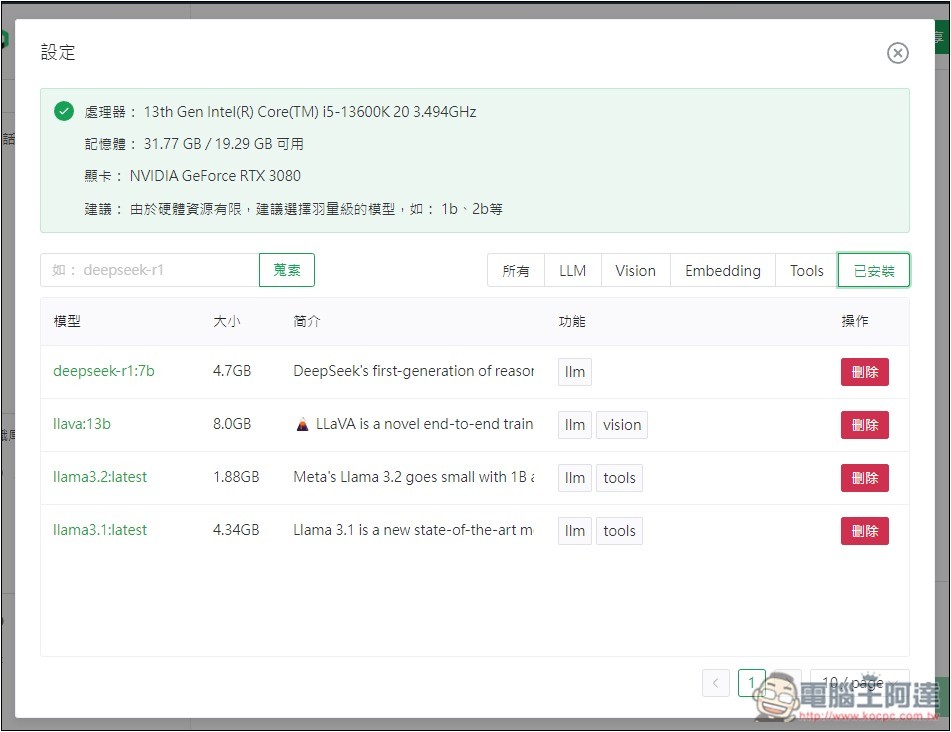
All installed models can be found under the Installed category. If you don’t want one, click Delete on the right:
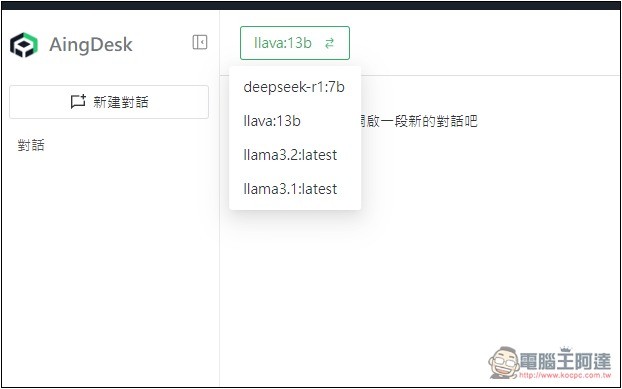
At the top of the chat interface, you can switch models.
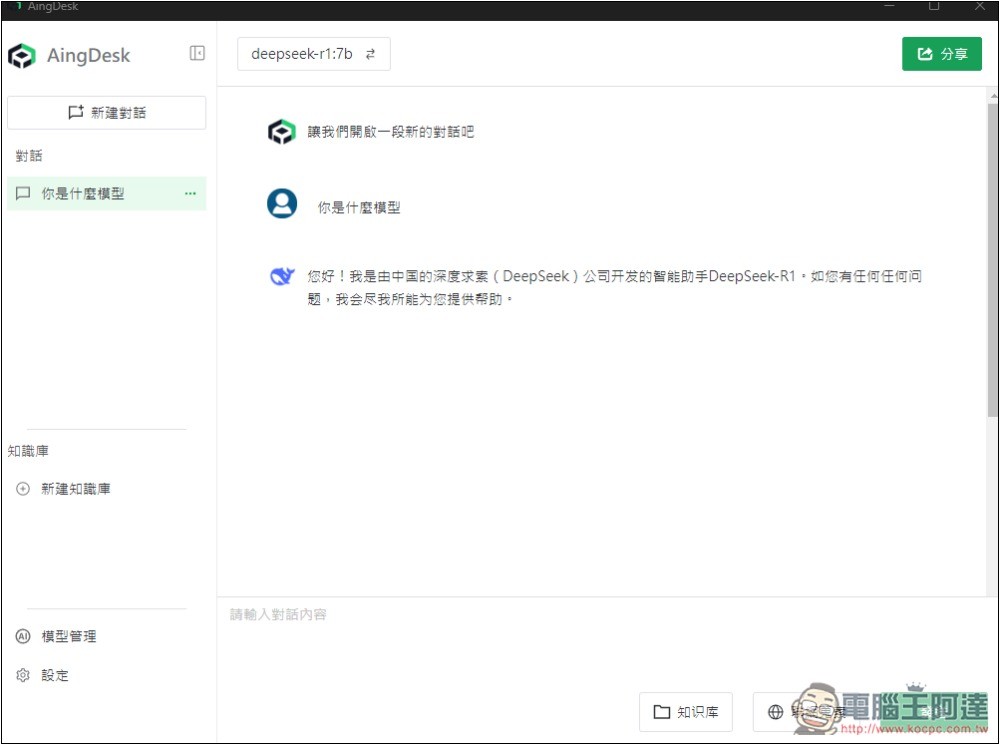
I installed DeepSeek-R1 7b. At first, I asked it what model it was, and sure enough, it answered that it was DeepSeek:
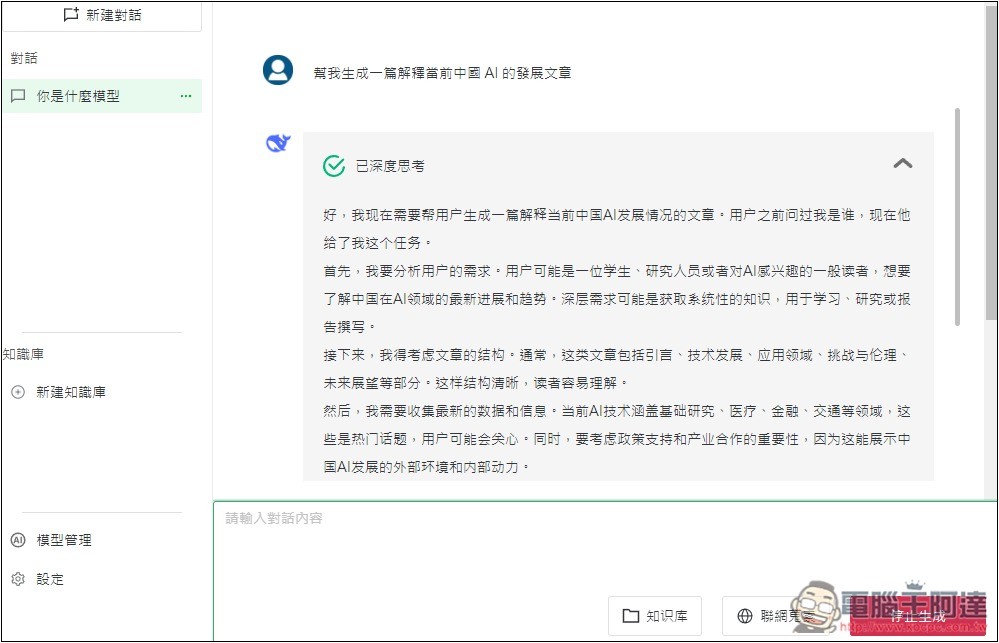
Once you throw a question at it, it starts deep thinking, and you can see its current thinking state at any time:
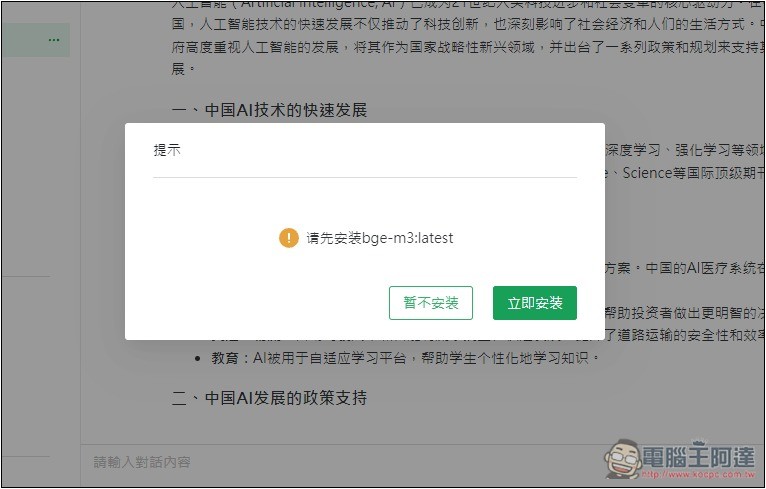
If you want to give files to the LLM to read, after clicking “New Knowledge Base” at the bottom left, the first time it will pop up asking to install bge+m3:latest:
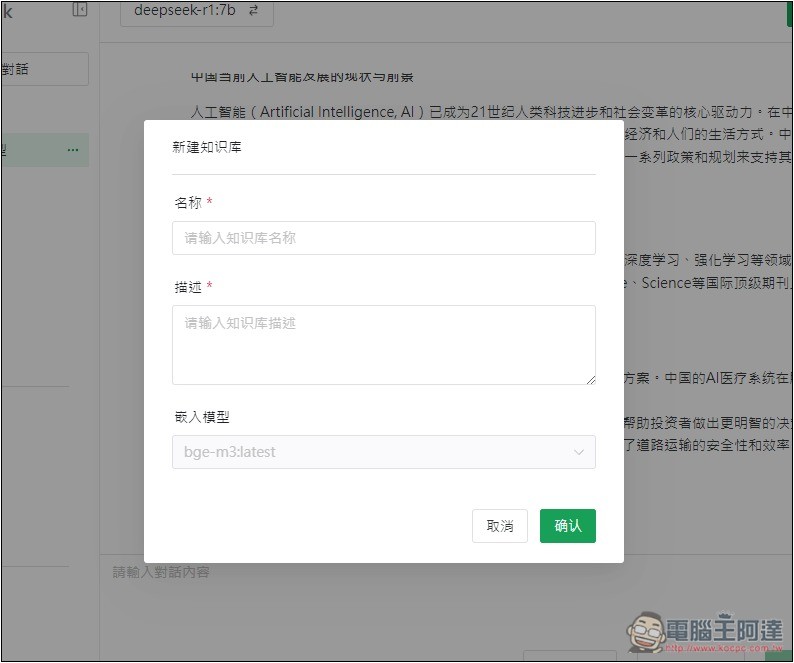
After installation is complete, you can start creating a knowledge base by entering a name and description:
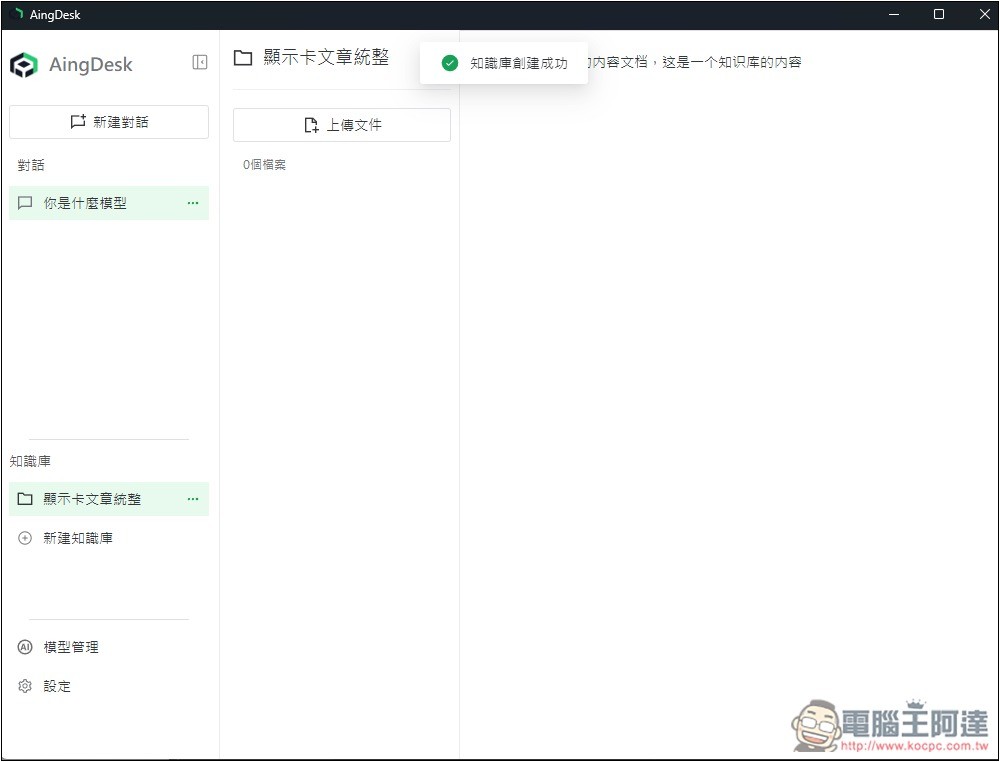
Once completed, you’ll be able to upload your files to this knowledge base and create multiple knowledge bases as needed:
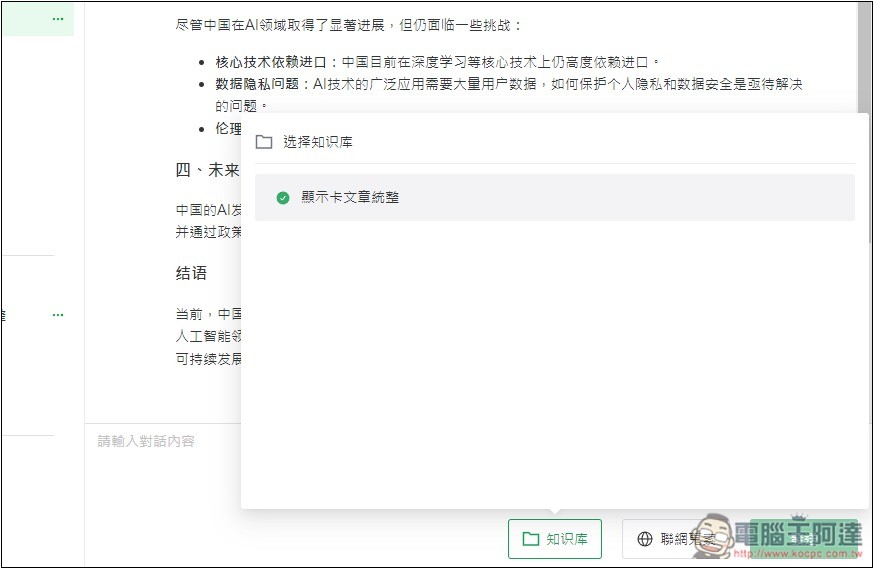
Before asking the AI, check the knowledge base below by ticking the name of the knowledge base you want to ask about, so the AI can read the files inside:
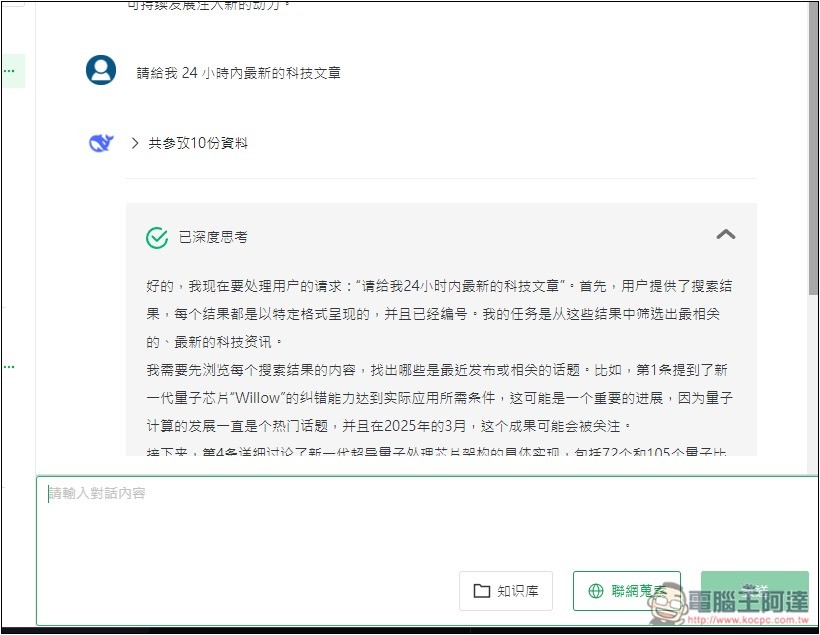
The actual test of the internet search function also succeeded:
Source: KOCPC Chinese