


Last year we reported that Notepad would getAI rewriteThe “Rewrite” feature was initially only available to specific countries and restricted to Windows Insider users. According to foreign media reports, Microsoft has recently quietly pushed it out to all Windows 11 users. Now when you open Notepad, you should see this new feature, though there are usage restrictions.
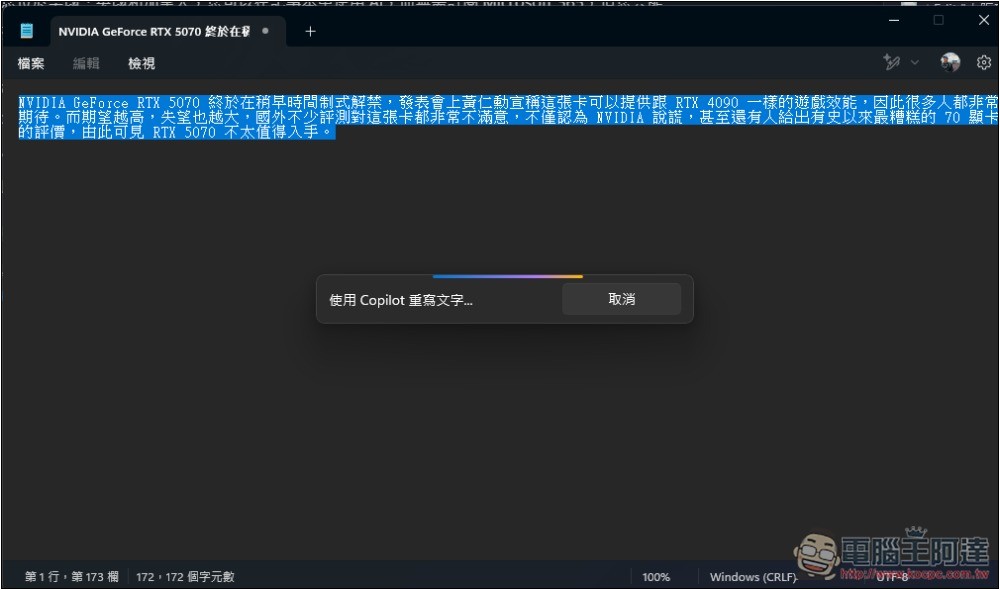
Windows 11 Notepad’s “AI Rewrite” feature is now officially available, with access limited to Microsoft 365 subscribers in most countries.
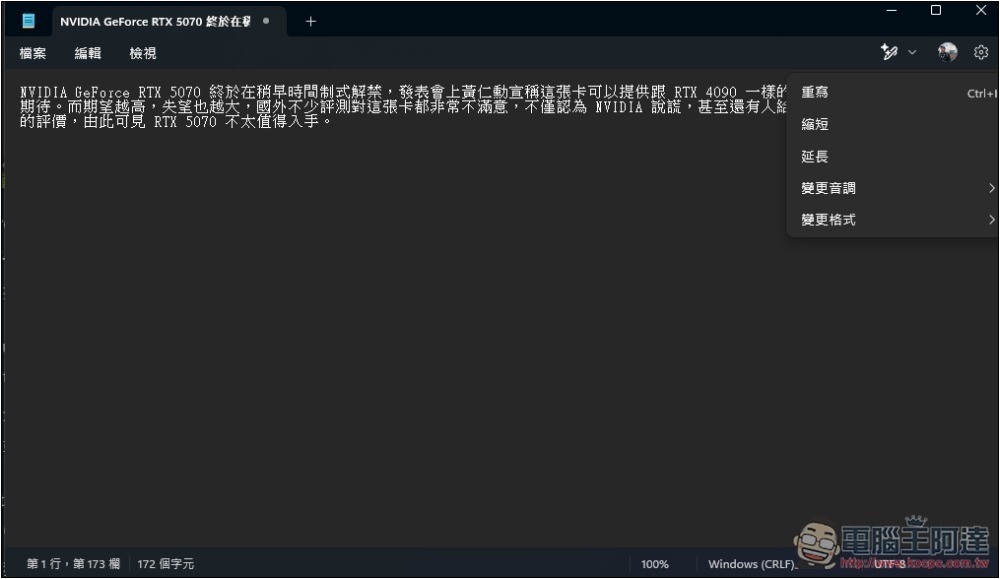
The newly added “AI Rewrite” feature in the notebook helps users rewrite unsatisfactory sentences with AI, and can adjust tone, modify text length, formatting, and more. The tone options include formal, relaxed, inspirational, and humorous.
Usage is simple: highlight the text you want to rewrite, then select “Rewrite” from the menu, or press the shortcut Ctrl + I. Notepad will generate multiple versions, and you can pick the one you like best. If you’re still not satisfied, you can always try again.
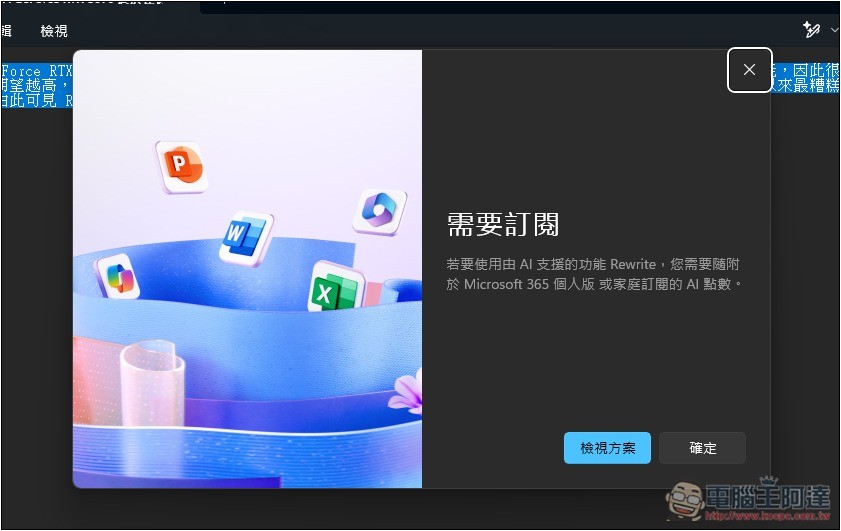
Foreign media Windows Latest noticed over the weekend that this feature has been officially rolled out to all users in Notepad version 11.2412.16.0, but only for those with a Microsoft 365 Personal or Family subscription, meaning that if you’re not a paid member, you won’t be able to enjoy this feature.
It will show a prompt to subscribe to Microsoft 365:
Honestly, this design is a bit odd. There are many free AI services online now, and almost all of them can do AI text rewriting, even Microsoft’s own free version of Copilot can handle it. So it really shouldn’t be limited to paying users.
Besides, no one would consider subscribing to Microsoft 365 just because of Notepad’s AI feature, and even for Microsoft 365 users, the Notepad AI feature is probably something they could take or leave, without any added value.
However, Microsoft might open it to all users in the future.
According to Windows Latest, if you are in the United States, the United Kingdom, and Canada, you don’t need to subscribe to Microsoft 365 to use it, but there is a credit limit, somewhat similar to the concept of a balance. Once you use it up, you need to wait for next month’s replenishment before you can continue using it.
Microsoft provides only a limited number of points, which may run out after a few uses.
Source:Windows Latest
How to turn off the AI rewrite feature in Notepad?
Since it’s not free to use at this stage, some people might be wondering if you can turn this feature off. The good news is, yes — it’s right there in Notepad’s settings.
Open the gear icon in the top-right corner of Notepad, go into the settings menu, and scroll down. You’ll see the AI features section—just turn off the switch to the right of Rewrite.
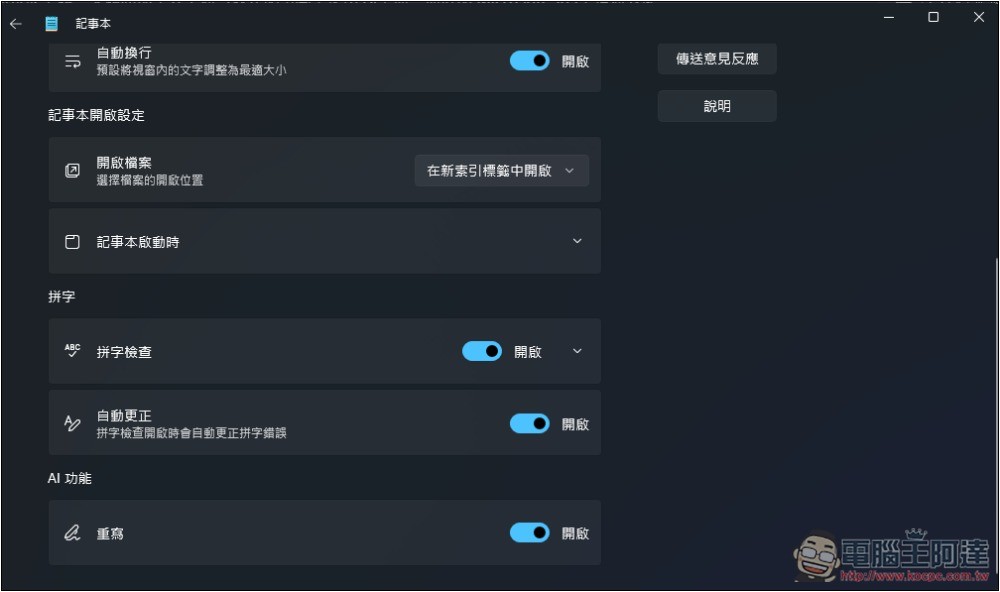
And Microsoft specifically designed an AI feature section, which basically means there’s a high chance more AI features will be added to Notepad in the future, so everyone can look forward to it. However, it might also move toward a points system.
As for Windows 10, it probably won’t have AI features, and I also recommend upgrading to Windows 11 soon, because Windows 10 will stop receiving support in October.
Source: KOCPC Chinese