


There are many video downloading tools on the Internet today, but sometimes they suddenly fail, so the more pocket lists the better, just in case of emergency. This article will recommend a pretty good PasteDownload website, which supports more than 500 websites. It has several audio and video platforms that you often hear about, such as YouTube, TikTok, Twitter, and Facebook. It also has a variety of formats and resolutions to choose from. Those who need it can save it first.
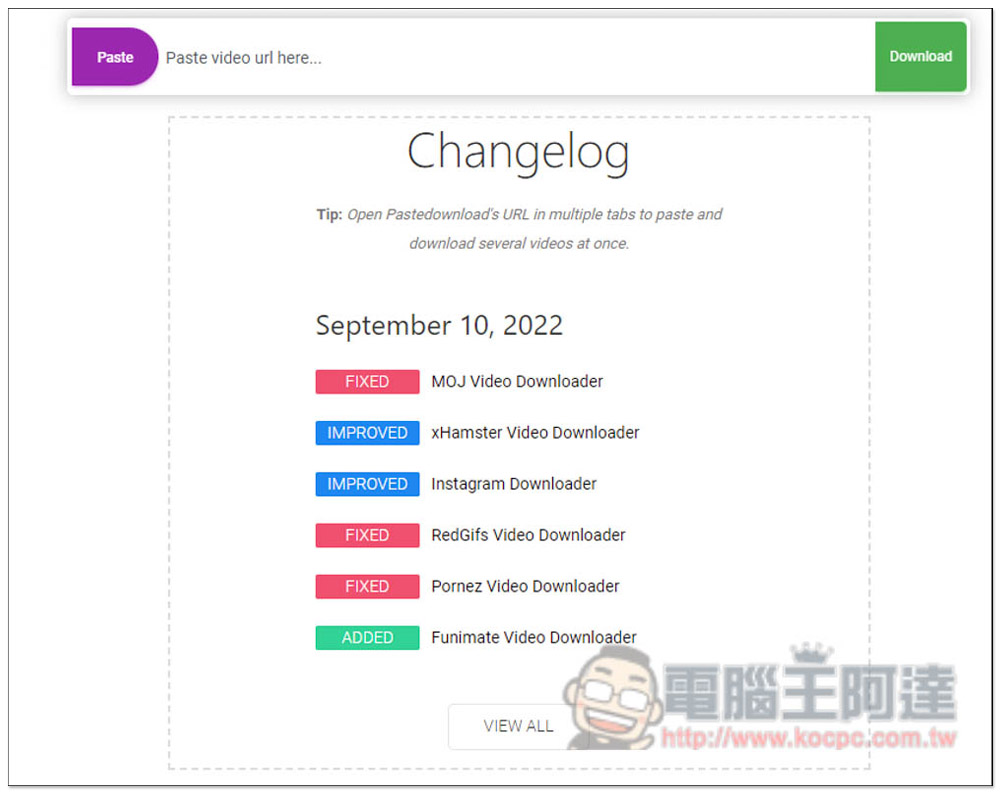
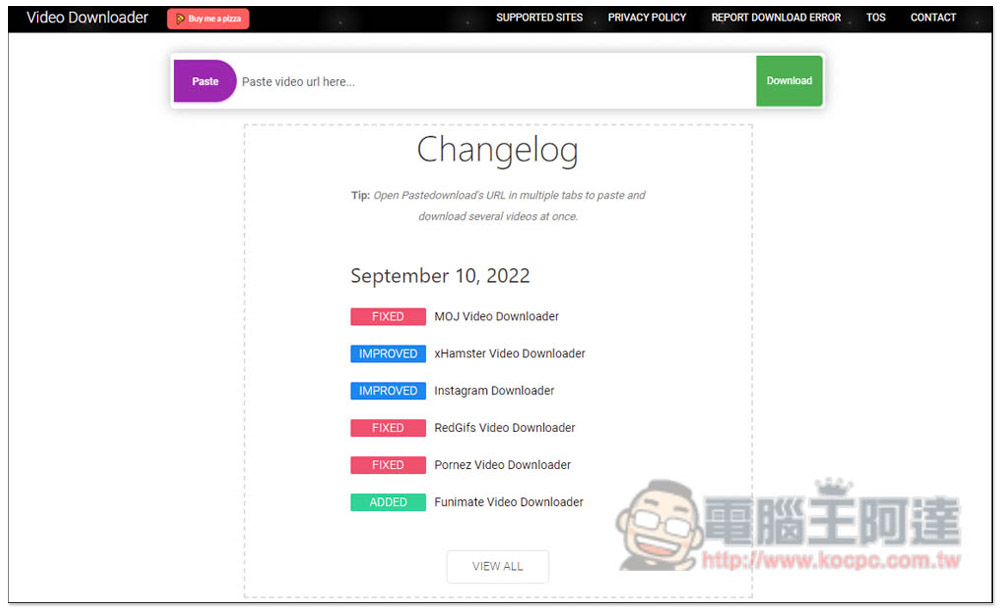
PasteDownload supports downloading videos from more than 500 websites, including YT, Douyin, Bilibili, etc.
After entering the PasteDownload website, you can paste the URL of the video you want to download in the Paste video url here… field. Normally, it will start analyzing the download point directly:
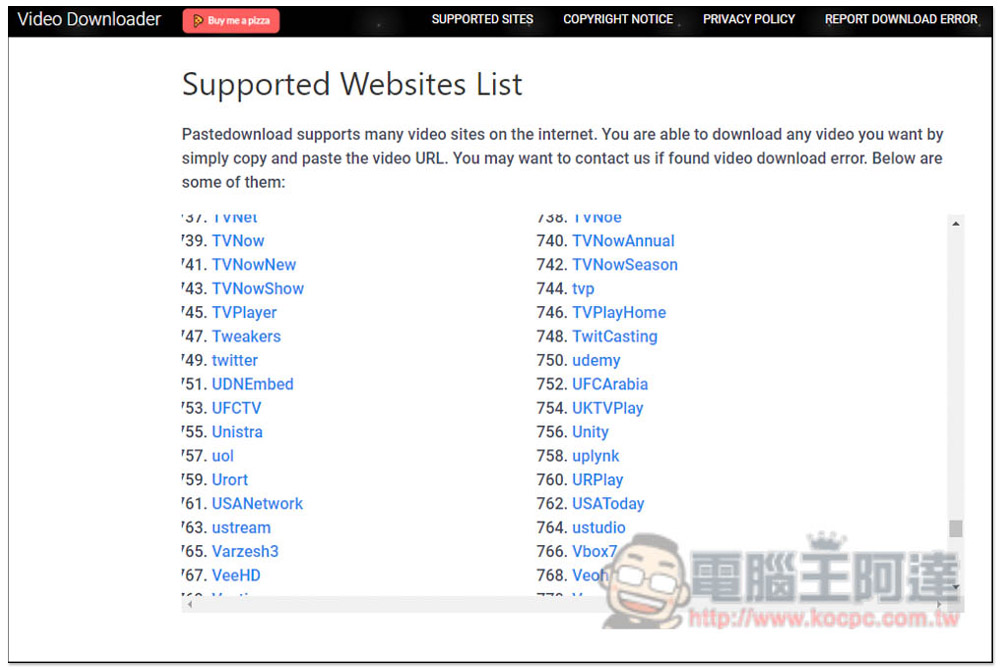
If you want to know whether the website you want to download videos from is supported, you can click the SUPPORTED SITES function above to view a list of all supported websites. It is recommended to use the web search function to make it easier. In addition to the commonly used YouTube, Facebook, etc., there are also some foreign news stations such as: CNN, BBC, CTVNews, Discovery, NBCNews, NBC, and even sports station NBA, etc. Of course, there are also some websites of gentlemen’s late-night friends, which I won’t mention here:
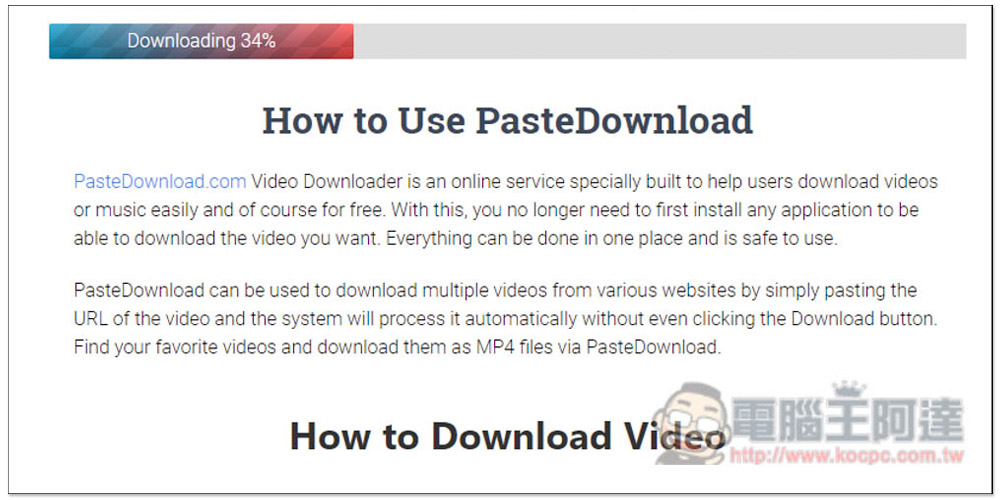
After pasting the video URL, please wait for Downloading to finish running. This is actually analysis, not actual downloading:
Then you will see a lot of download points, and the video quality, file type, and file size will be explained above each download point. One thing to note is that the green button Download means that the video is image + sound, the orange button means only image and no sound, and the purple button means pure sound, so don’t choose the wrong one:
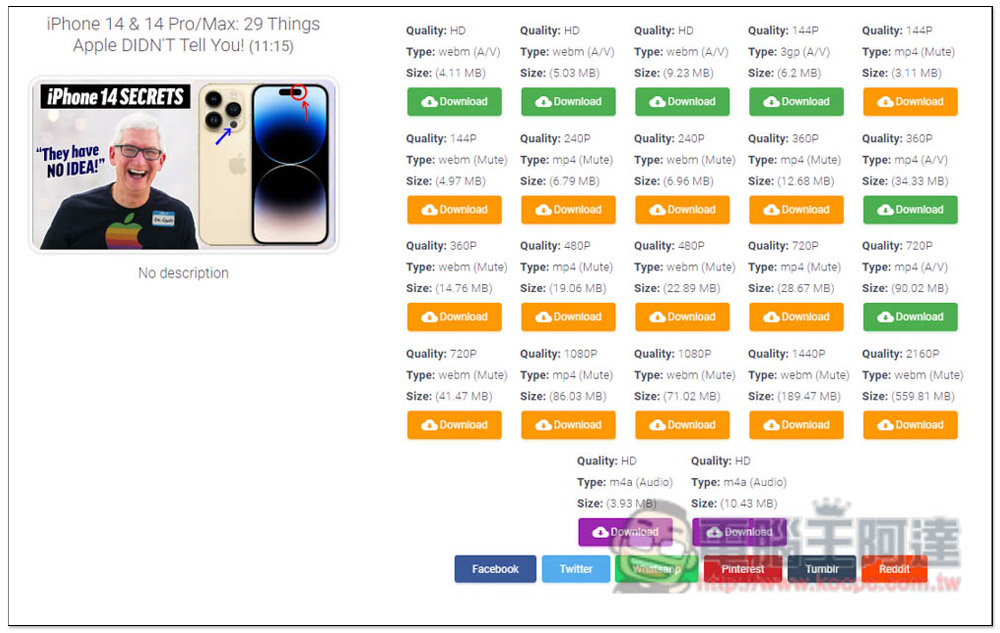
YouTube seems to support video + sound and the MP4 format only supports up to 720P. This is true for several videos I tested. If you want to reach 1080p, it seems that only pure video is available. This means that if you want to use this website to download 1080p videos, you must download two files, pure video + sound, and then use other software to merge them. It is a little troublesome, so it is recommended to use other download tools.
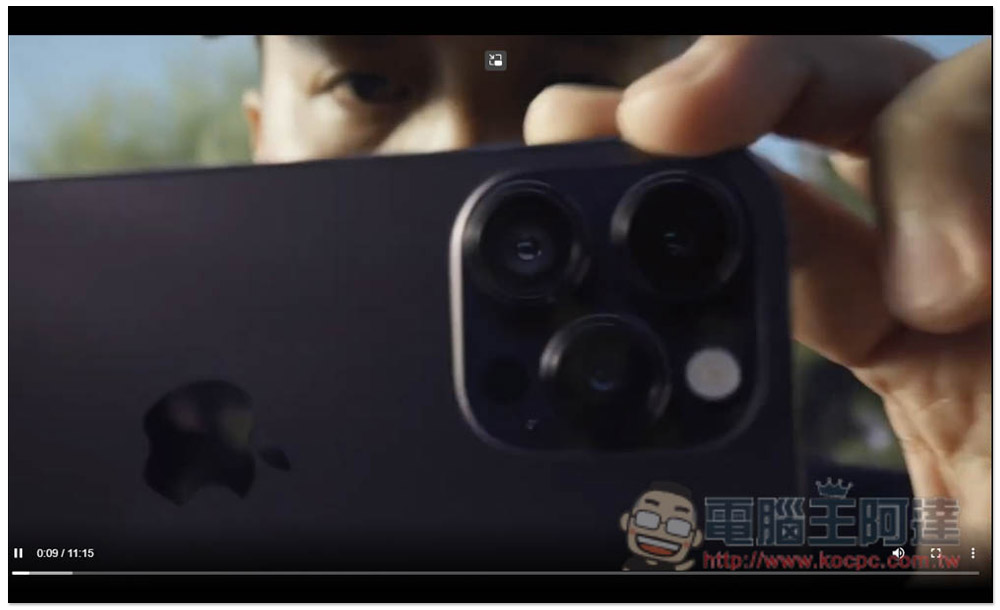
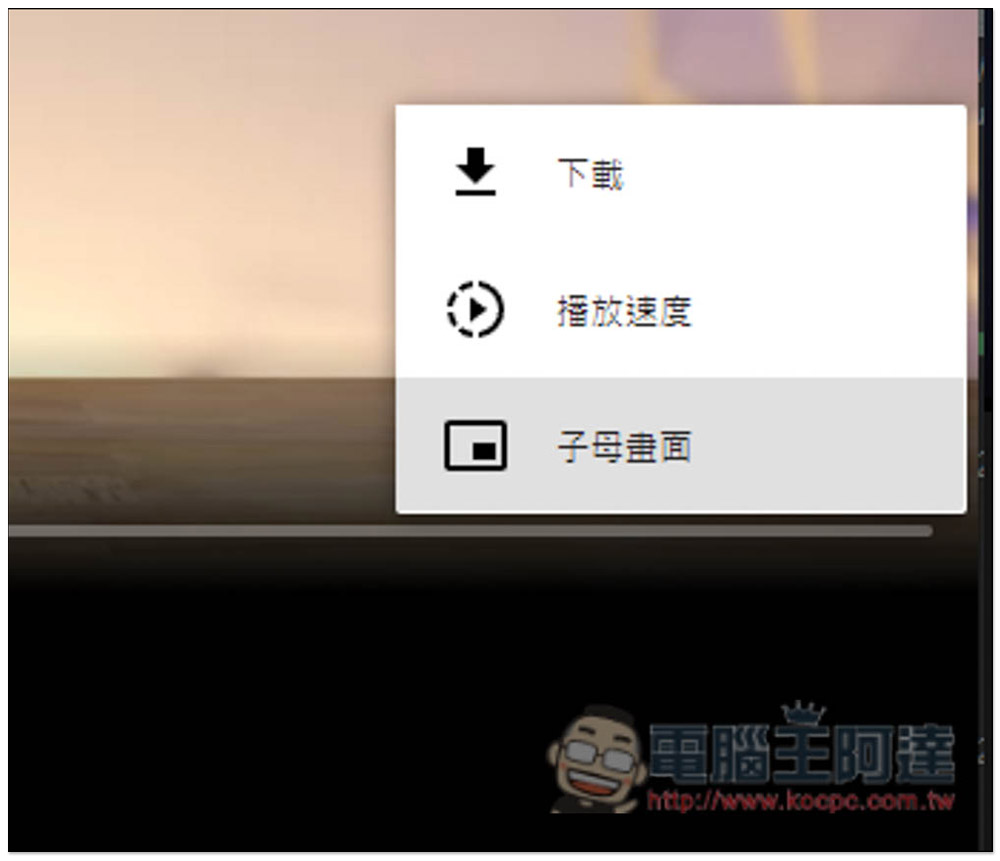
After clicking the download point, a new tab will open and the video will be played. Please click the lower right corner… menu:
You can see the “Download” function:
Videos without sound will see the sound icon turn off:

The picture below is a bilibili video. According to actual testing, it can indeed be downloaded. However, the highest quality of video + sound is only 720p, and the format is .flv:
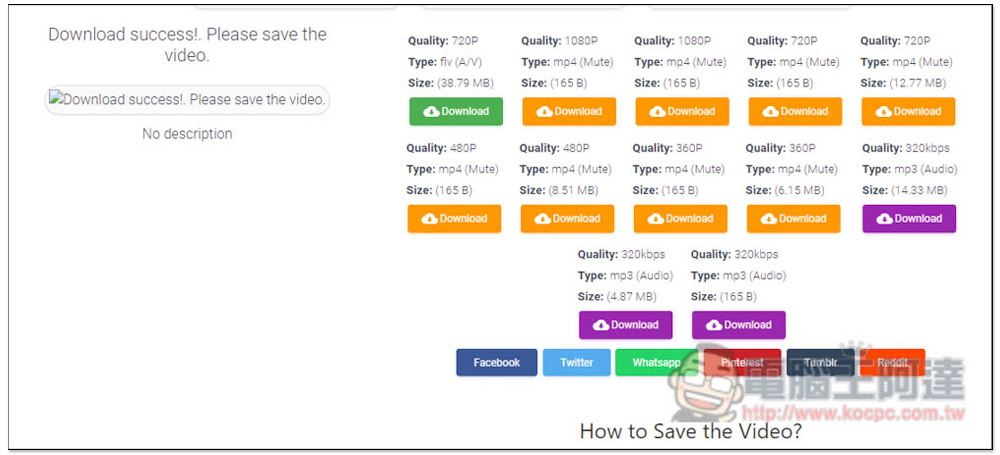
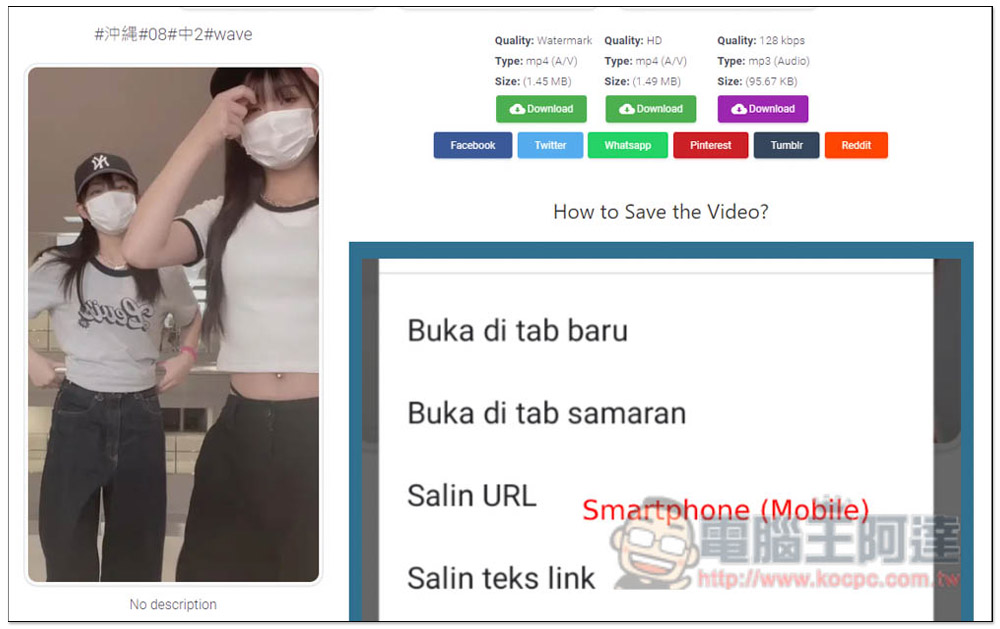
TikTok videos can also be downloaded according to actual tests. They are also divided into those with watermarks and without watermarks. The image quality is HD:
In addition, sometimes you will not be able to download the video if you continue to download it. Therefore, strictly speaking, this website is not that stable, so it can be used as a backup, or if the website you want to download the video happens to support, then use it.
What is commendable is that this website is one of the few online download tools that is continuously updated. The homepage will be updated with the latest version at any time, such as what problems have been fixed and what download capabilities have been improved.
Source: KOCPC Chinese