


A few days ago, OpenAI launched a brand newDeep ResearchMany users probably want to try this feature to see how powerful it is. But it’s currently only open to Pro users; Plus and Team users will have to wait a bit longer, and the free version basically has no chance. This article introduces Kompas AI, which claims to replace ChatGPT’s deep research and can be tried for free without registration. I tried it, and the results are really impressive. It not only provides a very complete report, but also lets you convert it into other presentation formats, such as a table, with one click. Highly recommended.
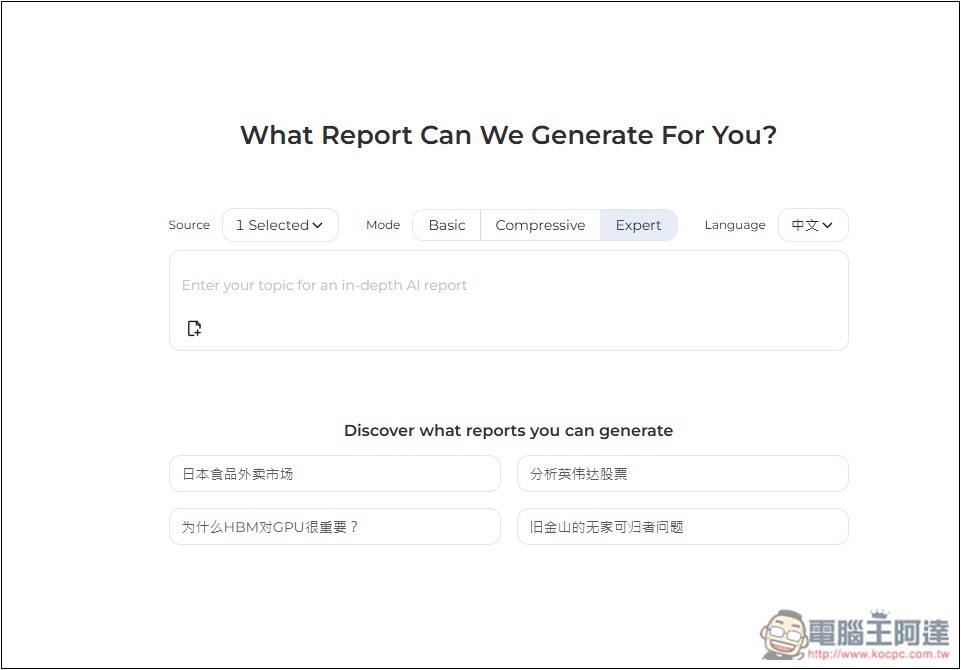
Kompas AI Introduction and Operation Tutorial
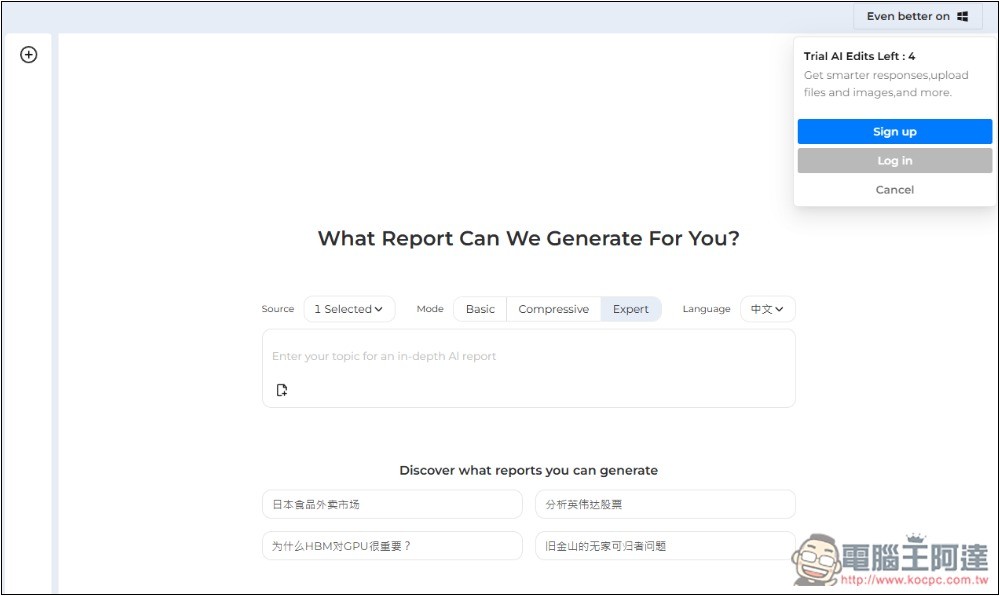
Kompas AI is an AI tool developed overseas, but the model it uses supports Chinese, so you can also input Chinese. The interface is very simple — once you enter the website, you just type in the description of the deep research report you want to generate, and even a short sentence works. You can use it without registering, and it can generate up to 4 reports, which is quite a lot. However, note that these 4 include converting to other formats or making modifications.
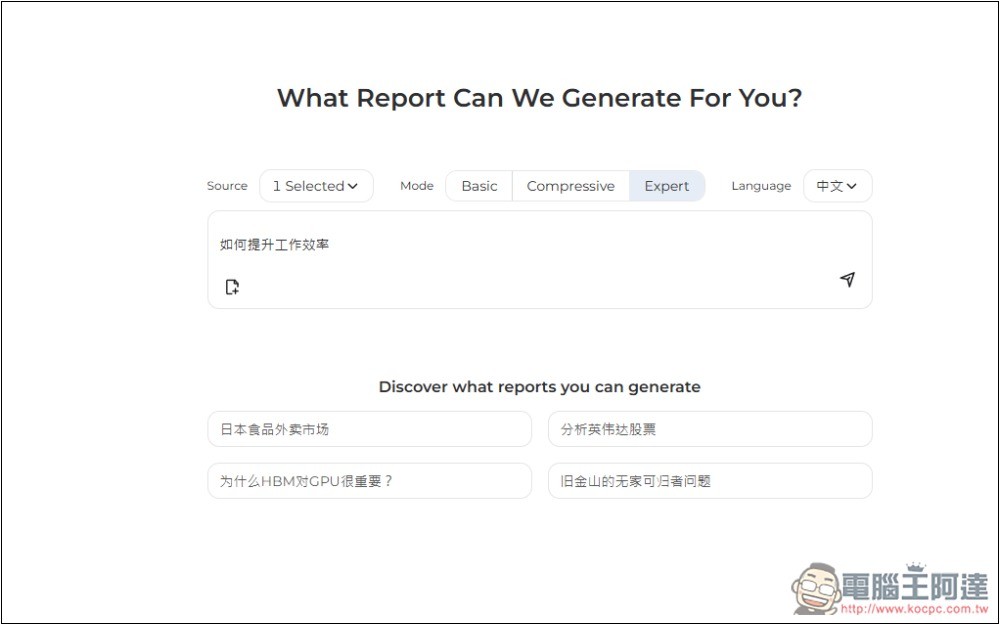
For example, when I type “how to improve work efficiency” — before submitting, there are some settings above that can be adjusted. There are three modes: the default is Expert, and there are also Compressive and Basic. Expert provides the most complete report, so you can try that one first:
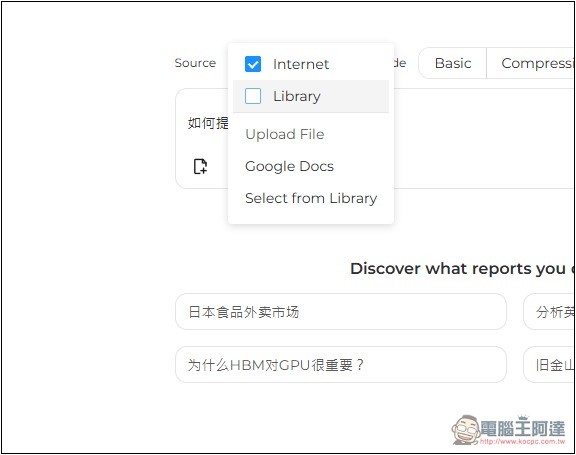
You can specify multiple sources. By default, only Internet is enabled, but you can also upload your own files or import from Google Docs:
Once it’s submitted, it’ll start deep research, which takes a few minutes, and the screen will show where it is in the process. Have to say, deep research is really powerful—it searches in all directions, from related studies to supplementary keywords and more.
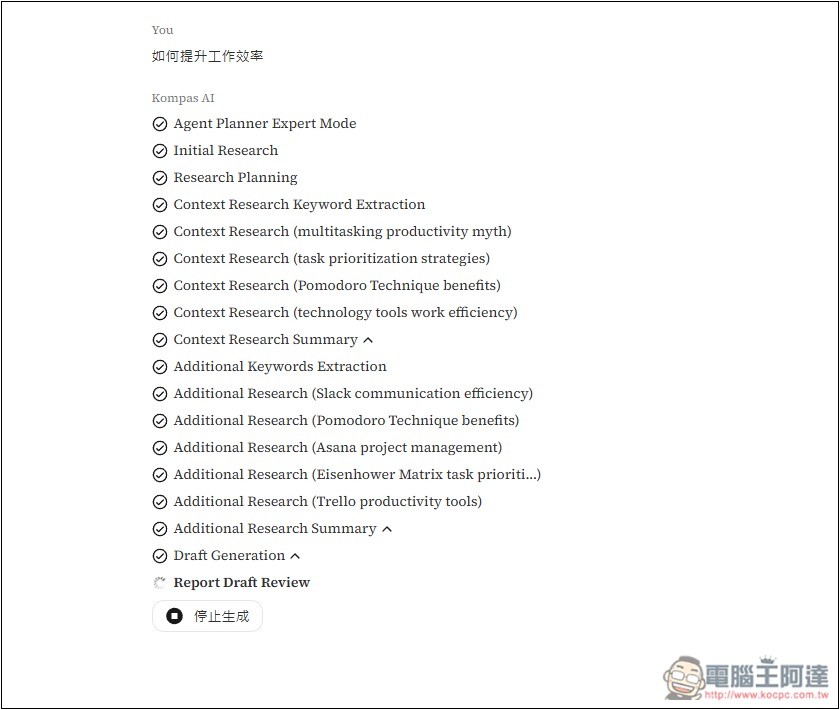
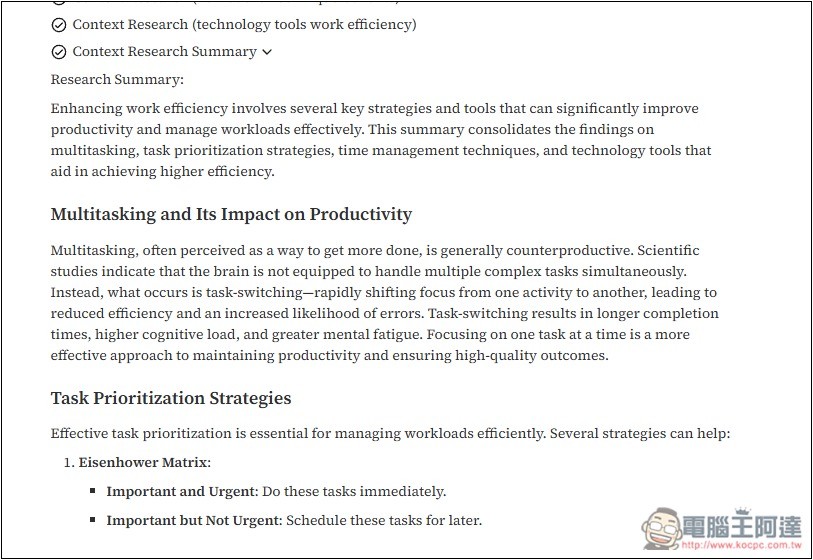
After each stage is completed, you can expand to view the summary. When this AI tool conducts research, it researches in English, but the final report will be converted into Chinese, so you don’t need to worry about not understanding it.
After all the research is processed, it will finally start generating a report, and on the right side it will also tell you what reference sources there are. Not only does it include both Chinese and English content, but the Chinese part also references both simplified and traditional characters, making it quite comprehensive:
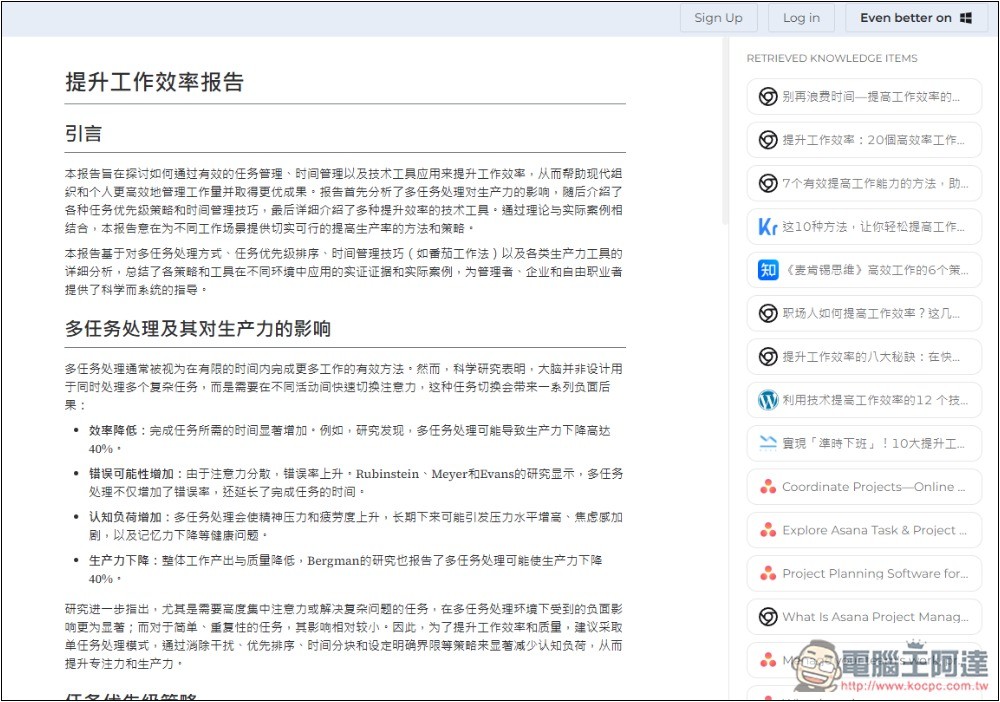
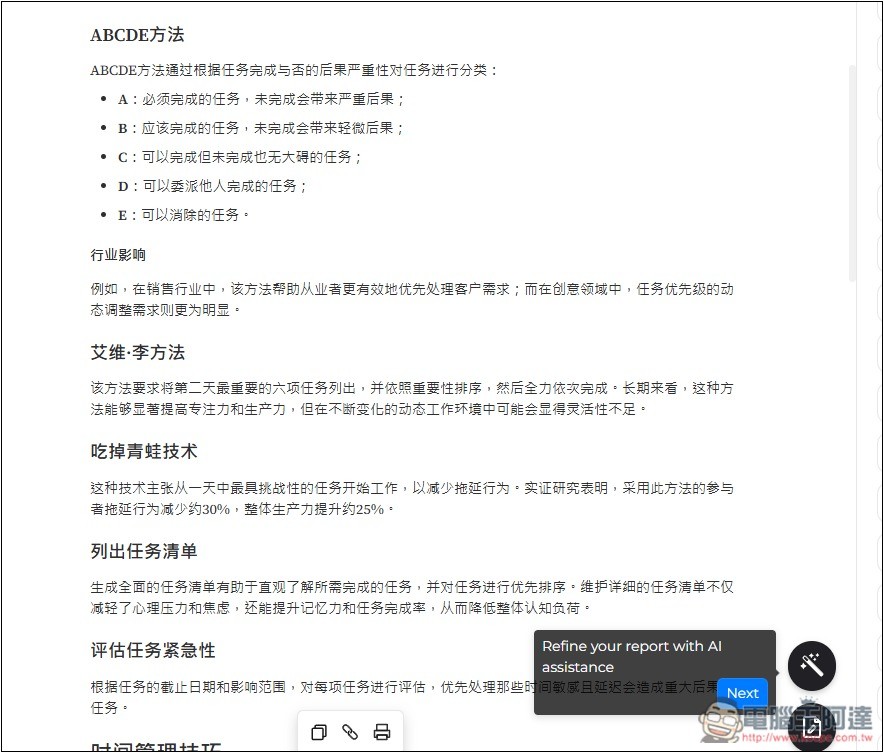
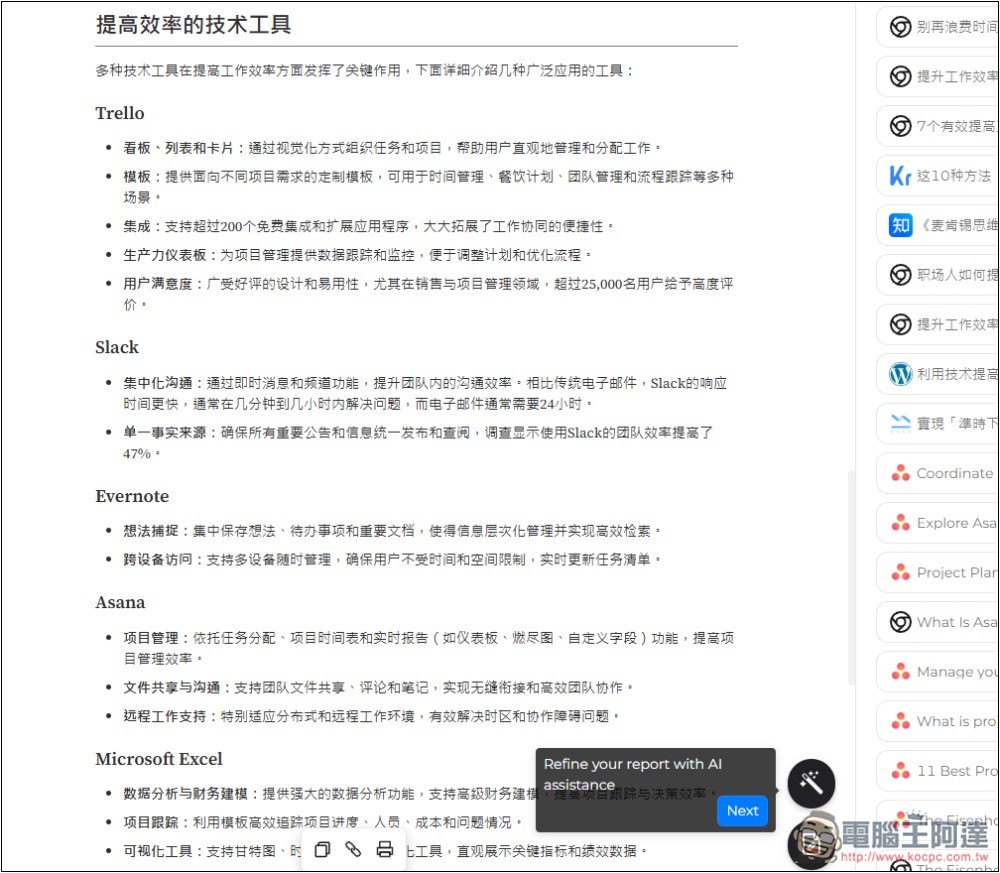
And I merely asked how to improve work efficiency, and this AI tool generated a super comprehensive report for me, divided into many sections, like the multitasking’s impact on productivity shown in the upper image, and the various methods and techniques in the lower image:
Even the technical tools that can improve efficiency are organized:
Although the generated report is in Simplified Chinese, this can be converted to Traditional Chinese with a one-click tool, so it’s not really a problem. Alternatively, you could try specifying in the description that you want Traditional Chinese content (I haven’t tested whether that works).
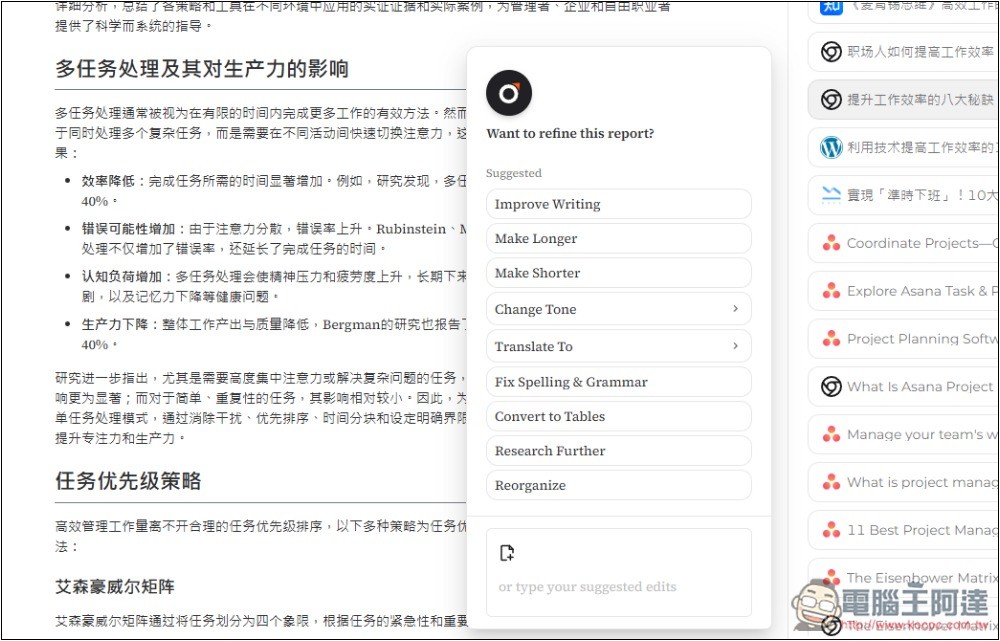
There’s also a function menu in the bottom right corner, with options such as improving writing, making content longer or shorter, changing tone, translating, correcting pinyin and grammar, converting to a table, and so on:
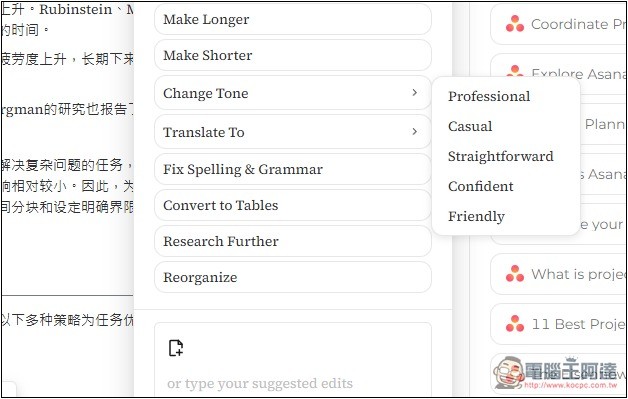
There are quite a lot of tone options, including professional, casual, confident, friendly, etc.:
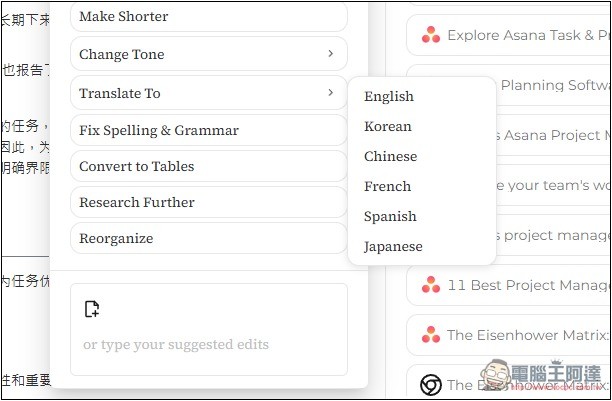
The translation section currently supports English, Korean, Chinese, French, Spanish, and Japanese:
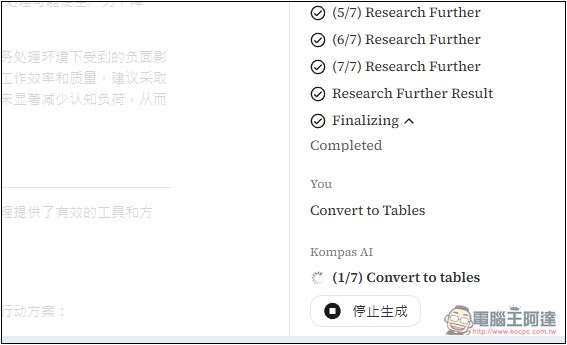
I’ll try converting the content into a table, and it will start processing once you press the button. Note that each use generates a new report:
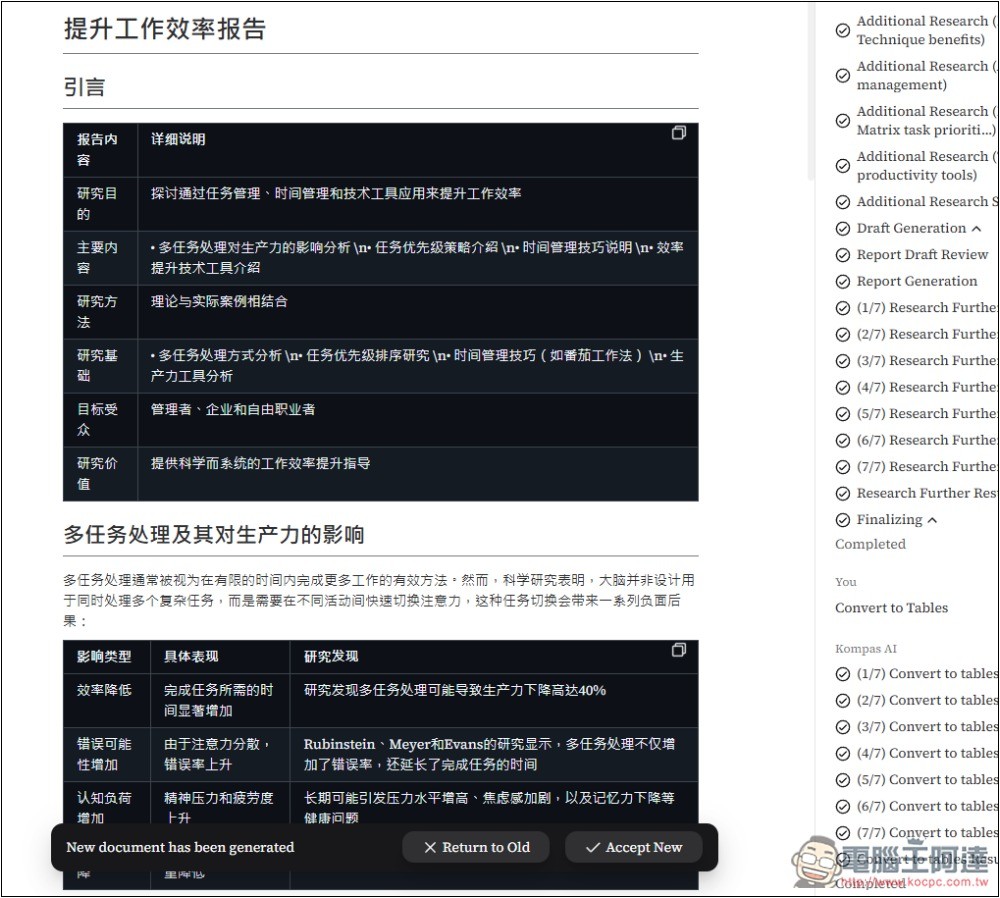
Once completed, the content really is all converted into tables:
If you find it useful, you can register an account, and the generated content will be saved in your account. There are also paid plans available.
Source: KOCPC Chinese