


There are now many image-to-text, or image-to-text AI tools online, such as the ones we’ve introduced before. AUX MACHINA、AI Describe PicturesHowever, anyone who has used it probably feels the same way: using the same description or direct image-to-image generation, the quality can’t match the original image.
This article will recommend a very useful AI tool called Image Describer X for image-to-text generation. It provides more than 10 description templates (Prompts). Besides getting simple and detailed descriptions of images, it also offers professional uses such as marketing copy, object recognition analysis, SEO optimization suggestions, social media copy, story generation, and more.
The detailed descriptions I got from testing this tool generated AI images of quite high quality.
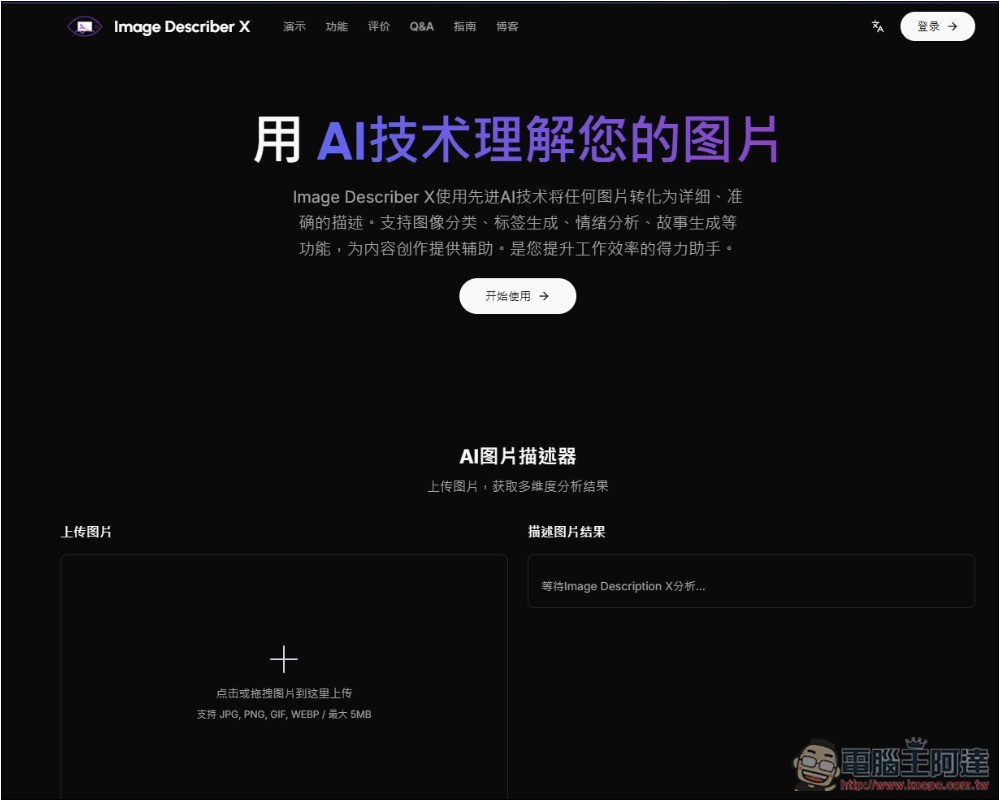
Image Describer X: Free AI Image-to-Text Tool Introduction and Tutorial
Image Describer X is an AI tool that generates text from images. It was just released recently, so it’s completely free for now. Unlike other similar tools, it offers many templates and shows you the prompt for each template, which you can modify or add to.
It has a Simplified Chinese interface, so it’s very user-friendly for Chinese speakers, and the operation is simple, but you need to register an account before using it.
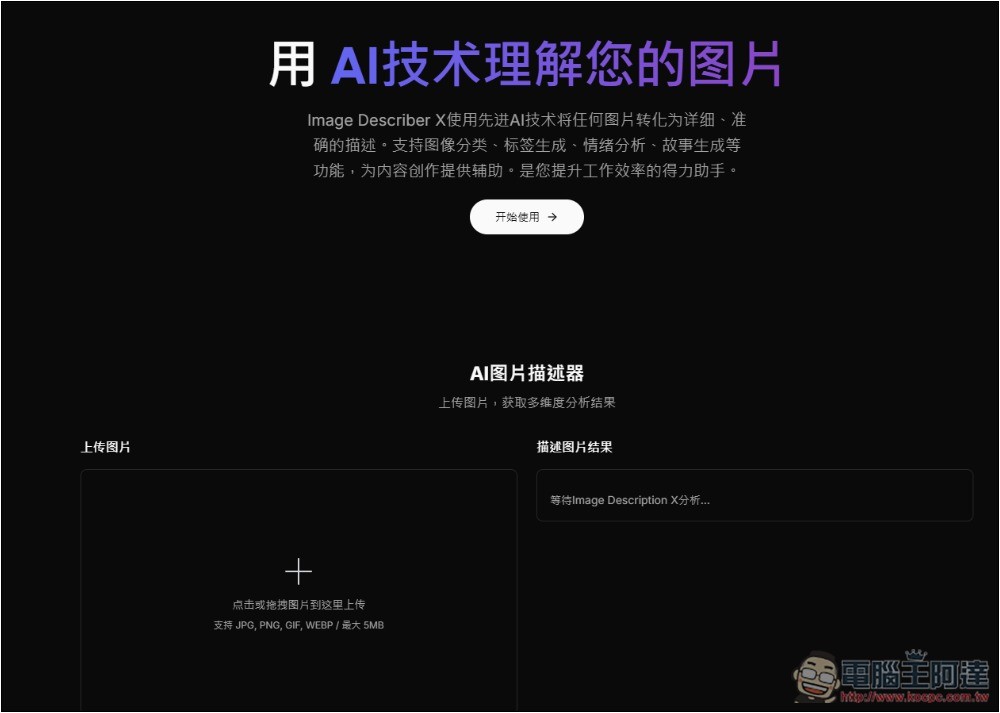
After clicking the link above to enter Image Describer X, press the + symbol for uploading images:
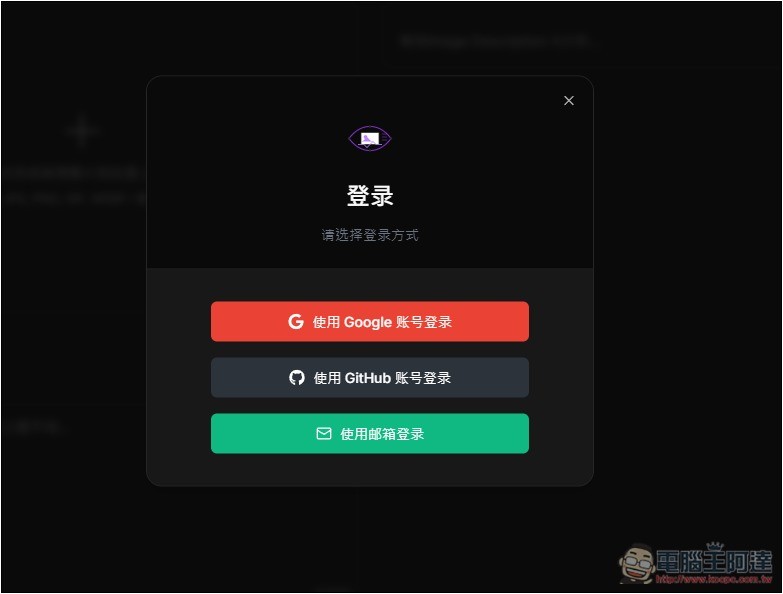
You’ll need to register an account, with options for quick login via Google or GitHub, or email registration:
Then upload the image you want to convert to text, and choose from the templates below, such as: brief summary, detailed content description, generate marketing copy, item identification analysis, text extraction and conversion, creative copy recommendations, SEO optimization suggestions, social media copy, e-commerce product analysis, image classification tags, emotional atmosphere analysis, story plot generation, Midjourney prompts, document content extraction:
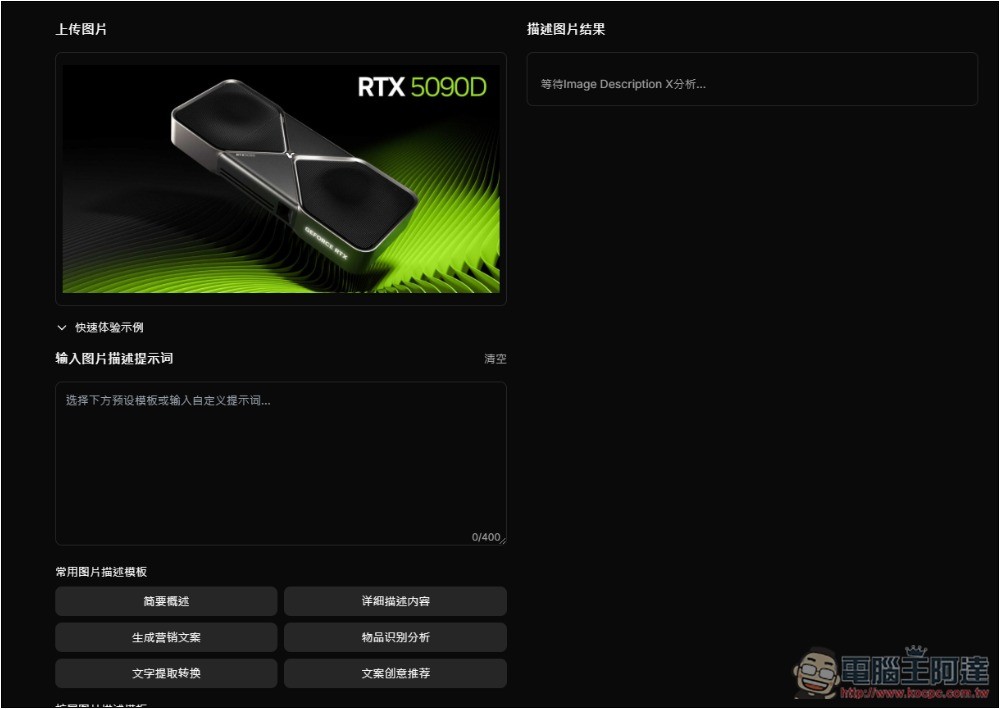
I choose detailed description content. After clicking, this template’s prompt will appear in the box. You can modify or add more content. If it’s fine, press the “Start Describing Image” button below:
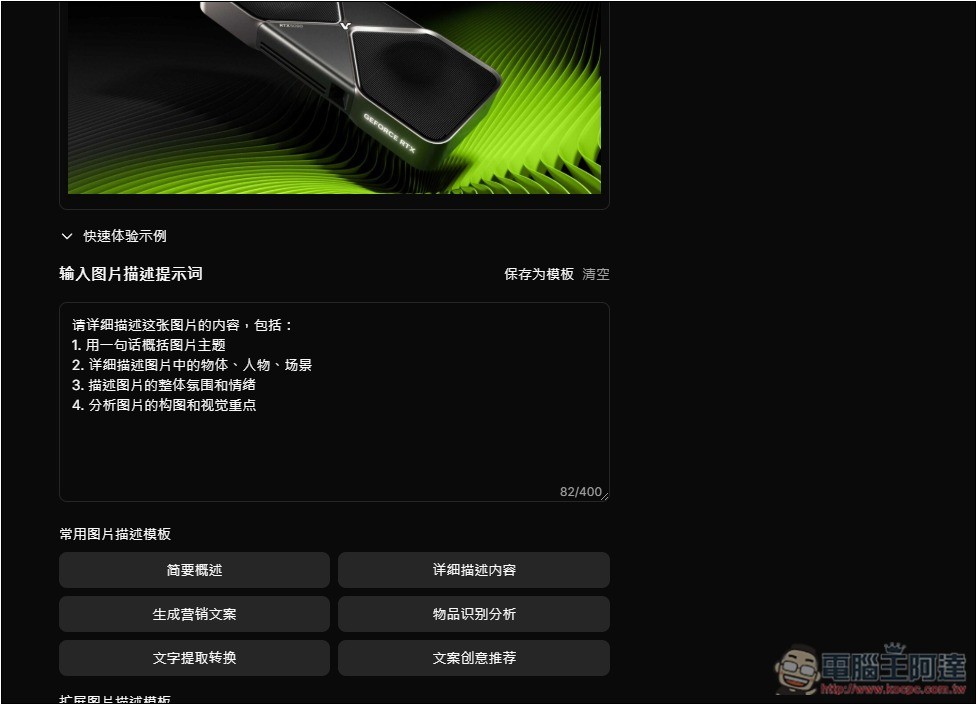
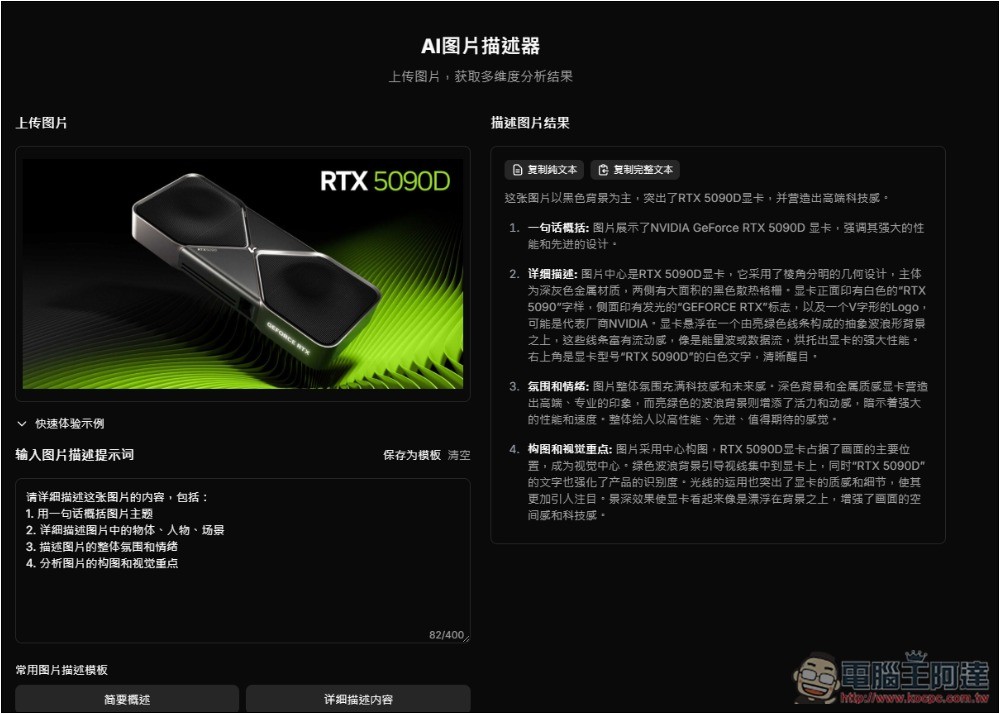
After waiting a few seconds, the image description result appears on the right. It truly lives up to its name as a detailed description—the content it provides is incredibly thorough. At that point, I copy all of it:
Then throw it into ChatGPT and use DALL-E to generate: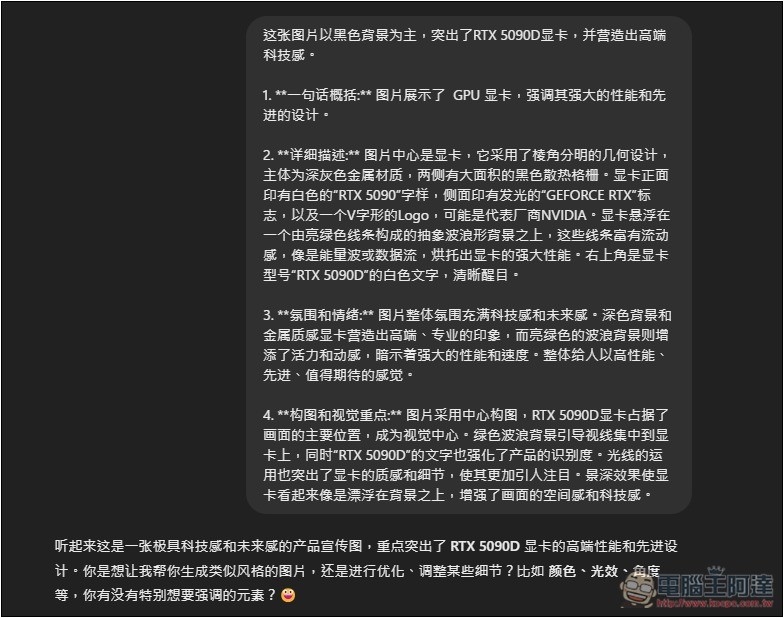
Although there’s still a gap compared to the original image, I have to admit the quality of this image generation is quite high. Not only does it actually look like a modern graphics card, but it also has “RTX 5090” written on the side, using light streaks to convey its powerful performance.
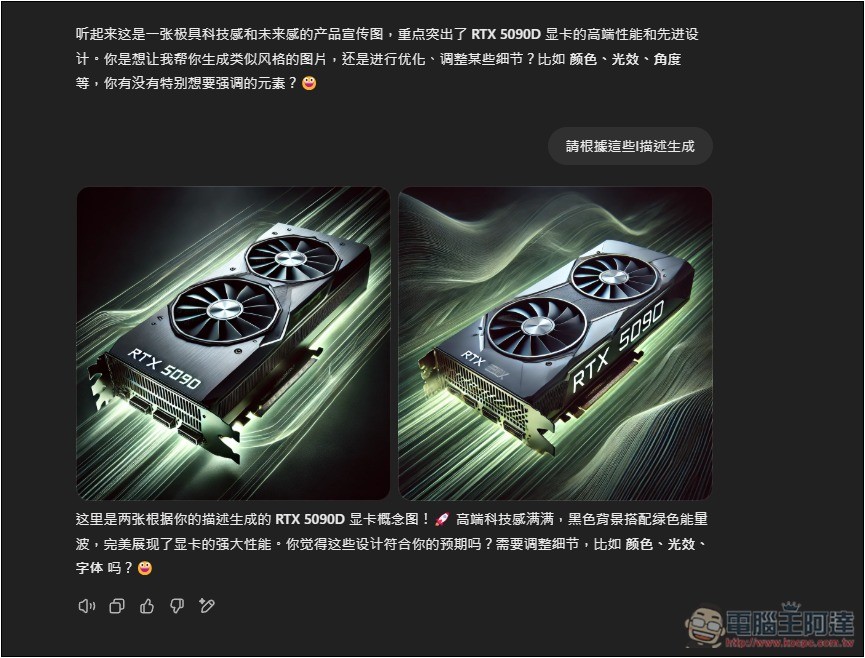
If you just asked AI to generate an image of an RTX 5090 graphics card, it couldn’t produce such high quality.
At the bottom of the tool’s homepage, there are also examples of multiple templates. You can first check whether they meet your needs. If not, you can also write your own Prompt instructions:
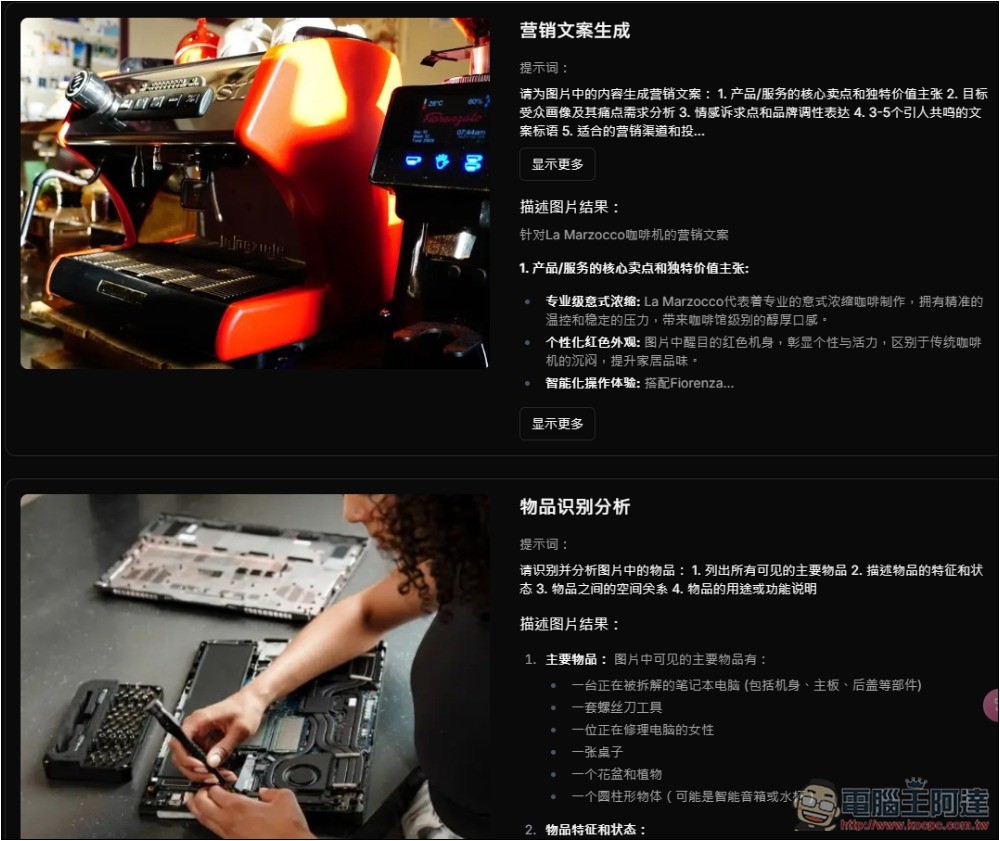
Additionally, regarding the uploaded images, the developer also mentioned that they will not be saved on the server; all image processing is carried out in a temporary environment to ensure user privacy and data security, so you can use it with confidence.
Source: KOCPC Chinese