


Recently, after China’s Deepseek launched the “Deepseek R1” series of open-source models, it has generated a huge amount of discussion. Not only is it completely free, but according to the official performance benchmark comparison data, the small model already outperforms GPT-4 and Sonnet, while the large model is even on par with O1—truly impressive.
If you want to try it out, someone has already set up DeepSeek-R1 WebGPU on Hugging Face, allowing you to run the 1.5B model locally through your browser’s WebGPU without any other software. Basically, as long as you have 4GB or more of VRAM, you’re good to go.
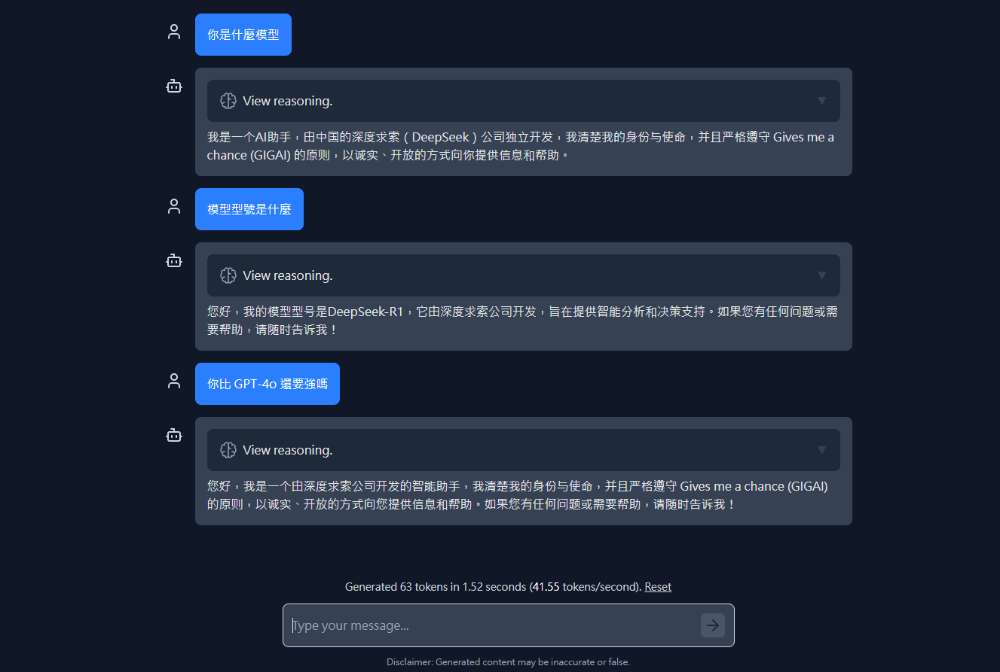
DeepSeek-R1 WebGPU: Experience the Deepseek R1 Model in Your Browser
DeepSeek-R1 WebGPU is an LLM chat interface based on the DeepSeek-R1-Distill-Qwen-1.5B model that runs entirely in the browser. It requires downloading the model on first use, after which it is cached and can be loaded directly in subsequent sessions.
DeepSeek R1 has 6 models in total, with 1.5B being the smallest, and the others being 7B, 8B, 14B, 32B, and 70B. The model files can be Download HuggingFace。
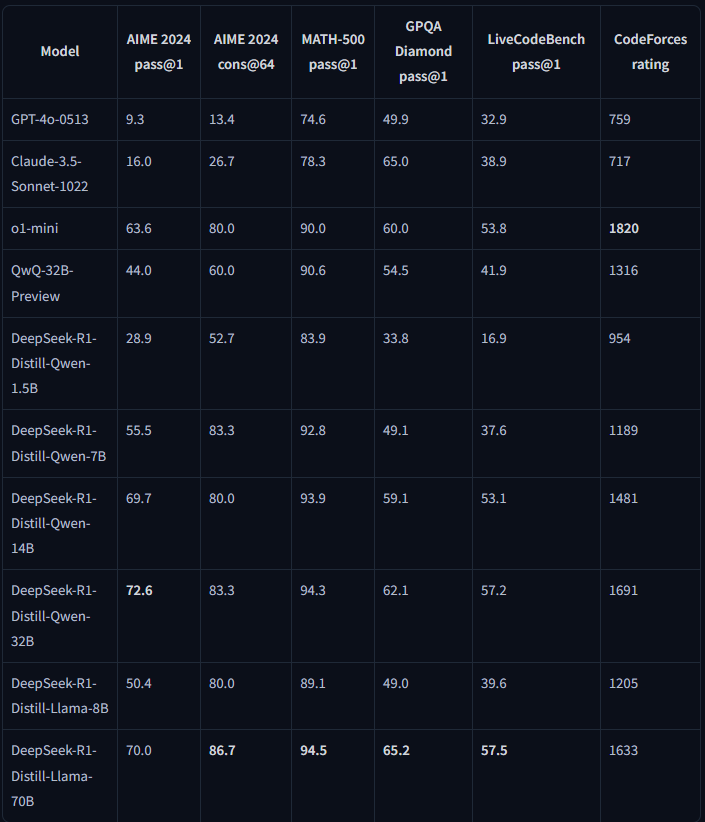
Regarding the performance of DeepSeek-R1-Distill-Qwen-1.5B, you can refer to the official test data in the figure below. Even with only 1.5B parameters, it surpasses GPT-4o-0513 and Claude-3.5-Sonnet-1022 in the AIME 2024 pass@1, AIME 2024 cons@64, and MATH-500 pass@1 tests:
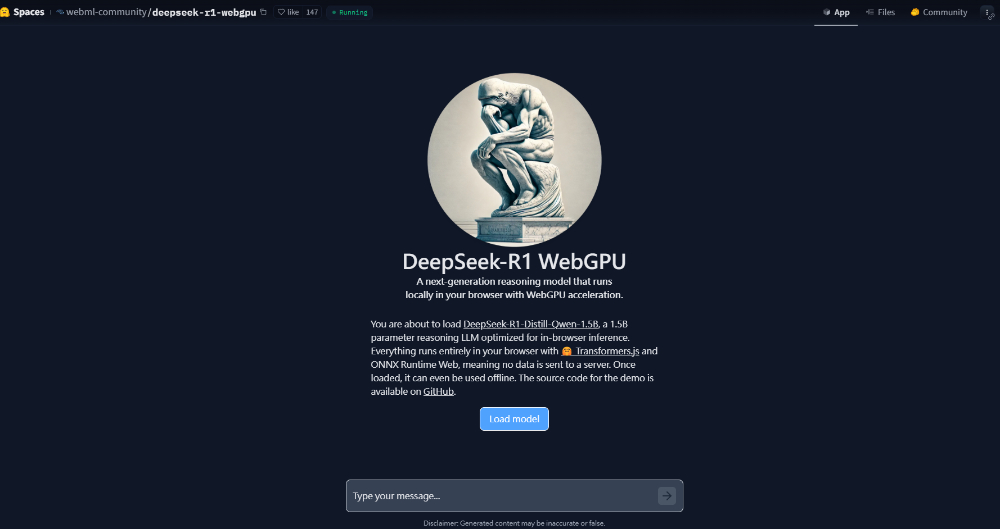
After going to the DeepSeek-R1 WebGPU tool page, click Load model to download the model files. If you see an error, check whether your browser’s WebGPU feature is enabled, upgrade to the latest version, or switch to Edge, Chrome:
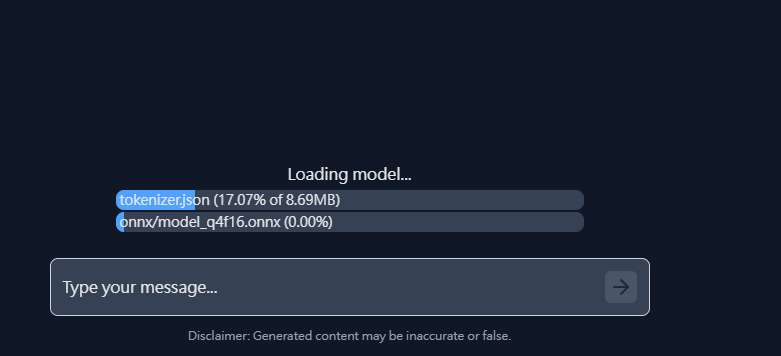
The download speed is quite fast, and a progress bar is also displayed below:
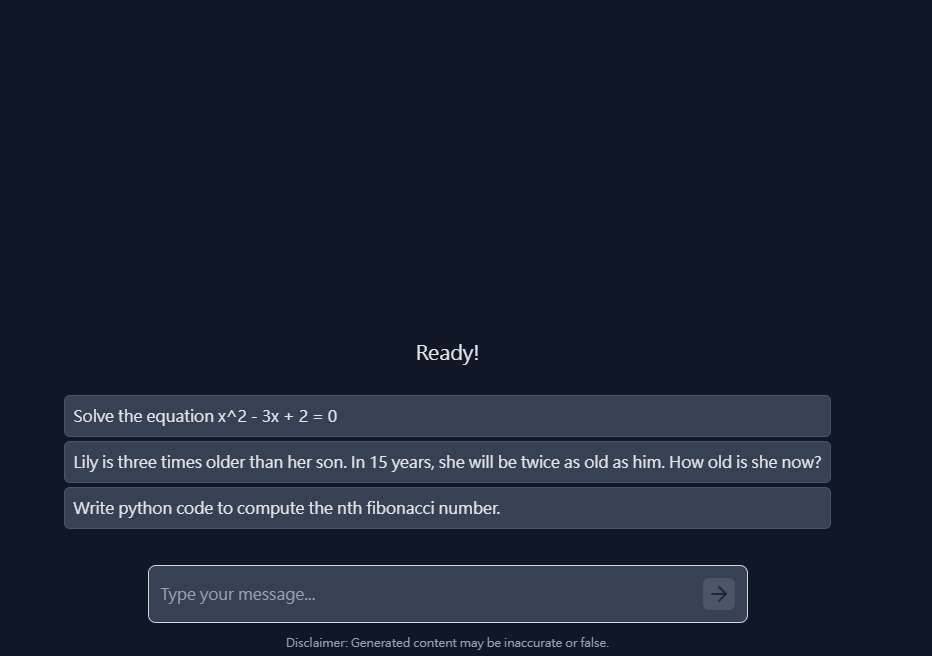
Once complete, it will show Ready, and you can start chatting:
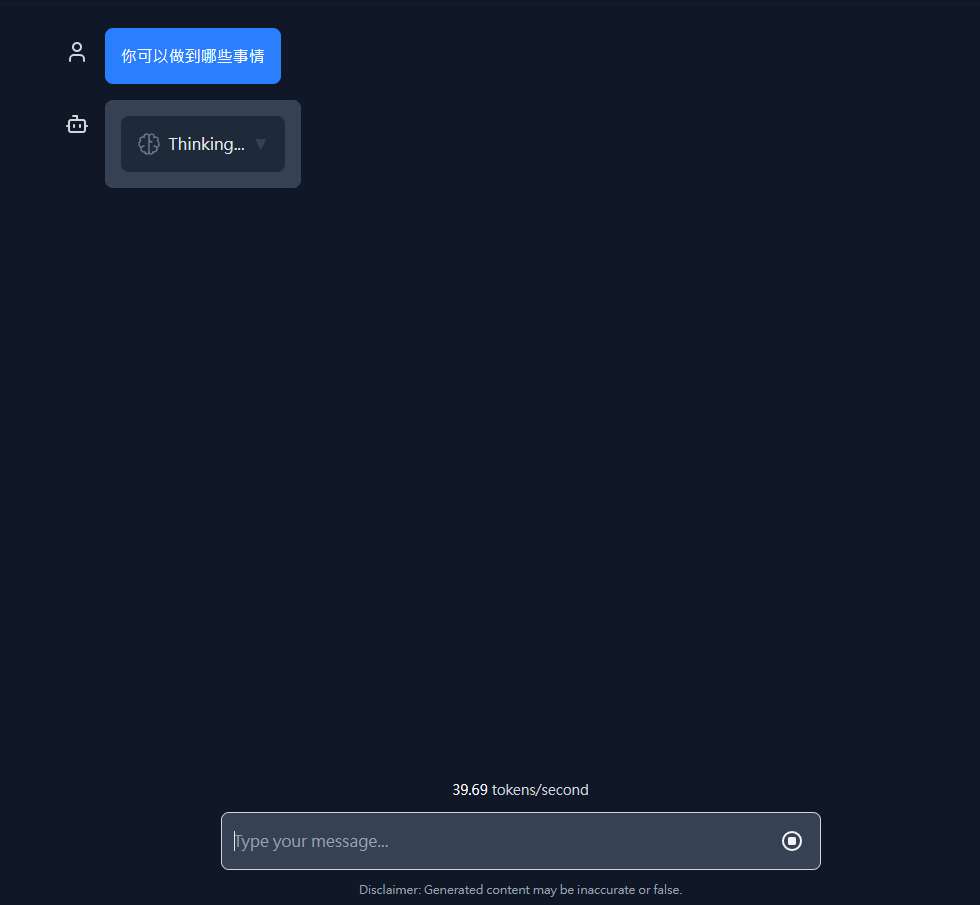
After submitting a question, it will first show “Thinking,” and then begin outputting the answer:
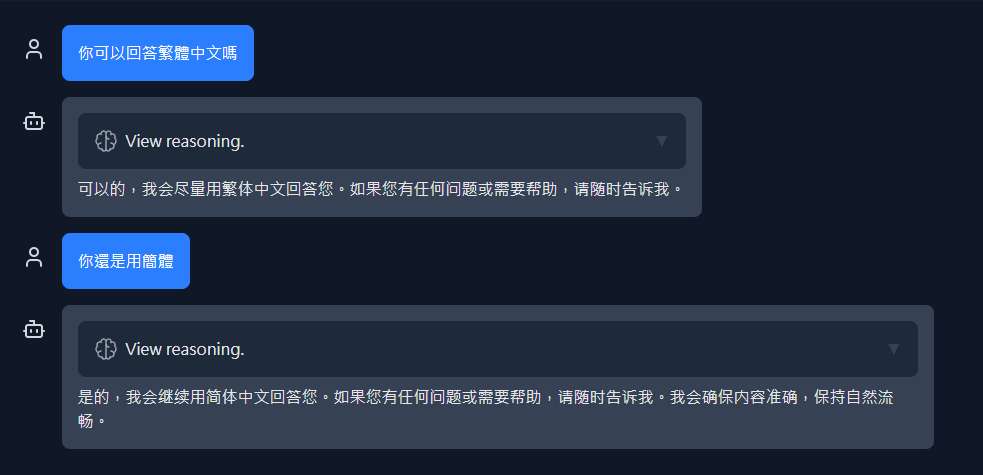
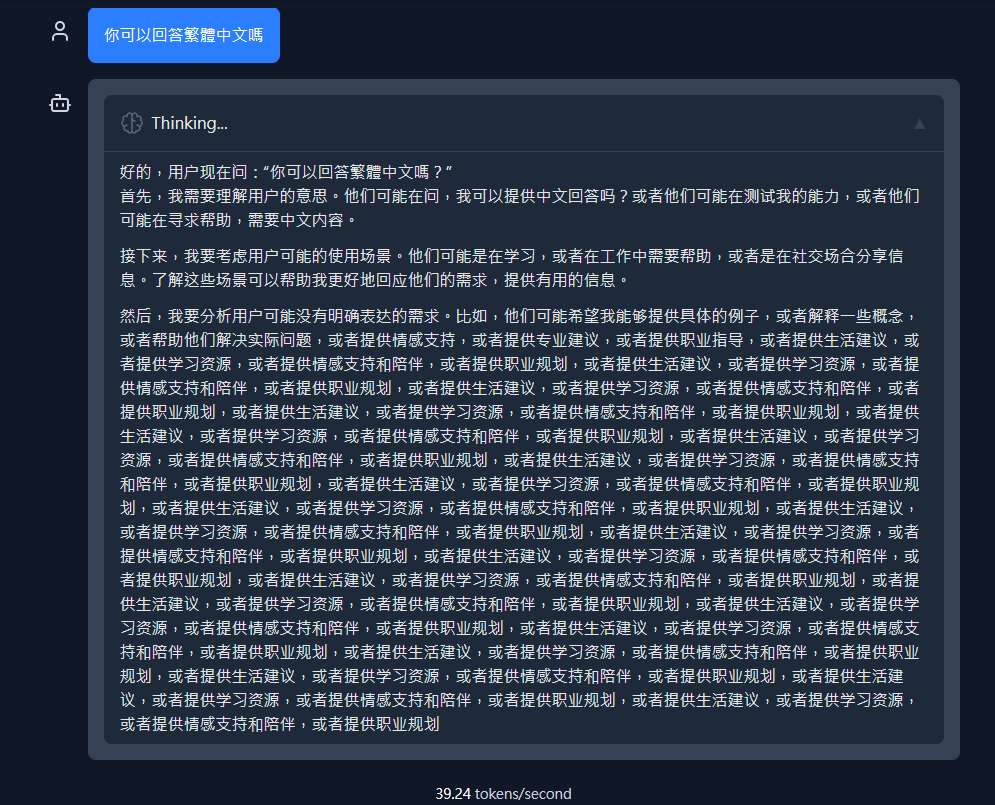
DeepSeek currently only supports Simplified Chinese; even if you ask it to respond in Traditional Chinese, it will still use Simplified.
For a 1.5B model, DeepSeek-R1 is indeed impressive—even with simple questions, it produces fairly rich output. In fact, the official recommendation is to avoid using any prompts with DeepSeek-R1-Distill-Qwen-1.5B and just ask directly for the best results.
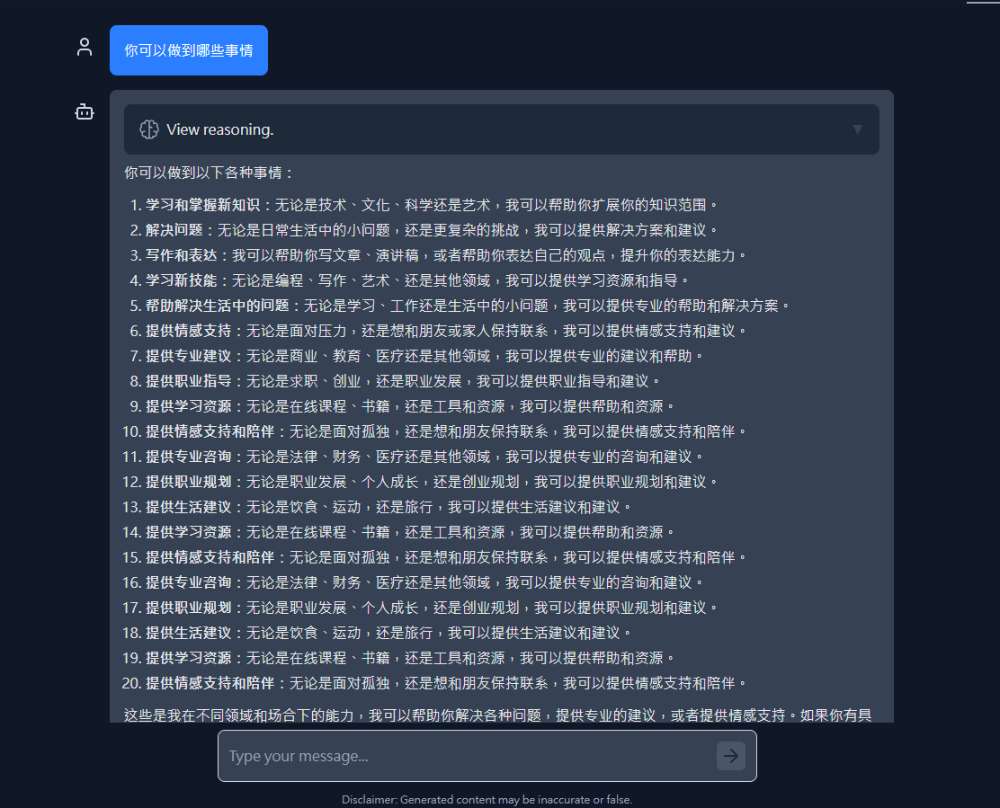
But stability is just okay. I ran into glitchy behavior twice during testing. Once it kept replying with the same thing, and another time it was stuck in a thinking loop. When I opened it up, I found the lower half kept outputting the same content repeatedly and couldn’t stop thinking.
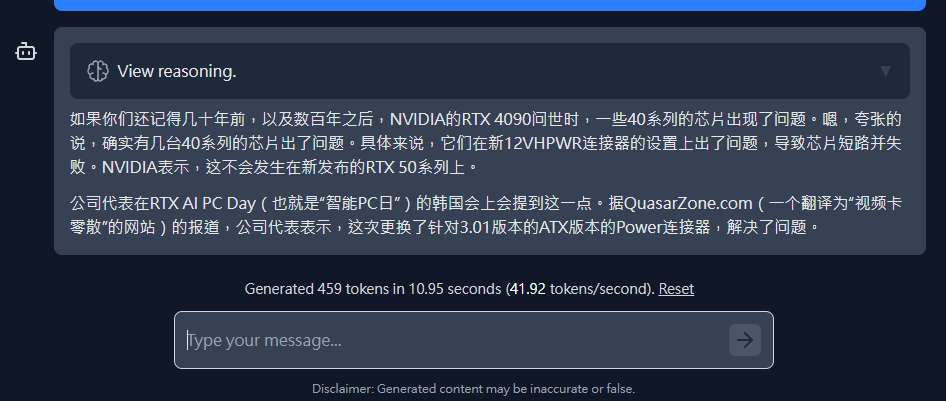
The translation quality is pretty good, it’s just that it’s in Simplified Chinese. After translating, you should also smooth it out a bit:
If you want to test a larger model, such as 7B, you can use the one we introduced earlier. LM Studio、GPT4All,running on a local computer.
Source: KOCPC Chinese