


In the past, we have introduced quite a few one-click background removal tools, such as RMBG-2.0 for background removal、Pixian.AI、,Online image cutout toolWait, every one of them works pretty well — the background removal is great, but only when the person isn’t obstructed by other objects. For example, if their hand happens to be holding something, the removal might not come out as clean.
Recently, I found this AI Background Remover, which is a really powerful background removal tool. Even with an image of a person riding a camel, it can perfectly remove the background, keeping both the person and the camel while removing everything else. It’s completely free with no restrictions, and the downloaded images are high-resolution and watermark-free.
From now on, if you need to, just lean on it and that’s enough.

Introduction to AI Background Remover
AI Background Remover is a free online service that uses AI technology to automatically detect and remove image backgrounds. According to the website, their AI model has been trained on millions of images, resulting in excellent performance.
It is recommended that uploaded images be 5MB or less for the fastest processing speed, but larger files are fine too—they’ll just take more time. There are no usage restrictions: you can remove backgrounds from as many images as you like, and you don’t need to register an account to use it.
The only minor drawback is that this tool really relies entirely on AI for recognition and background removal, with no manual editing functions at all.
AI Background Remover Operation Tutorial
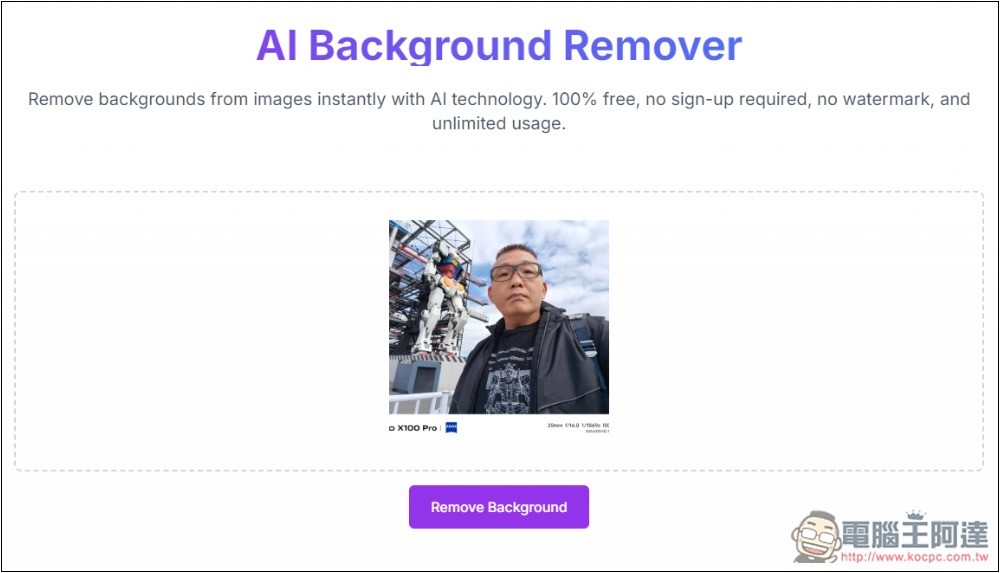
After entering the AI Background Remover website, upload the image you want to remove the background from. It supports JPG, PNG, and WEBP formats. Then click Remove Background below, and the AI background removal will begin:
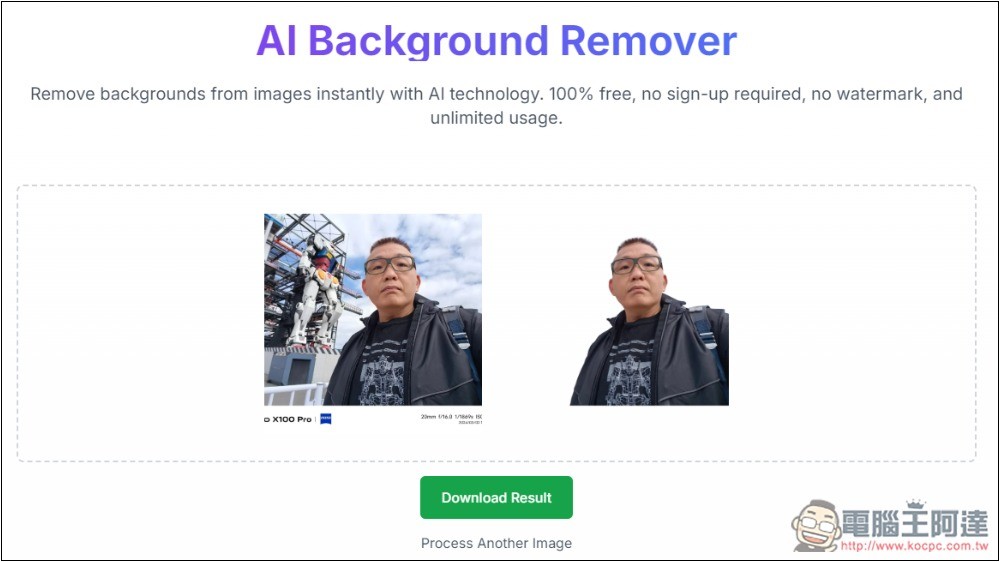
Because it uses AI technology, compared to other background removal tools, it takes a bit more time, but it’s still done in about 10 seconds, depending on the size and complexity of the image you upload. After the background removal is complete, the result will be displayed on the right. I first tested a relatively simple photo, and sure enough, it perfectly removed the background of Ada:
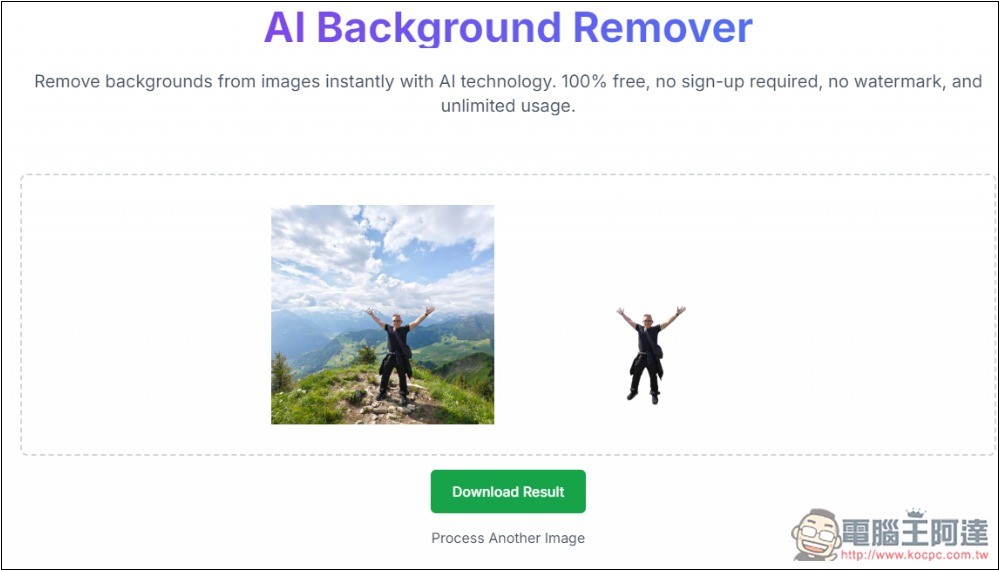
Next, I chose a photo where the person is smaller and the background is slightly more complex. The background was also perfectly removed, and even the jacket and bag tied around Ada’s waist were preserved, with no other unnecessary objects:
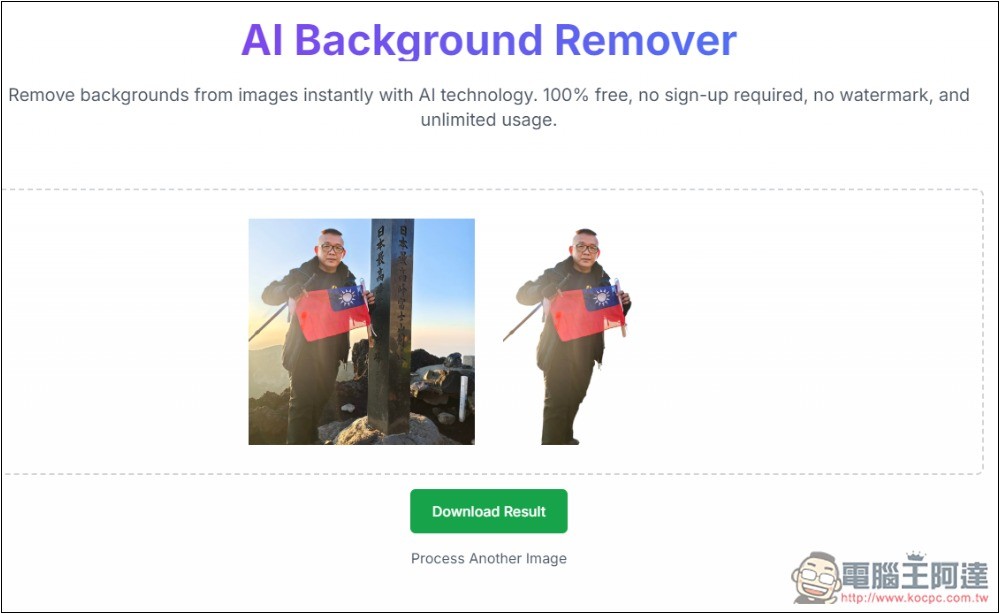
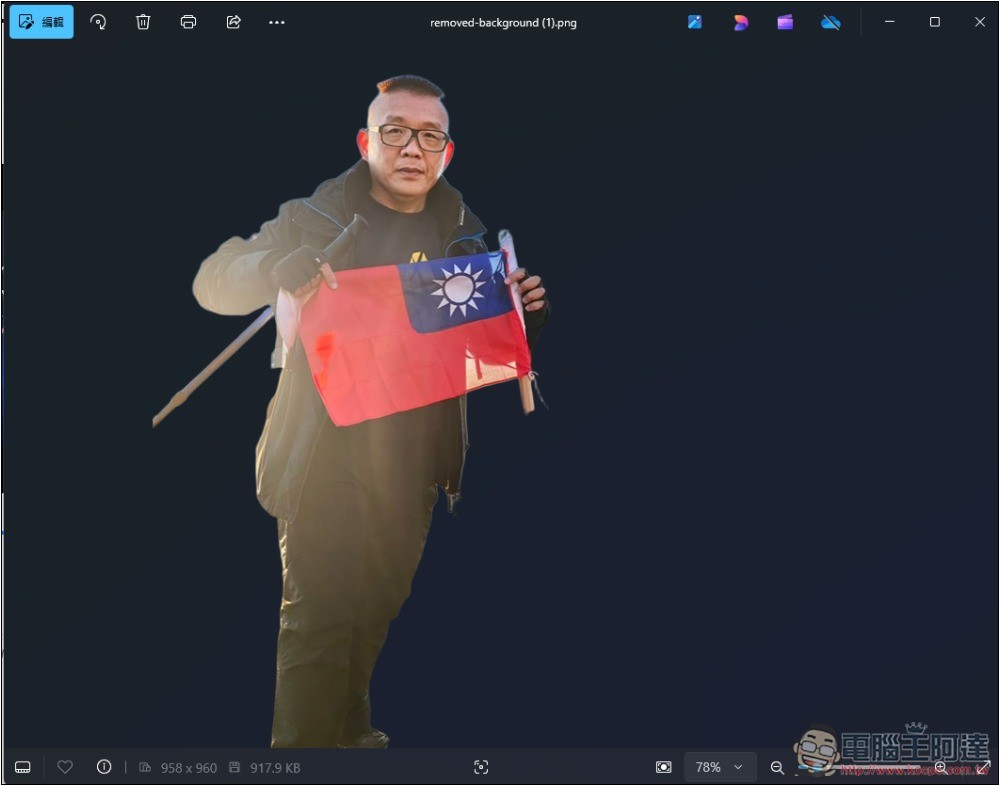
This one is also impressive to me. Ada is holding a national flag and a hiking pole in her hand, and the AI Background Remover successfully recognized them and kept them along with the person. The pillar that was very close by was also removed:
This is the background-removed photo I downloaded, and the removal is really well done:
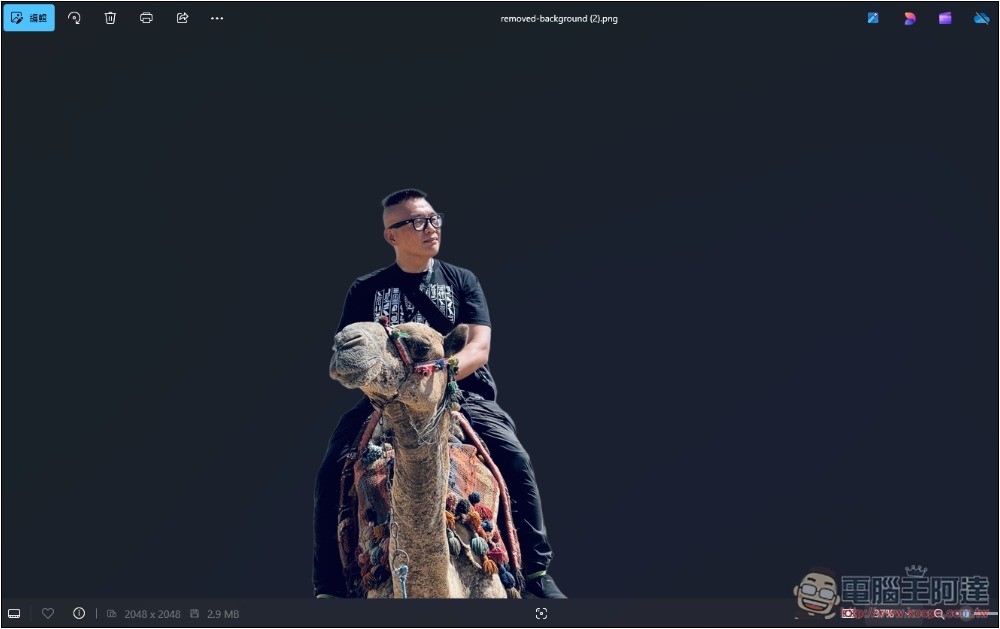
Next is a photo of Ada riding a camel, and the background removal was also successful, with the camel preserved:
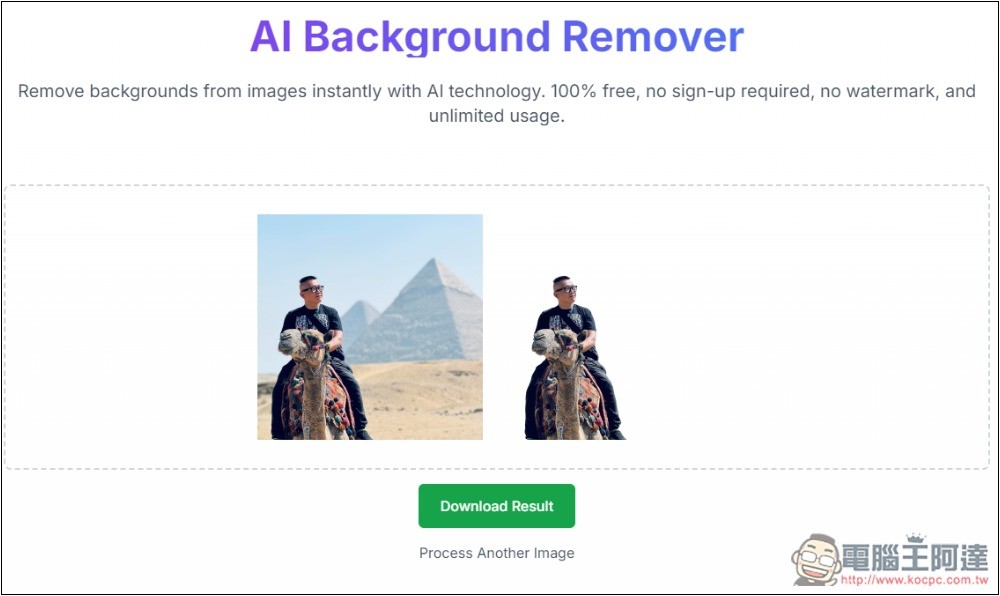
Looking at this image makes it clearer:
Of course, it’s not just for people — you can also use it to remove the background from object photos. However, keep in mind that the object in the photo needs to take up a fairly large area for better background removal results.

As for uploaded images, according to the website’s instructions, once the background removal is complete, the server will automatically delete the image. No user images are retained, ensuring privacy.
So, no need to worry about whether your images will be used for training.
Source: KOCPC Chinese